
Minecraft datapacks — page 80
2,540 itemsData packs: list


MiniMobToys
Get Miniature Toy Versions of Your Favorite Mobs!InstallOn a server

Ice And Fire x Create Integration
Create-based progression and Dragonsteel forging for the Ice And Fire mod.InstallOn a server
My Nether's Delight-Immersive Weathering compatibility [DISCONTINUED]
It adds compatbility between both modsInstallOn a server

Vanilla Emotes
Animated emotes, without any resource pack or dependencies!InstallOn a server

Warp Pads
Warp Pads is a data pack enabling players to create and teleport between Warp Pads in a world. Uses a holographic, 3D display: no GUI, no resource pack.InstallOn a server

Simple Crystal PVP Disabler
This datapack adds a simple system to disable crystal pvp while ensuring to allow people to re-summon the ender dragon.InstallOn a server

Command Block Crafting
A mod and datapack that makes command blocks craftable using redstone and nether starsInstallOn a server

Climbable Chain
This datapack allows you to climb up the chainInstallOn a server

Killer Head
Drop the killer's head when his victim diesInstallOn a server
Auto Breeding+
Automatic breeding for vanilla breedable animalsInstallOn a server

Guess The Block Minigame
Tired of building a minigame all by yourself? Bored of playing minecraft too? A new minigame now awaits you!InstallOn a server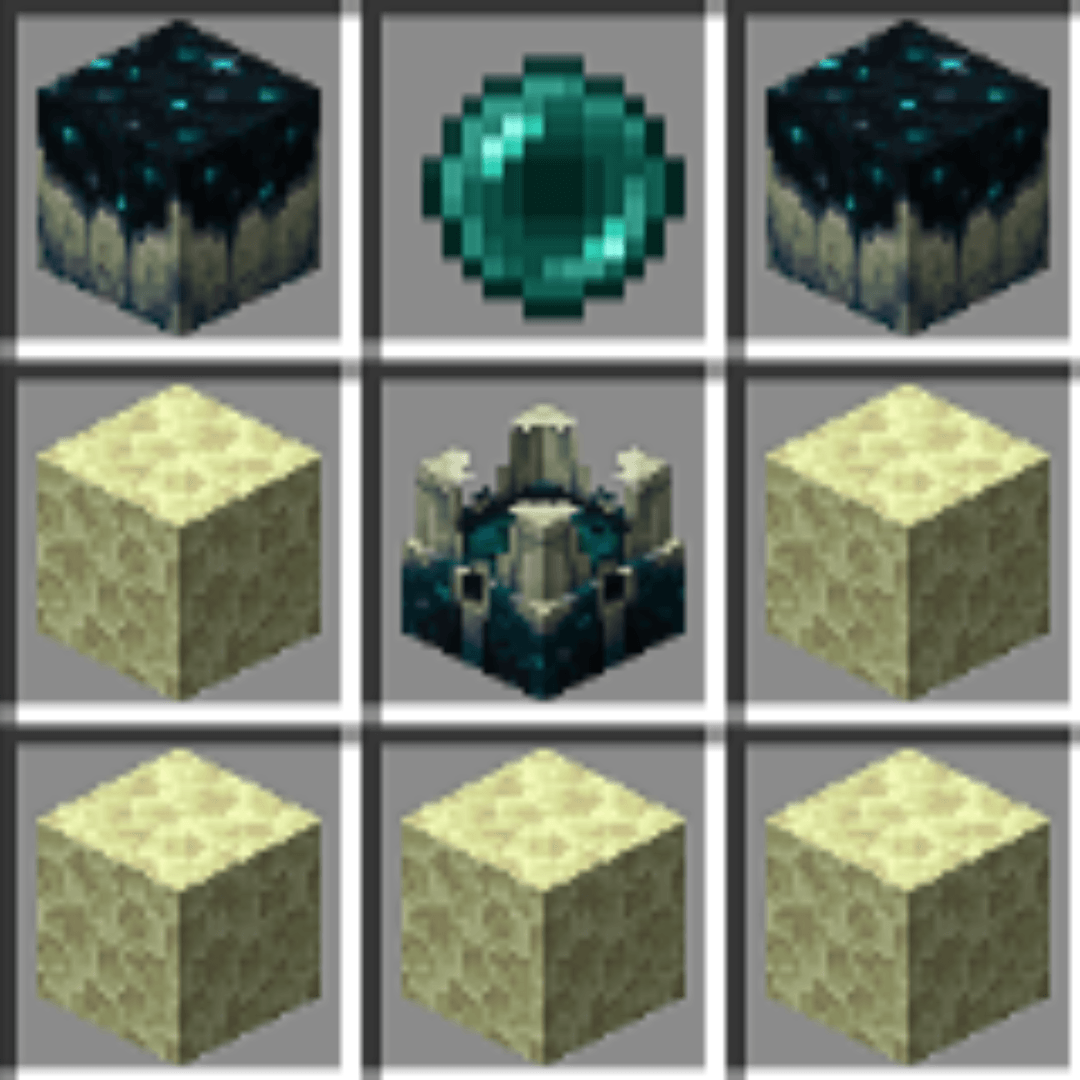
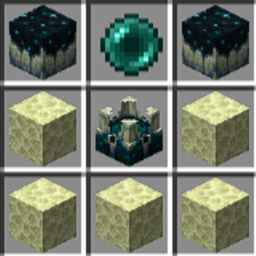
Craftable End Portal Frames!
A way to craft the end portal frame! This is a hard recipe!InstallOn a server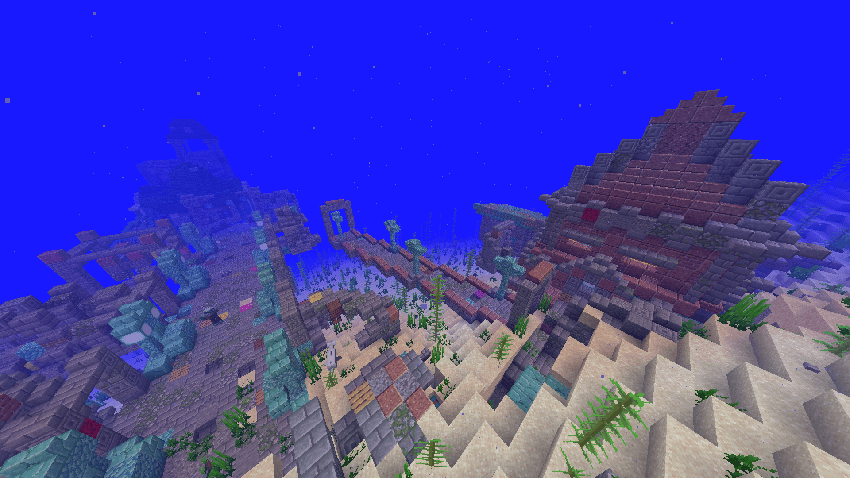
Big Globe - Hopo Better Underwater Ruins Compatibility
Compatibility between Big Globe and Hopo Underwater Ruins that ensures the correct generation of personalized world structures.InstallOn a server

[TaCZ]42LABS gunpack
A TACZ gun pack containing firearms, melee weapons, grenades, medical supplies and armorsInstallOn a server
Easy Sit
Easily sit anywhere you want!InstallOn a server

Uniques
This Datapack/Mod adds new weapons & armor that try to go for a vanilla feel while still keeping each item special.InstallOn a server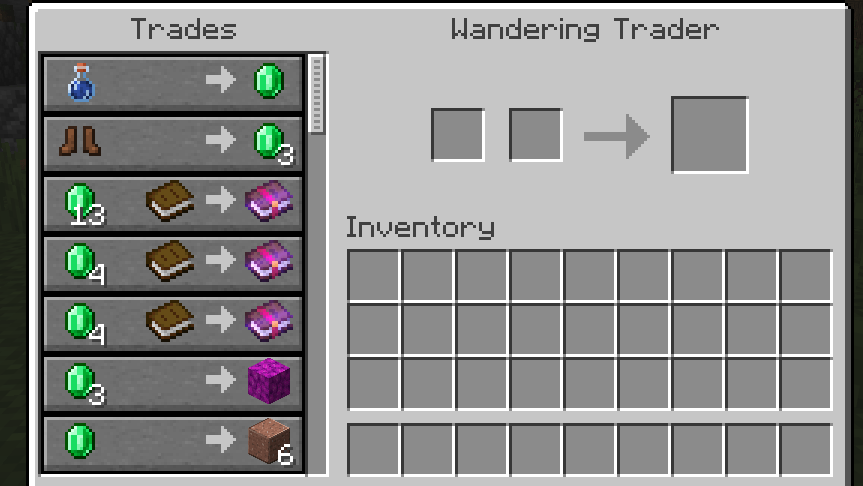
Even Better Wandering Trader Trades
The Wandering Trader's got new stock!InstallOn a server

No Zombie Villager
Disable Zombie Villager in Minecraft by preventing its spawning and removing any that appear in the worldInstallOn a server

Simple Invisible Light
A datapack that adds an easy-to-craft and use, invisible survival light.InstallOn a server

Night Vision Ultimate
Night Vision Pack for Minecraft without turning off achievements by. Enjoy full brightness anywhere—no potions needed! Perfect for caves, night, and underwater.InstallOn a server

Staple's AFK Display
Adds an [AFK] tag to players' names when they have been away for more than 5 minutes.InstallOn a server

CITATTFP
Datapack for change Twilight Forest portal activator itemInstallOn a server
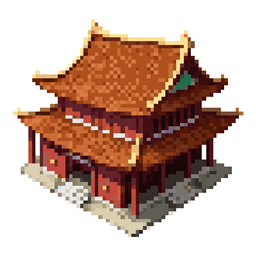
Ancient Structures: Chinese [Datapack]
A datapack for Ancient Structures modInstallOn a serverFAQ
How is a datapack different from a mod?
A datapack uses the game's own tools: it changes recipes, loot, structures and advancements. A mod changes the game's code and can add something genuinely new — a block, a mob, an interface. A datapack doesn't need a loader to work.
How do I install a datapack?
Click “Install” and Millida Launcher will add the datapack to the world you choose. To do it manually, put the archive in the datapacks folder inside the world folder and rejoin the world.
Does a datapack work on a server?
Yes, on a regular server without mods: the datapacks folder sits inside the server's world folder. Players don't need to install anything on their clients.
What is a data pack?
A set of files that changes the game with its own tools: recipes, loot, world generation, advancements and command functions. It works from version 1.13 without mods or loaders and is installed into a specific world.
Are there data packs for world generation?
Yes, it is one of their most common jobs: new biomes, terrain, caves and structures. Generation only changes in chunks that have not been created yet, so such a data pack is best added when creating a new world.
Minecraft datapacks
A datapack changes the game's rules without touching its code: crafting recipes, loot tables, world structures, advancements, command functions. The game supports all of this natively since 1.13, so a datapack needs neither Forge nor Fabric — it's installed into a specific world and works on the vanilla client and a regular server.
Data packs do different jobs: some change world generation — biomes, terrain and structures, others add mechanics, challenges and horror events, and others are made for servers — economy, ranks, command-based minigames. Generation applies only to new chunks, so such packs are added when a world is created. On Millida Hosting a data pack goes onto the server with the On a server button on its page.
That's the main difference from mods: a datapack doesn't show up in the mod list, and it can't add anything the game doesn't have at all — you can't make a new block with its own model this way. On the other hand, it doesn't clash with other packs, doesn't need updating when you switch loaders and doesn't stop you from playing with friends on a regular server. Installing a datapack is simple: put the archive in the datapacks folder inside the world folder, then reload the world or run the reload command. The card lists the game version, author and license, and all releases are gathered in one place.