
Minecraft datapacks — page 79
2,540 itemsData packs: list


Enable Mob Spawning (Pixelmon)
A datapack to enable vanilla mob spawning for PixelmonInstallOn a server

Kaths Heat&Cold
[2.0 Seasons Update!] A complex temperature system with seasons and other related features to add a new challenge to your playthrough.InstallOn a server
consistent jungle leaves
makes the jungle leaf loot table the same as another leavesInstallOn a server

MSM Better Explosions
Makes explosions in Medieval Siege Machines slightly betterInstallOn a server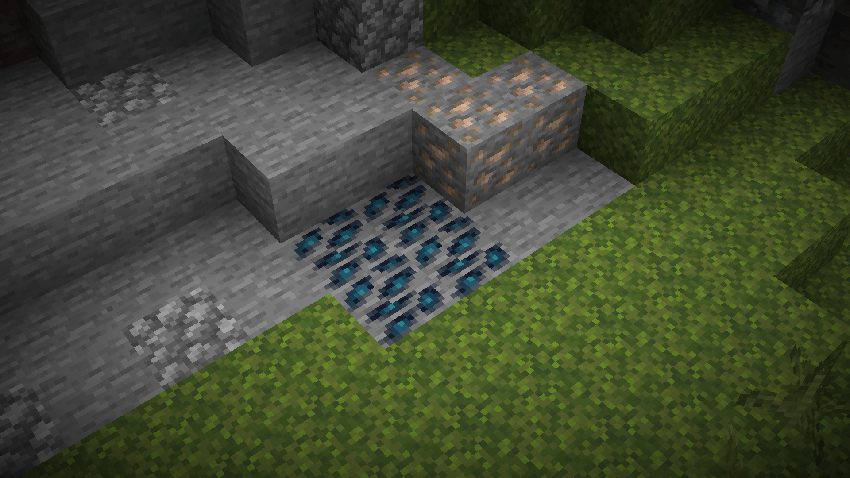

Big Globe - Mythic Metals Compatibility
Compatibility between Big Globe and Mythic Upgrades that ensures the correct generation of oresInstallOn a server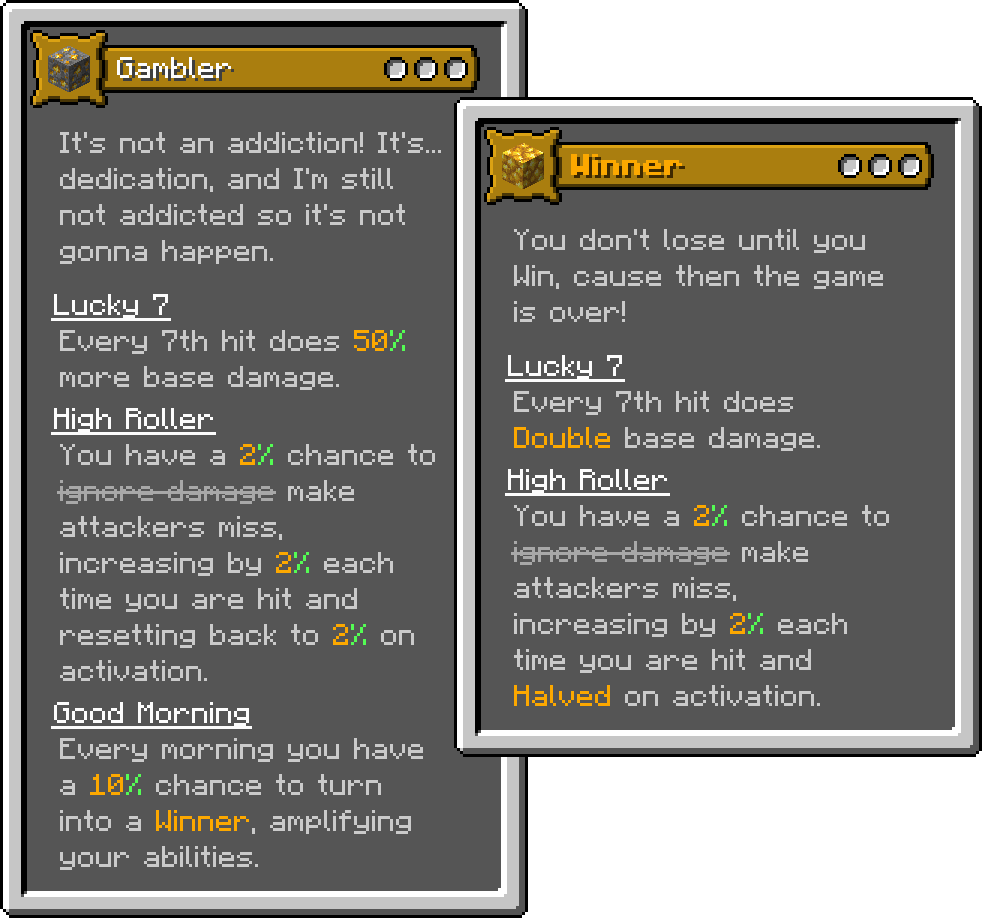

Origins: Mystic's Class Pack
A small collection of 20 classes I've made for the Origins Mod.InstallOn a server
Random Chunk
will Turned into 1 Random BlockInstallOn a server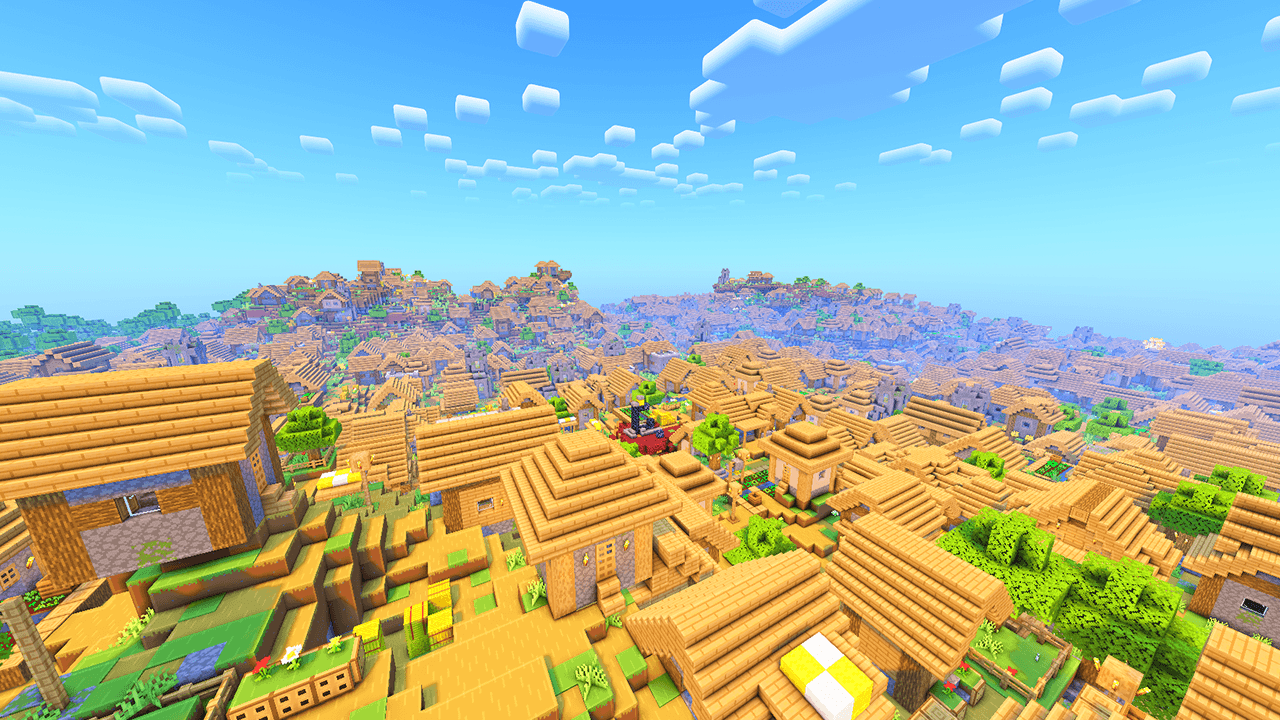
Endless Villages
The Endless Villages datapack for Minecraft is designed to completely transform your survival world by filling the landscape with villages everywhere you go.InstallOn a server
Overgeared Recipes
Compatibility recipes for OvergearedInstallOn a server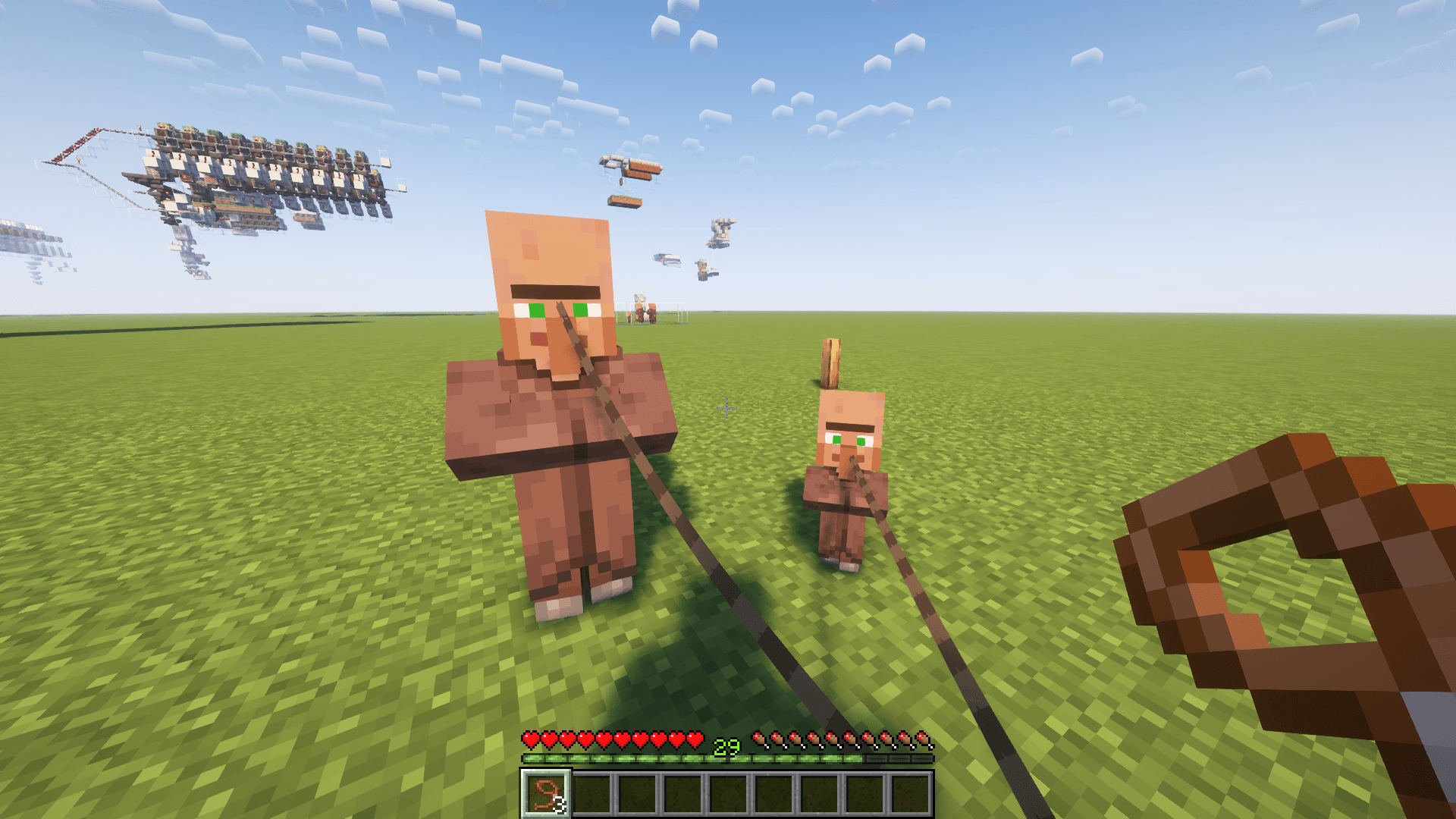
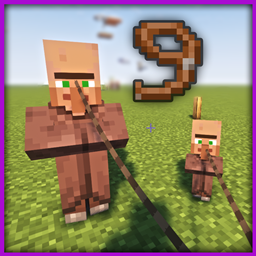
Leash Tie Villagers (LTV)
Allows you to use the lead to tie up villagers, both adults and babies. Optimized to the maxInstallOn a server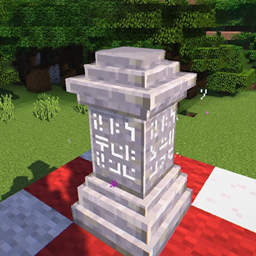
Create: Waystones
Replaces the recipe for warpstones with a mechanical crafter recipeInstallOn a server
Chest is OP
Turn chests into overpowered loot sources for exciting and rewarding exploration.InstallOn a server

Deepcutting
Stonecutter now accepts normal DeepslateInstallOn a server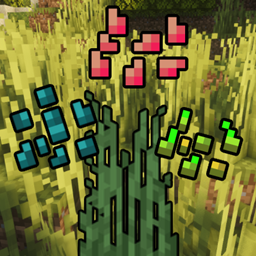
Croptopia x Terralith Compat
Make your Croptopia seeds drop from grass!InstallOn a server

SkullToHead
Turn skulls into player heads with any skin using books!InstallOn a server

infection
play a halo-inspired Infection minigame in Minecraft, will the infected or the survivors win?InstallOn a server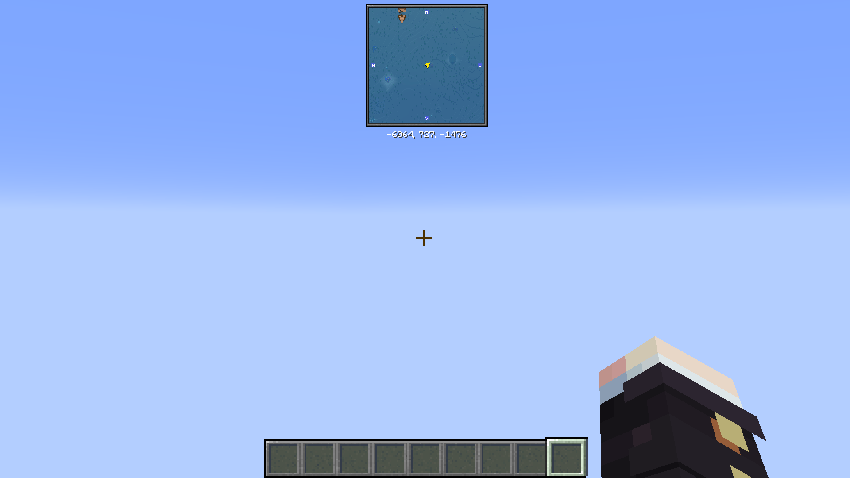

Big Globe - Remove Skylands
This datapack removes the skylands, which makes it no longer generated in the worldInstallOn a server

Village Guards
Adds Village Guards in vanilla minecraft without replacing original skeleton mobs.InstallOn a server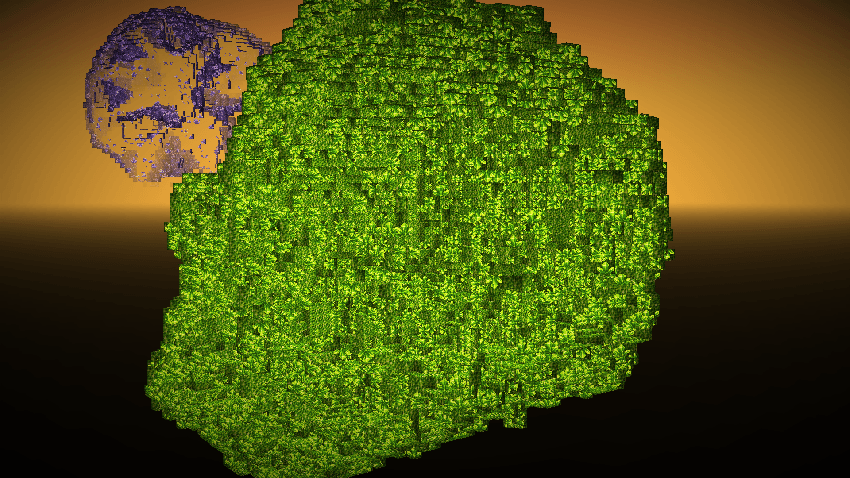

Big Globe - Mythic Upgrades Compatibility
Compatibility between Big Globe and Mythic Upgrades that ensures the correct generation of ores and geodes.InstallOn a server

Reverse Glass Block & Panel Craft
Easy way to Reverse Crafting Glass Blocks and Panels CraftInstallOn a server
Jeff The Land Shark v.1 [Cobblemon 1.7]
Mrr! Adds Jeff the Land Shark from Marvel Rivals to Cobblemon.InstallOn a server

No Cave Spider
Disable Cave Spider in Minecraft by preventing its spawning and removing any that appear in the worldInstallOn a server

Recibles
A Datapack that adds 100+ Recipes to crafting tables, furnaces AND stonecutters!InstallOn a serverFAQ
How is a datapack different from a mod?
A datapack uses the game's own tools: it changes recipes, loot, structures and advancements. A mod changes the game's code and can add something genuinely new — a block, a mob, an interface. A datapack doesn't need a loader to work.
How do I install a datapack?
Click “Install” and Millida Launcher will add the datapack to the world you choose. To do it manually, put the archive in the datapacks folder inside the world folder and rejoin the world.
Does a datapack work on a server?
Yes, on a regular server without mods: the datapacks folder sits inside the server's world folder. Players don't need to install anything on their clients.
What is a data pack?
A set of files that changes the game with its own tools: recipes, loot, world generation, advancements and command functions. It works from version 1.13 without mods or loaders and is installed into a specific world.
Are there data packs for world generation?
Yes, it is one of their most common jobs: new biomes, terrain, caves and structures. Generation only changes in chunks that have not been created yet, so such a data pack is best added when creating a new world.
Minecraft datapacks
A datapack changes the game's rules without touching its code: crafting recipes, loot tables, world structures, advancements, command functions. The game supports all of this natively since 1.13, so a datapack needs neither Forge nor Fabric — it's installed into a specific world and works on the vanilla client and a regular server.
Data packs do different jobs: some change world generation — biomes, terrain and structures, others add mechanics, challenges and horror events, and others are made for servers — economy, ranks, command-based minigames. Generation applies only to new chunks, so such packs are added when a world is created. On Millida Hosting a data pack goes onto the server with the On a server button on its page.
That's the main difference from mods: a datapack doesn't show up in the mod list, and it can't add anything the game doesn't have at all — you can't make a new block with its own model this way. On the other hand, it doesn't clash with other packs, doesn't need updating when you switch loaders and doesn't stop you from playing with friends on a regular server. Installing a datapack is simple: put the archive in the datapacks folder inside the world folder, then reload the world or run the reload command. The card lists the game version, author and license, and all releases are gathered in one place.