
Minecraft datapacks — page 75
2,540 itemsData packs: list


Overgrown's Origins: Catghost
Explore Minecraft as a Catghost! Harness spectral powers, phase through blocks, and see in the dark. A thrilling experience awaits!InstallOn a server

Saddle Crafting Recipie
Simple mod that makes saddles craftable!InstallOn a server

Disable Ad Astra Oil Wells
This removes the oil wells found in the Ad Astra mod.InstallOn a server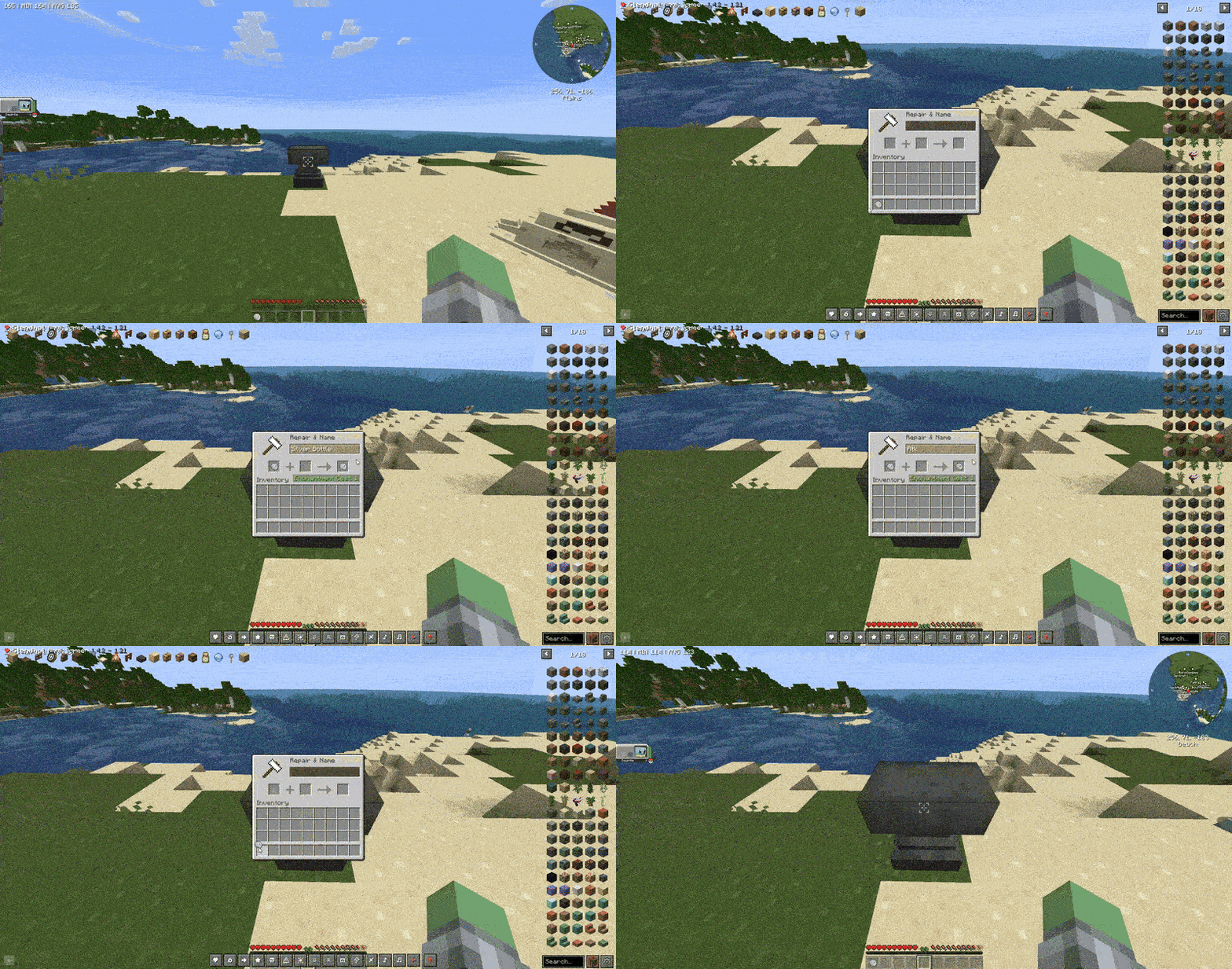
BottleCaps [Cobblemon]
Bottle Caps adds recipes for bottle caps that let's you max out your Pokémon's IVs.InstallOn a server

CTOV - Monobank compat
Compatibility datapack between ChoiceTheorem's overhauled village and Monobanks modInstallOn a server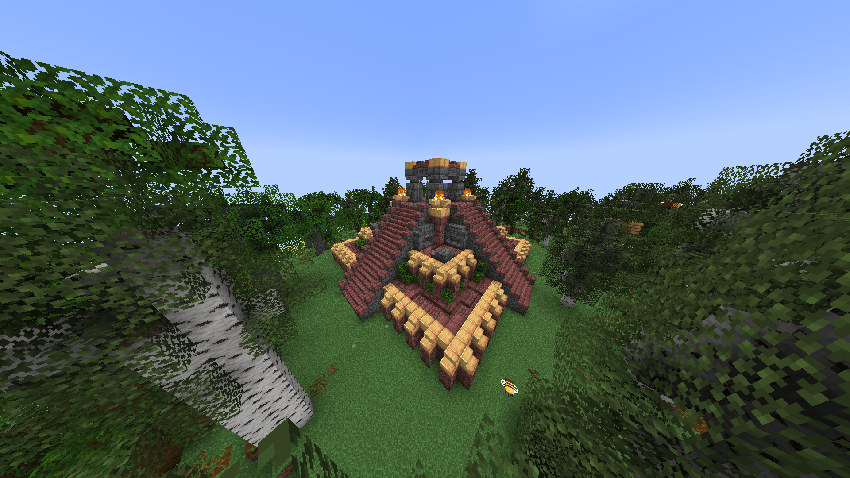

Big Globe - Call of Yucatán Compatibility
A compatibility datapack for Call of Yucatán, makes all structures generate correctly in Big GlobeInstallOn a server

Shop Villager
You can create custom villager trade within the game.InstallOn a server

Logical Efficient Tools
Allows almost every block to be mined faster using a certain toolInstallOn a server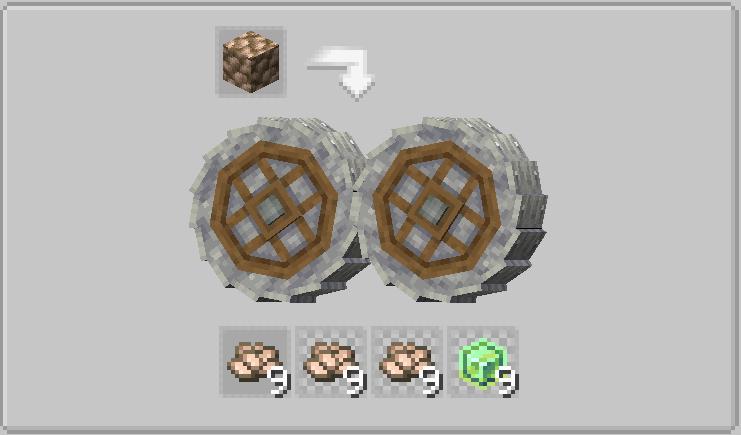
Create more crushed ores
Datapack that modifies the original recipes for Create's crushed ores, making them more worthwhile to process.InstallOn a server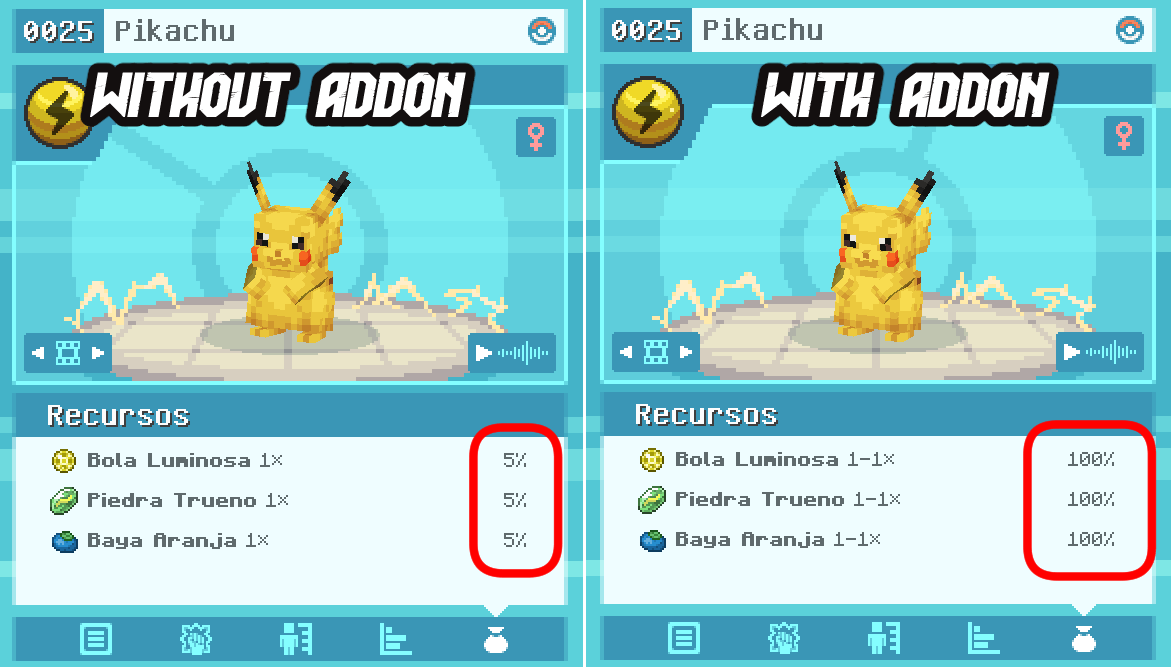
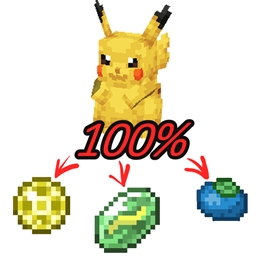
All cobblemon drops to 100 percentage
Makes all Pokemon from Cobblemon drop their items at a 100% rateInstallOn a server

Nether Start Challenge
Start your adventure in the Nether. Find a way out to the Overworld!InstallOn a server

Chairify
Create sittable spots near everywhere in Minecraft vanilla.InstallOn a server

Auto Replant Crops
Automatically replants fully grown crops after harvesting in Minecraft. A lightweight vanilla farming QoL mod for survival and SMP (1.16+).InstallOn a server

StarBorn Origin
Feel the power of the stars passing through your veins...InstallOn a server

Craftable Slimeballs
Makes slime balls craftable. Server side only.InstallOn a server

Amethyst in More Recipes
Makes Amethyst replace some ingredients in some crafting recipes.InstallOn a server

Bossbar Expansion
This data pack/Mod add bossbar to minibosses in the game like Warden, Elder Guardian and Evoker.InstallOn a server
Cobblemon - Neco-Arc
An addon for Cobblemon that adds THE creatureInstallOn a server
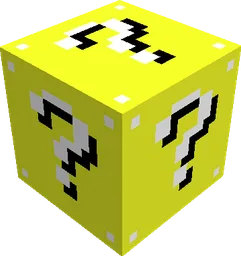
Lucky blocks
Adds a variety of lucky blocks into Minecraft!InstallOn a server

TNT Datapack
Adds 5 destructive TNTs along with a TNT launcherInstallOn a server

Potion's recipe book/Libro de recetas de pociones
A book with all recipes of potions Un libro con todas las recetas de pocionesInstallOn a server

More Ancient Debris (10x)
Tweaks the world generation to get 10x more ancient debris spawn rates!InstallOn a server

Origins: Quantum Fox
Your vision doesn't allow you to focus on more than one target. However this doesn't mean it comes with more disadvantages.InstallOn a serverFAQ
How is a datapack different from a mod?
A datapack uses the game's own tools: it changes recipes, loot, structures and advancements. A mod changes the game's code and can add something genuinely new — a block, a mob, an interface. A datapack doesn't need a loader to work.
How do I install a datapack?
Click “Install” and Millida Launcher will add the datapack to the world you choose. To do it manually, put the archive in the datapacks folder inside the world folder and rejoin the world.
Does a datapack work on a server?
Yes, on a regular server without mods: the datapacks folder sits inside the server's world folder. Players don't need to install anything on their clients.
What is a data pack?
A set of files that changes the game with its own tools: recipes, loot, world generation, advancements and command functions. It works from version 1.13 without mods or loaders and is installed into a specific world.
Are there data packs for world generation?
Yes, it is one of their most common jobs: new biomes, terrain, caves and structures. Generation only changes in chunks that have not been created yet, so such a data pack is best added when creating a new world.
Minecraft datapacks
A datapack changes the game's rules without touching its code: crafting recipes, loot tables, world structures, advancements, command functions. The game supports all of this natively since 1.13, so a datapack needs neither Forge nor Fabric — it's installed into a specific world and works on the vanilla client and a regular server.
Data packs do different jobs: some change world generation — biomes, terrain and structures, others add mechanics, challenges and horror events, and others are made for servers — economy, ranks, command-based minigames. Generation applies only to new chunks, so such packs are added when a world is created. On Millida Hosting a data pack goes onto the server with the On a server button on its page.
That's the main difference from mods: a datapack doesn't show up in the mod list, and it can't add anything the game doesn't have at all — you can't make a new block with its own model this way. On the other hand, it doesn't clash with other packs, doesn't need updating when you switch loaders and doesn't stop you from playing with friends on a regular server. Installing a datapack is simple: put the archive in the datapacks folder inside the world folder, then reload the world or run the reload command. The card lists the game version, author and license, and all releases are gathered in one place.