
Minecraft datapacks — page 74
2,540 itemsData packs: list


Ocean Breaths
Catch oxygen bubbles generated in oceans and stay longer underwater.InstallOn a server

Repurposed Structures - Paladins & Preists Compat Datapack
Adds Paladin's Sanctuaries to RS villages!InstallOn a server
Tim's Ultimately Comprehensive Cobblemon Edits of Destiny
Fixes some stuff in the Cobblemon mod that can be fixed with a datapack/resourcepack solution.InstallOn a server

Leave Decay
addon used to bounded leaf cleanup for TreeVeinMiner and VeinMiner projectsInstallOn a server

CTOV - Wares compat
Compatibility datapack between ChoiceTheorem's overhauled village and Wares modInstallOn a server
Big Globe - Tough As Nails
A compatibility datapack for Tough As Nails, for a much more difficult experience in Big GlobeInstallOn a server

Structures' spawn biomes fix
Fixes some structures' spawn biomes listInstallOn a server

Create: Enhanced Totem Productions
Renewable totems of undying, so you can cheat death with confidence!InstallOn a server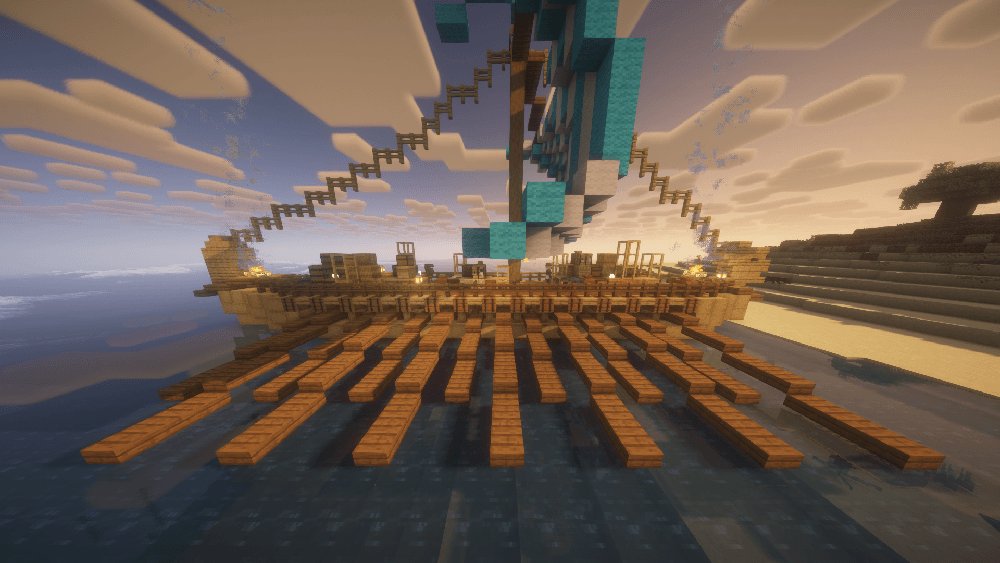

Big Globe - Antique Trading Ship
Antique Trading Ship Compatibility so that it is naturally generated in Big GlobeInstallOn a server
Mythical Agriculture x Tensura
Compatbility mod for Mystical Agriculture (and Mystical Agradditions) x Tensura: ReincarnatedInstallOn a server

One Heart
Datapack changes the amount of health to one heart.InstallOn a server

Raw Gold Beacon Base [PurpurPack]
Allows raw gold blocks to be used as a beacon base. Also allows raw gold to be used as a beacon payment itemInstallOn a server
Time Adjustment
An easy way to control the length of the Minecraft daylight cycle.InstallOn a server

Custom Cars
Allows the creation of custom vehicles in Minecraft!InstallOn a server

God Bow Back
Datapack that allows bow to have mending and infinity togetherInstallOn a server
Better Ore Smelting
Adds smeltable Raw Ore Blocks to the furnace and blast furnaceInstallOn a server

Raw Iron Block Beacon Base [PurpurPack]
Allows you to use raw iron blocks as a block in a beacon baseInstallOn a server

Stonecobbling
Allows stone & deepslate to be cobbled with a stonecutterInstallOn a server

Forest Villages
Adds villages to the regular forest biome, simple as that!InstallOn a server

Elytra Crafting Recipe
Elytra are now craftable, but are still a end game item. requires dragon's breath and nether star to craftInstallOn a server

Origins: Panda Chen
Panda Chen is a Wanderer, Adventurer and a Fighter, and this world-class Bamboo Master has left an indelible mark in the history.InstallOn a server

BedrockBreaker
This is a data pack that makes it so TNT breaks bedrock directly next to it!InstallOn a server

Dye Tweaks
Adds the ability to duplicate dyes efficientlyInstallOn a serverFAQ
How is a datapack different from a mod?
A datapack uses the game's own tools: it changes recipes, loot, structures and advancements. A mod changes the game's code and can add something genuinely new — a block, a mob, an interface. A datapack doesn't need a loader to work.
How do I install a datapack?
Click “Install” and Millida Launcher will add the datapack to the world you choose. To do it manually, put the archive in the datapacks folder inside the world folder and rejoin the world.
Does a datapack work on a server?
Yes, on a regular server without mods: the datapacks folder sits inside the server's world folder. Players don't need to install anything on their clients.
What is a data pack?
A set of files that changes the game with its own tools: recipes, loot, world generation, advancements and command functions. It works from version 1.13 without mods or loaders and is installed into a specific world.
Are there data packs for world generation?
Yes, it is one of their most common jobs: new biomes, terrain, caves and structures. Generation only changes in chunks that have not been created yet, so such a data pack is best added when creating a new world.
Minecraft datapacks
A datapack changes the game's rules without touching its code: crafting recipes, loot tables, world structures, advancements, command functions. The game supports all of this natively since 1.13, so a datapack needs neither Forge nor Fabric — it's installed into a specific world and works on the vanilla client and a regular server.
Data packs do different jobs: some change world generation — biomes, terrain and structures, others add mechanics, challenges and horror events, and others are made for servers — economy, ranks, command-based minigames. Generation applies only to new chunks, so such packs are added when a world is created. On Millida Hosting a data pack goes onto the server with the On a server button on its page.
That's the main difference from mods: a datapack doesn't show up in the mod list, and it can't add anything the game doesn't have at all — you can't make a new block with its own model this way. On the other hand, it doesn't clash with other packs, doesn't need updating when you switch loaders and doesn't stop you from playing with friends on a regular server. Installing a datapack is simple: put the archive in the datapacks folder inside the world folder, then reload the world or run the reload command. The card lists the game version, author and license, and all releases are gathered in one place.