
Minecraft datapacks — page 31
2,543 itemsData packs: list

RANDOM DROPS
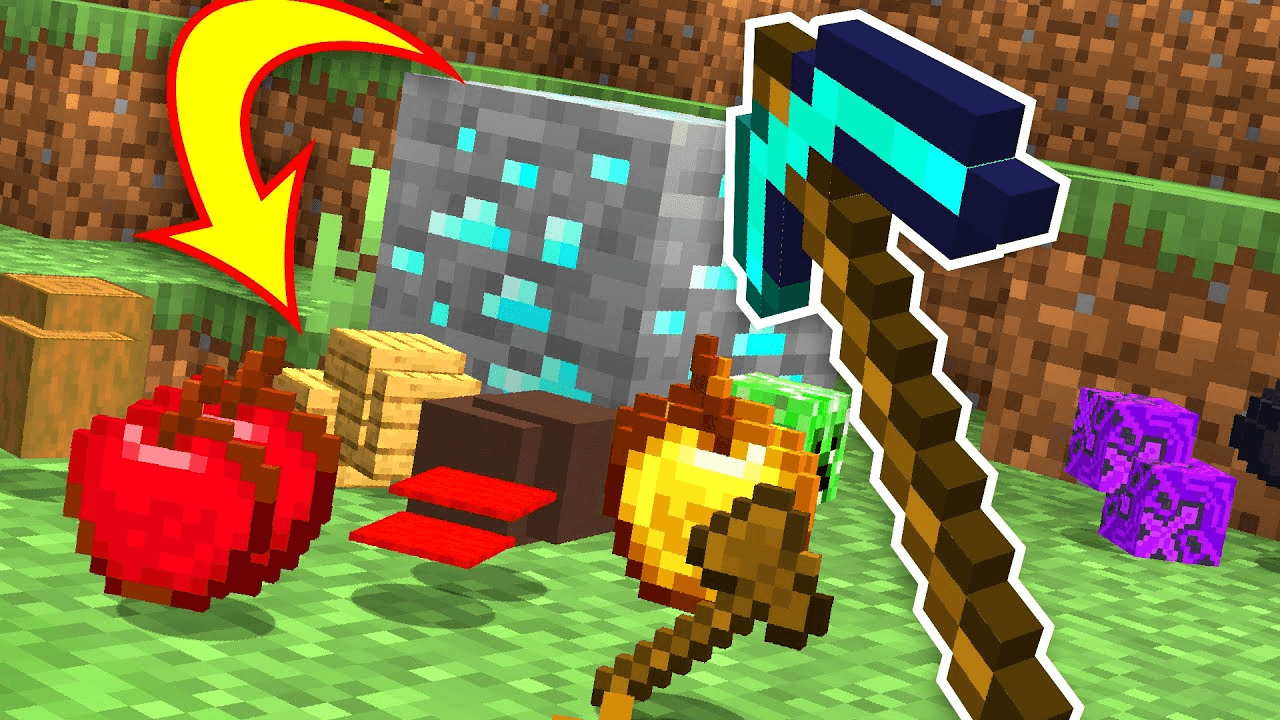
Each block and mob drops completely random items. No two drops are the same. Complete Minecraft using only luck.InstallOn a server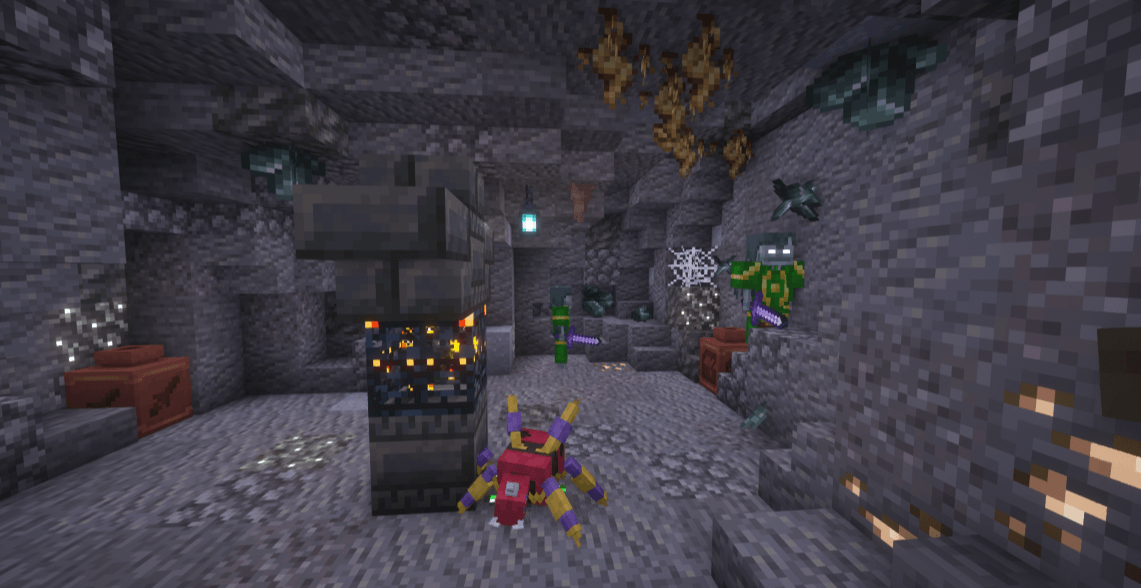

Professor Porker's Legendary Dungeons
A datapack for Cobblemon that adds large dungeon-like structures inspired by iconic scenes from pokemon games / movies.InstallOn a server
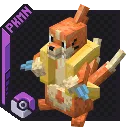
Buizel and Floatzel in Cobblemon 1.3
Adds models and spawn pools for buizel and floatzel to cobblemon version 1.3InstallOn a server

Big Globe - YUNG's Better Witch Huts Compatibility
Data pack to generate YUNG's Better Witch Huts in a Big Globe world.InstallOn a server

Treeplacer - Terralith Addon
Adds biome specific sapling functionality for TerralithInstallOn a server

Enderman Grief
Prevents enderman from picking up blocks, except melons and pumpkins.InstallOn a server

Cheap Templates
Makes recipes equivalent to the textures (It's cheaper!!)InstallOn a server

Lectern Overhaul
Reworks vanilla lectern, making it more useful and interactiveInstallOn a server
Pickaxe Effective Reinforced Deepslate [PurpurPack]
Puts reinforced deepslate into the pickaxe minable tag, making breaking it much more bearableInstallOn a server

Big Globe - YUNG's Better Desert Temples Compatibility
Data pack to generate YUNG's Better Desert Temples in a Big Globe world.InstallOn a server

Murder Drones Origins
A Datapack which includes custom Origins, items and structures based on the show Murder Drones.InstallOn a server

Fishing Expansion
Enhance the fishing experience with more loot, new enchantments, new boss, real mob fishing, special fishes, turtle armor and more!InstallOn a server

Rotten Flesh to Leather
Adds a few simple, vanilla style ways to get rid of spare rotten flesh.InstallOn a server

Gravestone Dungeons Data Pack
This data pack adds dozens of small and massive dungeons, bosses, custom loot, magic spells, many custom weapons, enchantments and much more!InstallOn a server

Player Health Indicator
Display health of a player on the tab menu, on the scoreboard and under the nametag.InstallOn a server

Big Globe - YUNG's Better Jungle Temples Compatibility
Data pack to generate YUNG's Better Jungle Temples in a Big Globe world.InstallOn a server

Enchantments Expansion
New vanilla-friendly enchantments that enhance combat, mining, movement and utility, bringing new ways to explore, fight and progress in survival!InstallOn a server

Structures+
A comprehensive mod that adds beautiful structures to your gameInstallOn a server

Classic Lucky Blocks
Adds the classic styled lucky blocks to minecraft!InstallOn a server

RPGTitles
Small, cosmetic datapack that adds titles to small things in the game! See the dimension name when you switch dimension, see the current biome you are in and maybe get something when you kill a powerful foe..InstallOn a server

Injured Effects
This mod adds effects to being low on HP! This applies to players, aswell as humanoid entities like villagers, illagers, and piglins!InstallOn a server
Witcher - RPG Series Loot Compat
Datapack for Modpack Devs. This Datapack adds exclusive Witcher Loot to the RPG Series Loot Tags.InstallOn a server

Create: Curios Backtank
This mod allow pull backtank from Create into Curios slotInstallOn a serverFAQ
How is a datapack different from a mod?
A datapack uses the game's own tools: it changes recipes, loot, structures and advancements. A mod changes the game's code and can add something genuinely new — a block, a mob, an interface. A datapack doesn't need a loader to work.
How do I install a datapack?
Click “Install” and Millida Launcher will add the datapack to the world you choose. To do it manually, put the archive in the datapacks folder inside the world folder and rejoin the world.
Does a datapack work on a server?
Yes, on a regular server without mods: the datapacks folder sits inside the server's world folder. Players don't need to install anything on their clients.
What is a data pack?
A set of files that changes the game with its own tools: recipes, loot, world generation, advancements and command functions. It works from version 1.13 without mods or loaders and is installed into a specific world.
Are there data packs for world generation?
Yes, it is one of their most common jobs: new biomes, terrain, caves and structures. Generation only changes in chunks that have not been created yet, so such a data pack is best added when creating a new world.
Minecraft datapacks
A datapack changes the game's rules without touching its code: crafting recipes, loot tables, world structures, advancements, command functions. The game supports all of this natively since 1.13, so a datapack needs neither Forge nor Fabric — it's installed into a specific world and works on the vanilla client and a regular server.
Data packs do different jobs: some change world generation — biomes, terrain and structures, others add mechanics, challenges and horror events, and others are made for servers — economy, ranks, command-based minigames. Generation applies only to new chunks, so such packs are added when a world is created. On Millida Hosting a data pack goes onto the server with the On a server button on its page.
That's the main difference from mods: a datapack doesn't show up in the mod list, and it can't add anything the game doesn't have at all — you can't make a new block with its own model this way. On the other hand, it doesn't clash with other packs, doesn't need updating when you switch loaders and doesn't stop you from playing with friends on a regular server. Installing a datapack is simple: put the archive in the datapacks folder inside the world folder, then reload the world or run the reload command. The card lists the game version, author and license, and all releases are gathered in one place.