
Minecraft datapacks — page 32
2,543 itemsData packs: list


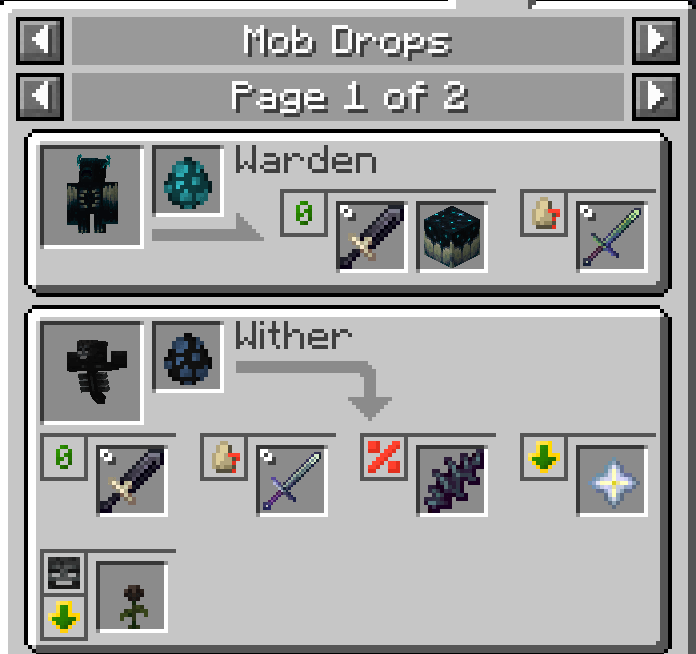
Loot & Explore - RPG Series Loot Compat
Datapack for Modpack Devs. This Datapack adds the Loot&Explore Weapons to the RPG Series Loot Tags.InstallOn a server

Shulkers Drop Two Shells
Shulkers can drop 2 shulker shells, instead of oneInstallOn a server

Night Vision
Provides enhanced vision in caves and dark areas.InstallOn a server

Bedrock Bridging
Adds a Bedrock-like bridging functionality to Java, complete with a toggle featureInstallOn a server
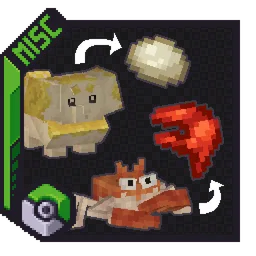
Cobblemon Modded Drops
Makes Cobblemon drop items from other modsInstallOn a server

Graves
This datapack creates a grave when a player dies, safely storing their items. Retrieve your belongings without worrying about losing them!InstallOn a server

Cobblemon Stellar Blue
A datapack for the Cobblemon mod that adds fabled Pokémon of the Lumora Region made by yours truly, Kenji_64, to your game!InstallOn a server

Gamingbarn's Zombies
Normal monsters are replaced with various unique and powerful new zombies!InstallOn a server

Nature's Spirit - Farmer's Delight Recipe Compat
【Discontinued】Adds recipe compatibility between Nature's Spirit and Farmer's DelightInstallOn a server
Farmer's Cutting: Nature's Spirit
Adds Farmer's Delight cutting recipes for Nature's SpiritInstallOn a server

The Backrooms(legacy)
Adds the backrooms as new dimensions for you to exploreInstallOn a server

Overgrown's Origins: Stargazer
Dive into your world with the Stargazer Origin! Harness celestial powers, face unique challenges, and teleport across realms. Ready for a cosmic adventure?InstallOn a server

Better Healthbar
A Minecraft datapack and mod that displays health bars and damage indicators for almost all mobs. Everything can be configured in the in-game chat menu.InstallOn a server
No Template Netherite Armor Upgrades [PurpurPack]
Allows upgrading diamond armor to netherite without the use of a netherite upgrade templateInstallOn a server

Dough Slime Ball Recipe
This datapack adds a recipe for the slimeball, which lets you craft it with Farmer's Delight Dough and lime dye, similar to the Create mod (or dough from other mods)InstallOn a server

Nether 3.0
A light datapack which alters Nether generation to make it more interesting to traverse by modifying existing biomes.InstallOn a server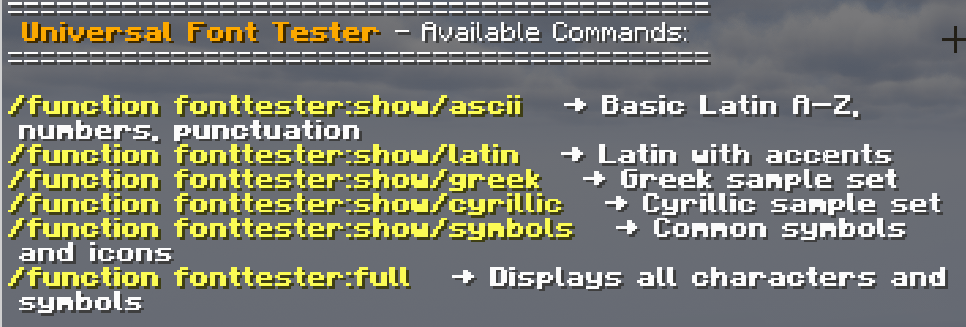
Universal Font Tester
Instantly preview and test any Minecraft font with easy in-game commands — ideal for creators, resource-pack artists, and modpack designers.InstallOn a server

Epic Structures: Jungle Temples
Adds sprawling Jungle Temples to your worldInstallOn a server

Heaven Dimension
Fly up with elytra to see a brand new world known as Heaven! A peaceful dimension with rich villagers!InstallOn a server

Pocket Dimensions
This project introduces a fascinating item to the game. It's similar to a bundle, but with a ROOM inside. You can build whatever you want inside and take it with you!InstallOn a server
Mayview Data
Official datapack for the Mayview Modpack that adds all custom world generation features needed for the intended Mayview experience.InstallOn a server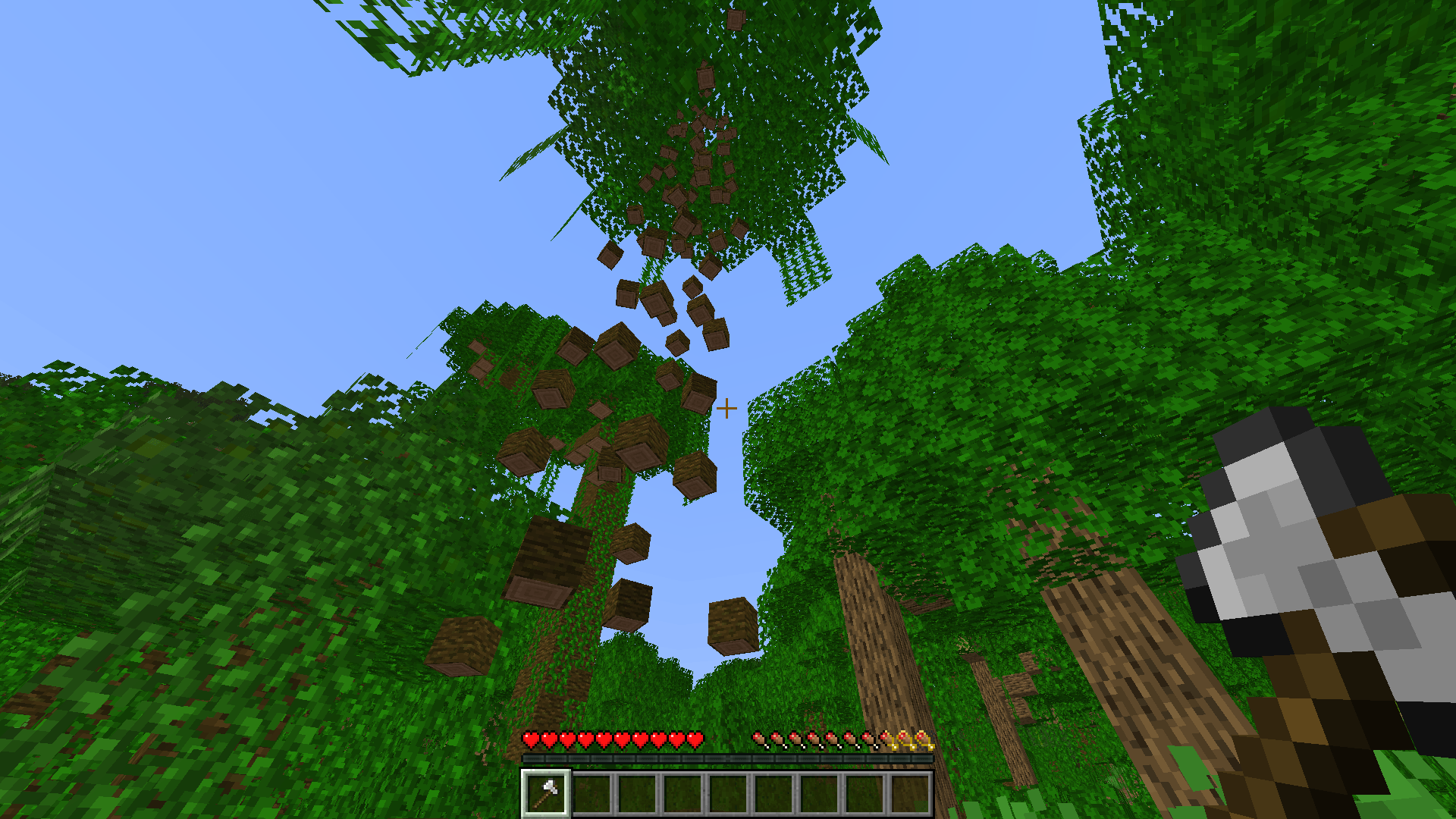
Falling Tree (Treecapitator)
Chop down entire trees by breaking just one block! A simple, satisfying "treecapitator" mod that saves time and stops floating trees from ruining your world.InstallOn a server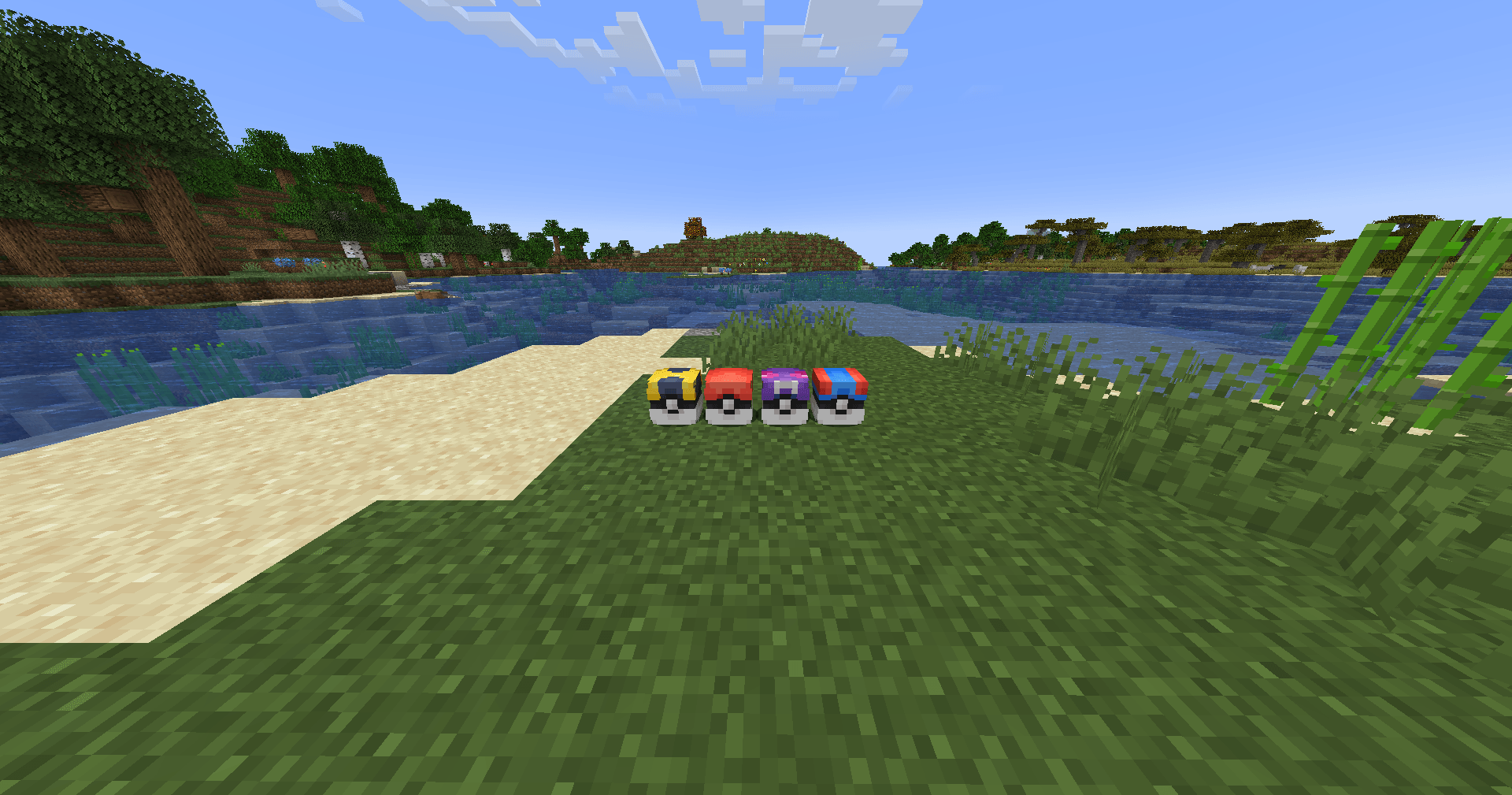
CobbledLoot [Cobblemon]
A more lightweight version of PokeLoot, featuring small loots that are scattered around the world that give you a reward!InstallOn a serverFAQ
How is a datapack different from a mod?
A datapack uses the game's own tools: it changes recipes, loot, structures and advancements. A mod changes the game's code and can add something genuinely new — a block, a mob, an interface. A datapack doesn't need a loader to work.
How do I install a datapack?
Click “Install” and Millida Launcher will add the datapack to the world you choose. To do it manually, put the archive in the datapacks folder inside the world folder and rejoin the world.
Does a datapack work on a server?
Yes, on a regular server without mods: the datapacks folder sits inside the server's world folder. Players don't need to install anything on their clients.
What is a data pack?
A set of files that changes the game with its own tools: recipes, loot, world generation, advancements and command functions. It works from version 1.13 without mods or loaders and is installed into a specific world.
Are there data packs for world generation?
Yes, it is one of their most common jobs: new biomes, terrain, caves and structures. Generation only changes in chunks that have not been created yet, so such a data pack is best added when creating a new world.
Minecraft datapacks
A datapack changes the game's rules without touching its code: crafting recipes, loot tables, world structures, advancements, command functions. The game supports all of this natively since 1.13, so a datapack needs neither Forge nor Fabric — it's installed into a specific world and works on the vanilla client and a regular server.
Data packs do different jobs: some change world generation — biomes, terrain and structures, others add mechanics, challenges and horror events, and others are made for servers — economy, ranks, command-based minigames. Generation applies only to new chunks, so such packs are added when a world is created. On Millida Hosting a data pack goes onto the server with the On a server button on its page.
That's the main difference from mods: a datapack doesn't show up in the mod list, and it can't add anything the game doesn't have at all — you can't make a new block with its own model this way. On the other hand, it doesn't clash with other packs, doesn't need updating when you switch loaders and doesn't stop you from playing with friends on a regular server. Installing a datapack is simple: put the archive in the datapacks folder inside the world folder, then reload the world or run the reload command. The card lists the game version, author and license, and all releases are gathered in one place.