
Minecraft datapacks — page 20
2,543 itemsData packs: list



Death Count
Adds a simple death counter to the player tab list!InstallOn a server

Warden With Loot
Make Warden's loot and advancements match its strength!InstallOn a server

Enchants Plus
Adds 20 vanilla styled enchantments and 5 new curses!InstallOn a server

Extra Recipe
Added more recipes for the vanilla and other mods!InstallOn a server

Lucky Cat
Give you a lucky buff for better fishing lootInstallOn a server

Tetra's Delight
Allows Farmer's Delight knives to work with Tetra.InstallOn a server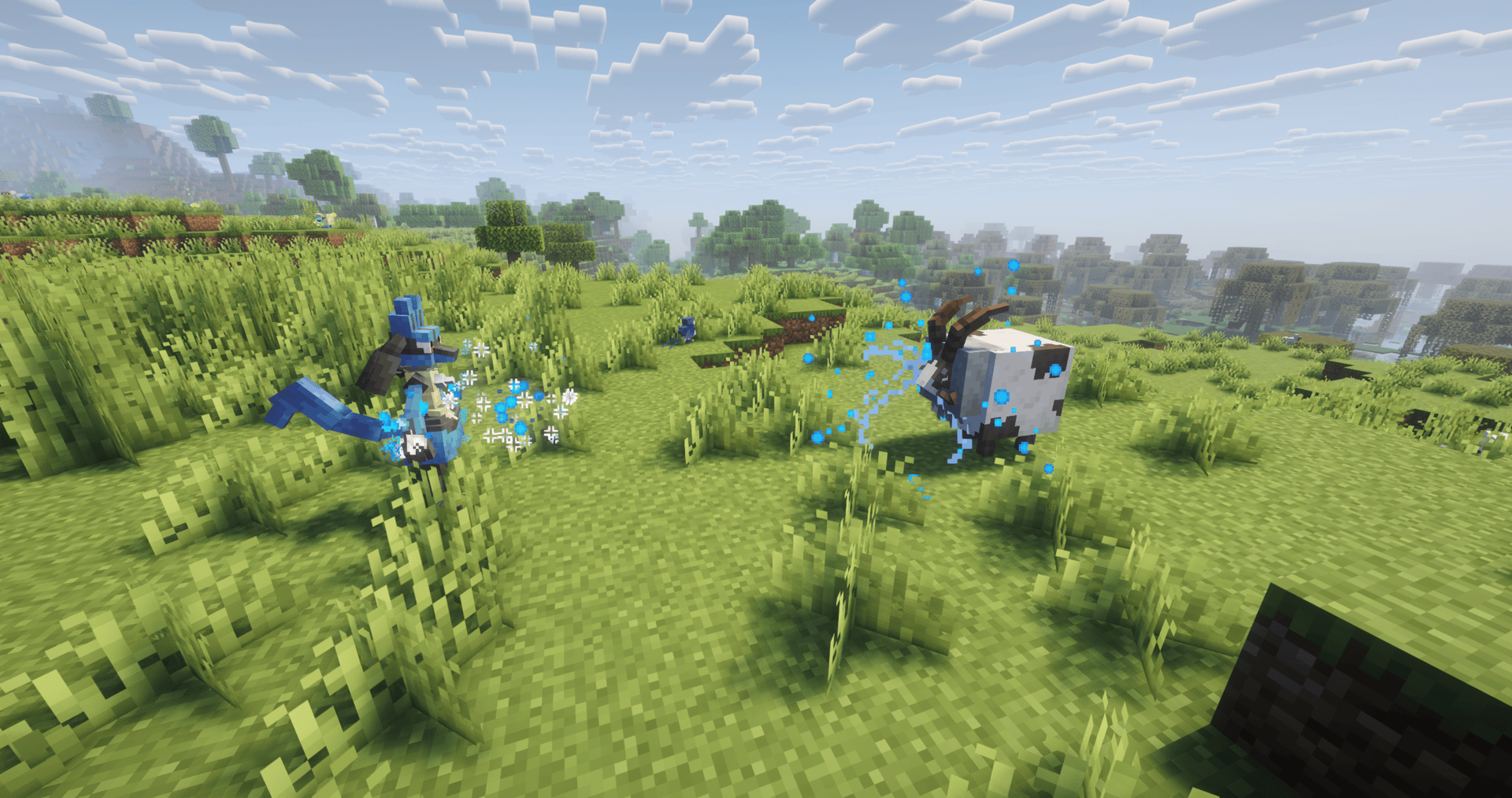

Cobblemon Move Effects Backport | Forge/Fabric
Ever dreamed of move animations in 1.20.1 Cobblemon ? Well here it is, 116 of them !InstallOn a server

Revamped Shipwrecks
Shipwreck structures redesigned with jigsaw degradation stages, hundreds of unique combinations!InstallOn a server

Overgrown's Cobblemon: Darkrai
Darkrai missing from your Cobblemon world? This pack fixes that!InstallOn a server

LIMBO Dimension Datapack
Adds a dimension that is inspired by the game LIMBO, can be accessed in survival and offers a unique survival experience, and special loot. For best immersion, turn off shaders and set the render distance lower so the fog is all around you.InstallOn a server
Sunlit Mons
Cobblemon 1.7.0+ backports for the upcoming Sunlit Cobbelmon modpackInstallOn a server

Crafting+
319 Quick and Enhanced Crafting RecipesInstallOn a server
Missing Legends [Cobblemon]
This datapack aims to bring the full roster of legendary pokemon within a single pack to the cobblemon world with some of its own spawning mechanics as well as with the Myths and Legends Addon.InstallOn a server

One Survival Island
Datapack that creates a Single Survival Island in an Infinite Ocean WorldInstallOn a server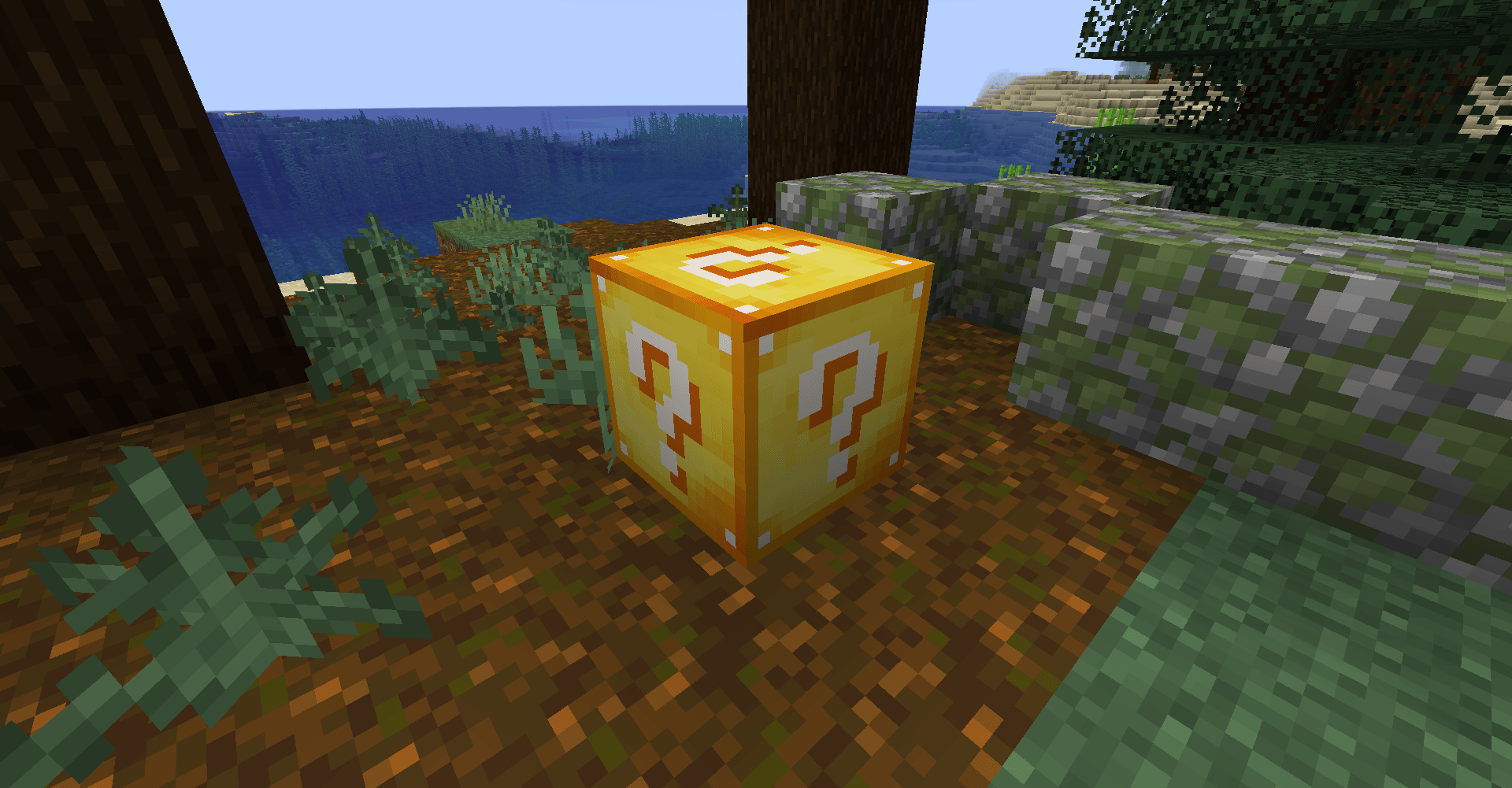
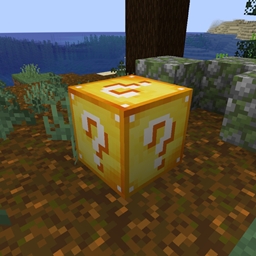
Luckyblock
This is a lucky block that doesn’t generate structures.InstallOn a server

Towers of the Wild: Reworked
Adds Breath Of The Wild-like towers to make exploring a bit more fun!InstallOn a server
Wind Boost Enchantment
Allows one to Enchant the Harness with a Custom Enchant to make Happy Ghasts FasterInstallOn a server
Leather Bundles
Bundles, but with leather. Also keeps original rabbit hide recipe intact. (1.20.5 [and, presumably, 1.20.6])InstallOn a server

Complete Cobblemon Collection w Legendary Spawns
The Largest Cobblemon Addon Pack Made to Give Models and More Mon Spawns so that we can eventually reach full dex completion!InstallOn a server

Village Hero+
Get better gifts from villagers after defeating a raidInstallOn a server

Integrated Seven Seas
Integrated Seven Seas is a Mod that overhauls When Dungeons Arise - Seven Seas with integrationInstallOn a server

Upgradable Backpack
Dyeable, renamable, wearable, and upgradeable backpacks (9-slots, 18-slots, 26-slots)InstallOn a server

Superflat Dimensions
Collection of datapacks that create Superflat Overworld, Nether, and End Dimensions, with all Structures and Biomes.InstallOn a serverFAQ
How is a datapack different from a mod?
A datapack uses the game's own tools: it changes recipes, loot, structures and advancements. A mod changes the game's code and can add something genuinely new — a block, a mob, an interface. A datapack doesn't need a loader to work.
How do I install a datapack?
Click “Install” and Millida Launcher will add the datapack to the world you choose. To do it manually, put the archive in the datapacks folder inside the world folder and rejoin the world.
Does a datapack work on a server?
Yes, on a regular server without mods: the datapacks folder sits inside the server's world folder. Players don't need to install anything on their clients.
What is a data pack?
A set of files that changes the game with its own tools: recipes, loot, world generation, advancements and command functions. It works from version 1.13 without mods or loaders and is installed into a specific world.
Are there data packs for world generation?
Yes, it is one of their most common jobs: new biomes, terrain, caves and structures. Generation only changes in chunks that have not been created yet, so such a data pack is best added when creating a new world.
Minecraft datapacks
A datapack changes the game's rules without touching its code: crafting recipes, loot tables, world structures, advancements, command functions. The game supports all of this natively since 1.13, so a datapack needs neither Forge nor Fabric — it's installed into a specific world and works on the vanilla client and a regular server.
Data packs do different jobs: some change world generation — biomes, terrain and structures, others add mechanics, challenges and horror events, and others are made for servers — economy, ranks, command-based minigames. Generation applies only to new chunks, so such packs are added when a world is created. On Millida Hosting a data pack goes onto the server with the On a server button on its page.
That's the main difference from mods: a datapack doesn't show up in the mod list, and it can't add anything the game doesn't have at all — you can't make a new block with its own model this way. On the other hand, it doesn't clash with other packs, doesn't need updating when you switch loaders and doesn't stop you from playing with friends on a regular server. Installing a datapack is simple: put the archive in the datapacks folder inside the world folder, then reload the world or run the reload command. The card lists the game version, author and license, and all releases are gathered in one place.