
Minecraft datapacks — page 19
2,543 itemsData packs: list

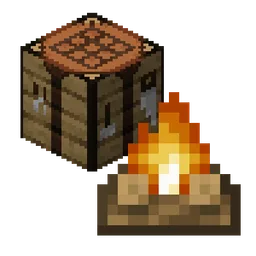
Craftable Campfire
(Re)Adds the minecraft campfire recipe. Meant to be used in cases where the recipe is removed (such as with No Tree Punching)InstallOn a server
Mega Showdown Item Pack
Adds recipes and loot tables for Cobblemon: Mega ShowdownInstallOn a server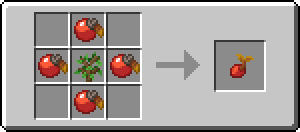
MoreRecipes [Cobblemon]
MoreRecipes aims to add some useful recipes to the popular modpack Cobblemon. This datapack is here to bring you all the crafting recipes you ever wanted, adding more possibilities to your Cobblemon adventures.InstallOn a server

Dynamic Lights
An OPTIMIZED cross-platform fully server-side datapack/mod that brings dynamic lights to your world!InstallOn a server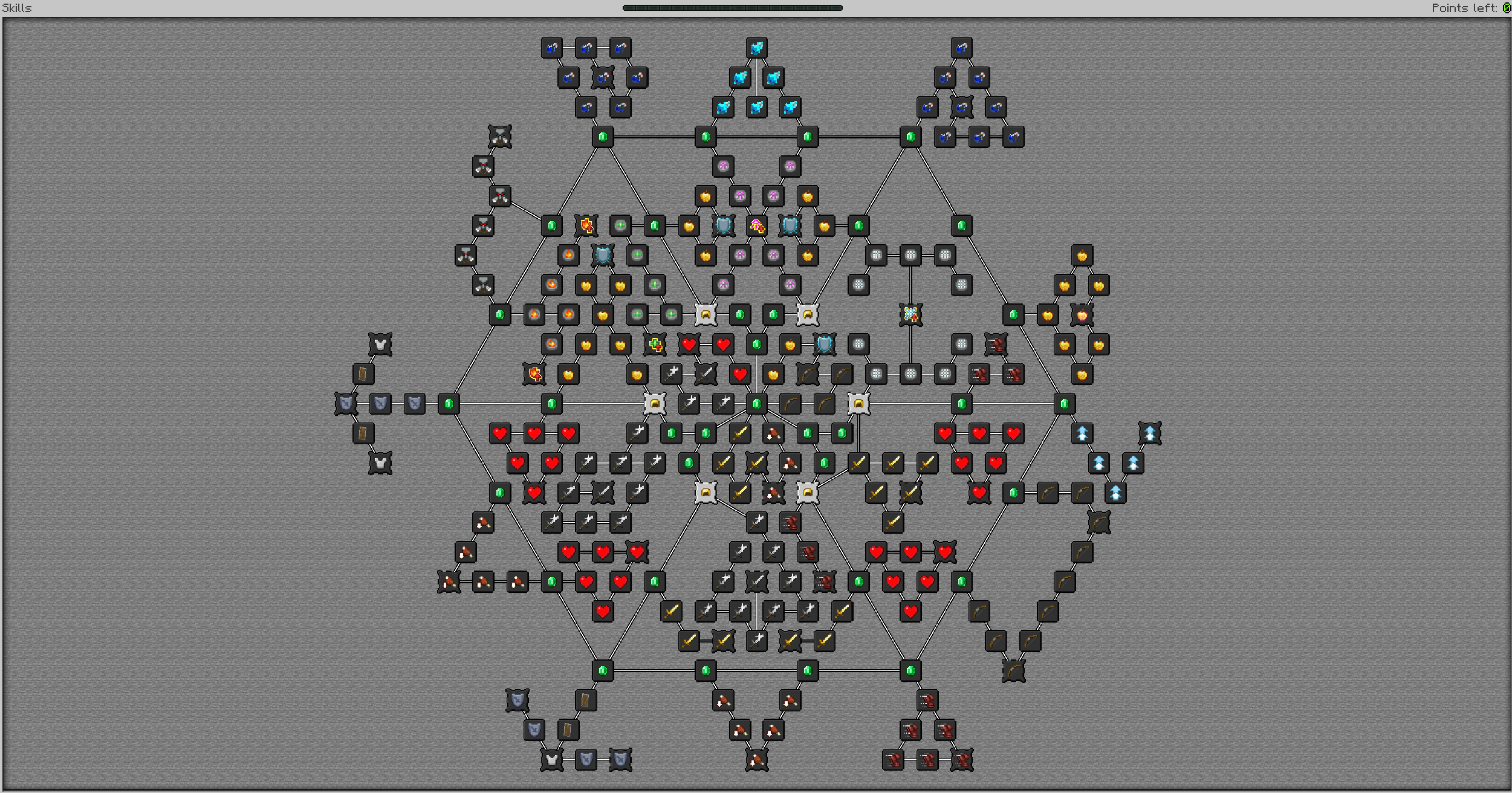
Cleannrooster's Skill Tree
Skill Tree (Web) For Pufferfish's Skills! Supports Spell Attributes and more!InstallOn a server

Manhunt
A Minecraft manhunt tracker that tracks multiple players in both the nether and the overworld.InstallOn a server

Origins: Kitsune
You are one of the ancient fox spirits, both respected and feared by many. What will you do with your heritage, and the power it brings?InstallOn a server

Rail Bridges
Data-driven generation of roads, rails, tracks, and bridges.InstallOn a server

Custom Guns
A fully customizable datapack & mod for Minecraft 1.20.5+ that features custom guns that fully integrate with the surrounding world. Anyone can make their own gun with a straightforward command setup.InstallOn a server

Better Bundle
Bundles have been enhanced! They can now carry up to 27 stacks of mixed items, making them the ultimate storage solution!InstallOn a server
BCG x AllTheMons
A combination of seventeen different Cobblemon add-ons, introducing nearly 160 Cobblemon.InstallOn a server

Stonecutter Damage
Stonecutter inflicts damage to creature walks on itInstallOn a server

Spore inquisition
A MC datapack that changes in interesting ways how you play fungal infection spore, making it spread like the flesh that hatesInstallOn a server
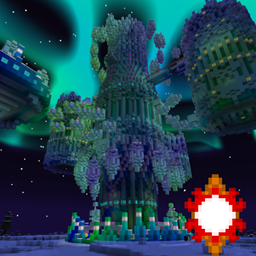
Twilight Forest - Aurora Palace Regeared
Revamps the Twilight Forest's Aurora Palace with a new build by Gearsaw Studios!InstallOn a server
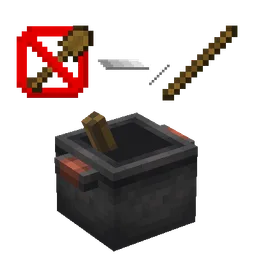
Farmer's Delight x No Tree Punching Cooking Pot
Re-adds the cooking pot compat recipe between No Tree Punching and Farmer's DelightInstallOn a server

Shinier Shinies
An accessibility addon for the Cobblemon mod. Adds a particle effect to Shiny Pokemon!InstallOn a server

Overgrown's Origins: Dietary Delights
A pack that adds compatibility between the Origins mod and a wide variety of food items from other mods.InstallOn a server

LifeSteal FR
Life Steal FR is a simple datapack configurable aiming to add life steal behaviours from the original Lifesteal SMP: https://lifesteal.fandom.com/wiki/Season_1InstallOn a server

Mineable Spawner
Mine spawners with a pickaxe (spawn eggs drop too!) ConfigurableInstallOn a server

Netherite But Cheaper
Doesn't change much at all other then some recipes to make netherite ever so slightly cheaperInstallOn a server
Boss Music Mod/Datapack
This mod adds music that will play during epic frays against both the Wither and the Ender Dragon.InstallOn a server

More Compatibility Variants [Let's Do]
Compatibility for [Let's Do] Meadow, (Nether)Vinery, Beachparty and Blooming Nature's wood types to More Variants Mods. It is NOT an expansion, it simply resolves a crafting issue between these mods.InstallOn a server

Ore Plus (Legacy)
This datapack incresses vanilla ores generation in Minecraft by adding custom configurations for the Vanilla Ores, making them generate more frequently.InstallOn a serverFAQ
How is a datapack different from a mod?
A datapack uses the game's own tools: it changes recipes, loot, structures and advancements. A mod changes the game's code and can add something genuinely new — a block, a mob, an interface. A datapack doesn't need a loader to work.
How do I install a datapack?
Click “Install” and Millida Launcher will add the datapack to the world you choose. To do it manually, put the archive in the datapacks folder inside the world folder and rejoin the world.
Does a datapack work on a server?
Yes, on a regular server without mods: the datapacks folder sits inside the server's world folder. Players don't need to install anything on their clients.
What is a data pack?
A set of files that changes the game with its own tools: recipes, loot, world generation, advancements and command functions. It works from version 1.13 without mods or loaders and is installed into a specific world.
Are there data packs for world generation?
Yes, it is one of their most common jobs: new biomes, terrain, caves and structures. Generation only changes in chunks that have not been created yet, so such a data pack is best added when creating a new world.
Minecraft datapacks
A datapack changes the game's rules without touching its code: crafting recipes, loot tables, world structures, advancements, command functions. The game supports all of this natively since 1.13, so a datapack needs neither Forge nor Fabric — it's installed into a specific world and works on the vanilla client and a regular server.
Data packs do different jobs: some change world generation — biomes, terrain and structures, others add mechanics, challenges and horror events, and others are made for servers — economy, ranks, command-based minigames. Generation applies only to new chunks, so such packs are added when a world is created. On Millida Hosting a data pack goes onto the server with the On a server button on its page.
That's the main difference from mods: a datapack doesn't show up in the mod list, and it can't add anything the game doesn't have at all — you can't make a new block with its own model this way. On the other hand, it doesn't clash with other packs, doesn't need updating when you switch loaders and doesn't stop you from playing with friends on a regular server. Installing a datapack is simple: put the archive in the datapacks folder inside the world folder, then reload the world or run the reload command. The card lists the game version, author and license, and all releases are gathered in one place.