
Minecraft datapacks — page 21
2,543 itemsData packs: list


ButterBee - Mob Variants
Add-on for CliffTree, populates biomes of the world with diverse new animal variants! Short for "Butterflies and Bees"InstallOn a server

Vanilla Fireflies
Datapack that adds ambient fireflies - now they fly not only near bushes.InstallOn a server

More Compatibility Variants (Oh The Biomes We've Gone)
Adding compatibility for "Oh The Biomes We've Gone" wood types to More Variants Mods. This is NOT an expansion, it simply resolves a crafting issue between these mods and BWG.InstallOn a server

Teletransportation Accept (TPA)
Your classic /tpa command now available in form of a mod/datapack.InstallOn a server

Villages Revamped
A datapack that reworks vanilla minecraft villages.InstallOn a server

oSzoukaua's: Lucky Blocks
oSzoukaua's: Lucky blocks This is a datapack created by me, oSzoukaua, based on the original mod by the name "Lucky Blocks" This Datapack adds craftable Lucky blocks with varying Luck levels, and a lot of possible different "Events"InstallOn a server

Wither's Wrath
A revamped fight for the Wither! with parity features from bedrock to original ideas to make the wither fight more challenging.InstallOn a server

Cheaper Maps
Craft cheap maps with black dye or an ink sac instead of a compass!InstallOn a server
Multitool
Combine all the tools into the MultitoolInstallOn a server

No Void Structures
Utility datapack powered by Lithostitched to support floating islands style world generation by preventing structures from generating in the voidInstallOn a server

NotSoCobblemon Allone's Additions
This resourcepack/datapack adds some extra pokemons to the cobblemon mod, curently added pokemons are the lines of -Haxorus -Houndoom -remodeled Ursaluna and Bloodmoon form -Lokix They are all animated(I tried) and textured with shinies.InstallOn a server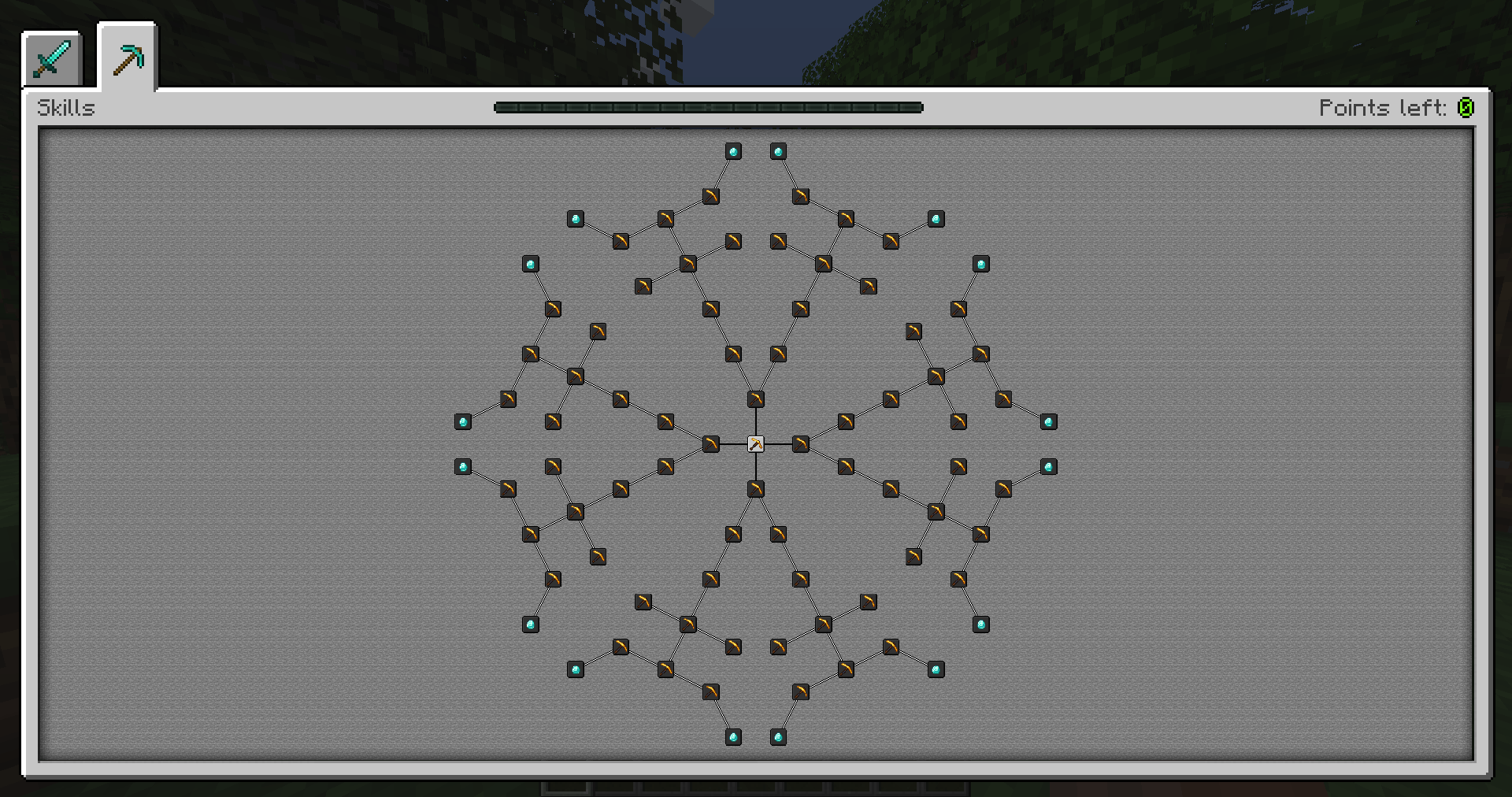

Default Skill Trees
The default skill trees for Pufferfish's Skills mod.InstallOn a server

Refined Advancements
Clearer progression advancements and new side-goals to aim forInstallOn a server

Deadly Deadly Dungeon
Deadly Deadly Dungeon add new sprawling randomly generated dungeons with multiple levels of difficulty, loot and bosses. The datapack is ideal if you want an adventure or a real challenge. Can you beat the dungeon?InstallOn a server
Better Mace
This datapack/mod makes so the smash attack of the mace feels like a real smash attack.InstallOn a server

Unlimited Enchantments
Enchantments now have no limit on levels!InstallOn a server

Raw Ores Processing
Add furnace/blast furnace recipe for raw ore blocksInstallOn a server
Tectonic
Terrain shaping brought to new heights, grander and more varied than ever before!InstallOn a server

Better Underground Caves
Optimize the original cave terrain and add large underground cave terrain.InstallOn a server

CTOV - More villagers compat
Compatibility datapack for more villagers mod and CTOVInstallOn a server

BeyondEnchant
BeyondEnchant a mod/datapack that allows you to increase the limit of enchantments in your game. Enhance your gear with more power and flexibility than ever before!InstallOn a server

Rotom Appliances [Cobblemon]
Felt bad because your beloved rotom is in the game but not obtainable neither able to change forms? - Well no more!InstallOn a server

Wither Death Sounds
a Wither Spawning Sound when a player dies just like Unstable SMPInstallOn a serverFAQ
How is a datapack different from a mod?
A datapack uses the game's own tools: it changes recipes, loot, structures and advancements. A mod changes the game's code and can add something genuinely new — a block, a mob, an interface. A datapack doesn't need a loader to work.
How do I install a datapack?
Click “Install” and Millida Launcher will add the datapack to the world you choose. To do it manually, put the archive in the datapacks folder inside the world folder and rejoin the world.
Does a datapack work on a server?
Yes, on a regular server without mods: the datapacks folder sits inside the server's world folder. Players don't need to install anything on their clients.
What is a data pack?
A set of files that changes the game with its own tools: recipes, loot, world generation, advancements and command functions. It works from version 1.13 without mods or loaders and is installed into a specific world.
Are there data packs for world generation?
Yes, it is one of their most common jobs: new biomes, terrain, caves and structures. Generation only changes in chunks that have not been created yet, so such a data pack is best added when creating a new world.
Minecraft datapacks
A datapack changes the game's rules without touching its code: crafting recipes, loot tables, world structures, advancements, command functions. The game supports all of this natively since 1.13, so a datapack needs neither Forge nor Fabric — it's installed into a specific world and works on the vanilla client and a regular server.
Data packs do different jobs: some change world generation — biomes, terrain and structures, others add mechanics, challenges and horror events, and others are made for servers — economy, ranks, command-based minigames. Generation applies only to new chunks, so such packs are added when a world is created. On Millida Hosting a data pack goes onto the server with the On a server button on its page.
That's the main difference from mods: a datapack doesn't show up in the mod list, and it can't add anything the game doesn't have at all — you can't make a new block with its own model this way. On the other hand, it doesn't clash with other packs, doesn't need updating when you switch loaders and doesn't stop you from playing with friends on a regular server. Installing a datapack is simple: put the archive in the datapacks folder inside the world folder, then reload the world or run the reload command. The card lists the game version, author and license, and all releases are gathered in one place.