

关于 ZenFps 资源包
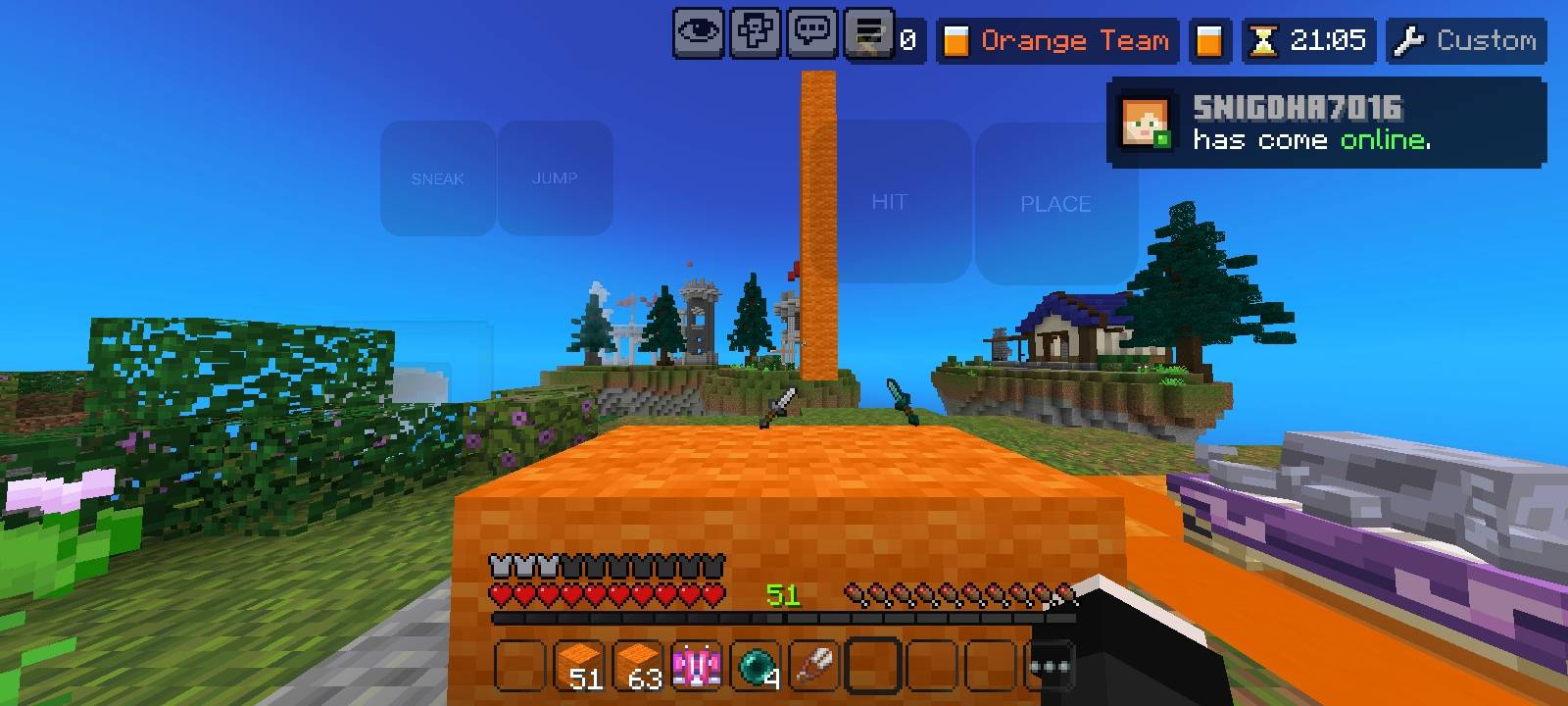
ZenFPS is a lightweight and performance-focused pack designed to give you a smooth and lag-free experience, especially for PvP.
✨ Features:
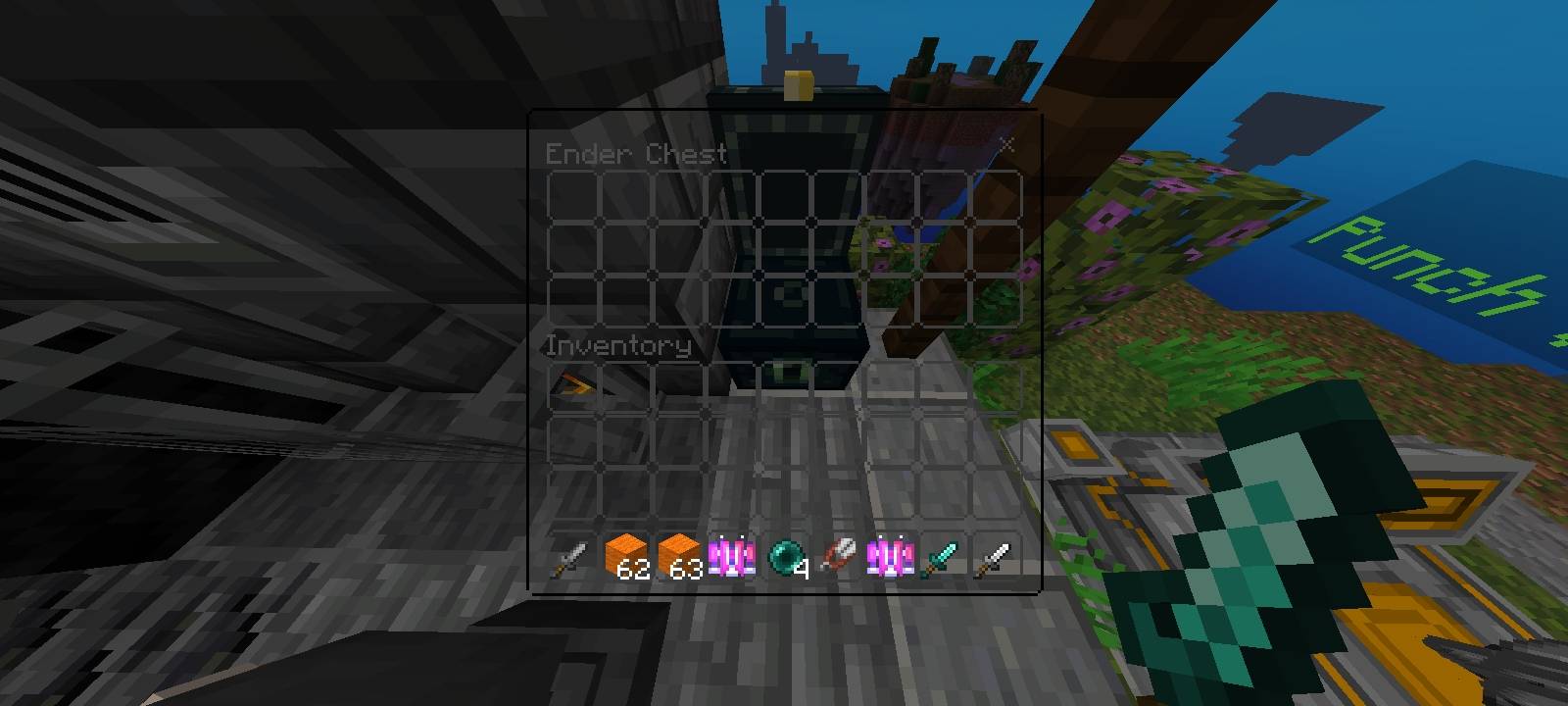
🚀 FPS Boost - Optimized for better performance and stable gameplay
🎯 Short Sword - Clean and compact design for better PvP visibility
🌌 Clean Sky - Simple and aesthetic sky for distraction-free gameplay
✨ No Particles - Removes unnecessary particles for maximum FPS
🎮 Clean Touch Buttons - Minimal UI for smooth mobile controls
This pack is perfect for players who want a clean look + high FPS without extra clutter. Ideal for PvP servers and competitive gameplay.
如何安装 ZenFps
With Millida Launcher
Install Millida Launcher
The launcher is free: download it at millida.net/launcher and sign in with any nickname.
Click “Install” on this page
The launcher opens and installs the resource pack for Minecraft 1.21.130–26.10 automatically.
Launch the game
A profile with it appears in the launcher: click “Play”.
Manually
Download the archive
Pick the file ZenFps V2.mcpack (13 MB) for your game version. No need to unpack it.
Put it in the resourcepacks folder
The easiest way: “Options”, then “Resource Packs”, then “Open Pack Folder”, and drag the archive there.
Enable the pack
In the same window, move the pack to the right-hand “Selected” column and click “Done”.
版本
含依赖项
| Minecraft | 加载器 | 文件 | 日期 | 操作 |
|---|---|---|---|---|
| 1.21.130 | — | ZenFps V2.mcpack12.8 MB 12 |
常见问题
Which Minecraft versions does ZenFps work on?
There are files for 1.21.130–26.10, 7 versions in total. The newest is 26.10.
Where can I download ZenFps safely?
On this page: the file ZenFps V2.mcpack (13 MB) is stored on Millida’s server, with no link shorteners. SHA-1 checksum: 0c0f0e3cc3049520c4b4e3adee0b90df3806df3b.
评价
成为第一个评价 ZenFps 的人


