

- 次下载
- 28 次下载
- 次浏览
- 138 次浏览
- 已更新
- 已更新 04.05.2026
- 1.20.2 — 26.1.2
 原版游戏
原版游戏- 客户端
Transparency Fix
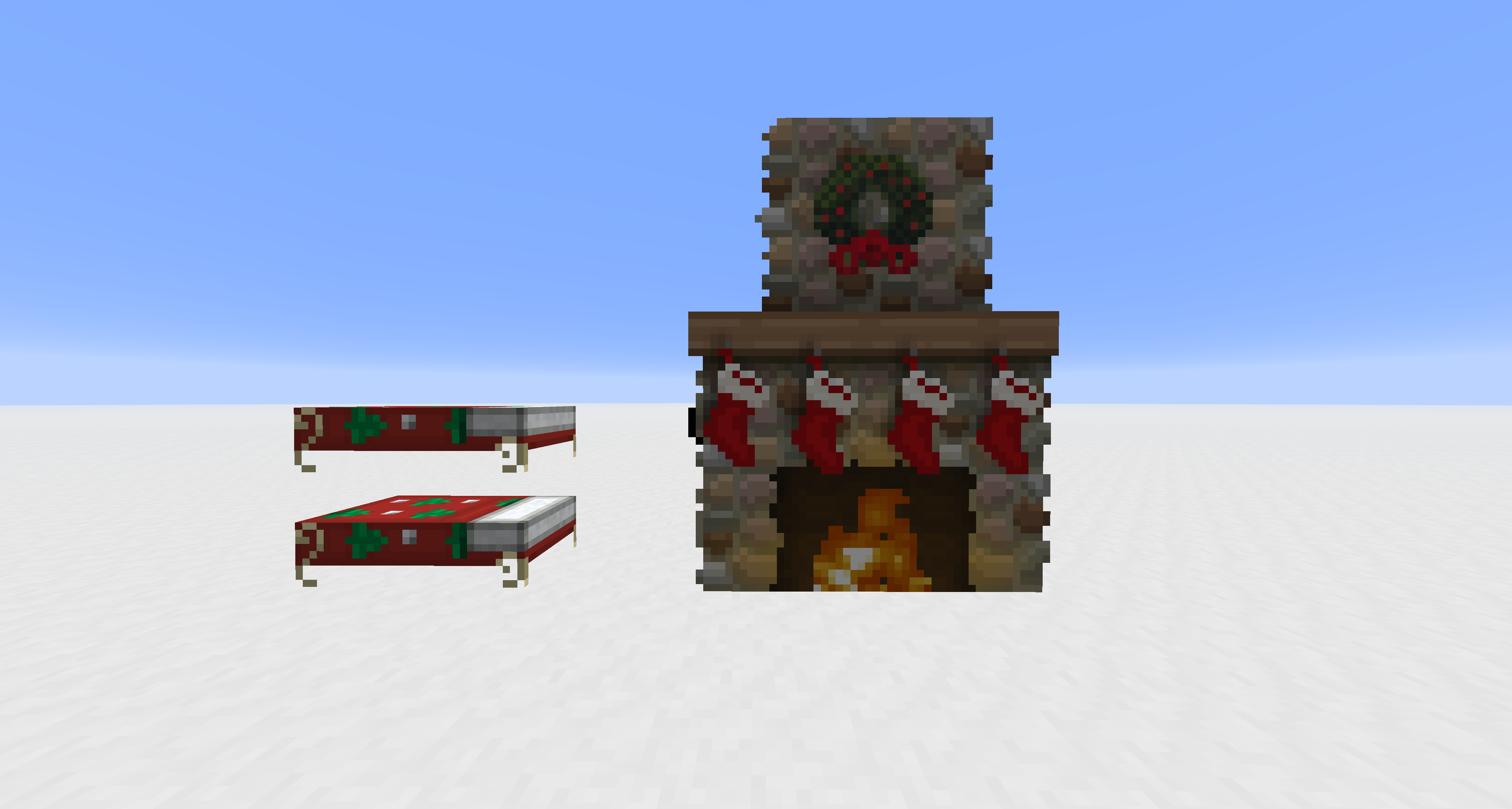
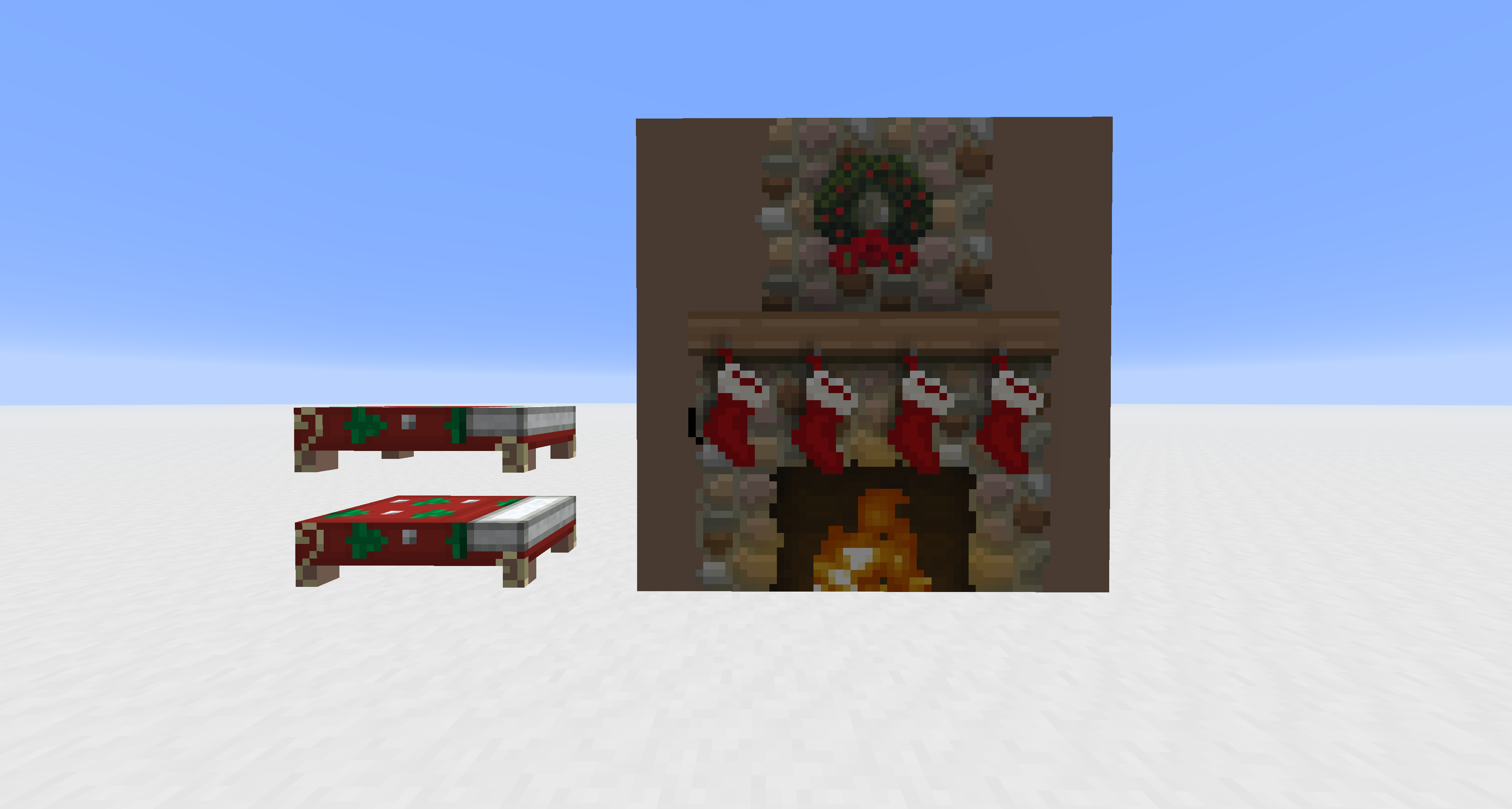
This pack modifies vanilla core shaders to unlock alpha channel rendering for entities that are normally hard-coded to be opaque. It is designed to work alongside other resource packs; you must apply textures with transparency to see the effect.
Supported Entities: Beds, Paintings, Shields, Tridents, Books (Lectern/Enchanting), and Banners.
如何安装 Transparency Fix
With Millida Launcher
Install Millida Launcher
The launcher is free: download it at millida.net/launcher and sign in with any nickname.
Click “Install” on this page
The launcher opens and installs the resource pack for Minecraft 1.20.2–26.1.2 automatically.
Launch the game
A profile with it appears in the launcher: click “Play”.
Manually
Download the archive
Pick the file Transparency Fix.zip (7 KB) for your game version. No need to unpack it.
Put it in the resourcepacks folder
The easiest way: “Options”, then “Resource Packs”, then “Open Pack Folder”, and drag the archive there.
Enable the pack
In the same window, move the pack to the right-hand “Selected” column and click “Done”.
版本
含依赖项
| Minecraft | 加载器 | 文件 | 日期 | 操作 |
|---|---|---|---|---|
| 26.1 | — | 26.17.4 KB 27 | ||
| 1.21.11 | — | 1.21.117.4 KB |
需要它的内容
评价
成为第一个评价 Transparency Fix 的人



