
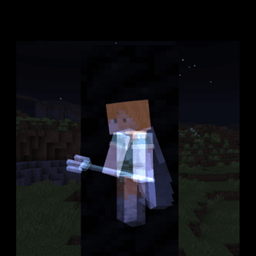
To enable esp features, turn on fancy or fast graphics. Custom Toggle is no longer due to OreUI replacing the old settings screen.
Warning: Using this on servers MAY get your account banned!
I am not responsible for the consiquences of using this pack.
This texture pack adds these toggles inside the settings page of Minecraft.

Which allows you to toggle the Esp Feature On/Off.
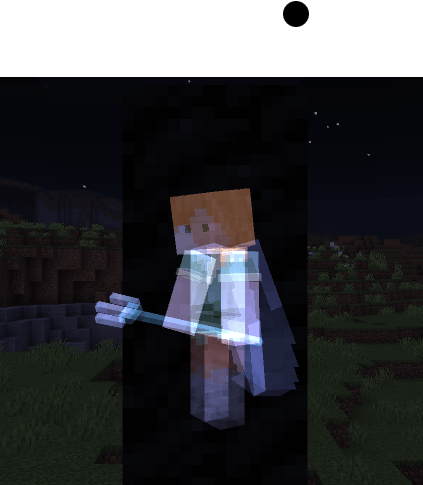
With that, this pack will allow you to see players, mobs, tile entities, projectiles and npc's through blocks.
Player behind some coal blocks:
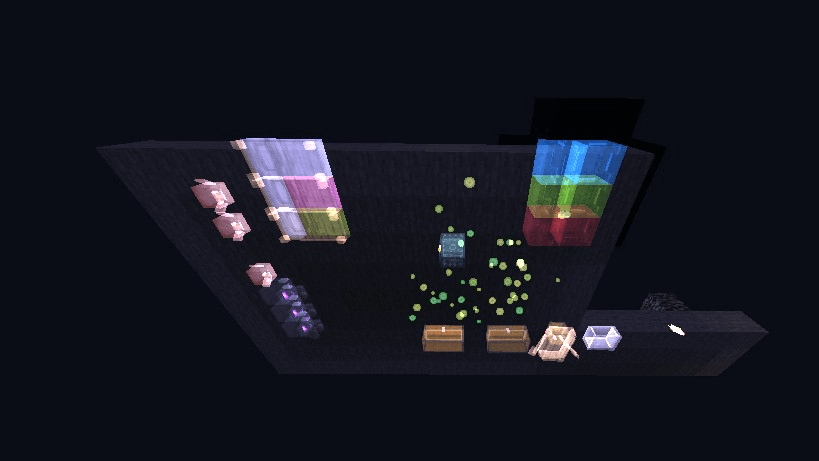
Preview:
如何安装 Toggle ESP
Install Millida Launcher
The launcher is free: download it at millida.net/launcher and sign in with any nickname.
Click “Install” on this page
The launcher opens and installs the resource pack for Minecraft 1.21.90 automatically.
Launch the game
A profile with it appears in the launcher: click “Play”.
版本
含依赖项
| Minecraft | 加载器 | 文件 | 日期 | 操作 |
|---|---|---|---|---|
| 1.21.90 | — | Toggle Emissive ESP_v3.mcpack78.2 KB |
常见问题
Which Minecraft versions does Toggle ESP work on?
Only Minecraft 1.21.90: there are no files for other versions.
How do I download Toggle ESP?
With Millida Launcher: it installs Toggle ESP into a modpack by itself, for the right game version and loader. The launcher is free.
评价
成为第一个评价 Toggle ESP 的人



