
适用于 Minecraft 26.3 的 Pixel Edge Visuals 资源包
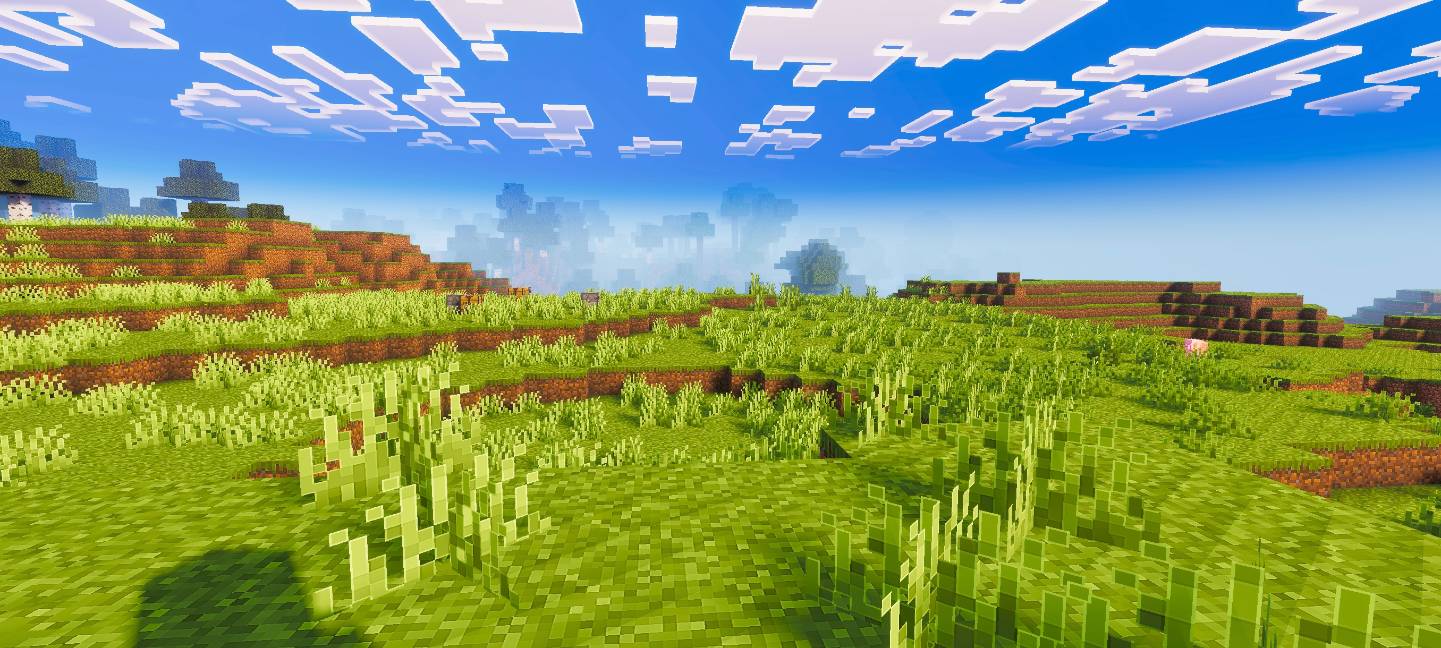
Pixel Edge Visuals 为方块添加了轻微、细腻的轮廓,使其看起来更干净、更精致。与光影搭配效果最佳,能在没有厚重边框的情况下提升清晰度,为 Minecraft 带来流畅、现代的美感。
Pixel Edge Visuals
This pack upgrades Minecraft’s visuals by improving atmosphere, lighting, water, fog, and overall color balance. It also adds smooth, subtle outlines to blocks and other textures, making the world look cleaner and more refined without being too strong. The softer edges make gameplay visually pleasing while keeping a natural look.
If you want the standalone pixel edge only version, download Pixel Edge Texture Pack.
Important: To ensure the shader works correctly, keep Vibrant Visuals turned ON in your game settings.
如何安装 Pixel Edge Visuals
With Millida Launcher
Install Millida Launcher
The launcher is free: download it at millida.net/launcher and sign in with any nickname.
Click “Install” on this page
The launcher opens and installs the resource pack for Minecraft 26.3 automatically.
Launch the game
A profile with it appears in the launcher: click “Play”.
Manually
Download the archive
Pick the file Pixel-Edge-Visuals-Medium.mcpack (19 MB) for your game version. No need to unpack it.
Put it in the resourcepacks folder
The easiest way: “Options”, then “Resource Packs”, then “Open Pack Folder”, and drag the archive there.
Enable the pack
In the same window, move the pack to the right-hand “Selected” column and click “Done”.
版本
含依赖项
| Minecraft | 加载器 | 文件 | 日期 | 操作 |
|---|---|---|---|---|
| 26.3 | — | Pixel-Edge-Visuals-Medium.mcpack18.8 MB 9 |
评价
成为第一个评价 Pixel Edge Visuals 的人



