
适用于 Minecraft 1.21.124 的 Multi Resolutions 资源包
此包提供较低分辨率的 Minecraft 材质,以提升任何设备上的性能。使用子包轻松切换不同分辨率,选择最适合你的!
Multi Resolutions Pack
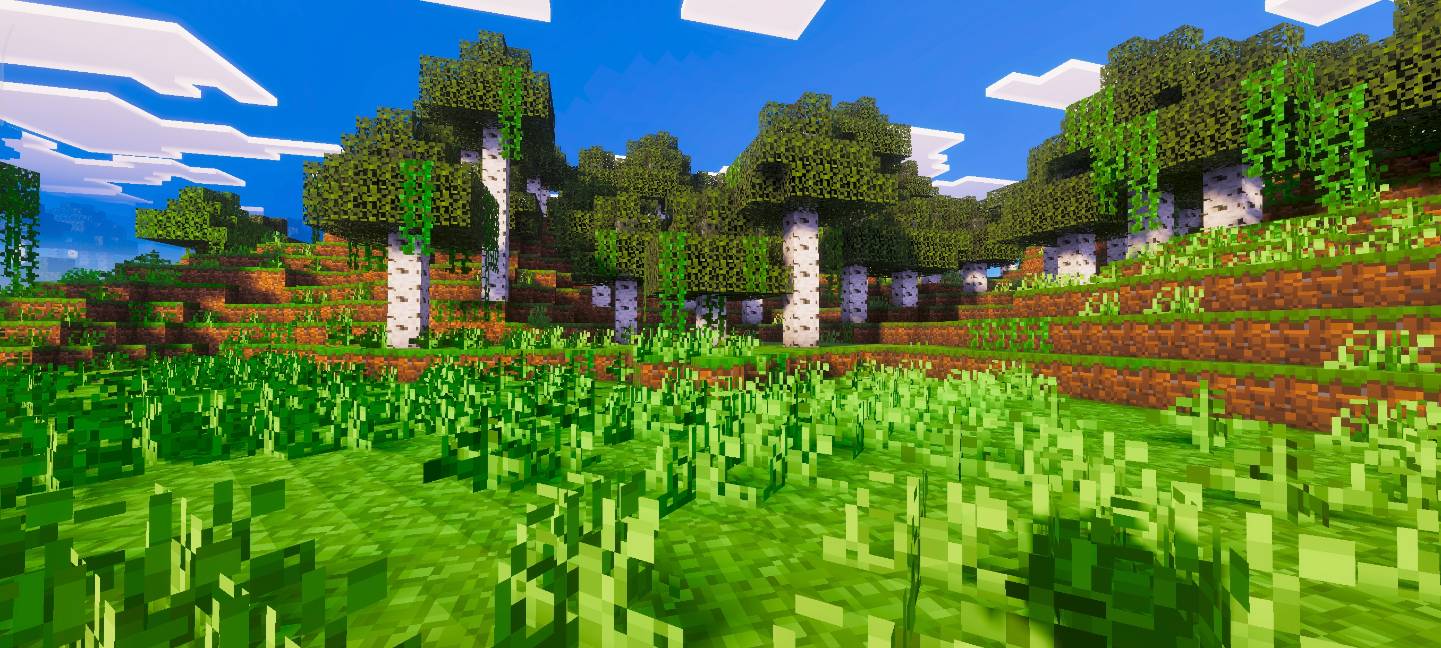
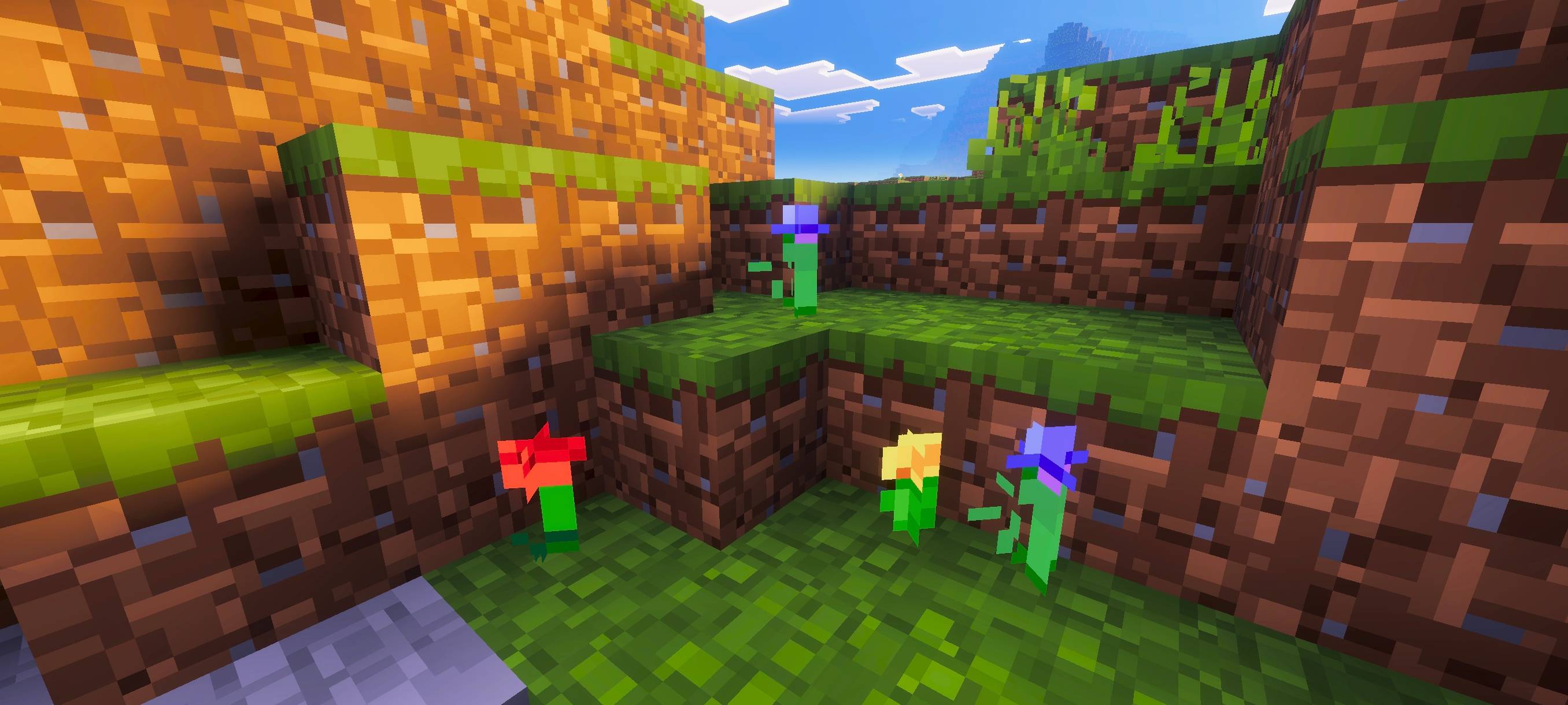
Multi Resolutions is a versatile texture pack that offers lower resolution Minecraft textures, ranging from 16x down to 1x1. While it's perfect for boosting performance on low-end devices, it's not just about fixing lag! Reducing the resolution gives your game a unique visual style that looks surprisingly refreshing. If you're bored of the standard 16x16 textures, this pack offers a whole new aesthetic experience.
What's Included?
Currently, this pack features 4 resolution options that you can easily switch between using subpacks:
- 1x1 Resolution
- 4x4 Resolution
- 8x8 Resolution
- 12x12 Resolution
Note: More resolutions are coming soon! We're actively working on adding the remaining resolution options.
How to Use
Simply apply the pack and use the subpacks feature in Minecraft to switch between different resolutions. Choose the resolution that works best for your device or the visual style you prefer!
Standalone Packs Available
I have only made standalone versions for these 4 resolutions, which are the ones most people use. I made them separate because the full multi pack will eventually include 15+ resolutions, making it very large. If you only want these specific resolutions, you can download them here. The full Multi Resolutions Pack contains all resolutions from 1 to 15.
- 1x1 Resolution - Download
- 4x4 Resolution - Download
- 8x8 Resolution - Download
- 12x12 Resolution - Download
Want That Preview Look?
To make your game look exactly like the preview screenshots, use Relta Visuals shader along with this pack! Download Relta Visuals Here
如何安装 Multi Resolutions
With Millida Launcher
Install Millida Launcher
The launcher is free: download it at millida.net/launcher and sign in with any nickname.
Click “Install” on this page
The launcher opens and installs the resource pack for Minecraft 1.21.124 automatically.
Launch the game
A profile with it appears in the launcher: click “Play”.
Manually
Download the archive
Pick the file Multi-Resolutions.mcpack (21 MB) for your game version. No need to unpack it.
Put it in the resourcepacks folder
The easiest way: “Options”, then “Resource Packs”, then “Open Pack Folder”, and drag the archive there.
Enable the pack
In the same window, move the pack to the right-hand “Selected” column and click “Done”.
版本
含依赖项
| Minecraft | 加载器 | 文件 | 日期 | 操作 |
|---|---|---|---|---|
| 1.21.124 | — | Multi-Resolutions.mcpack ( latest )20.7 MB |
评价
成为第一个评价 Multi Resolutions 的人



