

适用于 Minecraft 1.20.1 的 蓝电线 资源包
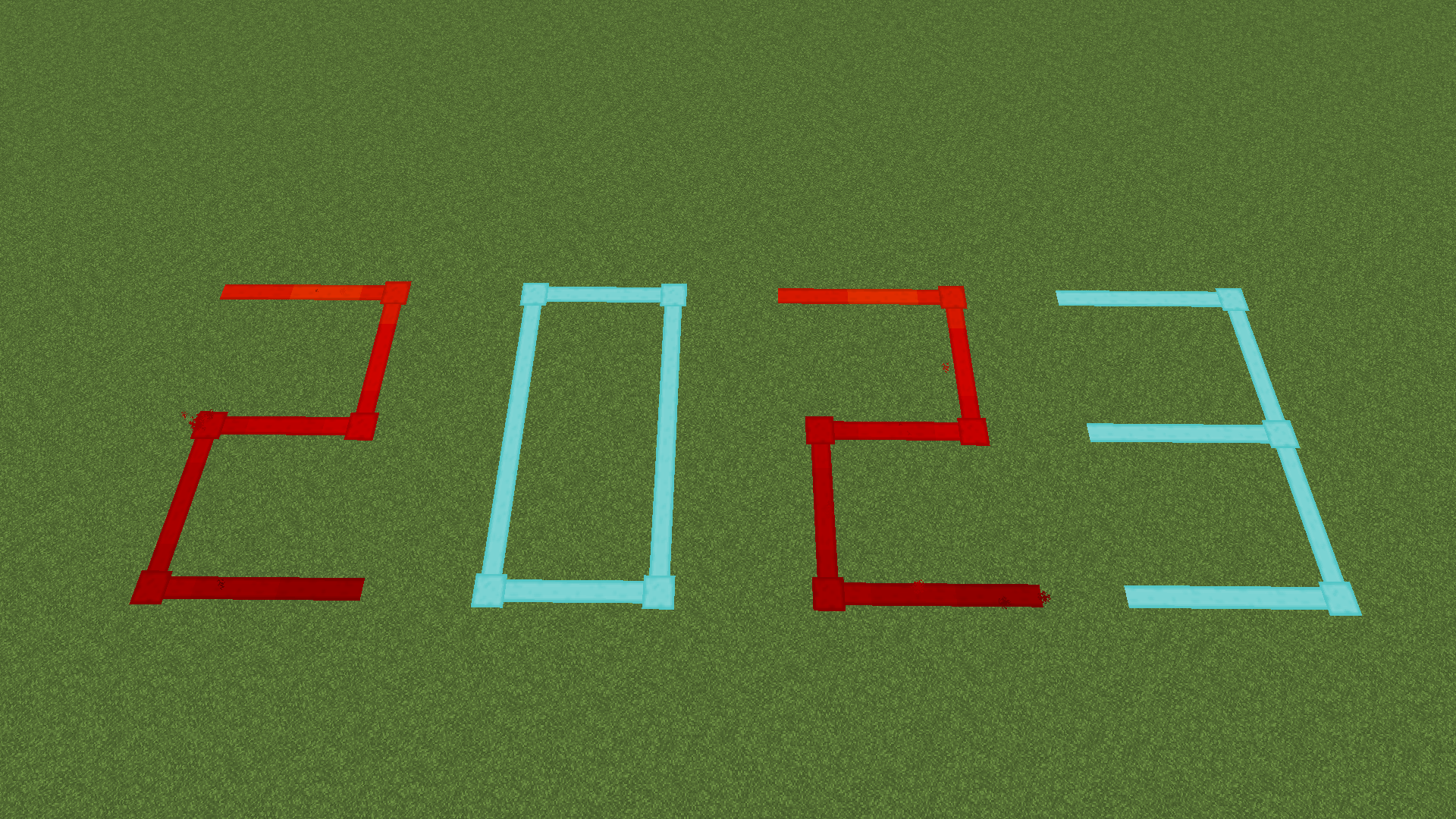
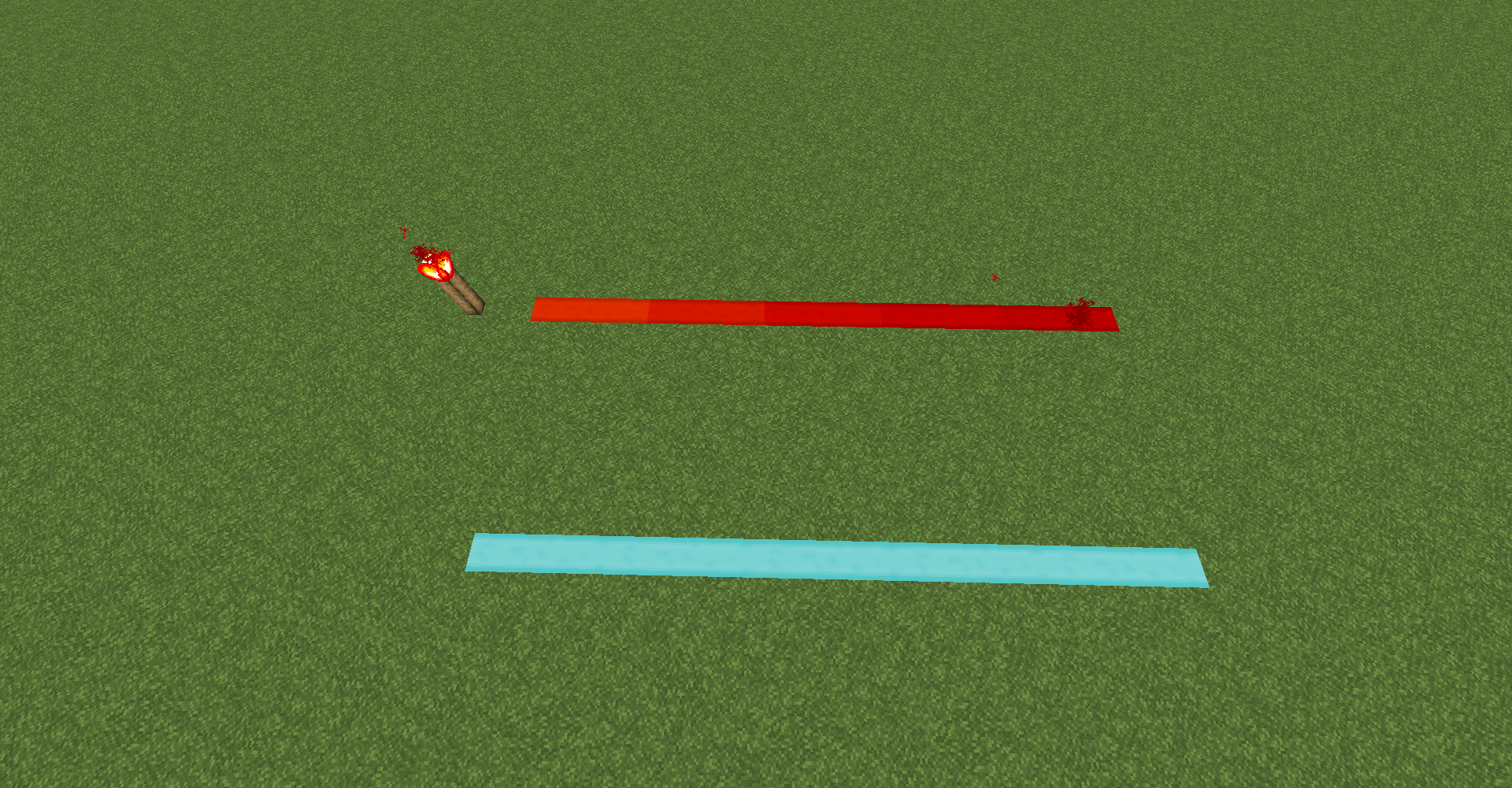
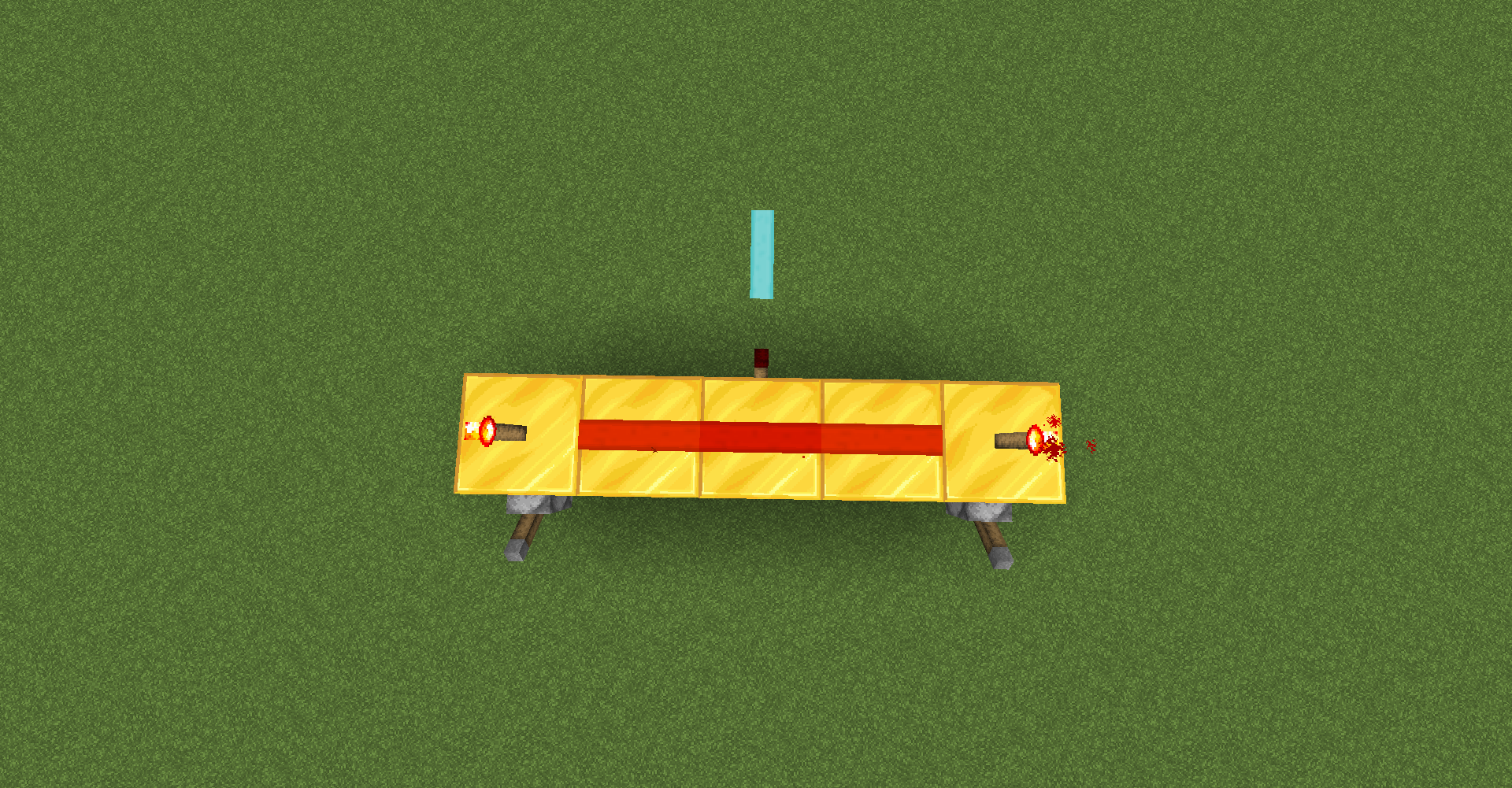
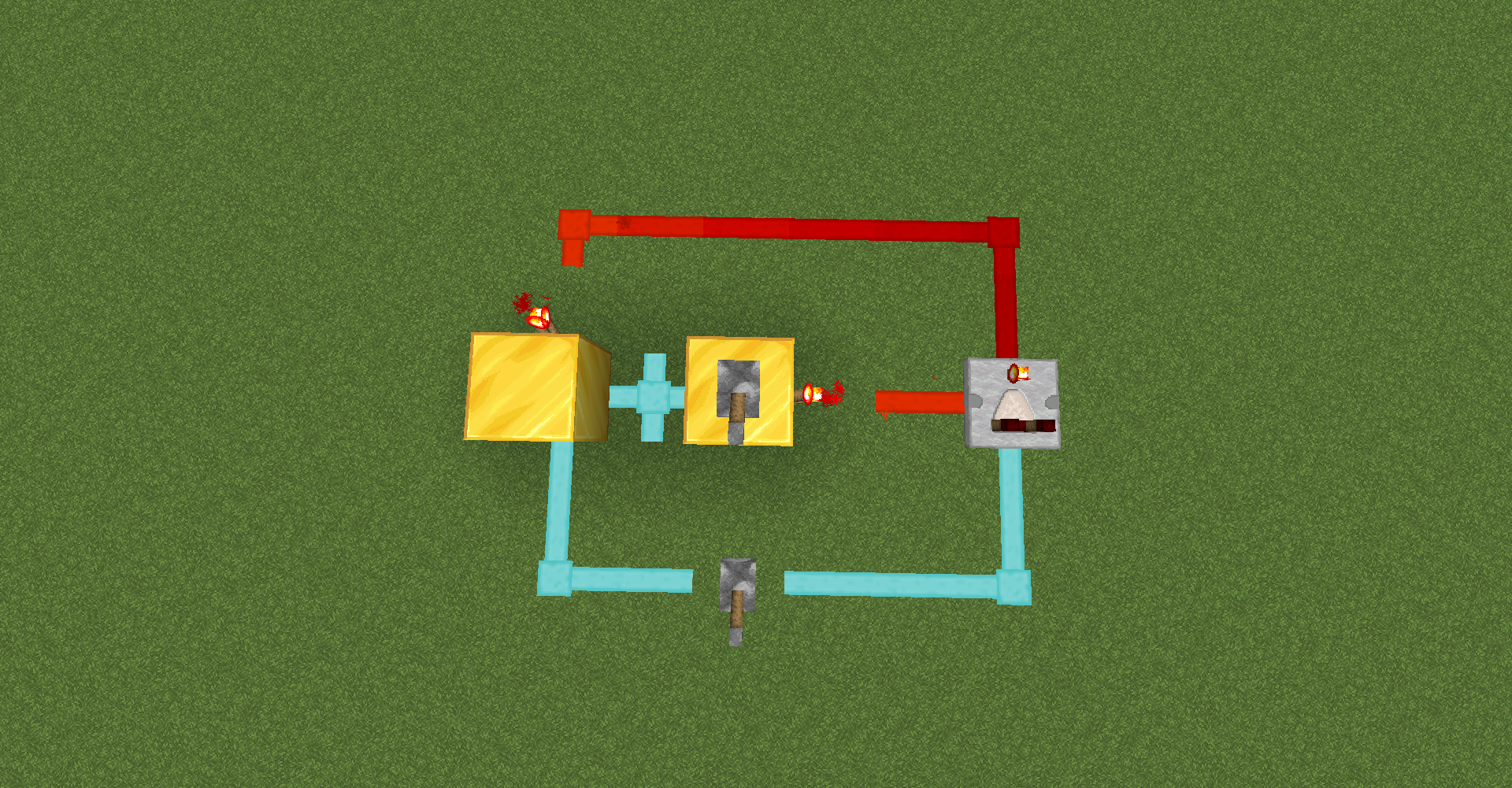
A high contrast redstone wire, which is easy to observe and protects the eyes, is charged red and uncharged blue. 一个高对比度的红石线,利于观察护眼,充能红色,不充能蓝色。
- 次浏览
- 61 次浏览
- 已更新
- 已更新 03.09.2026
- 1.20.1
 原版游戏
- 客户端
关于 蓝电线 资源包
A high contrast redstone wire, which is easy to observe and protects the eyes, is charged red and uncharged blue.
一个高对比度的红石线,利于观察护眼,充能红色,不充能蓝色。
如何安装 蓝电线
With Millida Launcher
Install Millida Launcher
The launcher is free: download it at millida.net/launcher and sign in with any nickname.
Click “Install” on this page
The launcher opens and installs the resource pack for Minecraft 1.20.1 automatically.
Launch the game
A profile with it appears in the launcher: click “Play”.
Manually
Download the archive
Pick the file 1.20.1蓝电线与汉化(1).zip (54 KB) for your game version. No need to unpack it.
Put it in the resourcepacks folder
The easiest way: “Options”, then “Resource Packs”, then “Open Pack Folder”, and drag the archive there.
Enable the pack
In the same window, move the pack to the right-hand “Selected” column and click “Done”.
版本
含依赖项
| Minecraft | 加载器 | 文件 | 操作 |
|---|---|---|---|
| 1.20.1 | — | 1.20.153.7 KB |
常见问题
Which Minecraft versions does 蓝电线 work on?
Only Minecraft 1.20.1: there are no files for other versions.
Does 蓝电线 need mods?
No, the resource pack works in the plain game without loaders: put it into the resourcepacks folder and enable it in the options.
Where can I download 蓝电线 safely?
On this page: the file 1.20.1蓝电线与汉化(1).zip (54 KB) is stored on Millida’s server, with no link shorteners. SHA-1 checksum: ea921874fceb8e3a0720005a97e19f76a0eab9ce.
评价
成为第一个评价 蓝电线 的人


