

适用于 Minecraft 1.20.1, 1.21.1 的 Lower Defaults (Shield & Fire) 资源包
降低火焰、盾牌和图腾,让视野更清晰!弹出时让图腾变得更小。
- 次下载
- 3 次下载
- 次浏览
- 62 次浏览
- 已更新
- 已更新 29.10.2026
- 1.14 — 26.2
 原版游戏
- 客户端
关于 Lower Defaults (Shield & Fire) 资源包
⚠️ This pack does NOT need Optifine! ⚠️
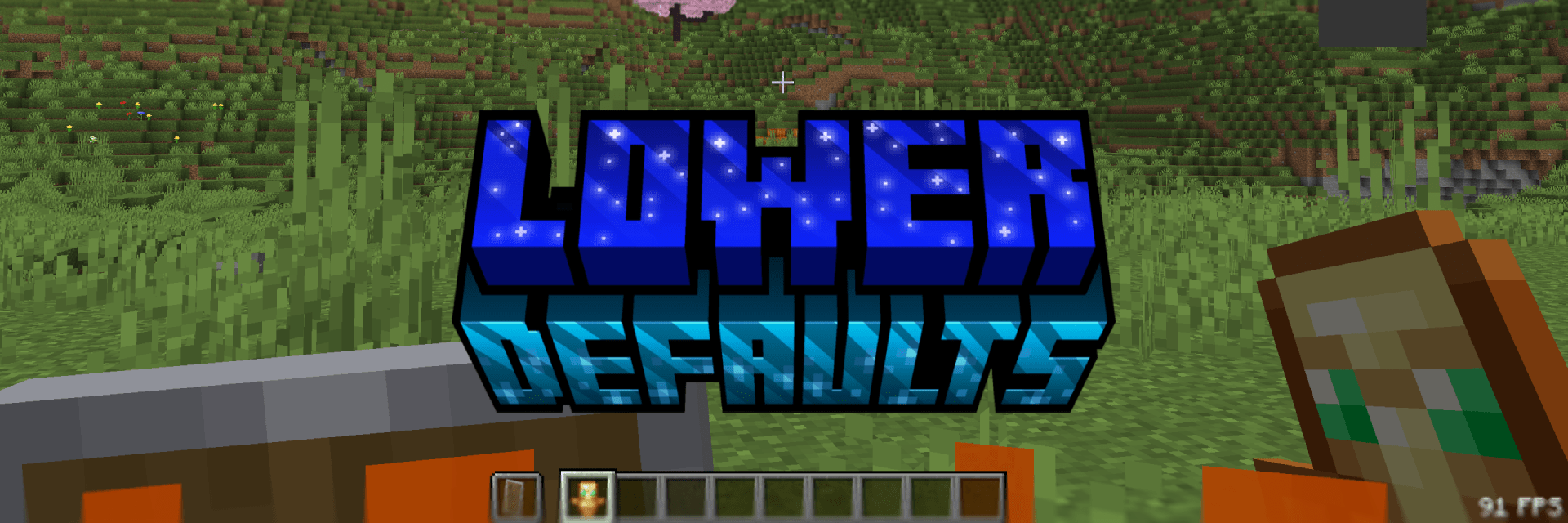
Lower Defaults
This pack makes the shield, totem and fire appear lower in first person and also shrinking the totem pop animation. Nothing more. This pack is consistent across all versions. View the Gallery for a better look!

Thanks
You can support me at Ko-Fi! ♥️

如何安装 Lower Defaults (Shield & Fire)
With Millida Launcher
Install Millida Launcher
The launcher is free: download it at millida.net/launcher and sign in with any nickname.
Click “Install” on this page
The launcher opens and installs the resource pack for Minecraft 1.14–26.2 automatically.
Launch the game
A profile with it appears in the launcher: click “Play”.
Manually
Download the archive
Pick the file Lower Defaults (Shield & Fire) - Release 1.0.0 1.21.8.zip (105 KB) for your game version. No need to unpack it.
Put it in the resourcepacks folder
The easiest way: “Options”, then “Resource Packs”, then “Open Pack Folder”, and drag the archive there.
Enable the pack
In the same window, move the pack to the right-hand “Selected” column and click “Done”.
版本
含依赖项
| Minecraft | 加载器 | 文件 | 日期 | 操作 |
|---|---|---|---|---|
| 1.21.4 | — | 1.21.4105 KB 2 | ||
| 26.2 | — | 26.2105 KB 1 | ||
| 26.1 | — | 26.1105 KB |
评价
成为第一个评价 Lower Defaults (Shield & Fire) 的人


