
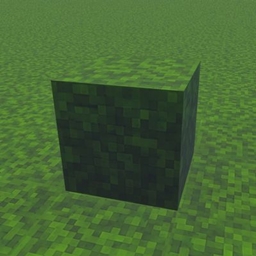
适用于 Minecraft 26.50 的 Java full grass 资源包
🌿 全草方块材质包让你的 Minecraft 世界呈现干净的 Java 风格外观,草方块完全覆盖。它让地形更平滑、更真实,无论生存还是建筑都很美观。轻量且针对基岩版优化。
🌿 Java Full Grass Texture Pack
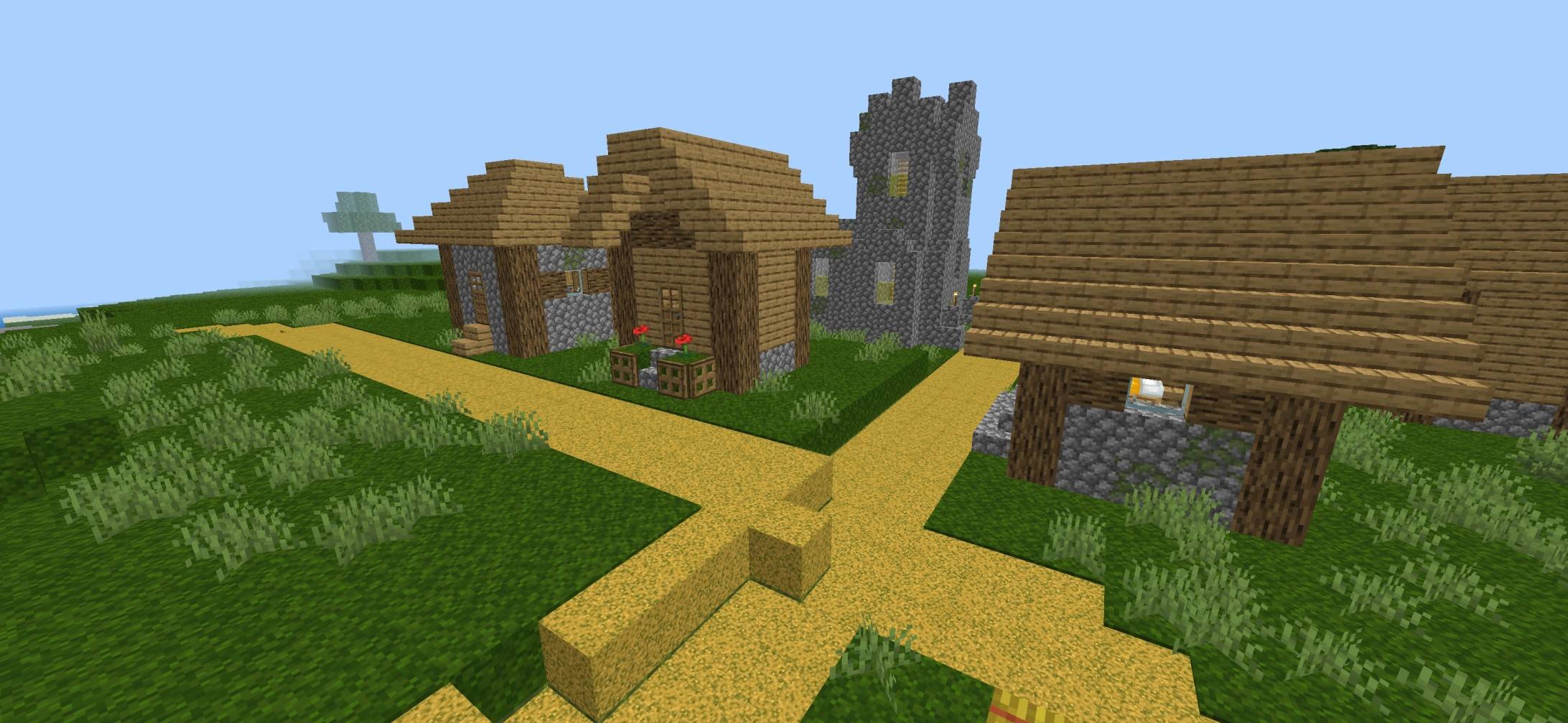
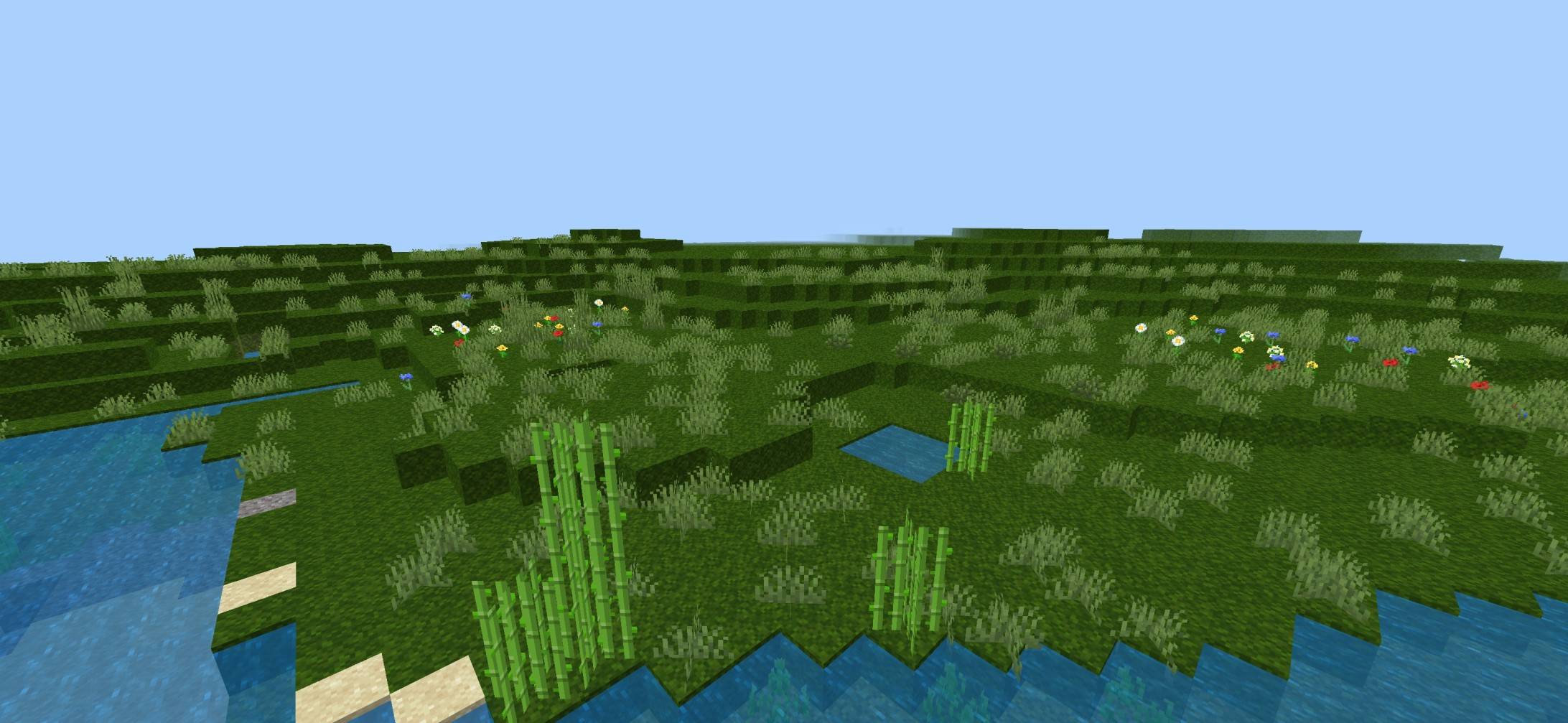
Bring the clean and vibrant Java Edition Full Grass look to Minecraft Bedrock! This texture pack makes grass blocks appear fully covered in lush green grass, giving your world a smoother, more immersive, and realistic appearance while keeping the classic vanilla style.
✨ Features
- 🌱 Java-style Full Grass blocks
- 🟢 More natural and seamless terrain
- 🏞️ Improves plains, forests, hills, and landscapes
- 🎮 Perfect for Survival & Creative mode
- ⚡ Lightweight with excellent performance
- 📱 Compatible with the latest Minecraft Bedrock versions
🌎 Why Choose This Pack?
Enjoy a cleaner and more beautiful world without changing the original Minecraft feel. Whether you're exploring, building, or recording videos, this pack gives your world a polished Java-inspired appearance.
🎯 Perfect For
- 🏡 Builders
- 🌲 Nature lovers
- 📸 Shader screenshots
- 🎥 YouTube content creators
- 🗺️ Survival adventures
👤 Creator
Created by BakuTheBuilder Crafted with care to deliver a clean, Java-inspired Full Grass experience for Minecraft Bedrock players.
如何安装 Java full grass
With Millida Launcher
Install Millida Launcher
The launcher is free: download it at millida.net/launcher and sign in with any nickname.
Click “Install” on this page
The launcher opens and installs the resource pack for Minecraft 26.10–26.50 automatically.
Launch the game
A profile with it appears in the launcher: click “Play”.
Manually
Download the archive
Pick the file FULL_GRASS_Vibrant_By_Baku.mcpack (1.3 MB) for your game version. No need to unpack it.
Put it in the resourcepacks folder
The easiest way: “Options”, then “Resource Packs”, then “Open Pack Folder”, and drag the archive there.
Enable the pack
In the same window, move the pack to the right-hand “Selected” column and click “Done”.
版本
含依赖项
| Minecraft | 加载器 | 文件 | 日期 | 操作 |
|---|---|---|---|---|
| 26.10 | — | FULL_GRASS_Vibrant_By_Baku.mcpack1.3 MB |
评价
成为第一个评价 Java full grass 的人


