
适用于 Minecraft 1.21, 1.21.101 的 Clear Chat Screen 资源包
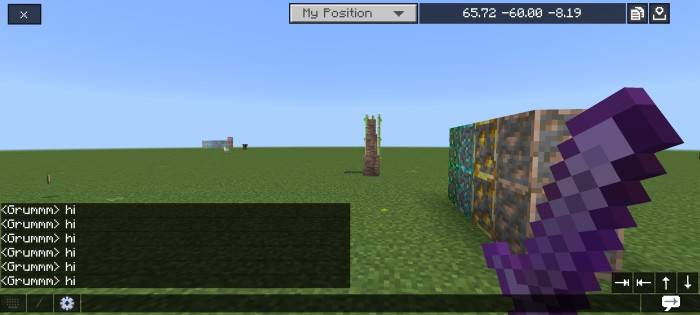
聊天界面对你来说很无聊吗?也许你需要这个包!聊天界面完全改变,使其更具吸引力,并且有点类似 Java 版聊天界面。
Images
- Removed the background of chat screen
- Chat text background similar with java edition
- Transparent buttons
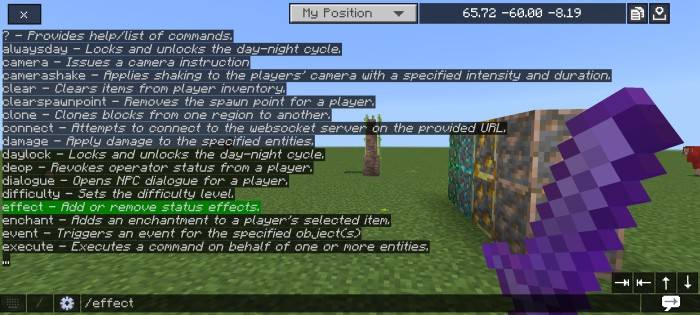
- Chat autocomplete (bottom right)
- Clickable command text (command autocomplete)
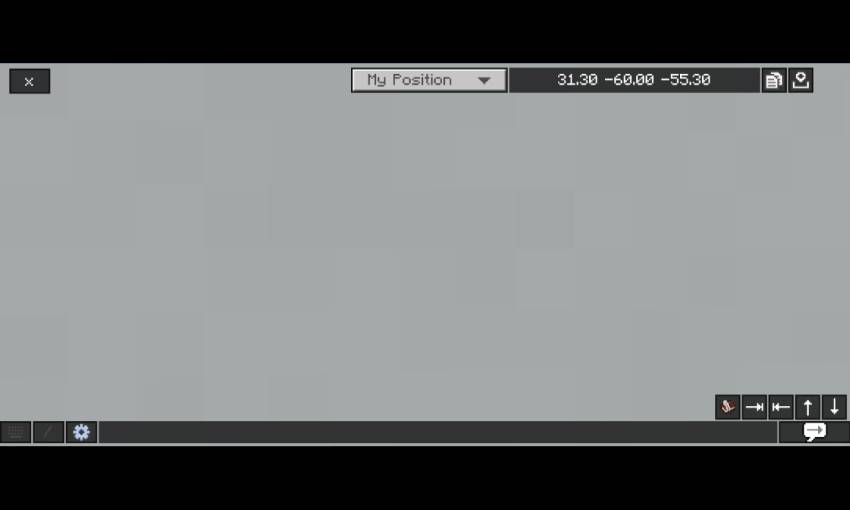
- Tempnotes - You need to download the note And Calculator separately by clicking here, and place the clear chat screen above of the note and calculator pack!

Credits
- Bedrock tweaks - quick chat feature (https://bedrocktweaks.net)
- Vanilla tweaks (https://vanillatweaks.net)
Also try Bedrock UI+, it's have many features in a single pack!
如何安装 Clear Chat Screen
With Millida Launcher
Install Millida Launcher
The launcher is free: download it at millida.net/launcher and sign in with any nickname.
Click “Install” on this page
The launcher opens and installs the resource pack for Minecraft 1.20–1.21.101 automatically.
Launch the game
A profile with it appears in the launcher: click “Play”.
Manually
Download the archive
Pick the file Clear Chat Screen v3.0.10.mcpack (9 KB) for your game version. No need to unpack it.
Put it in the resourcepacks folder
The easiest way: “Options”, then “Resource Packs”, then “Open Pack Folder”, and drag the archive there.
Enable the pack
In the same window, move the pack to the right-hand “Selected” column and click “Done”.
版本
含依赖项
| Minecraft | 加载器 | 文件 | 日期 | 操作 |
|---|---|---|---|---|
| 1.21.30 | — | Clear Chat Screen v3.0.10.mcpack8.7 KB 1 |
常见问题
Which Minecraft versions does Clear Chat Screen work on?
There are files for 1.20–1.21.101, 27 versions in total. The newest is 1.21.101.
Where can I download Clear Chat Screen safely?
On this page: the file Clear Chat Screen v3.0.10.mcpack (9 KB) is stored on Millida’s server, with no link shorteners. SHA-1 checksum: a701b01f34401266533536da78bb9368e5c0306e.
评价
成为第一个评价 Clear Chat Screen 的人



