

适用于 Minecraft 1.20.1, 1.21.1 的 PR1SMLITE 光影
PR1SMLITE 是一款为集成显卡和低预算显卡打造的 Minecraft 光影。如果你想要最强性能,就是它了。
 Fabric
 OptiFine
关于 PR1SMLITE 光影
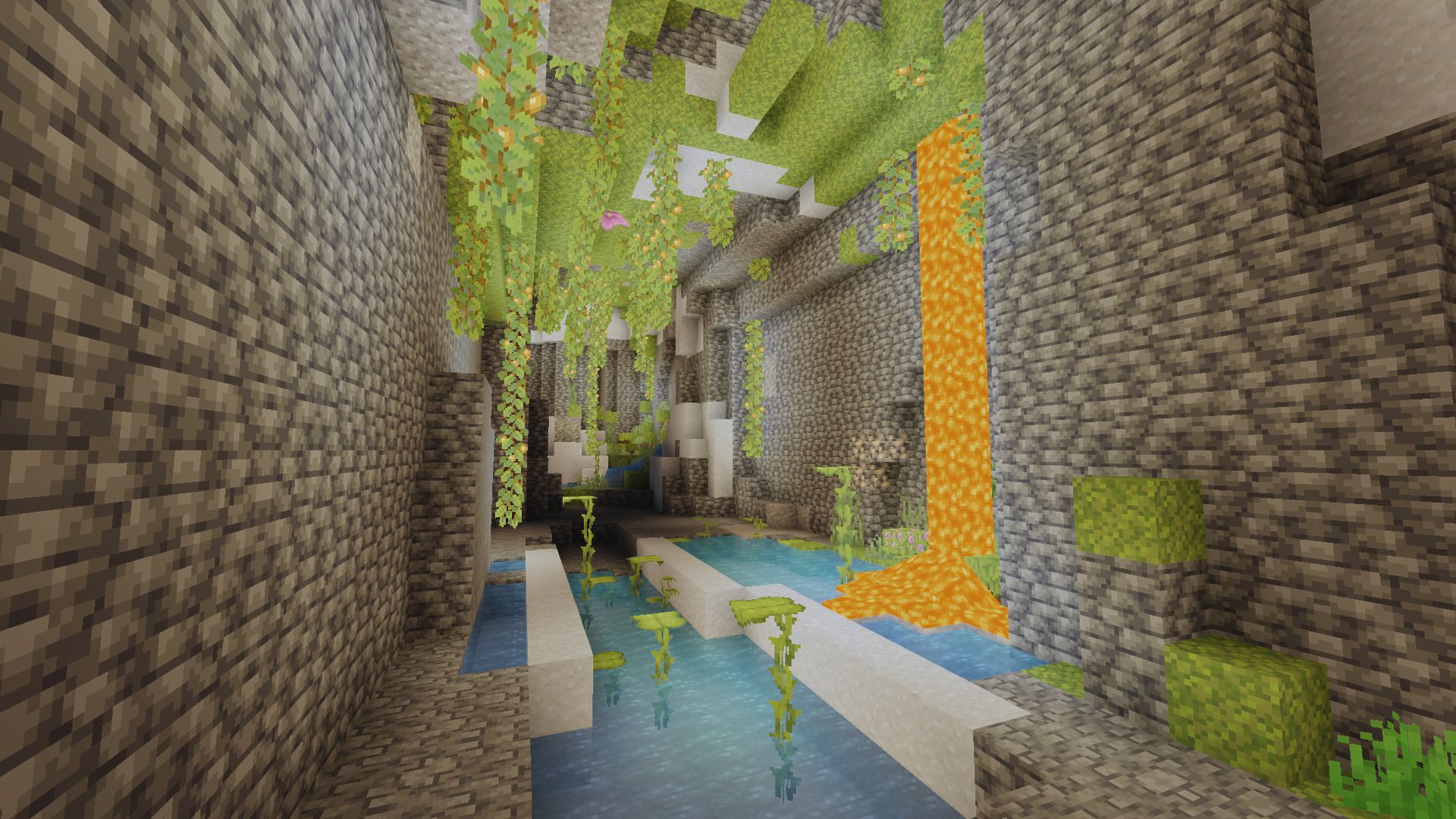
PR1SMLITE is a Minecraft shader built from dozens of iterations for budget and integrated GPUs. This shaderpack includes sharpening, bloom, color clarity, and a shadow rendering process. If you want the most performance out of shaders, but don't want bad quality, this is your next choice. Developed on an AMD Ryzen 5 7520U (with Radeon 610M integrated-GPU), it was made to achieve high framerates at low costs. When using Iris and Sodium we achieved larger framerates above most shaders due to the less complex rendering processes. Using no special upscaling tricks, no heavy rendering algorithms, but only using a very little amount of math that makes staying close to vanilla performance possible. Outsourcing more frames or performance has become the new want of today, and this shader fills in that slot in the shader-side of Minecraft. If your GPU struggles with every other shaderpack, or if you want a level of beauty while still wanting a playable game, this shader was built exactly for you. Download it and try it for yourself, no configurations needed.

Installation:
This installation process requires both Sodium and Iris for installation. Once you have installed Sodium and Iris, you can place them into your mods folder for Minecraft! After this make sure you have at least ran Minecraft one time to make sure your shaderpack folder is built. Now since the game has already ran one time, open to where your Minecraft Java folder is and search for a "shaderpack" folder. Open this folder and drop PR1SMLITE inside. You can now open Minecraft again and you should see the shaderpack if you open your options menu, go to Video settings, and look for a button that says "Shaders" or "Shaderpacks." Now you should be able to find "PR1SMLITE" as a option, once selected you can enable shaders and experience the true looks of lightweight shaders

如何安装 PR1SMLITE
With Millida Launcher
Install Millida Launcher
The launcher is free: download it at millida.net/launcher and sign in with any nickname.
Click “Install” on this page
The launcher opens and installs the shaders for Minecraft 1.19–26.2 automatically.
Launch the game
A profile with it appears in the launcher: click “Play”.
Manually
Install Iris or OptiFine
Without a shader mod the game cannot see shaders. Install it for the same Minecraft version.
Download the shader archive
Pick the file PR1SMLITE.zip (9 KB) and do not unpack it.
Put it in the shaderpacks folder
“Options”, then “Video Settings”, then “Shader Packs”, then “Open Shader Pack Folder”, and drag the archive there.
Select the shaders
In the same window, click the pack name and “Apply”.
版本
含依赖项
| Minecraft | 加载器 | 文件 | 日期 | 操作 |
|---|---|---|---|---|
| 26.1 | Iris, OptiFine | 26.18.9 KB 2 | ||
| 1.21.11 | Iris, OptiFine | 1.21.118.9 KB | ||
| 1.21 | Iris, OptiFine | 1.218.9 KB | ||
| 1.20.1 | Iris, OptiFine | 1.20.18.9 KB | ||
| 1.19.2 | Iris, OptiFine | 1.19.28.9 KB | ||
| 26.2 | Iris, OptiFine | 26.28.9 KB | — |
常见问题
Which Minecraft versions does PR1SMLITE work on?
There are files for 1.19–26.2, 28 versions in total. The newest is 26.2.
What do I need to run PR1SMLITE?
Shaders are loaded through Iris or OptiFine: without one of them the game cannot see them.
Where can I download PR1SMLITE safely?
On this page: the file PR1SMLITE.zip (9 KB) is stored on Millida’s server, with no link shorteners. SHA-1 checksum: 38151eb95182f4aa3067bd9c8665478a16d1a6ee.
评价
成为第一个评价 PR1SMLITE 的人


