
关于 Gnome Shaders 光影
Gnome Shaders is a vibrant and realistic shaderspack for Minecraft 1.7.10.
It has nice features such as:
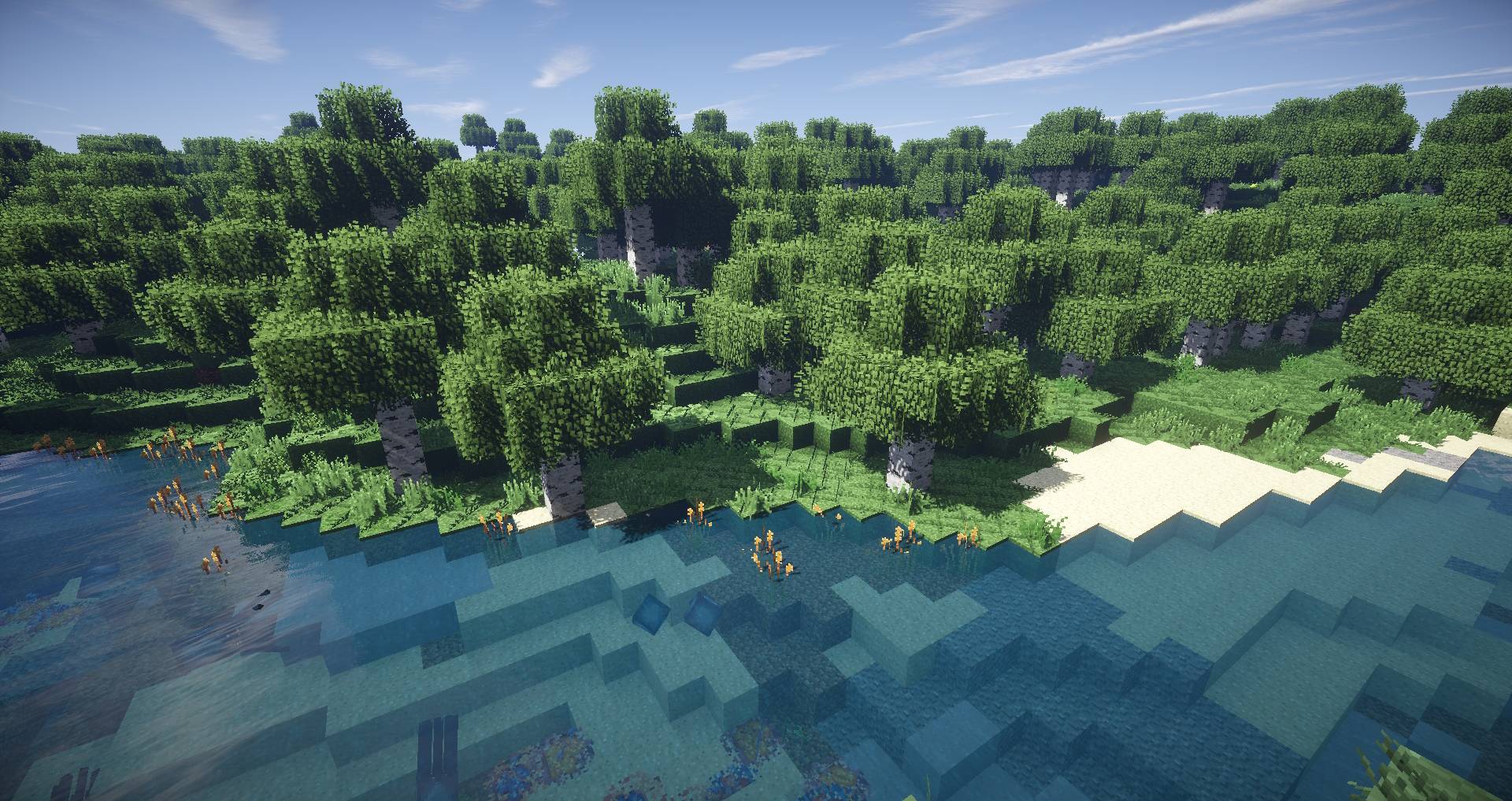
- Realistic water
- Realistic Sky
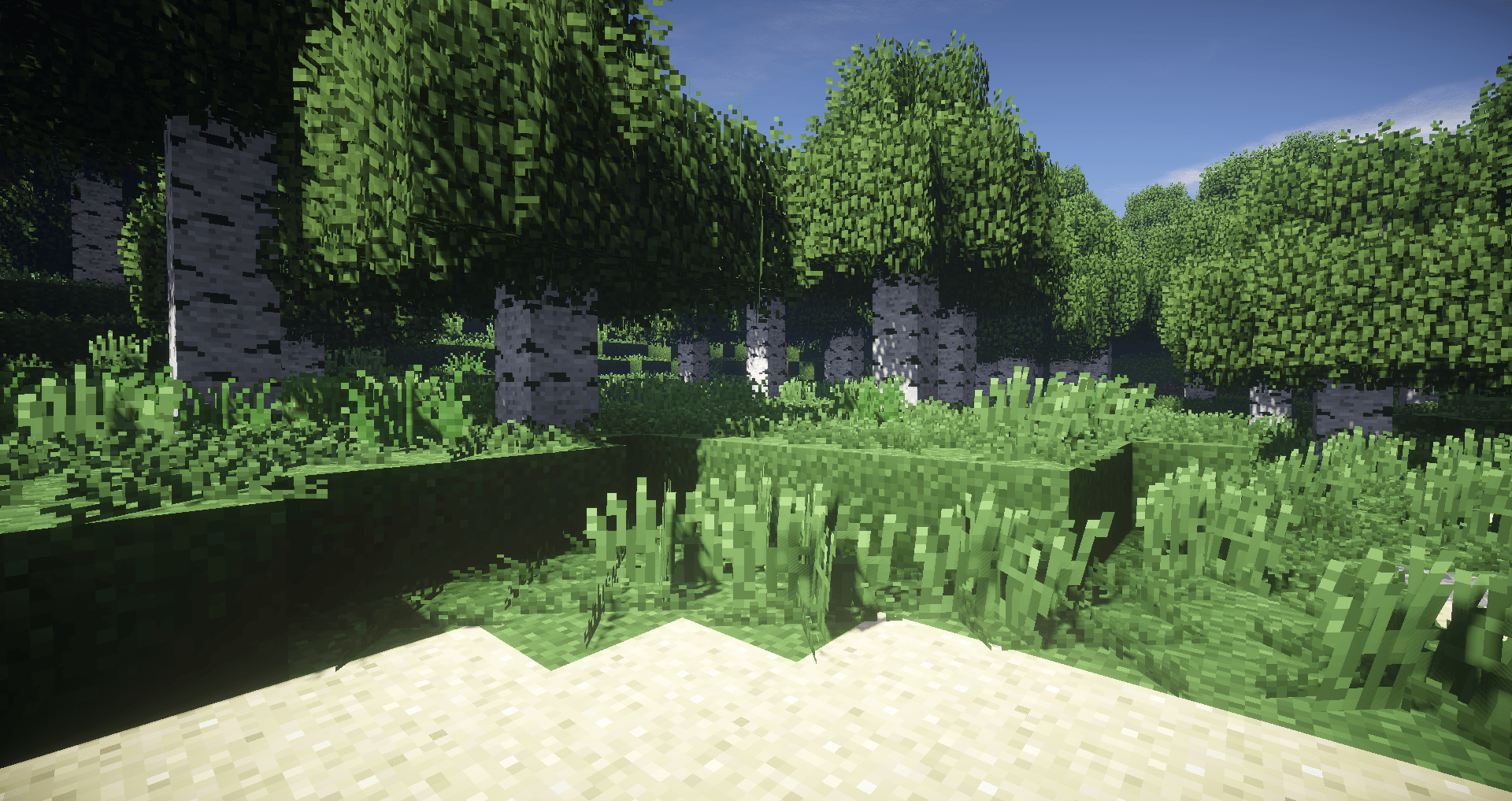
- Vibrant look
- Waving plants
- Realistic light for torches
At current state, it do not work on modern versions of Minecraft and works better on 1.7.10 and around
如何安装 Gnome Shaders
With Millida Launcher
Install Millida Launcher
The launcher is free: download it at millida.net/launcher and sign in with any nickname.
Click “Install” on this page
The launcher opens and installs the shaders for Minecraft 1.7.10 automatically.
Launch the game
A profile with it appears in the launcher: click “Play”.
Manually
Install Iris or OptiFine
Without a shader mod the game cannot see shaders. Install it for the same Minecraft version.
Download the shader archive
Pick the file GnomeShaders-DOF-1.0.zip (64 KB) and do not unpack it.
Put it in the shaderpacks folder
“Options”, then “Video Settings”, then “Shader Packs”, then “Open Shader Pack Folder”, and drag the archive there.
Select the shaders
In the same window, click the pack name and “Apply”.
版本
含依赖项
| Minecraft | 加载器 | 文件 | 日期 | 操作 |
|---|---|---|---|---|
| 1.7.10 | — | Gnome Shaders DOF63.9 KB 1 |
常见问题
Which Minecraft versions does Gnome Shaders work on?
Only Minecraft 1.7.10: there are no files for other versions.
Where can I download Gnome Shaders safely?
On this page: the file GnomeShaders-DOF-1.0.zip (64 KB) is stored on Millida’s server, with no link shorteners. SHA-1 checksum: 9a2f8c7ae7d7b260555b4158e61d23cee18e8e58.
评价
成为第一个评价 Gnome Shaders 的人


