

适用于 Minecraft 26.1.2 的 Enhanced Vision 光影
Enhanced Vision 会高亮物体和墙壁的轮廓,并模糊物体,模糊程度随物体离玩家视野中心的距离增加而增加。此外,它还会在火源和熔岩上添加闪烁效果。
 Fabric
 OptiFine
Enhanced Vision Shader
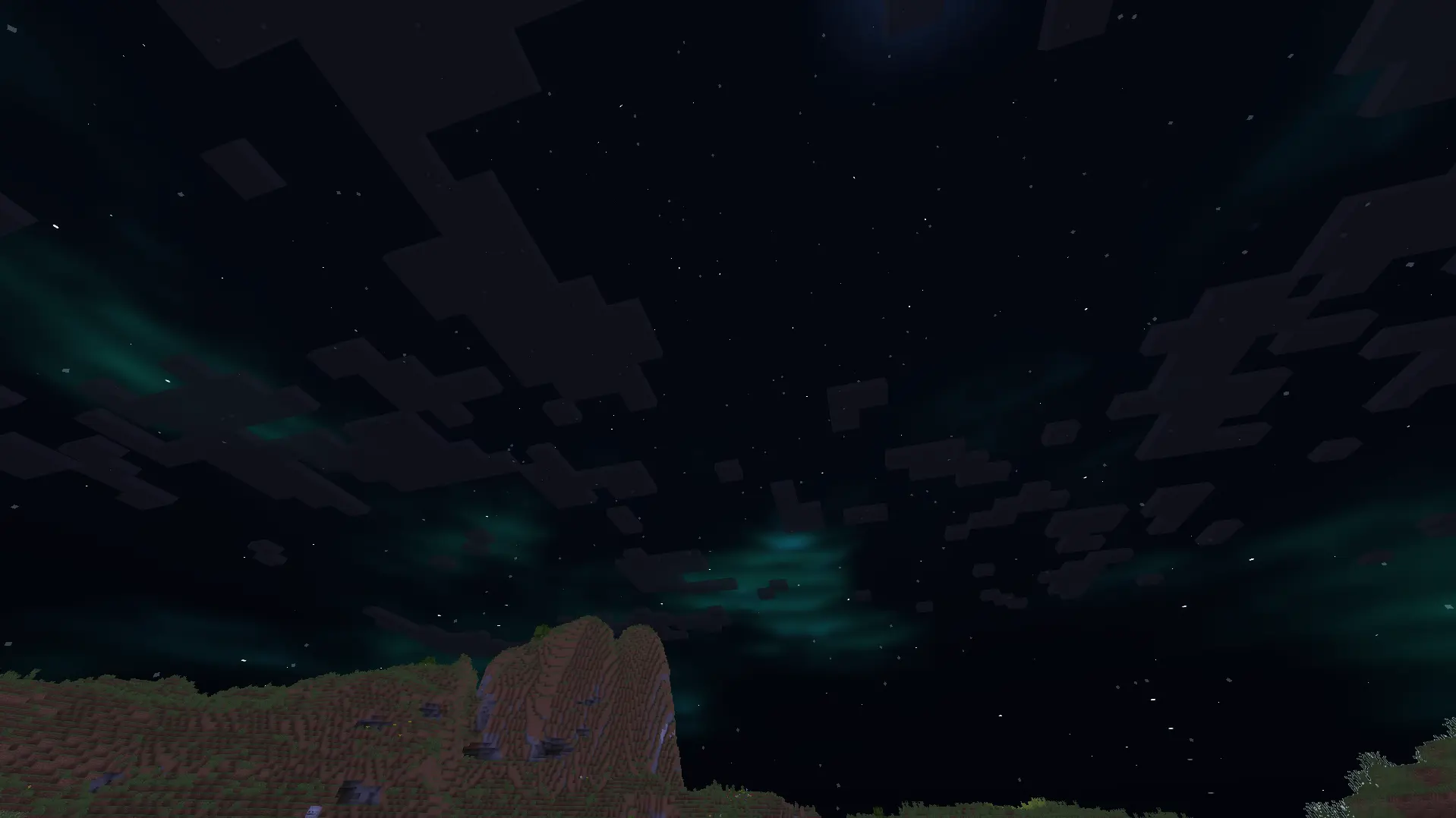
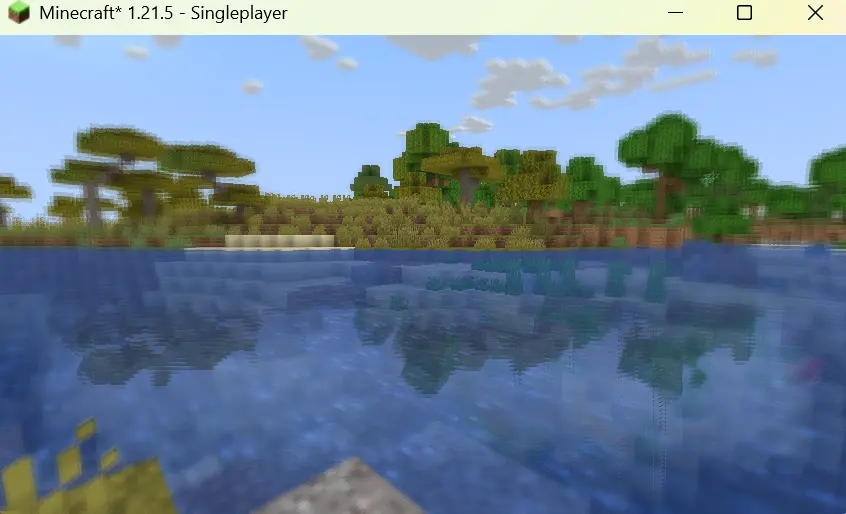

Features:
1.It shows outlines of mobs and walls around the centre screen, with outline brightness increasing as darkness increases.
2.It adds a shimmering effect above lava and other heat sources to mimic real-life shimmering over fire sources.

3.It blurs objects which are on the side of the screen, with the strength of the blur effect increasing with increasing distance of the object from the centre of the screen.
4.It creates reflections on the surface of the water.
5.It adds auroras and stars to the night sky.
6.It improves the sky colouring.
7.It adds basic foliage swaying.

如何安装 Enhanced Vision
With Millida Launcher
Install Millida Launcher
The launcher is free: download it at millida.net/launcher and sign in with any nickname.
Click “Install” on this page
The launcher opens and installs the shaders for Minecraft 1.21.5–26.1.2 automatically.
Launch the game
A profile with it appears in the launcher: click “Play”.
Manually
Install Iris or OptiFine
Without a shader mod the game cannot see shaders. Install it for the same Minecraft version.
Download the shader archive
Pick the file minecraft-shader-template-0.1.0-shaderpack.zip (16 KB) and do not unpack it.
Put it in the shaderpacks folder
“Options”, then “Video Settings”, then “Shader Packs”, then “Open Shader Pack Folder”, and drag the archive there.
Select the shaders
In the same window, click the pack name and “Apply”.
版本
含依赖项
| Minecraft | 加载器 | 文件 | 日期 | 操作 |
|---|---|---|---|---|
| 26.1 | Iris, OptiFine | 26.115.9 KB | ||
| 1.21.11 | Iris, OptiFine | 1.21.1115.9 KB |
评价
成为第一个评价 Enhanced Vision 的人


