

关于 Aurora 光影

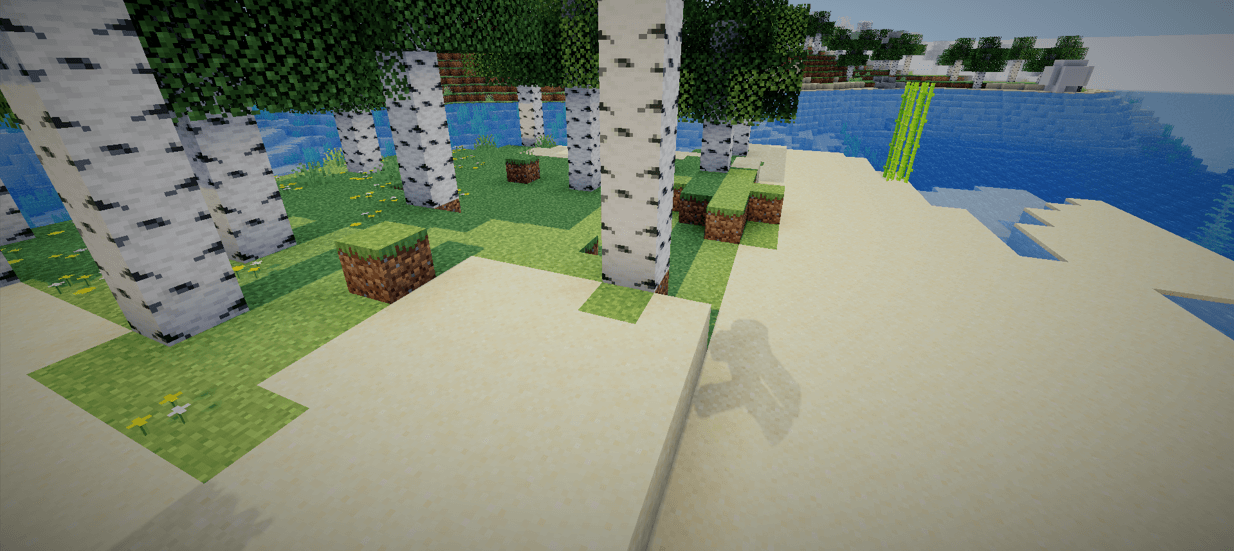
Aurora is a high-performance shader built with one clear purpose: to deliver ultra-sharp, high-resolution shadows that enhance depth, clarity, and visual impact.
Overview
Aurora focuses exclusively on shadow quality. No unnecessary effects. No visual clutter. Just clean, crisp, and highly detailed shadow rendering.
By prioritizing precision and stability, Aurora enhances lighting definition while preserving performance balance.
🔦 Features
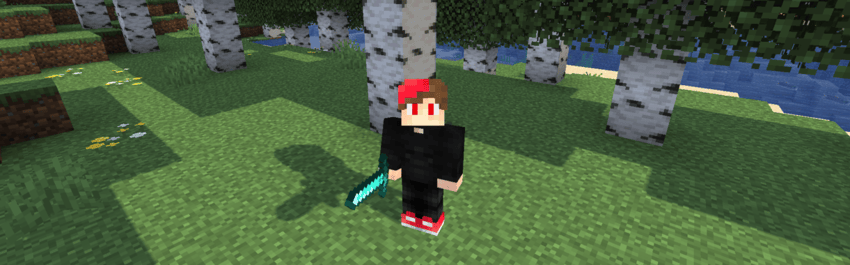
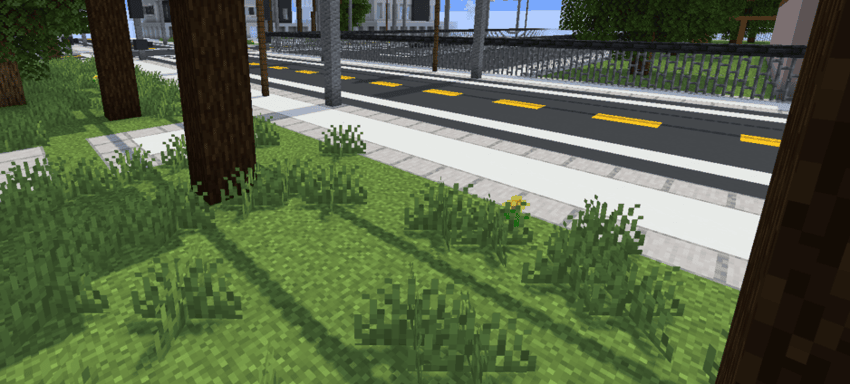
- 🖤 High-resolution shadow maps
- ✨ Sharp and defined shadow edges
- 🎯 Improved depth perception
- ⚡ Optimized for smooth performance
- 🧩 Minimalist design philosophy
🎨 Design Philosophy
Aurora is built around simplicity and focus.
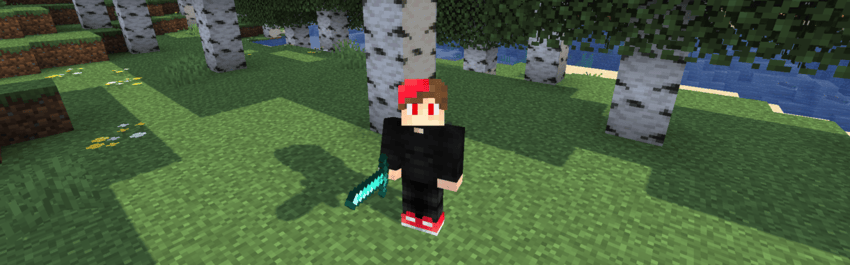
Instead of stacking multiple post-processing effects, it refines a single visual pillar — shadows — and perfects it. The result is a cleaner, more immersive atmosphere with stronger light contrast and environmental depth.
🚀 Performance
Aurora is lightweight and efficient, designed to:
- Reduce visual noise
- Maintain stable frame rates
- Deliver consistent shadow clarity across scenes
🌠 Why Aurora?
Because shadows define form. Because contrast creates depth. Because clarity matters.
Aurora doesn’t try to change everything — it perfects what matters most.
如何安装 Aurora
With Millida Launcher
Install Millida Launcher
The launcher is free: download it at millida.net/launcher and sign in with any nickname.
Click “Install” on this page
The launcher opens and installs the shaders for Minecraft 1.12–26.3 automatically.
Launch the game
A profile with it appears in the launcher: click “Play”.
Manually
Install Iris or OptiFine
Without a shader mod the game cannot see shaders. Install it for the same Minecraft version.
Download the shader archive
Pick the file Aurora_0.4.zip (100 KB) and do not unpack it.
Put it in the shaderpacks folder
“Options”, then “Video Settings”, then “Shader Packs”, then “Open Shader Pack Folder”, and drag the archive there.
Select the shaders
In the same window, click the pack name and “Apply”.
版本
含依赖项
| Minecraft | 加载器 | 文件 | 日期 | 操作 |
|---|---|---|---|---|
| 1.16.3 | — | Aurora 0.4100 KB 15 |
评价
成为第一个评价 Aurora 的人


