

适用于 Minecraft 1.20.1, 1.21.1 的 AnalogCraft 光影
添加精美的滤镜。将 Minecraft 变成一场可玩的复古狂热梦境。Analog 提供 10 种完全逼真的相机和屏幕滤镜,包括 VHS、随身摄像头、Game Boy 和 35mm 胶片。
 Fabric
 OptiFine
📼 AnalogCraft
A stylized post-processing shader pack for Iris, OptiFine, and Oculus that adds 10 distinct retro camera, monitor, and screen filters to Minecraft with near-zero performance cost.
Ideal for horror maps, found-footage videos, themed modpacks, or changing up standard visuals without sacrificing FPS.

📸 Filter Showcase
Preset - Screenshot Preview
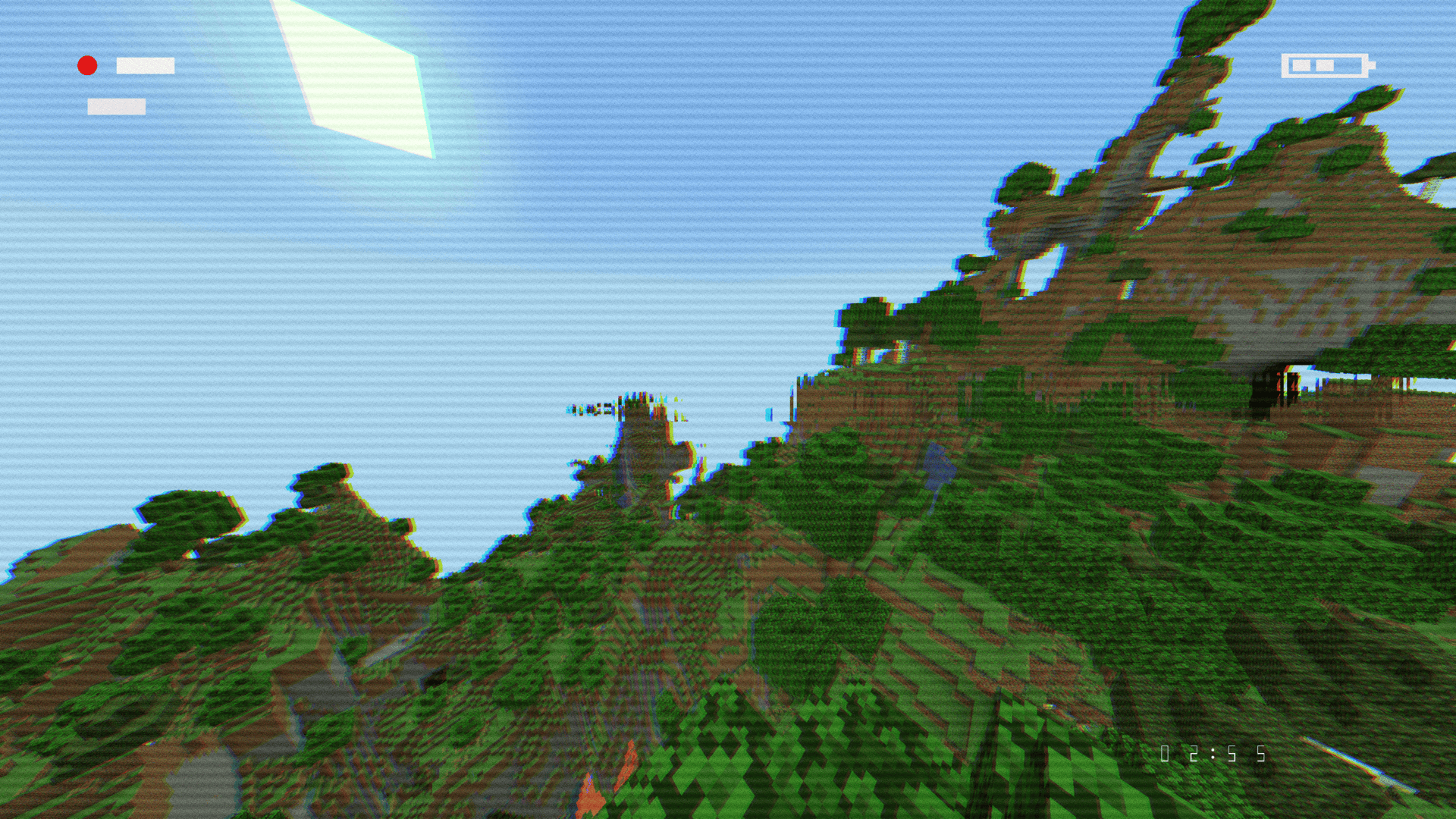
VHS Camcorder
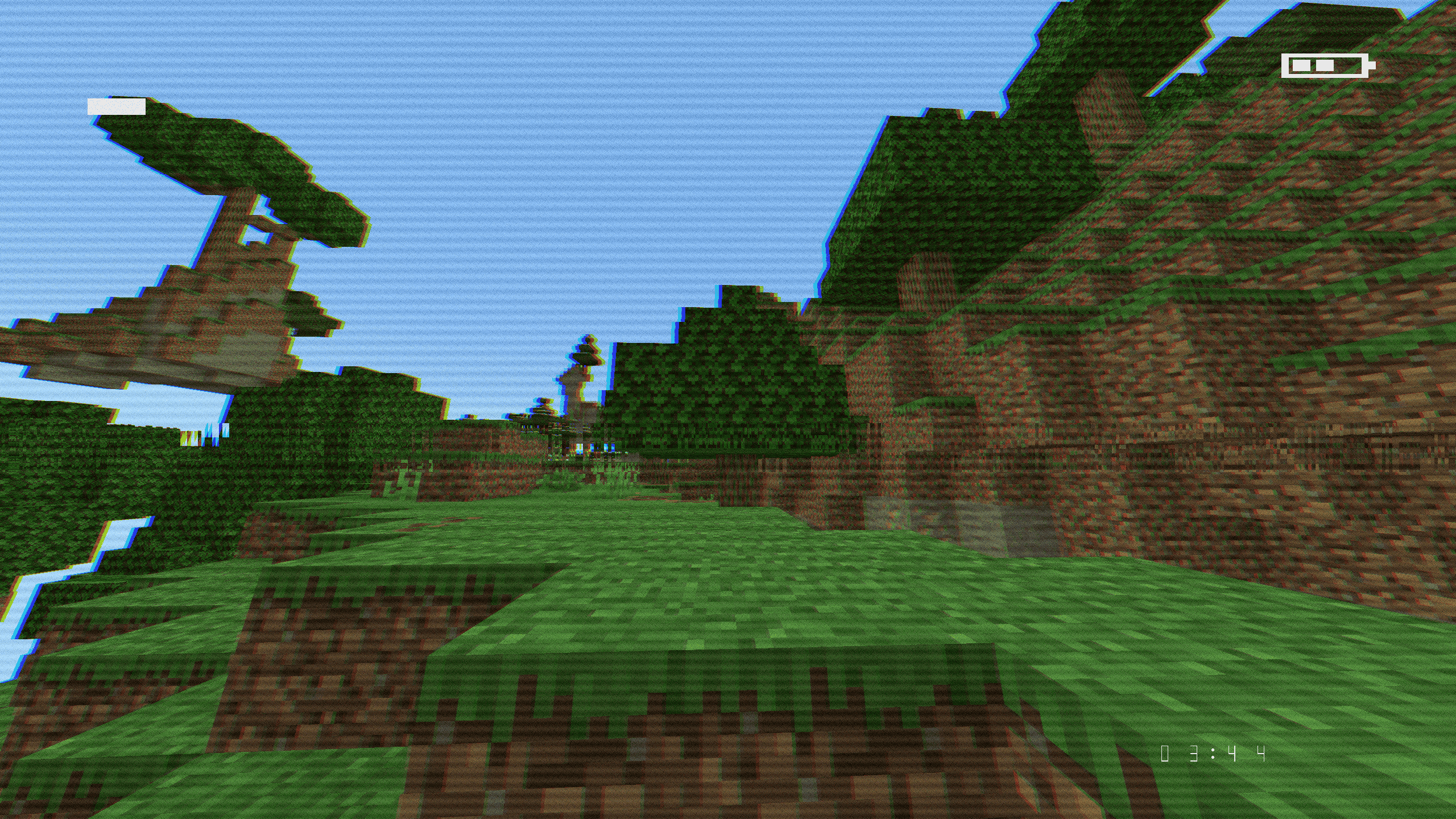
| Police Bodycam
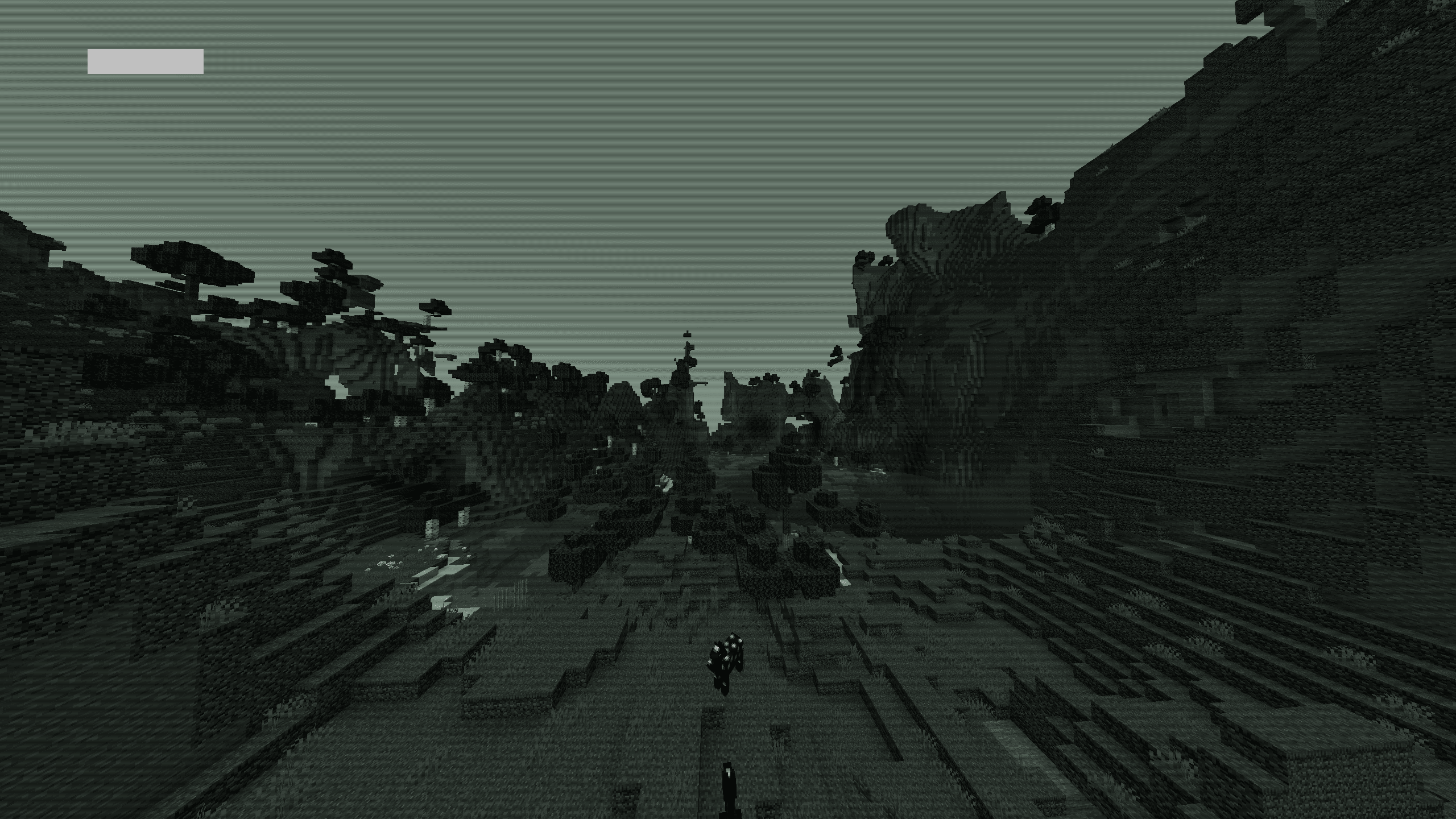
| CCTV Surveillance
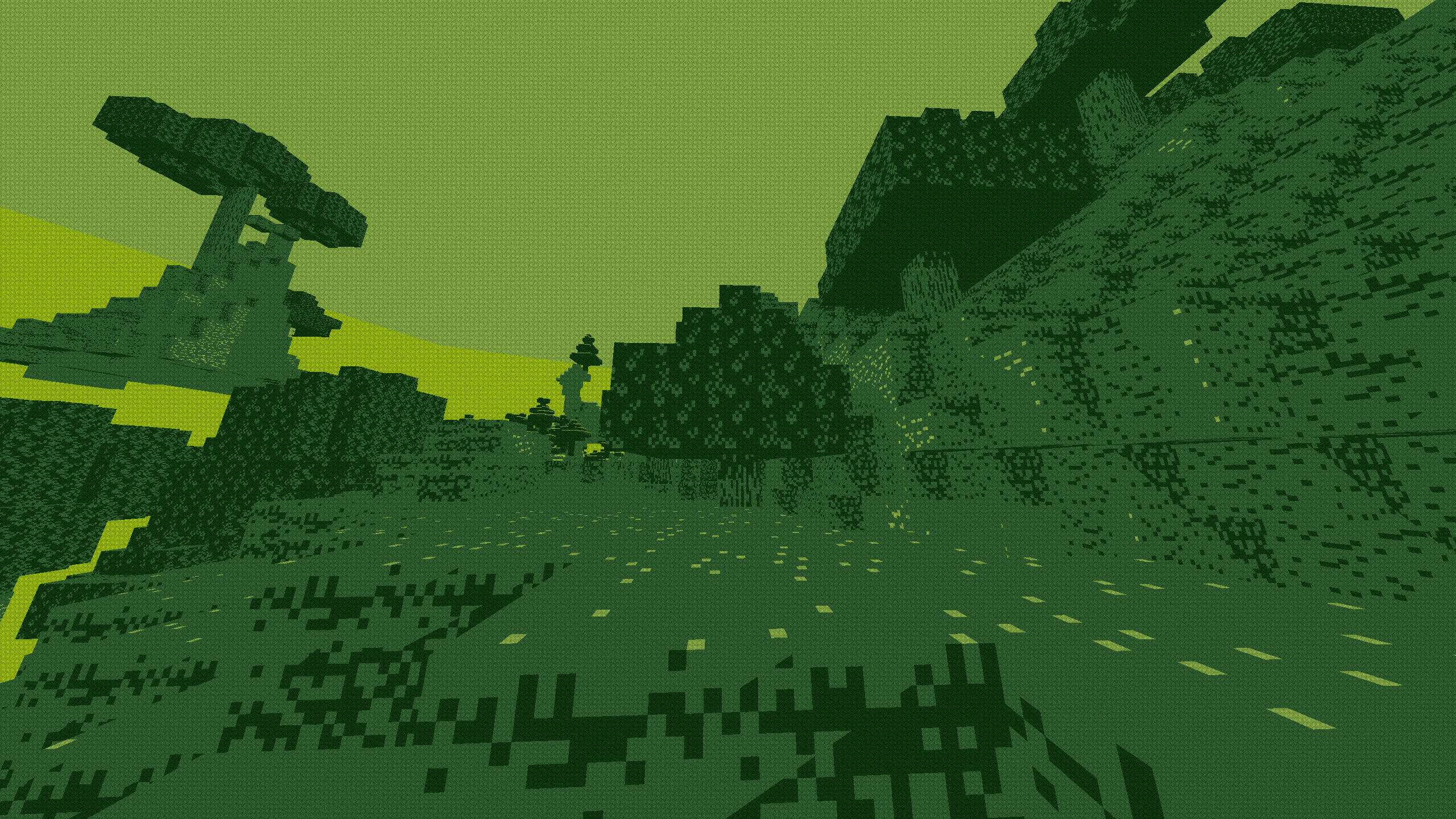
| Game Boy Classic
| Arcade CRT
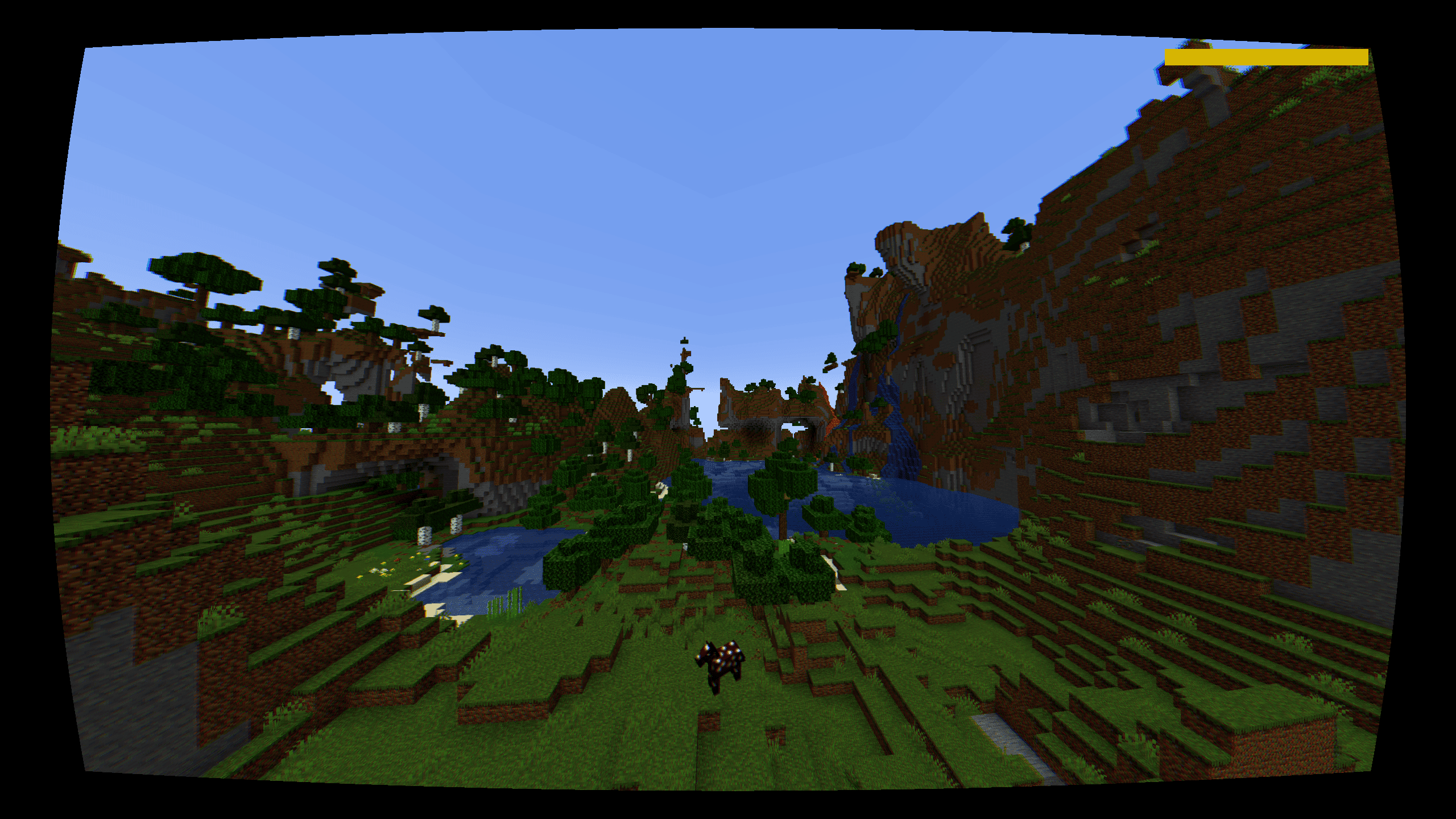
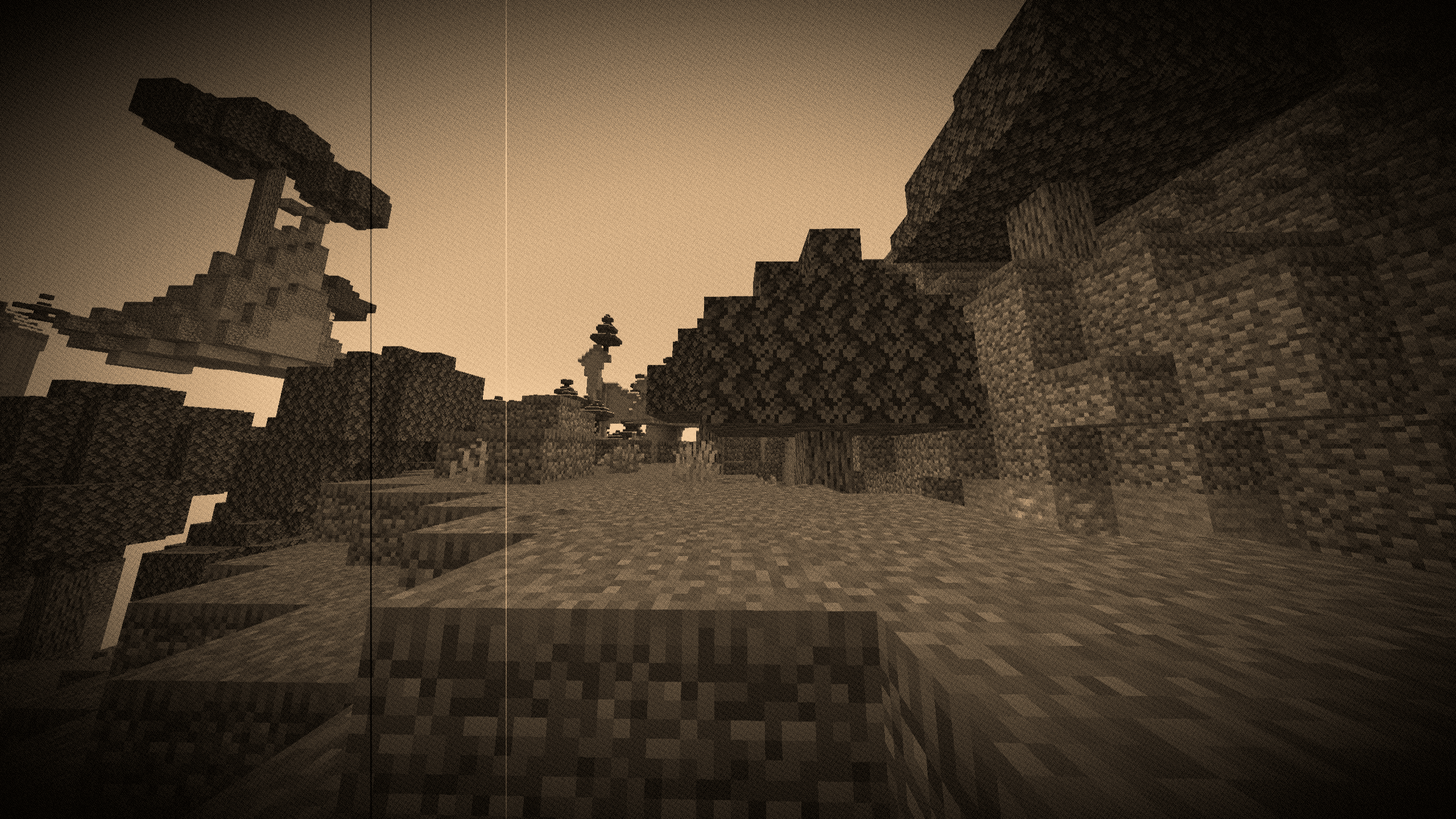
| 1920s Film Reel
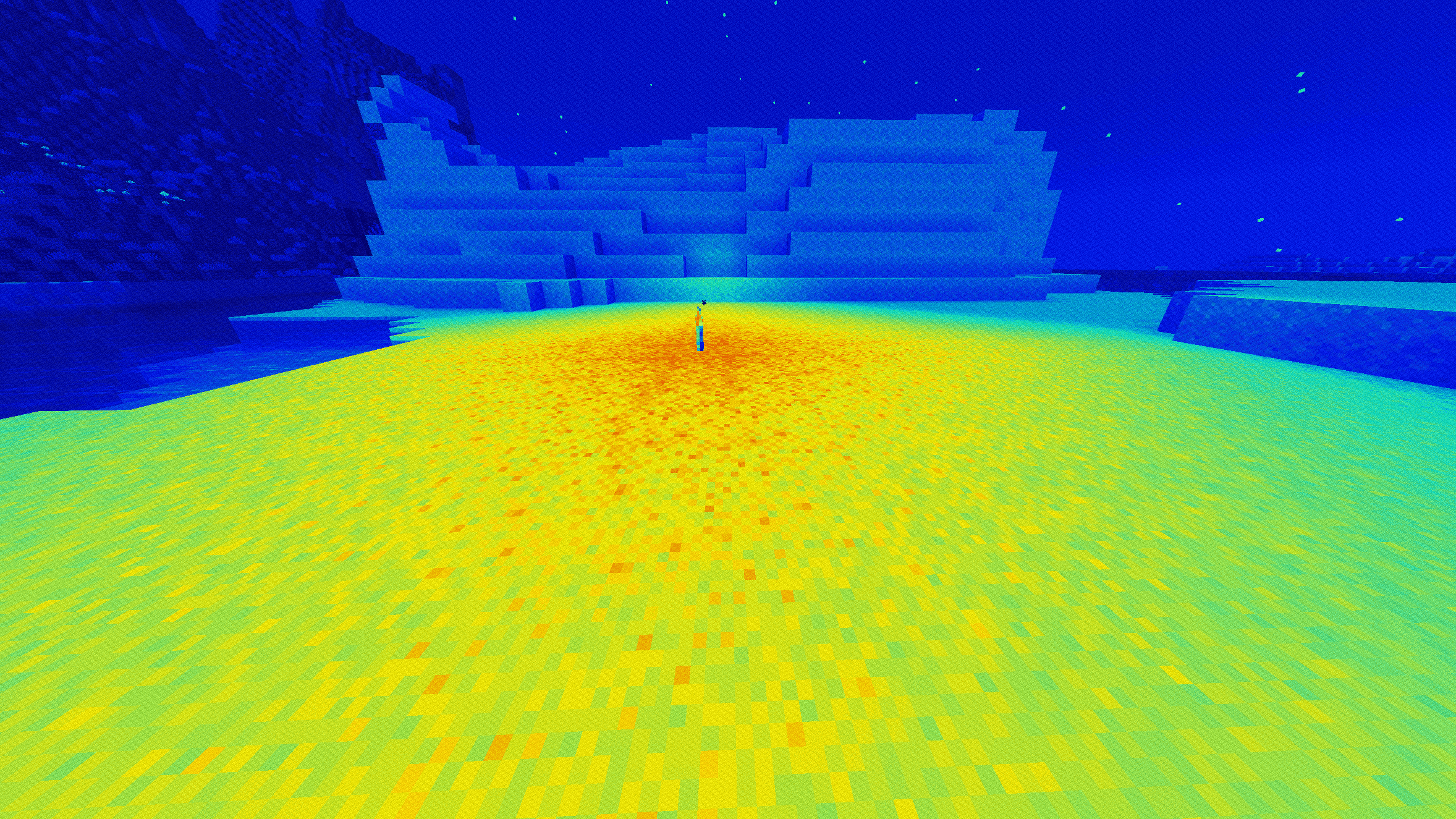
| Thermal (Heat Map)
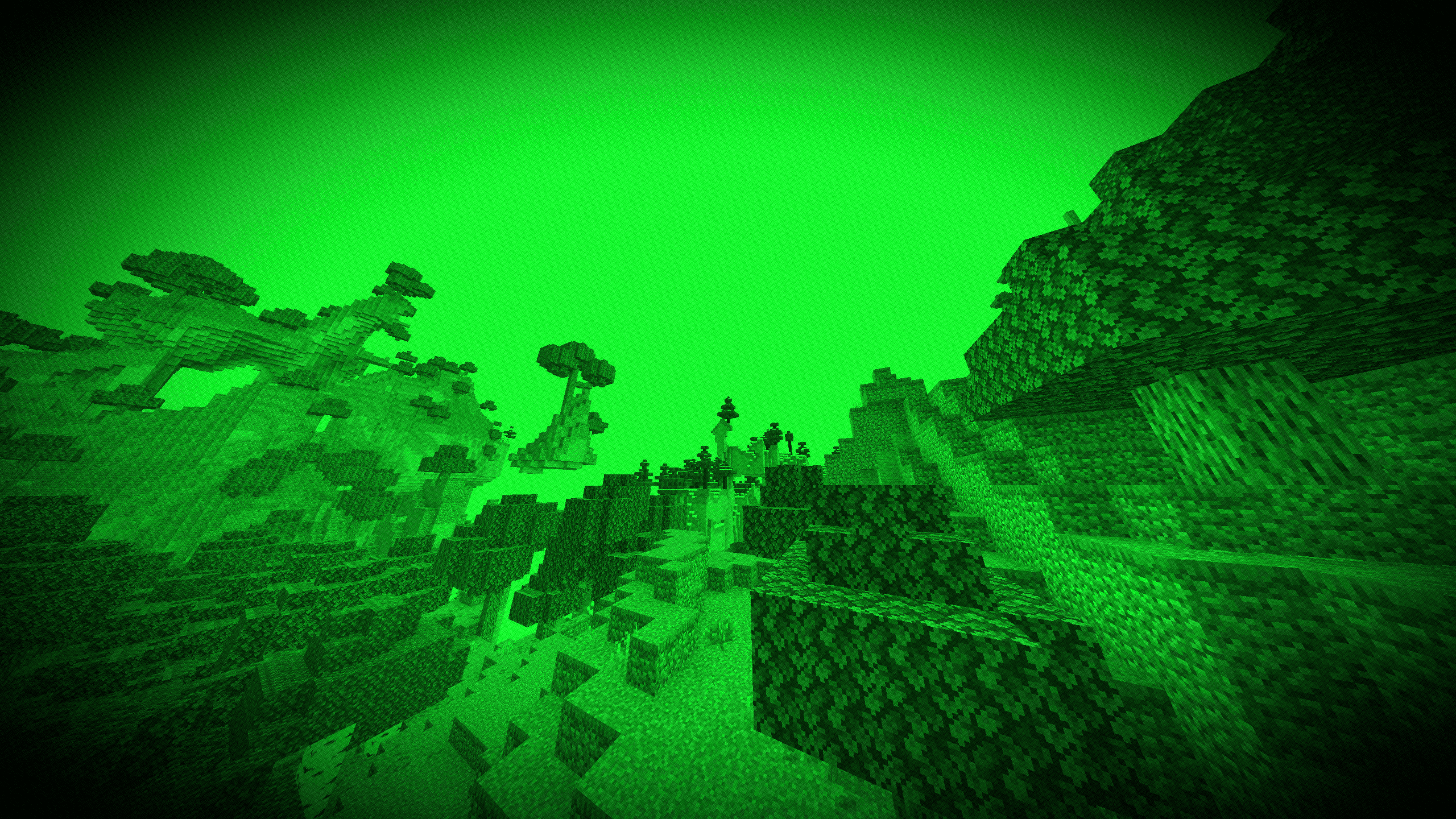
| Night Vision (Gen 1)
| Cyberpunk / Neon
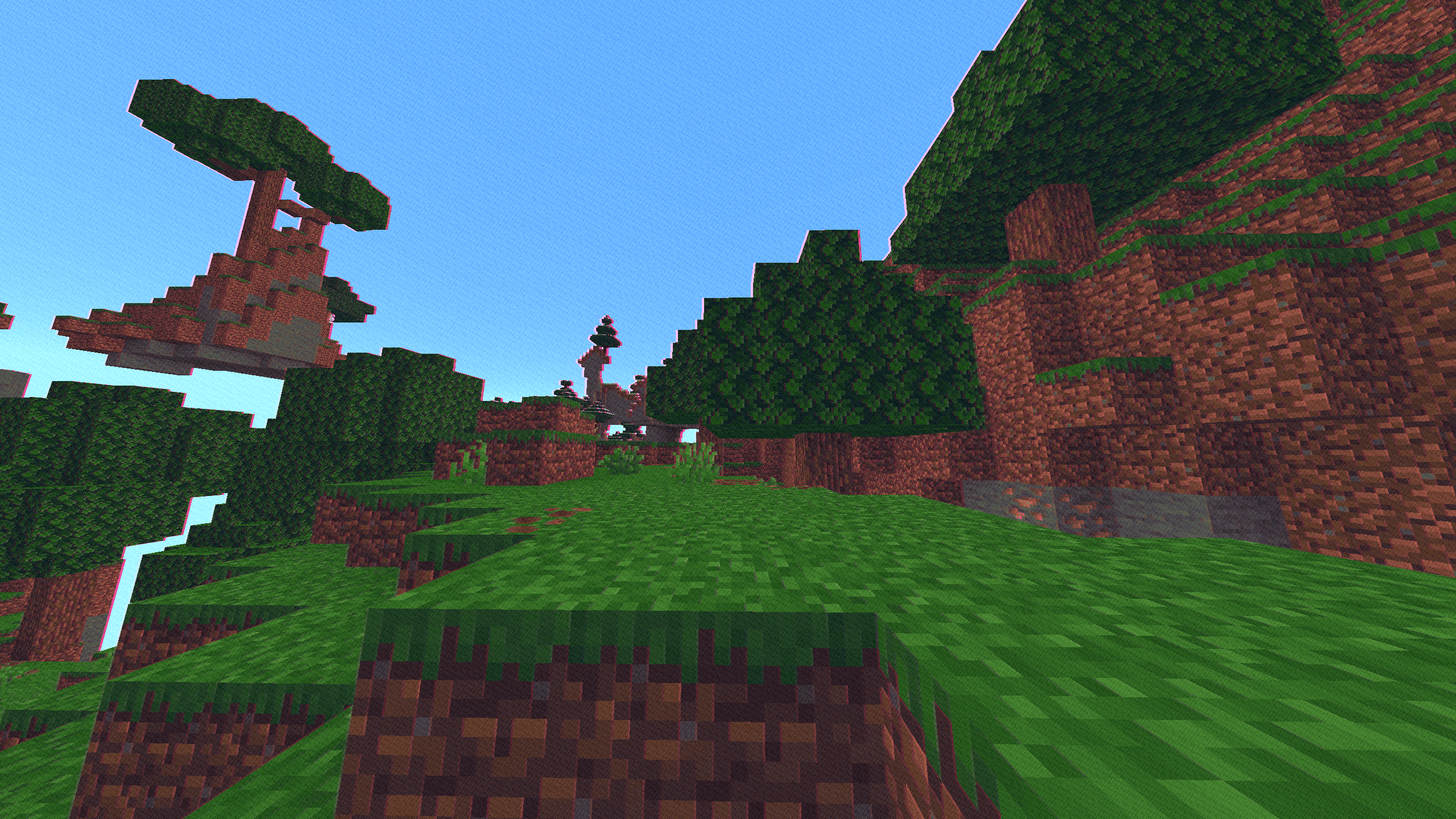
| Amber Terminal
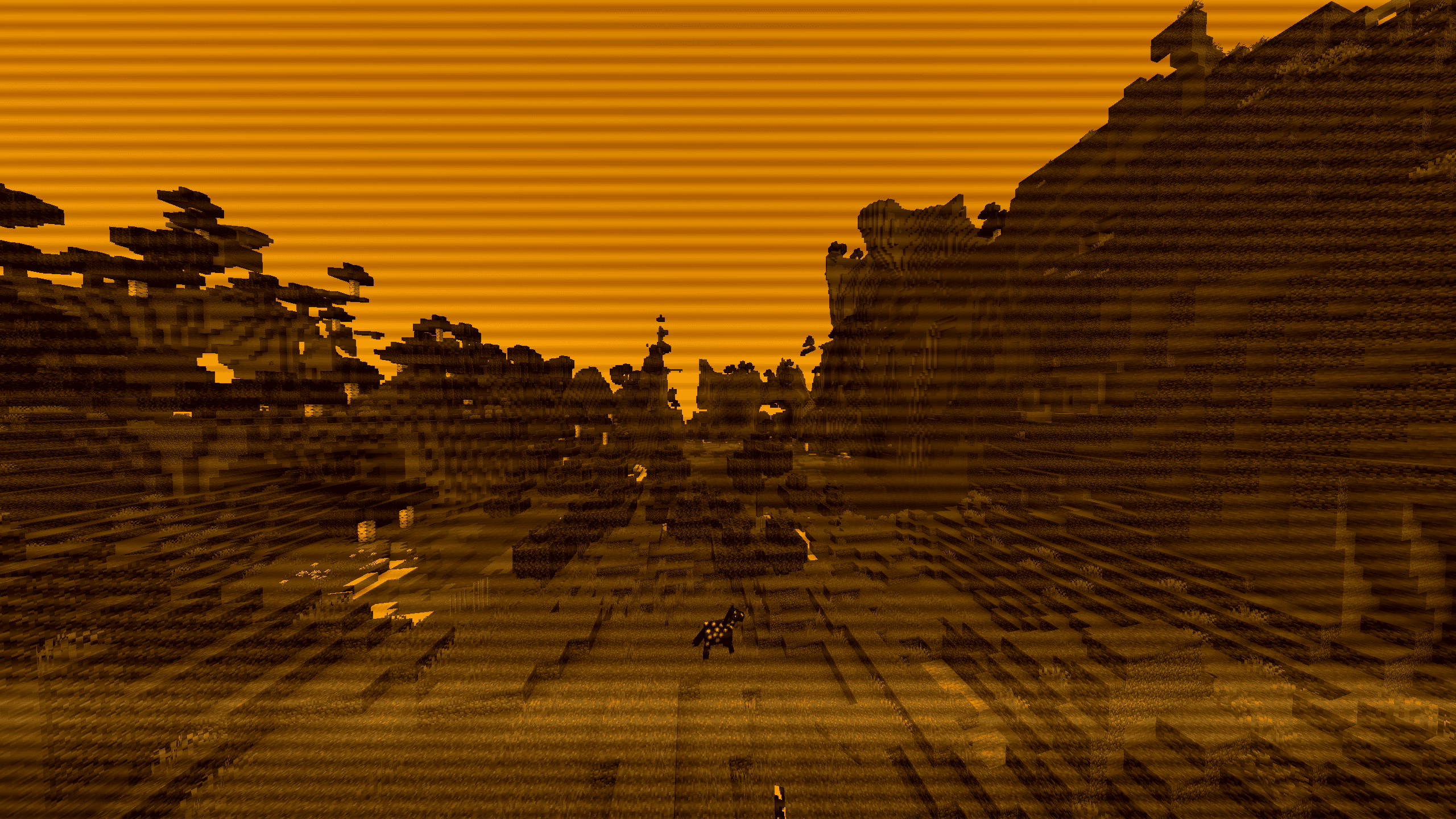
⚙️ Included Presets
Select any mode instantly through the in-game shader options menu:
- VHS Camcorder: Horizontal tape flutter, rolling tracking noise, RGB chromatic aberration, and a functional camcorder HUD (battery gauge, flashing ● REC, live clock).
- Police Bodycam: Wide fisheye distortion, harsh highlight clipping, sensor grain, and yellow Axon telemetry markers.
- CCTV Surveillance: 8-FPS security feed cadence, desaturated green-gray tint, scanlines, and camera status overlays.
- Game Boy Classic: 4-shade olive DMG palette with LCD subpixel grid lines. Balanced luma curves prevent outdoor washout.
- Arcade CRT: Curved glass distortion, phosphor subpixel splitting, and horizontal scanlines.
- 1920s Film Reel: Sepia grade, 18-FPS projector gate bounce, light bulb flutter, hairline scratches, and transient dust specks.
- Thermal Vision: Luminance-based heat spectrum ranging from deep blue/purple up to bright white.
- Night Vision: High-gain green phosphor intensification with peripheral lens falloff.
- Cyberpunk / Neon: Midnight blue shadows paired with saturated cyan and hot-magenta highlight edges.
- Amber Terminal: Monochrome amber CRT phosphor look with an active downward raster sweep.

🎯 Interactive Features
- Dynamic Sniper Optics: Zooming in (via Spyglass or zoom keys like C) while using Night Vision or Thermal automatically engages a tactical scope housing with mil-dot reticle crosshairs. Configurable between 1.0x, 2.0x, 4.0x, and 8.0x zoom.
- Universal 35mm Grain Slider: Organic, shutter-locked 24-FPS grain that respects scene lighting (heavier in dark areas, subtle in highlights). Works across all presets, including the clean passthrough mode.
📦 Installation
- Install Iris (recommended) or OptiFine.
- Download AnalogCraft.zip and place it inside your .minecraft/shaderpacks/ folder.
- Select AnalogCraft in Video Settings -> Shader Packs.
如何安装 AnalogCraft
With Millida Launcher
Install Millida Launcher
The launcher is free: download it at millida.net/launcher and sign in with any nickname.
Click “Install” on this page
The launcher opens and installs the shaders for Minecraft 1.8–26.2 automatically.
Launch the game
A profile with it appears in the launcher: click “Play”.
Manually
Install Iris or OptiFine
Without a shader mod the game cannot see shaders. Install it for the same Minecraft version.
Download the shader archive
Pick the file AnalogCraft v1.zip (6 KB) and do not unpack it.
Put it in the shaderpacks folder
“Options”, then “Video Settings”, then “Shader Packs”, then “Open Shader Pack Folder”, and drag the archive there.
Select the shaders
In the same window, click the pack name and “Apply”.
版本
含依赖项
| Minecraft | 加载器 | 文件 | 日期 | 操作 |
|---|---|---|---|---|
| 26.2 | Iris, OptiFine | 26.25.6 KB |
评价
成为第一个评价 AnalogCraft 的人


