
PracticePVP
描述
PracticePVP 是一个为 LotteriesMC 创建的插件,当玩家点击 config.yml 中指定的方块时,会为玩家打开一个物品栏。在物品栏中,点击物品即可将该物品添加到自己的物品栏中。
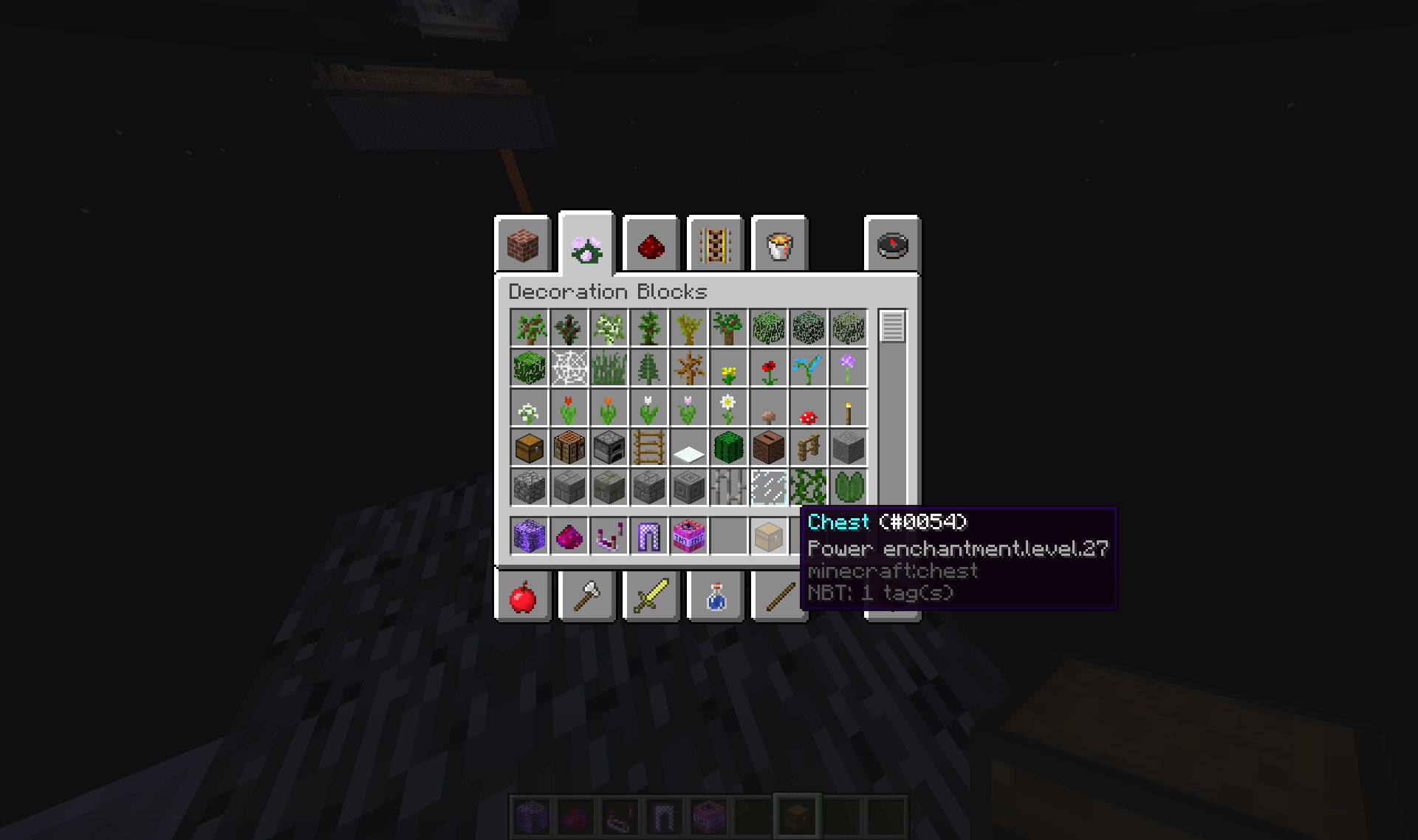
功能
- 方块位置可配置
- 点击一次物品会将该物品放回,同时给予玩家一个与所点击物品完全相同的 ItemStack
依赖与兼容性
- 无
如何安装
- 将此插件放入你的 plugins 文件夹 重启服务器 打开 config.yml 编辑 X、Y、Z 和 worldName,将其改为你想要的 xyz 坐标以及世界名称(例如 world)
如果该插件有 bug 或需要以某种方式改进,请在评论中发布或私信我。
如何安装 PracticePVP
A server on Paper or Spigot
The plugin runs on the server core for Minecraft 1.8–1.12; players do not need to install anything.
File goes into the plugins folder
Download the file PracticePVP.jar (4 KB) and put it into the server’s plugins folder.
Restart the server
On startup the plugin creates its own settings folder in plugins.
Use the “To server” button
On Millida Hosting, the button at the top of the page uploads the file to your server and restarts it for you.
Minecraft 1.12 runs on Java 8: with a different Java version the game may close right after launch.
版本
含依赖项
| Minecraft | 加载器 | 文件 | 日期 | 操作 |
|---|---|---|---|---|
| 1.9 | — | PracticePVP v1.24.3 KB |
评价
成为第一个评价 PracticePVP 的人
评论 0
登录后即可评论登录


