
适用于 Minecraft 1.15 的 PixelPrinter 插件
Creates images and pixel-art using in-game blocks
PixelPrinter
What is PixelPrinter
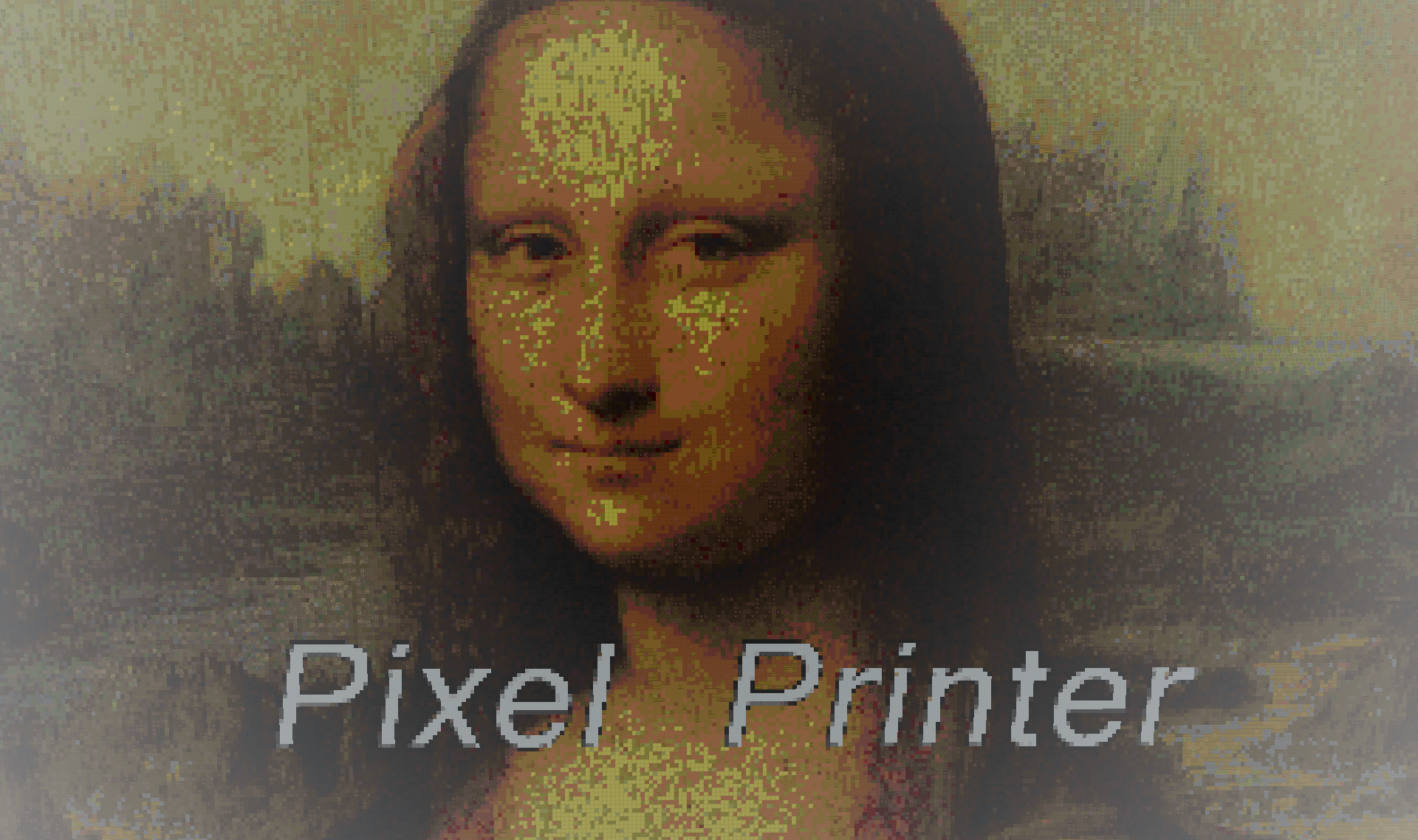
PixelPrinter is a demonstration of what you can do using THIS resource. Using this plugin, you can load images or gifs to your server, either by using blocks or maps. This plugin can download images or gifs, resize them, and allow you to easily create Sky-Boxes, Movies, and pixel art all over your server.
Features
- Create images, movies, or pixel art using in game blocks
- Create skin statues.
- Supports JPegs, PNGs, and Gifs!
- Custom resourcepack support.
- Works on All Versions
Videos
Images
Custom resourcepack support:
As of the 1.0.14 patch, Pixelprinter allows for server-wide resourcepack support. Using this feature will allow for better quality and accuracy of images when using custom resourcepacks. To add custom resourcepack support, do the following:
- Go into the <Server>/plugins/PixelPrinter/custom_textures/ directory.
- In a new window, open the resourcepack zip file and navigate to the Minecraft>textures>blocks folder.
- In there, drag all textures into the custom_textures directory.
And that's it. Pixelprinter will handle the rest.
Commands
(You can either access all PixelPrinter commands using /pixelprinter or /pp)
/pp
lists all commands and their usages
/pp download <Filename> <url>
/pp d <filename> <url>
Downloads the location of an image to a txt file. Good for minimizing memory.
/pp downloadimage <filename><url>
/pp di <filename> <url>
Downloads the image to a png, jpg, or gif file.
/pp create <direction> <File name> <Height> Creates a in-game block version of the image, moving the the direction <direction> and will have a height of <Height>. The width will be scaled to the image height.
/pp createFrames <direction> <File name> <Height> /pp cf <direction> <File name> <Height> Creates a in-game item-frame version of the image, moving the the direction <direction> and will have a height of <Height>. The width will be scaled to the image height.
/pp createskin <direction> <player's name or UUID> Create a 16x48x16 player character with the specified players skin. Note: In order to use the player's name, the player must have joined the server once.
/pp delete <filename> Deletes the file wit h the filename <file name>
/pp stopGif <id> Stops the gif with the id <Id>
/pp stopAllGifs stops all gifs on the server.
/pp listGifs lists all the gifs active on the server. Use this if you do not know the ID of a gif
/pp preview Creates a preview of the image you are going to make. This only displays the boarder of the image, and should be used to tell if this image will "clip" through any existing blocks
/pp specs Shows the specifications of an image.
/pp list
Displays all the images that have been downloaded to the server
/pp help OR /pp ?
Displays commands and their uses
Permissions
pixelprinter.* Gives all permissions
pixelprinter.stop Gives the player permission to stop gifs
pixelprinter.delete Gives the player permission to delete image files
pixelprinter.create Gives the player permission to create an image in-game
pixelprinter.download Gives the player permission to download an image from a URL
This plugin does update automatically:
This plugin checks for updates and will download updates. If you do not want this plugin to automatically update, all you need to do is edit one line in the "plugins\AUpdater\global.yml" file. Just change the one variable in there to false (or, if you run into any problems, copy the code below)
Updater by ArsenArsen
Global config
Sets should updates be downloaded globaly
update: false
How to Install
Drop this plugin into you plugins folder and restart your server.
This plugin uses bStats:
bStats is a metrics service that allows me to to see how many servers use my plugins, how many players they have, and which countries use my plugin the most. All information is anonymized, so no information can be directly linked to you, and instead is added to the average of all severs that use the plugin.
如何安装 PixelPrinter
A server on Paper or Spigot
The plugin runs on the server core for Minecraft 1.7.4–1.15; players do not need to install anything.
File goes into the plugins folder
Download the file PixelPrinter.jar (220 KB) and put it into the server’s plugins folder.
Restart the server
On startup the plugin creates its own settings folder in plugins.
Use the “To server” button
On Millida Hosting, the button at the top of the page uploads the file to your server and restarts it for you.
Minecraft 1.15 runs on Java 8: with a different Java version the game may close right after launch.
版本
含依赖项
| Minecraft | 加载器 | 文件 | 日期 | 操作 |
|---|---|---|---|---|
| 1.9 | — | PixelPrinter V1.0.46220 KB 4 |
评价
成为第一个评价 PixelPrinter 的人


