
关于 GoogleAnalyticsPlugin 插件
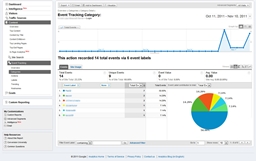
The Google Analytics Plugin allows to use Google Analytics for basic statistics. The current version tracks events like logins, quits, deads, and kills by user (for all events see here). You can see some examples how the data is visualized in Google Analytics on the images page. Install
- Setup a Google Analytics Account
- Setup a Profile for your Server on Google Analytics (You need the entered domain name and the tracking in for the configuration)
- Put the jar file in the plugin folder
- Run the plugin once to generate the default config file of the plugin
- Setup the configuration file as described here
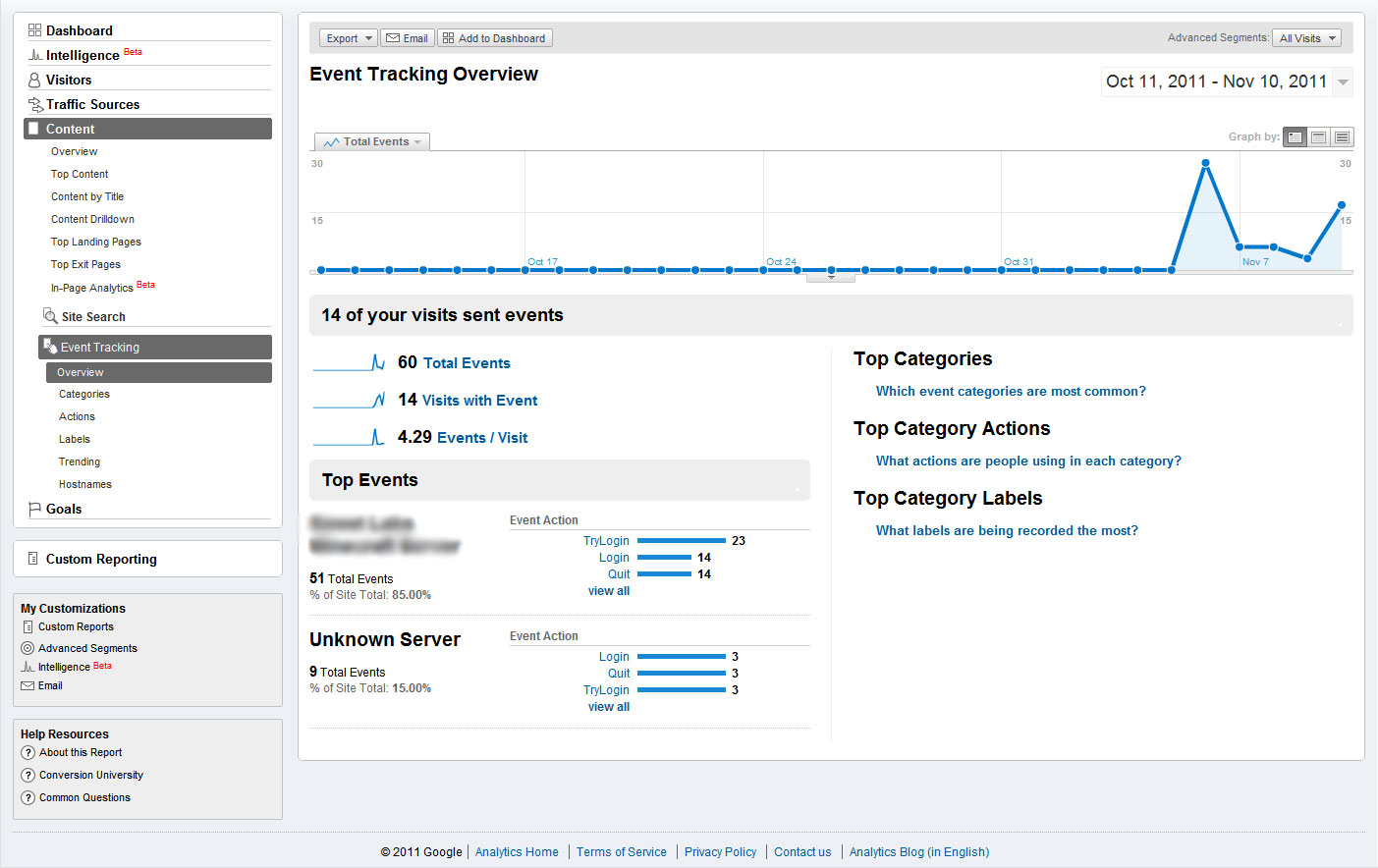
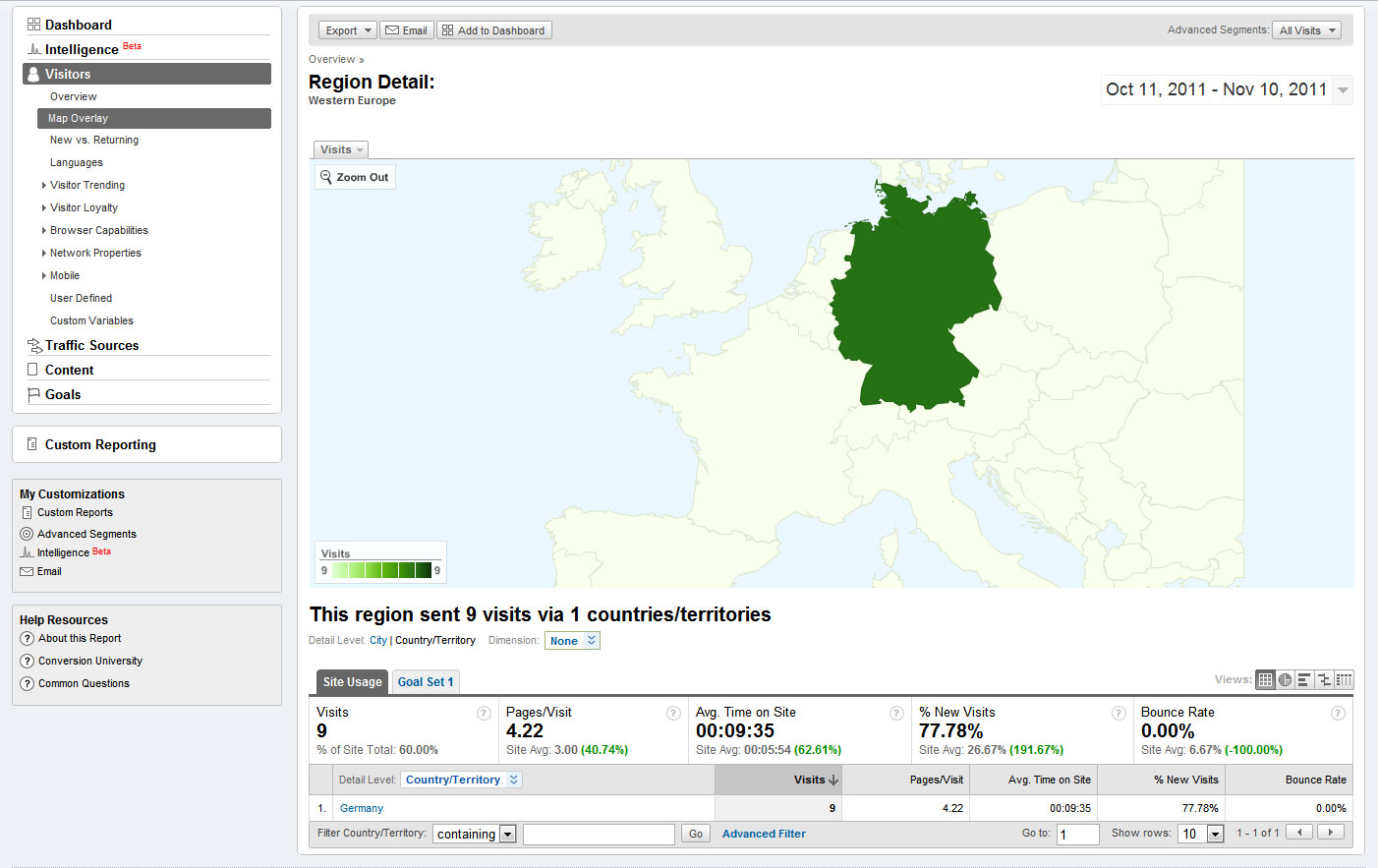
Usage You can see the statistics at the Content - Event Tracking Menu in Google Analytics. You can also view the location of your players by country, city, etc...
Updating the data in Google Analytics can take some time, the data is not live! The first setup takes at least one day or two!
Future updates
- Add more events (Leave your ideas for events in the comments).
- Integrate tracking of other plugins like iConomy .
- Add an better interface for other modders, to allow them tracking events in their plugins.
如何安装 GoogleAnalyticsPlugin
A server on Paper or Spigot
The plugin runs on the server core; players do not need to install anything.
File goes into the plugins folder
Download the file GoogleAnalyticsPlugin.jar (73 KB) and put it into the server’s plugins folder.
Restart the server
On startup the plugin creates its own settings folder in plugins.
Use the “To server” button
On Millida Hosting, the button at the top of the page uploads the file to your server and restarts it for you.
版本
含依赖项
| Minecraft | 加载器 | 文件 | 日期 | 操作 |
|---|---|---|---|---|
| — | — | Version 2 - Release 273 KB | ||
| — | — | Version 2 - Beta 472.9 KB |
常见问题
Do players need to install GoogleAnalyticsPlugin?
No, the plugin goes only on the server, into the plugins folder: players do not need to download anything.
Where can I download GoogleAnalyticsPlugin safely?
On this page: the file GoogleAnalyticsPlugin.jar (73 KB) is stored on Millida’s server, with no link shorteners. SHA-1 checksum: e0fac0775347570cf375097d5dbd538b9585c3b8.
评价
成为第一个评价 GoogleAnalyticsPlugin 的人


