

适用于 Minecraft 1.20.1, 1.21.1 的 DeadChest 插件
Modern Minecraft death chest plugin for Bukkit, Spigot, and Paper servers.



The ultimate solution to protect player inventories on death
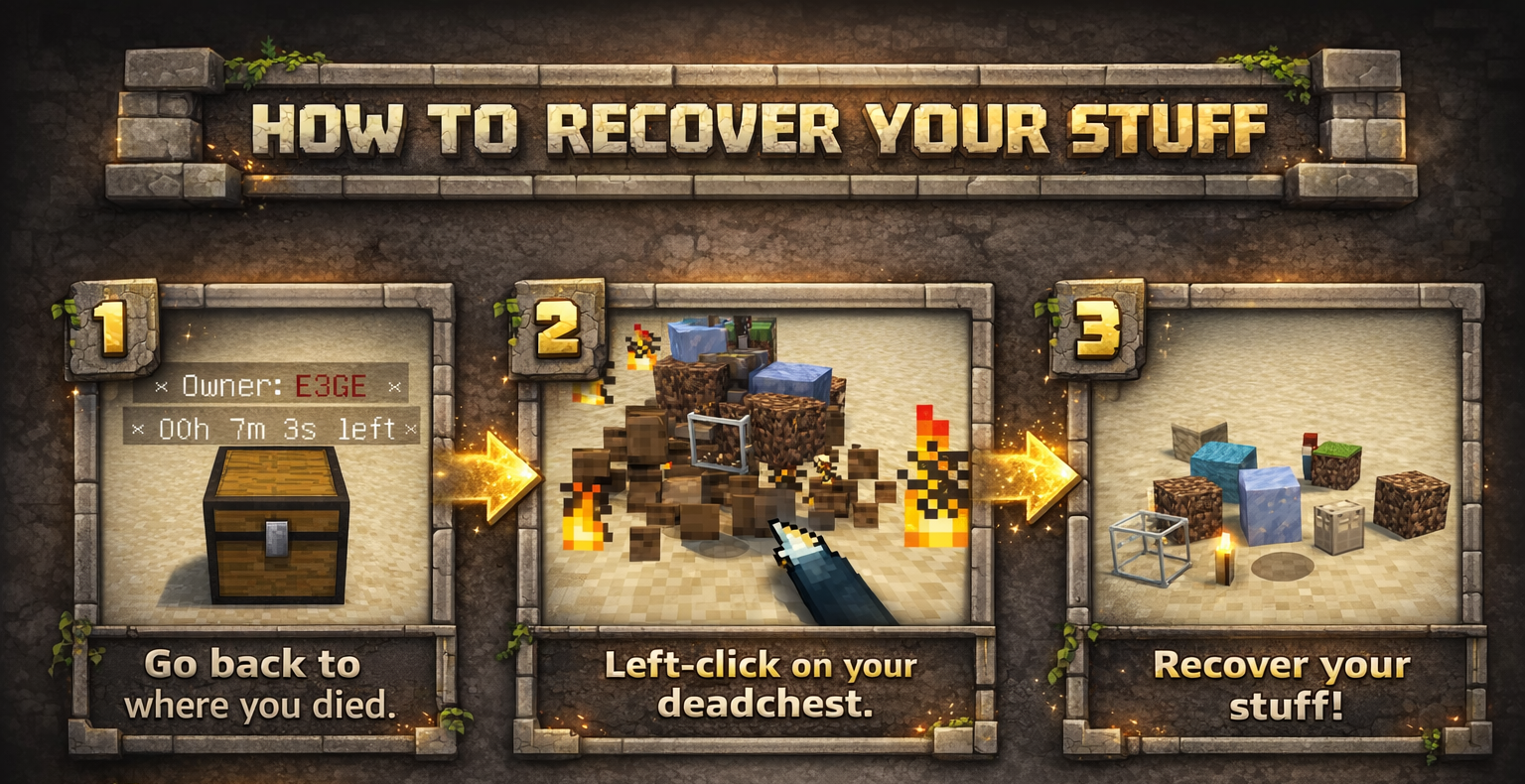
DeadChest automatically converts a player's dropped inventory into a secure chest at the exact location of death.
Each chest displays a hologram with the owner's name and a configurable countdown timer. When the timer expires, the chest and its contents are permanently removed.
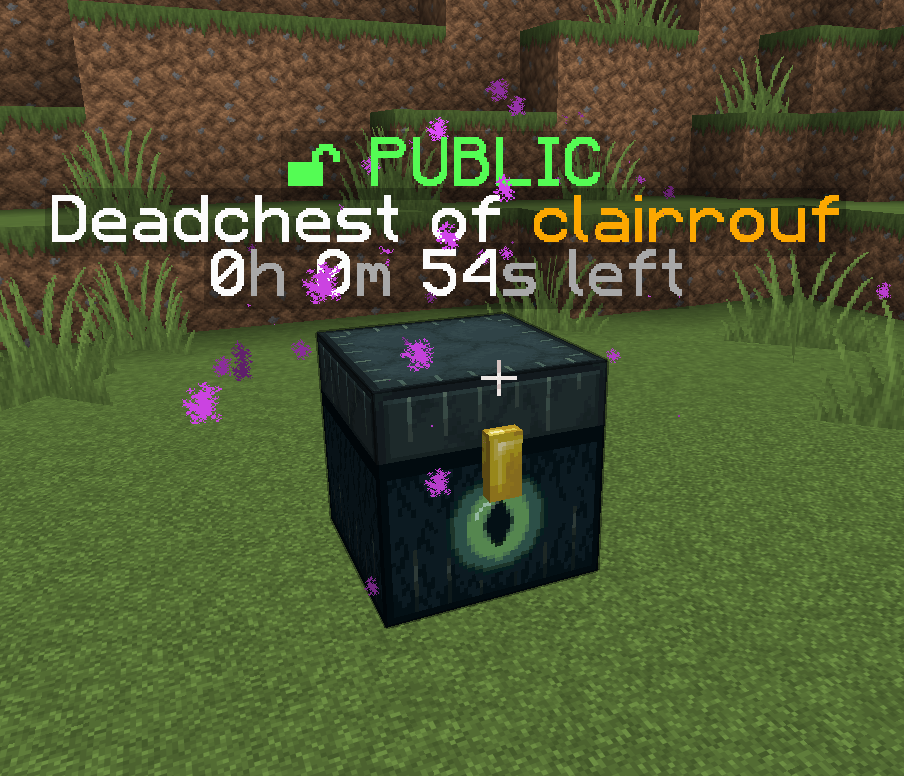
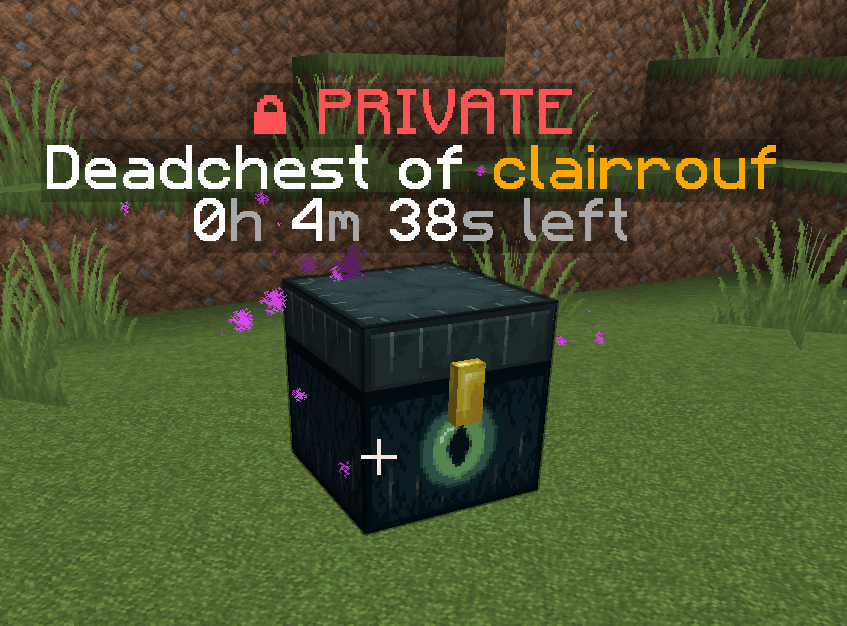
Fully customizable: define custom durations, create infinite chests, and choose between private (owner/admin only) or public access.

Key Features
- Automatically stores the entire player inventory on death (including armor)
- Chest spawns at the exact death location
- Holographic display showing owner and remaining time
- Private or public chest access
- Optional XP storage
- Grief protection (explosion and destruction control)
- WorldGuard integration
- Fully compatible with Minecraft 1.13.2 - 26.3.x
- Folia support !
Advanced Features
- Unlimited players and unlimited chests
- Per-world configuration
- Gamemode-based management
- Item filtering and management
- Choose between chest or player head container
- Citizens 2 compatibility
- Detailed logging system for every DeadChest event (no more player disputes)
- Advanced permission system
Fully Customizable
- Chest duration
- Chest access (private/public)
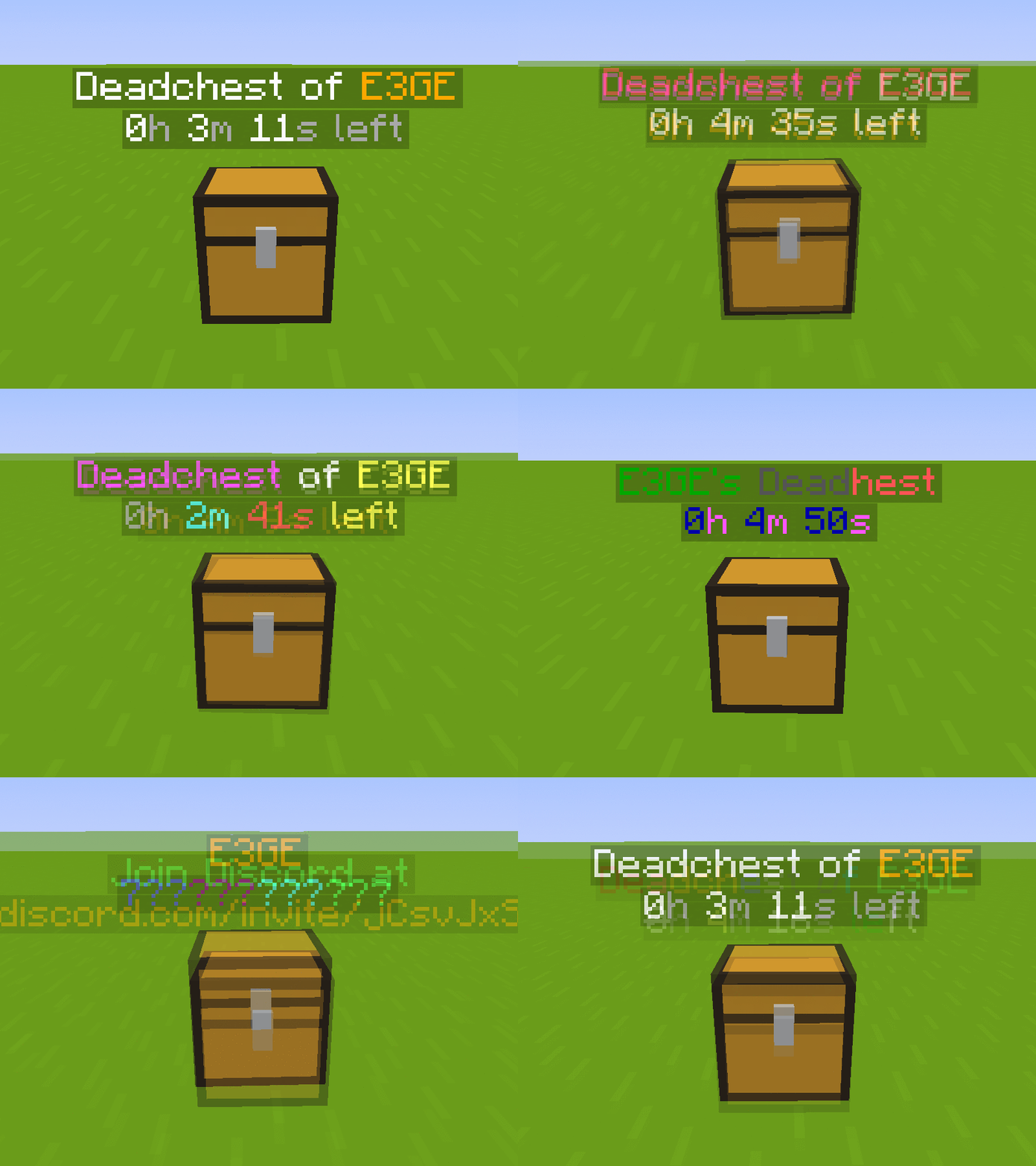
- Hologram content
- Text colors
- Griefable chests (enable/disable destruction)
- Maximum number of chests per player
- Multi-language support
- Drop behavior customization
- And much more
Documention link
Since version 4.5.0, DeadChest uses bStats to collect anonymous usage statistics to help improve the plugin.

DeadChests are FULLY customizable!

Command Description Permission
/dc reload
Reload the plugin
deadchest.admin
/dc remove
Remove all deadchests of the current player
deadchest.remove.own
/dc remove (PlayerName)
Remove all deadchests of a player
deadchest.remove.other
/dc removeinfinite
Remove all infiny chest
deadchest.admin
/dc removeall
Remove all deadchests
deadchest.admin
/dc list
List all deadchest of the current player
deadchest.list.own
/dc list all
List all deadchest
deadchest.list.other
/dc list (PlayerName)
List all deadchest of a player
deadchest.list.other
/dc giveBack (PlayerName)
Return the oldest deadchest inventory of a player to him
deadchest.giveBack
/dc ignore
Opens the ignore list inventory to add items Deadchest should ignore.
deadchest.admin
deadchest.generate : Allow a player to generate deadchests deadchest.chestPass : Allow a player to get all deadchests deadchest.infinityChest : Allow a player to have a infinity chest

First Installation
Download DeadChest.jar
Place it in your server’s /plugins folder
Restart or start your server
The plugin will automatically generate its configuration files inside:
/plugins/DeadChest/
Generated Files
config.yml
Main configuration file. Use this file to customize plugin settings and behavior.
locale.yml
Language file (English by default). You can edit this file to translate messages into your preferred language.
deadchest.log
Contains a detailed log of all DeadChest events.


Please read the FAQ if you have any trouble. If you find any issue, please report it on Github or Discord

You will find below the list of all my plugins. They are all updated with the latest version and try to offer you the best experience possible.
- SpawnerSilk : Mine spawners with silk touch.
- DeadChest : Keep your inventory in a chest when you die
- Cryweather : Manage time easily
- RedStoneMe : Activate redstone with your presence
- MendingEnchant : Allow you to have mending with your enchant table
- MobsManager : Manage which mobs can spawn on your server or not
- CreatureCapture : Capture any creatures you see with a special bow
如何安装 DeadChest
A server on Paper or Spigot
The plugin runs on the server core for Minecraft 1.13–26.3; players do not need to install anything.
File goes into the plugins folder
Download the file dead-chest-4.31.0.jar (224 KB) and put it into the server’s plugins folder.
Restart the server
On startup the plugin creates its own settings folder in plugins.
Use the “To server” button
On Millida Hosting, the button at the top of the page uploads the file to your server and restarts it for you.
版本
含依赖项
| Minecraft | 加载器 | 文件 | 日期 | 操作 |
|---|---|---|---|---|
| 1.20.6 | — | DeadChest v4.31.0224 KB 7 |
评价
成为第一个评价 DeadChest 的人


