

After Life
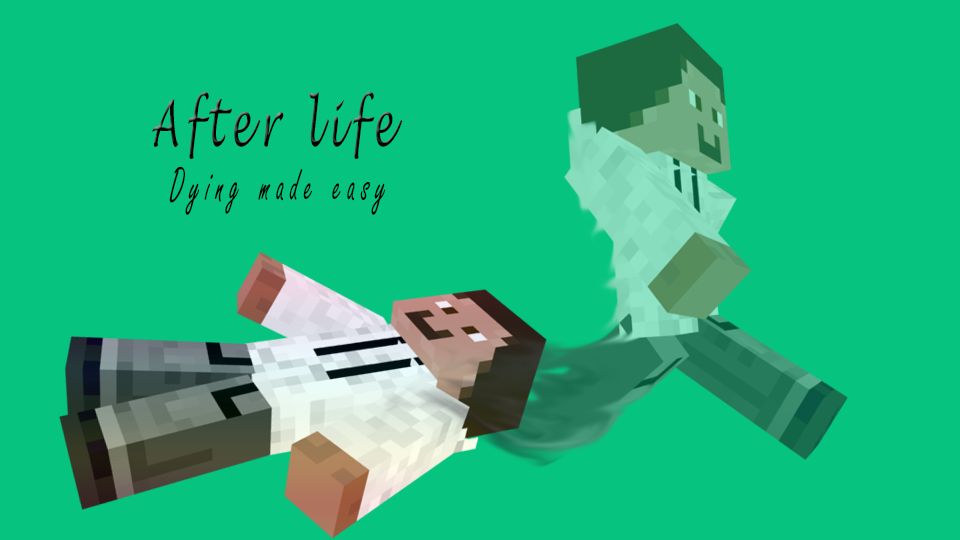
AfterLife adds a whole new aspect to your server. Players who die will now become ghosts who can haunt other players and spectate the world for a predefined time. Ghosts can have special effects or powers, and hant other players with spooky sounds!
I wanted this plugin to work with everyone's servers, so I've made almost every feature of this plugin easily configurable. It can run out of the box, or you can spend time customising it to your server's needs.
Features
- Add a afterlife experience to your server!
- Players will become ghosts when they die.
- Ghosts cannot break or place blocks.
- Regular players cannot see ghosts.
- Ghosts can have a configurable effect when walking.
- Choose if ghosts should have item drop and pickup disabled.
- Ghosts can create a scary sound when they sneak. (To haunt)
- You can choose if you want ghosts to be able to chat or PvP.
- Easy WorldGuard integration! Disable AfterLife in certain regions.
- Almost every feature of this plugin is configurable.
- Auto update checking.
These are the features as of AfterLife v1.3. If you do not see the version available to download quite yet, it may be that the update hasn't been approved by the Bukkit Approval Staff just yet.

Documentation
To view documentation on commands, permissions, config files and more, head over to our documentation page hosted on Volcanic Plaza.
Planned Features
Please use our Ticket System to view and request upcoming features.
Suggestions? Tickets?
If you have a suggestion for AfterLife, first check if the feature is already listed in the Planned Features section or as a Ticket. Then please submit a ticket explaining your suggestion. Please do not suggest features in comments or PM me them as it is hard to track for me, and I may never even see it. By submitting your suggestions as a ticket, I can easily track the request and update my progress. Thanks, nxtguy.
Donations
I put hours of work into AfterLife as a learning experience and hobby. If you enjoy using AfterLife, please consider supporting the development and donating to keep the plugin going. Thanks!
A big thanks to MisterMystery for supporting the development of this project and donating!
如何安装 After Life
A server on Paper or Spigot
The plugin runs on the server core for Minecraft 1.6.1–1.6.2; players do not need to install anything.
File goes into the plugins folder
Download the file AfterLife.jar (60 KB) and put it into the server’s plugins folder.
Restart the server
On startup the plugin creates its own settings folder in plugins.
Use the “To server” button
On Millida Hosting, the button at the top of the page uploads the file to your server and restarts it for you.
Minecraft 1.6.2 runs on Java 8: with a different Java version the game may close right after launch.
版本
含依赖项
| Minecraft | 加载器 | 文件 | 日期 | 操作 |
|---|---|---|---|---|
| 1.6.2 | — | AfterLife v1.559.7 KB | ||
| — | — | AfterLife v0.16.7 KB |
评价
成为第一个评价 After Life 的人


