

适用于 Minecraft 1.16.5, 1.19.2 的 Vanilla Create Exploration 构建
用最好的模组:Create 和任务,体验最佳的原版 Minecraft 1.18.2 体验
- 次下载
- 3 次下载
- 次浏览
- 67 次浏览
- 已更新
- 已更新 23.10.2026
- 1.16.5 — 1.19.2
 Forge
关于 Vanilla Create Exploration 整合包
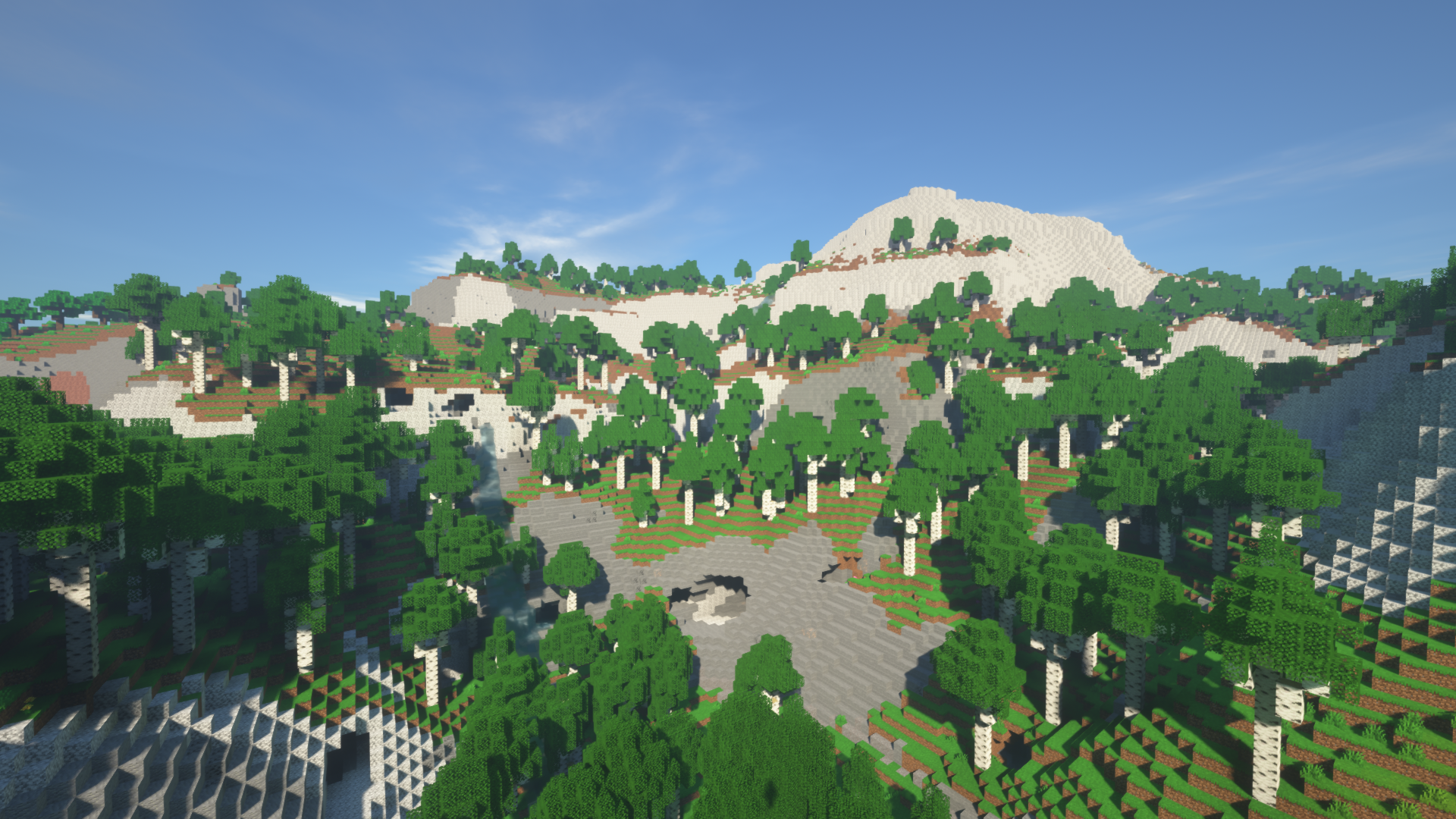
Build complex mechanisms using Create mod and explore big world with tons of dungeons and secretes. Build big automated storage, or big automatic base using CC: tweaked mod. Meet with new animals, mobs and bosses. Build your own colony with Minecolonies mod. And try to complete all quests.
In modpack our team change some crafts to do them mor difficult. Also we have exclusive mod specially made for modpack with uniques items.
- CurseForge Launcher: go to Files and hit Install, accept the prompt if asked. Or search "Vanilla Create Exploration" within the launcher itself and click Install
- 4GB RAM
If you make video such as Lets play or Review of modpack, please leave a link in the description.
Video about modpack (Russian)
如何安装 Vanilla Create Exploration
With Millida Launcher
Install Millida Launcher
The launcher is free: download it at millida.net/launcher and sign in with any nickname.
Click “Install” on this page
The launcher opens and installs the modpack for Minecraft 1.16.5–1.19.2 on Forge automatically.
Launch the game
A profile with it appears in the launcher: click “Play”.
Manually
Download the modpack archive
In the version list above, pick the file VCE Client pack-2.3.zip (8.6 MB).
Import it into a launcher
A launcher that supports modpacks (Millida Launcher, Prism) takes the archive via “Add modpack”, then “From file”. No need to unpack it yourself.
Allocate memory
Modpacks need more memory than the plain game: set 4–6 GB in the profile settings.
On a server
Use the “To server” button
On Millida Hosting, the button at the top of the page uploads the file to your server and restarts it for you.
Invite friends: they install the same modpack
To join the server, every player needs the same modpack version.
Minecraft 1.19.2 runs on Java 17: with a different Java version the game may close right after launch.
版本
含依赖项
| Minecraft | 加载器 | 文件 | 日期 | 操作 |
|---|---|---|---|---|
| 1.19.2 | Forge | Vanilla Create Exploration 2.38.6 MB 3 | ||
| 1.19.2 | — | Vanilla Create Exploration 2.28.5 MB | ||
| 1.18.2 | Forge | Vanilla Create Exploration 1.18.2 v0.7b8.6 MB | ||
| 1.18.2 | — | Vanilla Create Exploration 1.18.2 v0.6a8.6 MB | ||
| 1.16.5 | — | VanillaCreate Exploration 1.16.5 -3.0.zip115 MB |
常见问题
Which Minecraft versions does Vanilla Create Exploration work on?
There are files for 1.19.2, 1.18.2, 1.16.5. The newest is 1.19.2.
Is Vanilla Create Exploration for Forge or Fabric?
Only for Forge: 1.18.2–1.19.2.
Which Java does Vanilla Create Exploration need?
Minecraft 1.19.2 runs on Java 17. If the game closes right after launch, the usual cause is the wrong Java version in the profile settings.
Where can I download Vanilla Create Exploration safely?
On this page: the file VCE Client pack-2.3.zip (8.6 MB) is stored on Millida’s server, with no link shorteners. SHA-1 checksum: 2f56e84e038c514a475785fc20ae2b382879875e.
评价
成为第一个评价 Vanilla Create Exploration 的人


