
适用于 Minecraft 26.50 的 Skyblock Origins 地图
Original Skyblock 将经典的空岛生存挑战带到了 Minecraft Bedrock!从一座小小的浮空岛上几乎一无所有地开始,看看你能生存、扩展和建造到何种程度。
☁️ Skyblock Origins
Skyblock Origins takes the classic Skyblock survival experience and expands it into a huge adventure across dozens of unique floating islands!
Start with limited resources, survive the void, build your base and travel between islands to discover new biomes, resources and secrets.
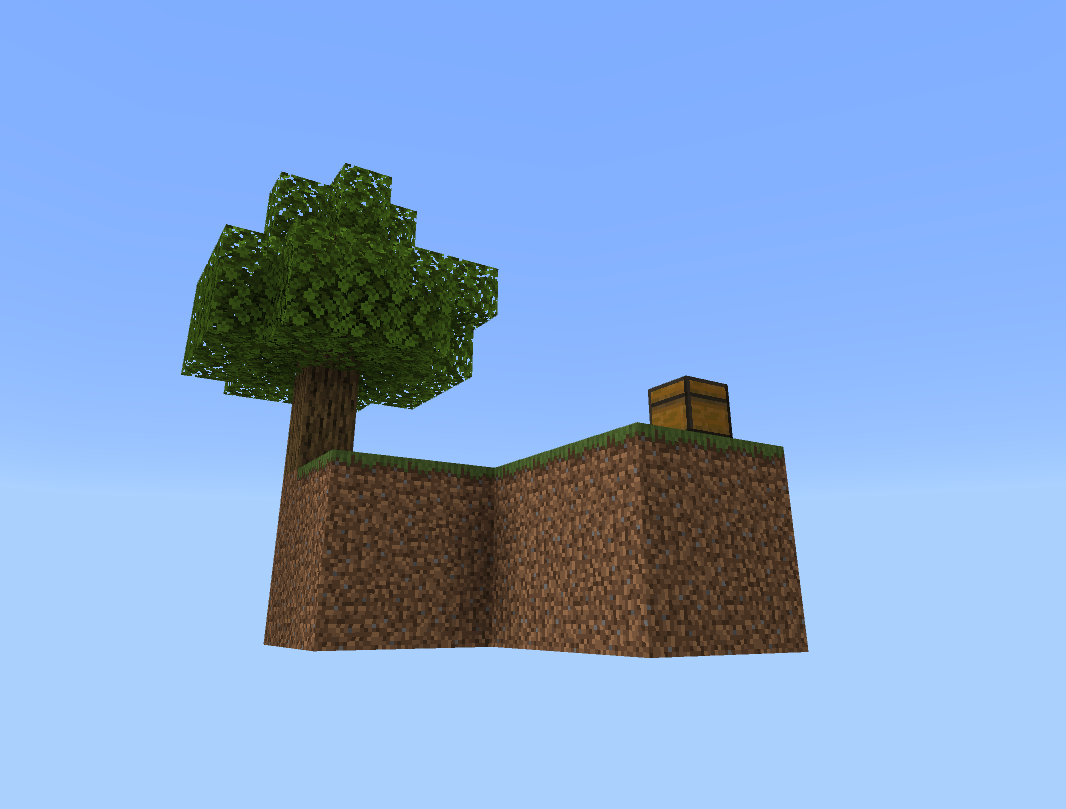
🌳 Explore massive forest islands 🌸 Discover Cherry Grove and Jungle islands 🌑 Venture into the Deep Dark 🔥 Explore dangerous Nether-themed islands ❄️ Find snowy and frozen areas 💎 Mine underground for valuable ores 💧 Discover caves, waterfalls and hidden areas 🐄 Find wildlife across different islands 🏠 Build, farm and expand your Skyblock world 🔎 Search for hidden loot and secrets
The map is constantly being expanded, with new islands, improvements and surprises added through regular updates.
How far can you survive and expand your world?
Welcome to Skyblock Origins. ☁️🌍
- DimaHappy7 🔥
如何安装 Skyblock Origins
With Millida Launcher
Install Millida Launcher
The launcher is free: download it at millida.net/launcher and sign in with any nickname.
Click “Install” on this page
The launcher opens and installs the map for Minecraft 26.0–26.50 automatically.
Launch the game
A profile with it appears in the launcher: click “Play”.
Manually
Download the map archive
Pick the file Skyblock V17.mcworld (242 KB).
Unpack it into the saves folder
The world folder (with level.dat inside) must sit directly in .minecraft/saves.
Open the world
“Singleplayer”: the map will be in your world list.
On a server
Replace the world folder
Stop the server and put the map folder in place of world (or set its name in level-name).
Use the “To server” button
On Millida Hosting, the button at the top of the page uploads the file to your server and restarts it for you.
版本
含依赖项
| Minecraft | 加载器 | 文件 | 日期 | 操作 |
|---|---|---|---|---|
| 26.0.02 | — | Skyblock V17242 KB 39 |
评价
成为第一个评价 Skyblock Origins 的人



