
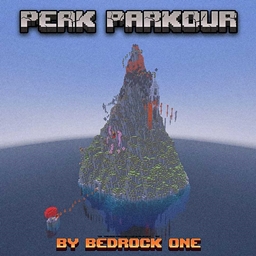
适用于 Minecraft 26.30 的 Peak Parkour 地图
Peak Parkour 是一张地图,你通过克服跑酷挑战来攀登一座巨大的山峰。在登顶途中,你可以在困难路线或较容易的路线之间选择
关于 Peak Parkour 地图
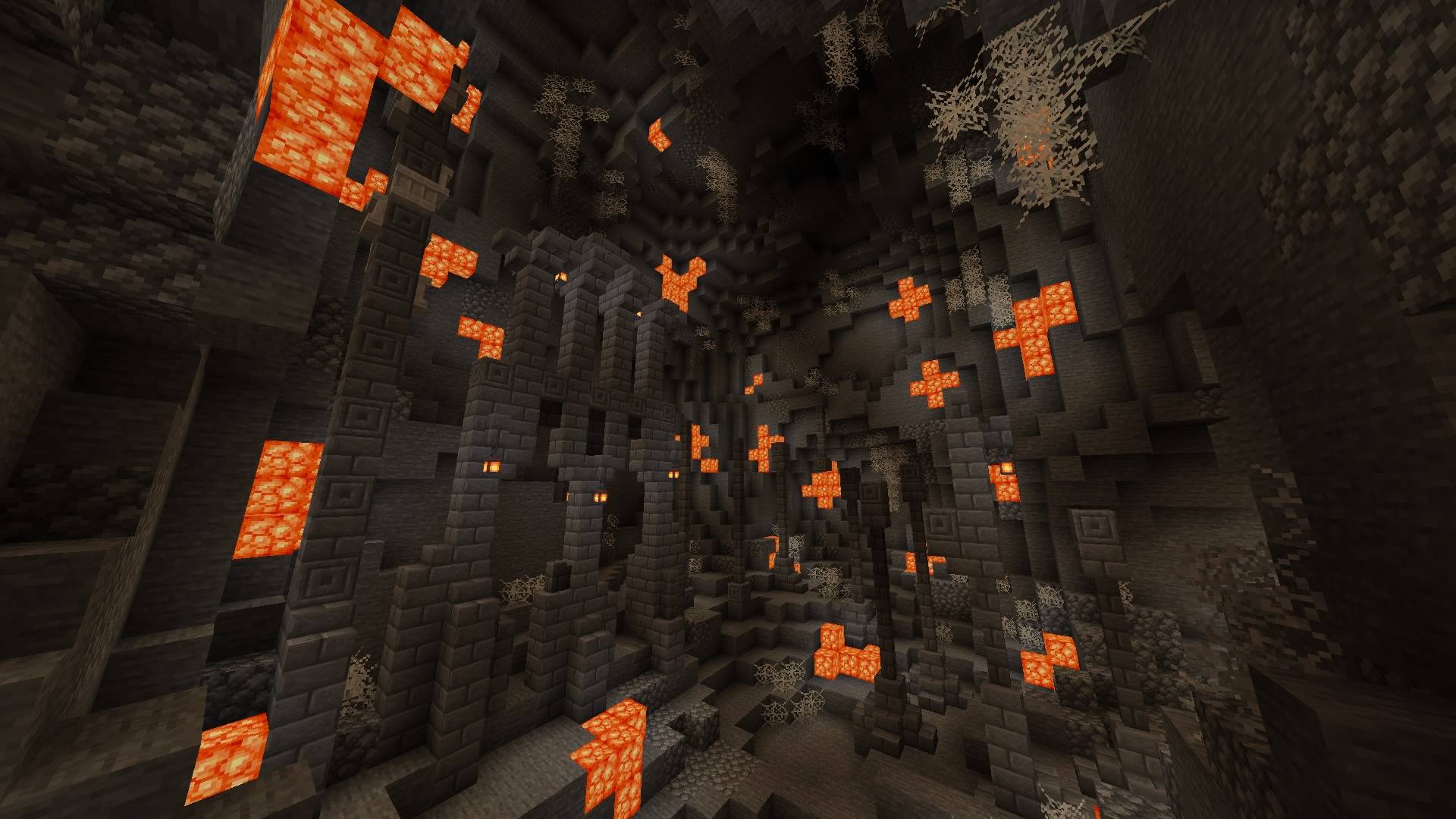
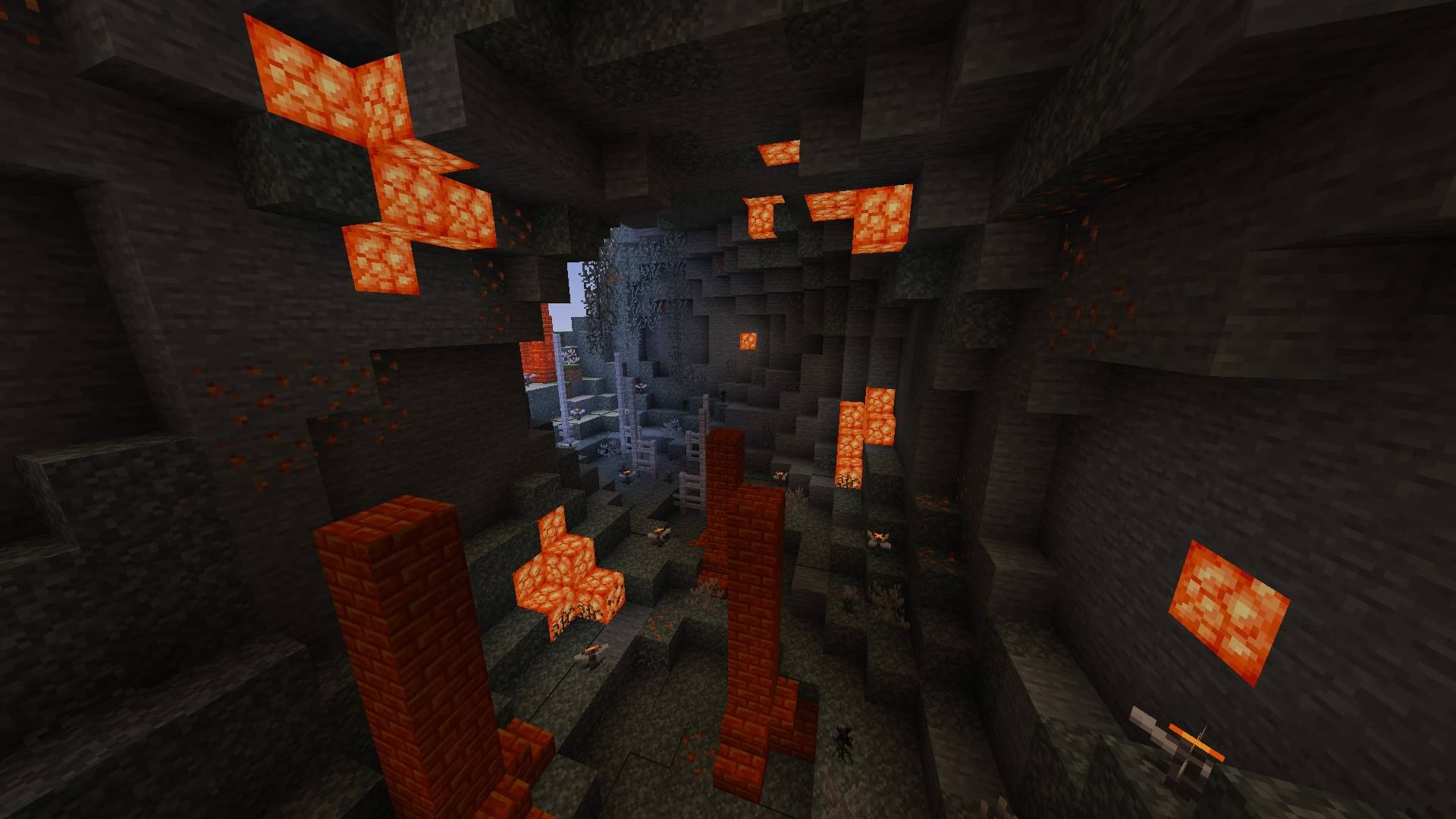
The Peak Parkour map is a journey across a huge mountain built from difficult parkour challenges. It brings together many trials that test agility and precision, yet do not require endless repetition. At each level you can choose between a hard route and an easier one that lets you complete the map without too much stress. The alternative paths are not marked, you have to find them yourself, which adds an element of exploration. Each part of the route is designed so as not to tire you out, yet not to lose your interest. The map will suit both those looking for a challenge and those who just want to follow a beautiful path with interesting visual design. All of this is on version 26.30, which belongs to Bedrock Edition, and works only in that format.
The world fits into the saves folder and can run both in single player and on a local server. The map size is 776 KB, which makes it easy to download and install. Search queries like "download parkour map for minecraft" or "minecraft parkour maps" indicate that this kind of game is interesting to many, especially those who value not just movement, but honing skills on beautiful and elaborate architecture. The map will suit both beginners and experienced players looking not only for precision, but also for atmosphere.
Parkour maps with route-choice elements, like Peak Parkour, are rarely found in standard builds, so this is a good addition for those who want to diversify their usual gameplay. The places where you can take an easier path do not break the balance and let you feel confident even with imperfect control.
Frequently asked questions
How do I install the Peak Parkour map?
Copy the folder with the map into the saves folder inside the Bedrock Edition game directory.
Which version does the map work on?
It works on version 26.30, compatible only with Bedrock Edition.
Can I play on a server?
Yes, the map can be launched both in single player and on a local server.
如何安装 Peak Parkour
With Millida Launcher
Install Millida Launcher
The launcher is free: download it at millida.net/launcher and sign in with any nickname.
Click “Install” on this page
The launcher opens and installs the map for Minecraft 26.30 automatically.
Launch the game
A profile with it appears in the launcher: click “Play”.
Manually
Download the map archive
Pick the file Peak Parkour Original V1.4.mcworld (776 KB).
Unpack it into the saves folder
The world folder (with level.dat inside) must sit directly in .minecraft/saves.
Open the world
“Singleplayer”: the map will be in your world list.
On a server
Replace the world folder
Stop the server and put the map folder in place of world (or set its name in level-name).
Use the “To server” button
On Millida Hosting, the button at the top of the page uploads the file to your server and restarts it for you.
版本
含依赖项
| Minecraft | 加载器 | 文件 | 日期 | 操作 |
|---|---|---|---|---|
| 26.30 | — | Peak Parkour Original V1.4776 KB 1 |
评价
成为第一个评价 Peak Parkour 的人



