
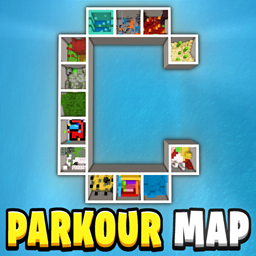
适用于 Minecraft 26.0.02 的 Parkour C Map
跑酷C地图包含13个有趣的关卡,你的目标是全部通关!这张地图有计时器、检查点、陷阱、秘密、捷径、重开系统,适合所有人游玩!玩得开心 : )
关于 Parkour C Map 地图
Parkour C Map contains 13 Fun and Exciting Levels, and your goal is to Beat Them all! This map has Timer, Checkpoint, Restart Systems, which makes the map even more fun! Enjoy : ) It also has Fun Traps, Secrets and Shortcuts!
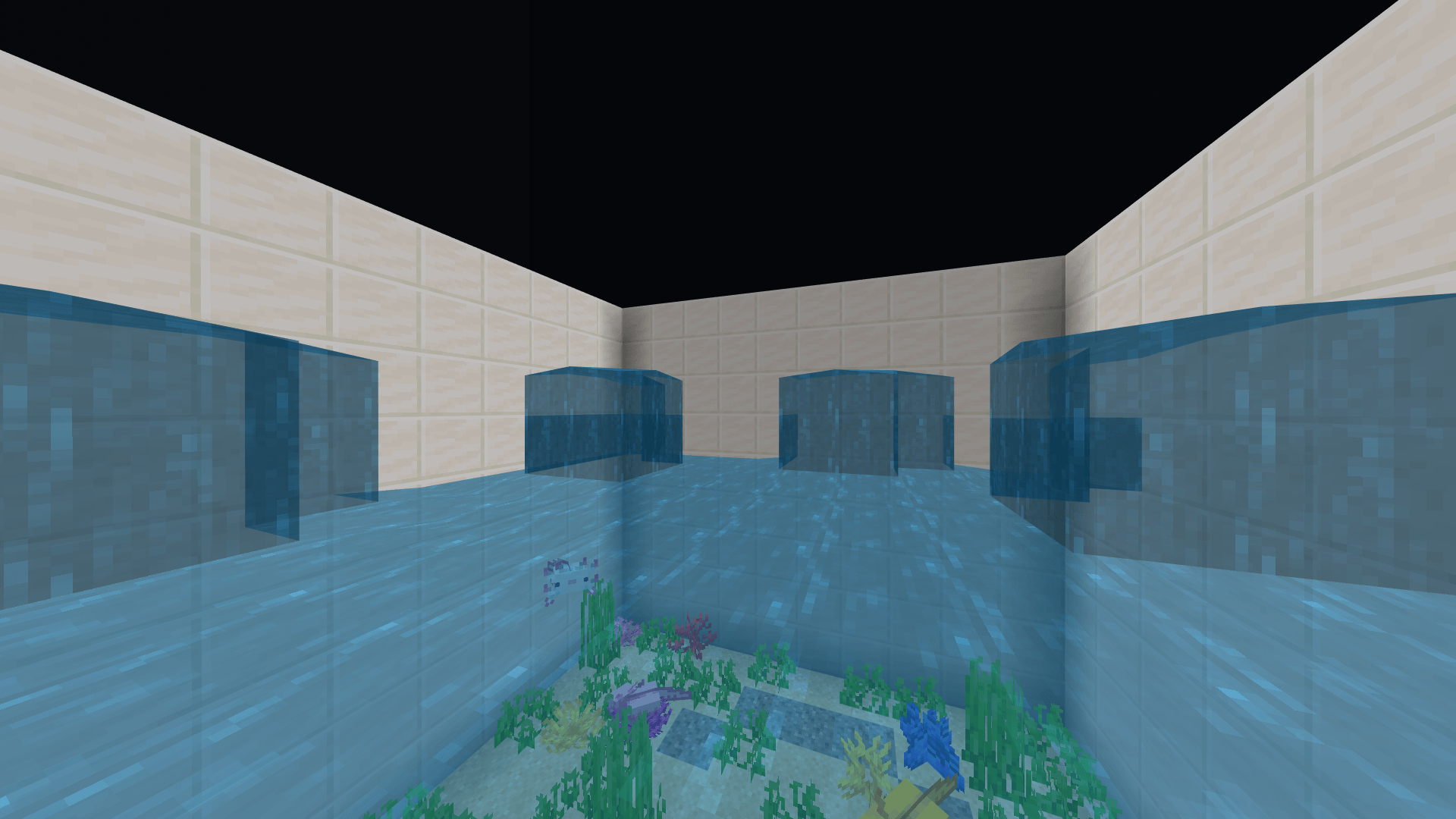
This easy and fun challenge features 13 unique parkour boxes, each one a 10×10 block boxes packed with Jumps, Obstacles, and Surprises. Every box offers something Different to keep things Fresh and Exciting.
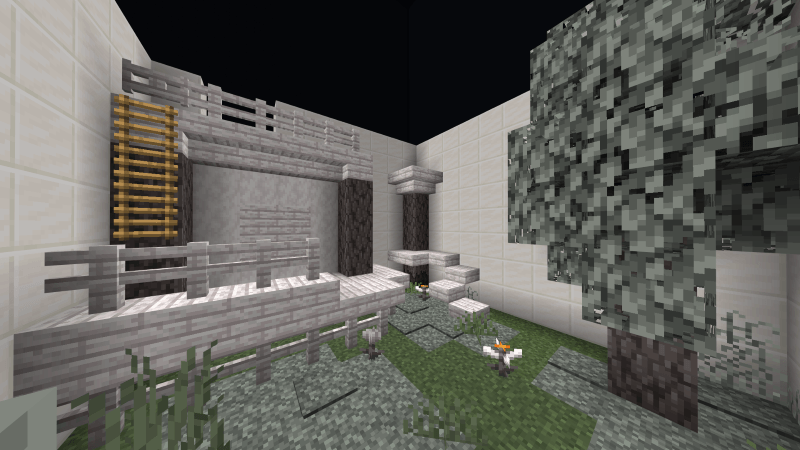
Parkour C Map is part of A-Z Parkour Series - each with New Layouts and Challenges.
The Parkour C Map is visually structured as Letter C, with each segment of C containing unique Parkour Levels.
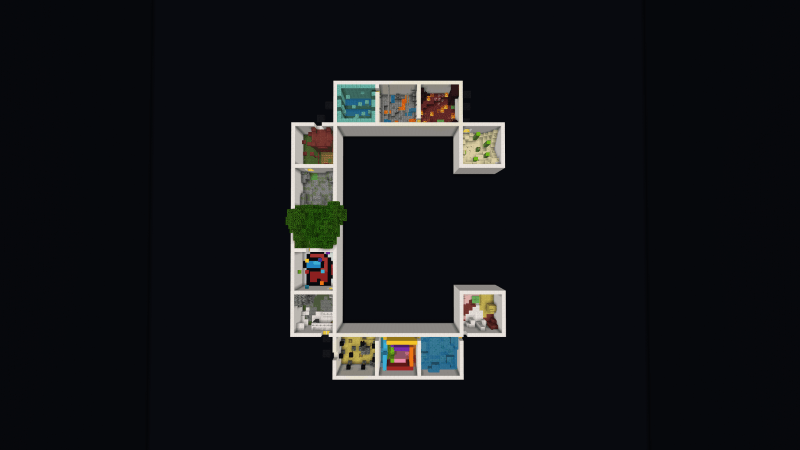
✅ 13 Levels to beat - Every box offers something different to keep things fresh and exciting!
✅ Unique Level Themes - Each level has its own style
✅ Parkour that is Fun for everyone - Easy to play, great for practice or casual fun!
✅ Checkpoint System - One checkpoint at the start of every level
✅ Timer for Replayability - Test your speed and compete with friends!
✅ Restart Button - Instantly return to the start for faster speedrun attempts (no need to backtrack after a fail)
✅ Multiplayer Friendly - Race friends or go solo
### Ready to take on the Letter C?
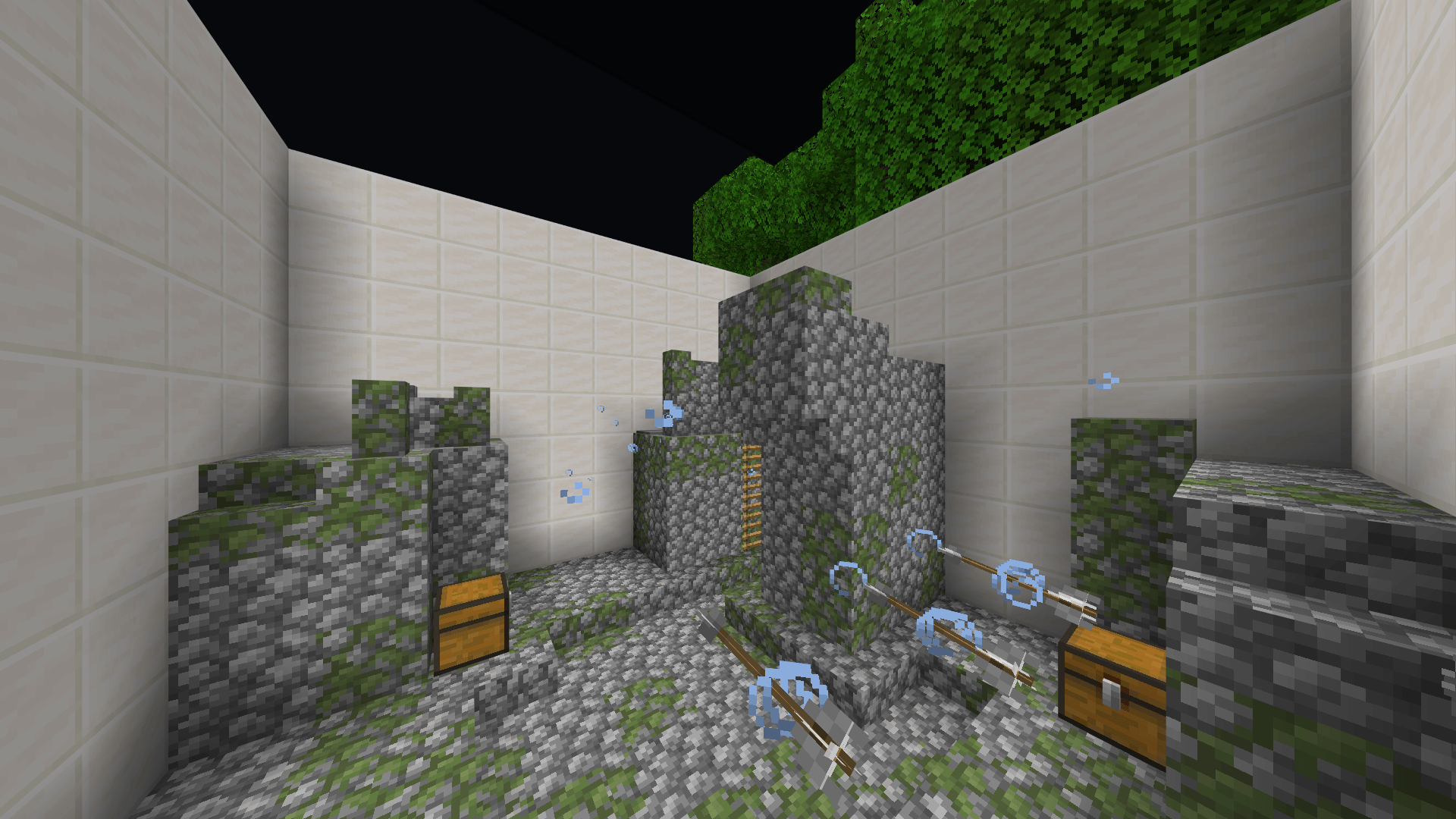
Download Now and have Fun in Parkour C!
Enjoy, have Fun and keep Parkouring : )
Terms of Use
You Can:
- Use this World/Map and the Thumbnail in your Videos/Reviews/Showcases as long as you credit me as "RuthlessYT". And put the Original Download link in the description. (This Post)
You Cannot:
- Share the Direct Download Links. (Always Share this Page Link)
如何安装 Parkour C Map
With Millida Launcher
Install Millida Launcher
The launcher is free: download it at millida.net/launcher and sign in with any nickname.
Click “Install” on this page
The launcher opens and installs the map for Minecraft 1.21.101–26.0.02 automatically.
Launch the game
A profile with it appears in the launcher: click “Play”.
Manually
Download the map archive
Pick the file Parkour C Map.mcworld (7.7 MB).
Unpack it into the saves folder
The world folder (with level.dat inside) must sit directly in .minecraft/saves.
Open the world
“Singleplayer”: the map will be in your world list.
On a server
Replace the world folder
Stop the server and put the map folder in place of world (or set its name in level-name).
Use the “To server” button
On Millida Hosting, the button at the top of the page uploads the file to your server and restarts it for you.
版本
含依赖项
| Minecraft | 加载器 | 文件 | 日期 | 操作 |
|---|---|---|---|---|
| 1.21.101 | — | Parkour C Map7.7 MB 2 |
常见问题
Which Minecraft versions does Parkour C Map work on?
There are files for 1.21.101–26.0.02, 13 versions in total. The newest is 26.0.02.
评价
成为第一个评价 Parkour C Map 的人



