

适用于 Minecraft 26.50 的 Lucky Block Skyblock 地图
Lucky Block Skyblock 是一张 4 人多人生存地图,拥有 4 座独特的岛屿。选择你的队伍,打破幸运方块,收集战利品,生存下来,成为终极冠军。
关于 Lucky Block Skyblock 地图
🍀 Lucky Block Skyblock 🍀
Welcome to Lucky Block Skyblock, an exciting multiplayer survival map where up to 4 players can compete on their own floating islands. Break Lucky Blocks, collect powerful loot, survive dangerous surprises, and become the last player standing. Every Lucky Block can completely change the game!
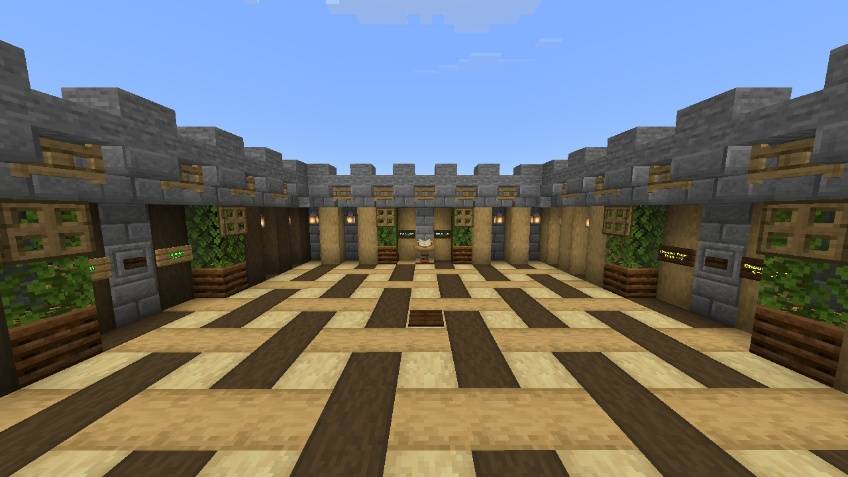
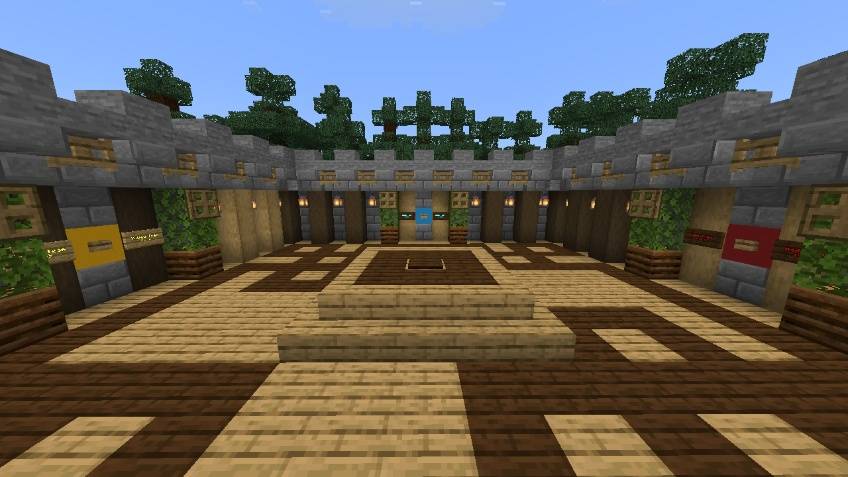
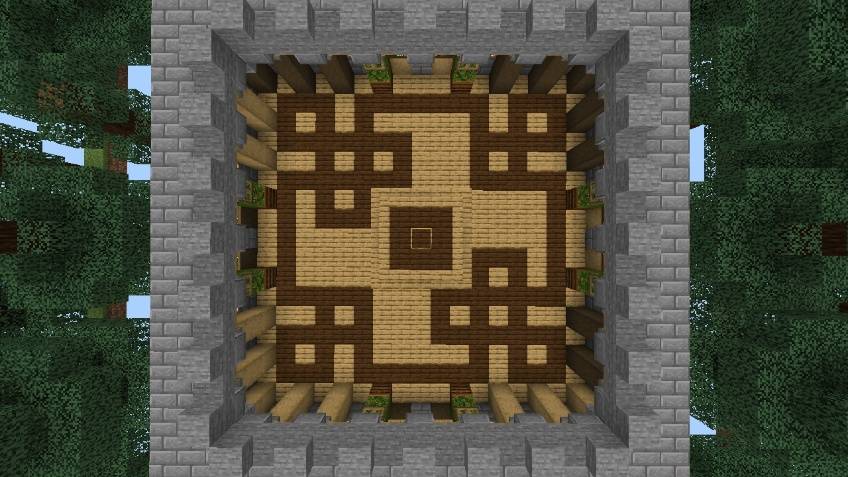
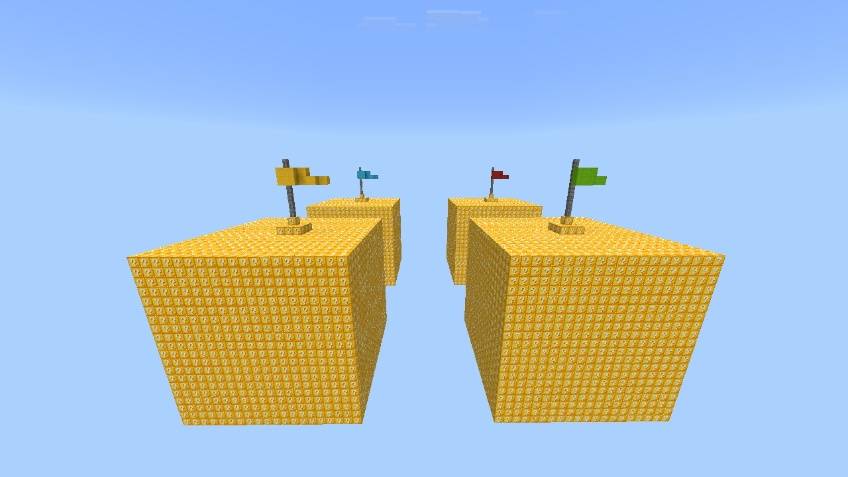
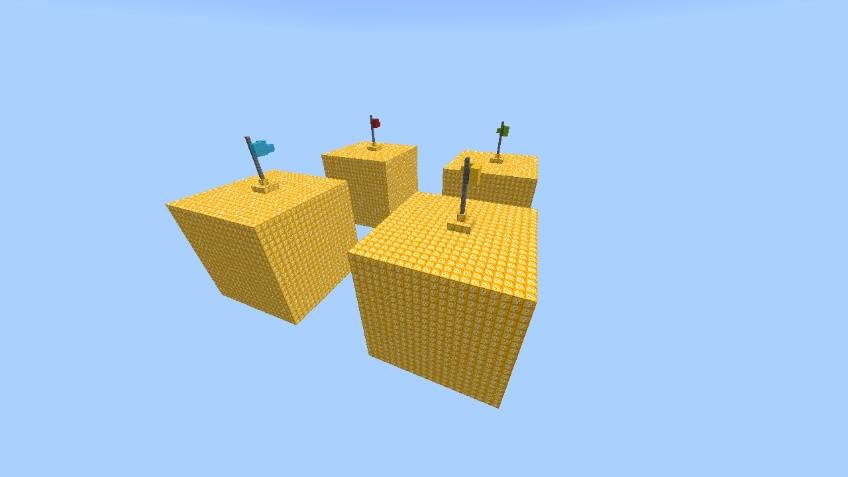
✔ Features • Supports up to 4 Players • 4 Unique Skyblock Islands • Lucky Block Survival Gameplay • Random Rewards & Surprises • Multiplayer Friendly • Fun PvP & Survival Experience
🎮 How To Play When you join the map, you will spawn in the lobby. Click the Choose Your Team button to enter the team selection area. You can choose any of the four teams: Yellow, Green, Red, or Blue. After selecting your team, you will be teleported to your team's island. Break the Lucky Blocks, collect loot, survive every challenge, and complete the game!
🏆 Objective Use your luck, gather the best loot, survive every challenge, and defeat your opponents to become the ultimate Lucky Block champion.
🚀 Next Update Coming Soon! More exciting features, improvements, and new content will be added in the next update. Stay tuned!
Map by:- Naman Studios Lucky Block Addon by:- Effect99
如何安装 Lucky Block Skyblock
With Millida Launcher
Install Millida Launcher
The launcher is free: download it at millida.net/launcher and sign in with any nickname.
Click “Install” on this page
The launcher opens and installs the map for Minecraft 26.0–26.50 automatically.
Launch the game
A profile with it appears in the launcher: click “Play”.
Manually
Download the map archive
Pick the file Lucky block Skyblock V1.3.mcworld (1.0 MB).
Unpack it into the saves folder
The world folder (with level.dat inside) must sit directly in .minecraft/saves.
Open the world
“Singleplayer”: the map will be in your world list.
On a server
Replace the world folder
Stop the server and put the map folder in place of world (or set its name in level-name).
Use the “To server” button
On Millida Hosting, the button at the top of the page uploads the file to your server and restarts it for you.
版本
含依赖项
| Minecraft | 加载器 | 文件 | 日期 | 操作 |
|---|---|---|---|---|
| 26.0.02 | — | Lucky block Skyblock V1.3.mcworld1 MB 83 |
常见问题
Which Minecraft versions does Lucky Block Skyblock work on?
There are files for 26.0–26.50, 11 versions in total. The newest is 26.50.
Where can I download Lucky Block Skyblock safely?
On this page: the file Lucky block Skyblock V1.3.mcworld (1.0 MB) is stored on Millida’s server, with no link shorteners. SHA-1 checksum: 3f85ad00cde47bd7c2e7fd597998caad39c0d701.
评价
成为第一个评价 Lucky Block Skyblock 的人



