

适用于 Minecraft 1.20.1, 1.21.1 的 VCT - Voiid Countdown Timer 数据包
一个可自定义的计时器数据包
关于 VCT - Voiid Countdown Timer 数据包
This is the DATAPACK page on CurseForge
As simple as the name implies.
Voiid Countdown Timer is a simple customizable countdown timer datapack & plugin.
❓ What is VCT?
Voiid Countdown Timer (VCT) is a fully customizable timer for Minecraft.
It works in two different versions:
- 📦 Datapack → The Lite version of VCT, ideal for single-player worlds or realms. (This CurseForge page)
- 🔌 Plugin → The full version of VCT, perfect for multiplayer servers with Spigot/Paper. (View the plugin page on CurseForge)
With both versions, you can:
- 🎨 Create visual timers with a progress bar.
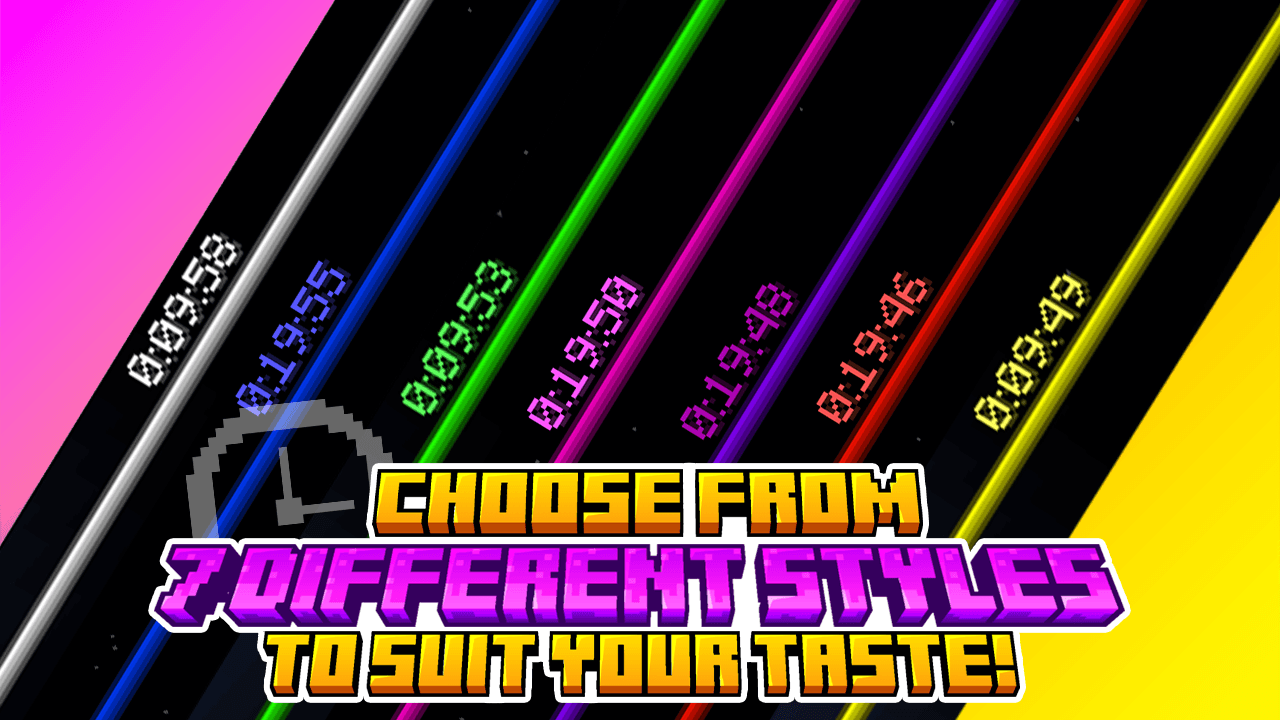
- 🖌️ Customize color styles.
- 🛠️ Run custom events when the timer starts or ends.
✨ Features
Voiid Countdown Timer includes:
- 🎨 Custom Colors Styles
- ⚙️ Quick and easy setup
- ⏳ Progressive Time Bar
- 🎈 Custom Events
- 👥 SinglePlayer and Multiplayer Compatible
- 💻 Open Source and constantly updated
📋 Requirements
- Version: 1.15+
🚀 Installation
- Download the latest version here
- Place the downloaded .zip file in the datapacks folder of your world.
- Enter the world and you will receive a message confirming the installation! 🎉
📖 How to use it
- Execute the command /function vct:book to receive the configuration book.
- From the book you will be able to:
- ⏰ Set time
- 🎛️ Timer controls
- 🌈 Customize style of colors
- 🗣️ Change language
- ❌ Uninstall
如何安装 VCT - Voiid Countdown Timer
With Millida Launcher
Install Millida Launcher
The launcher is free: download it at millida.net/launcher and sign in with any nickname.
Click “Install” on this page
The launcher opens and installs the data pack for Minecraft 1.15–1.21.11 automatically.
Launch the game
A profile with it appears in the launcher: click “Play”.
Manually
Download the archive
Pick the file voiidcountdown-lite.zip (82 KB) for your game version.
New world: “Data Packs”
When creating a world, click “Data Packs”, drag the archive into the window, then move it to “Selected”.
Existing world: the datapacks folder
Put the archive into saves/<world>/datapacks and type /reload in game.
On a server
Archive goes into the server world’s datapacks
The world/datapacks folder on the server; players do not need to install anything.
Reload the data
Type /reload in the server console or restart the server.
Use the “To server” button
On Millida Hosting, the button at the top of the page uploads the file to your server and restarts it for you.
版本
含依赖项
| Minecraft | 加载器 | 文件 | 日期 | 操作 |
|---|---|---|---|---|
| 1.16.3 | — | 1.5.1-beta-182 KB | ||
| 1.16.3 | — | 1.5.081.6 KB |
常见问题
Which Minecraft versions does VCT - Voiid Countdown Timer work on?
There are files for 1.15–1.21.11, 38 versions in total. The newest is 1.21.11.
Does VCT - Voiid Countdown Timer work on a server?
Yes: the data pack goes into the datapacks folder of the server world, and players do not need to install anything.
Where can I download VCT - Voiid Countdown Timer safely?
On this page: the file voiidcountdown-lite.zip (82 KB) is stored on Millida’s server, with no link shorteners. SHA-1 checksum: 68d67660622c05ded163c95a809cabe7f2c0ef2b.
评价
成为第一个评价 VCT - Voiid Countdown Timer 的人


