

Server PLUS Збірка для Minecraft 26.3
Ця споруда зробить ваше виживання на серверах зручнішим і привабливішим!
- переглядів
- 25 переглядів
- Оновлено
- Оновлено 23.10.2026
- 26.2 — 26.3
 Fabric
- Клієнт і сервер
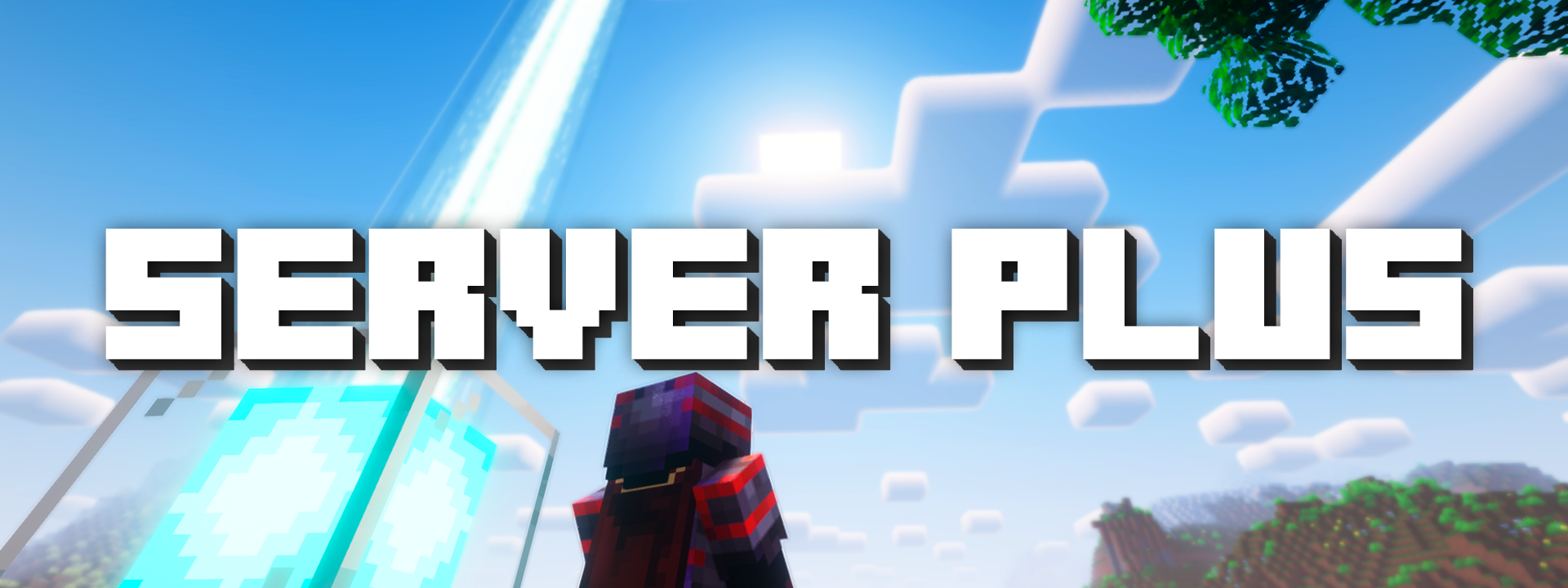
❓ Server PLUS - What is it?
Server PLUS is a mod pack created by the administrator of the Euphorium.ru server for players of these same projects. However, the mod pack is also perfect for all servers, whether vanilla or minigames, anarchy, or survival. You can follow the updates in the Telegram channel!

💡 Advantages of the mod pack:
The mod pack is based on improving the convenience of the game, namely on its visual part and performance. It contains many modifications, just to facilitate routine button presses. It will be perfect for you if you like to do everything with maximum performance!

⚙️ How to install?
You can install the build through any of the 3 launchers: ATLauncher, MultiMC, Prism Launcher. There are 2 ways to install assemblies. First, you need to open the downloaded file in through your launcher, or in adding it through the Add assemblies panel. Second, you need to open the panel for adding assemblies, select the Morinth method, then find the assembly in the search bar and click OK, after which the assembly will install itself in your launcher.
🛡️ Links to resources:
ㆍComplementary Shaders
ㆍXaerosWorldMap
Як встановити Server PLUS
With Millida Launcher
Install Millida Launcher
The launcher is free: download it at millida.net/launcher and sign in with any nickname.
Click “Install” on this page
The launcher opens and installs the modpack for Minecraft 26.2–26.3 on Fabric automatically.
Launch the game
A profile with it appears in the launcher: click “Play”.
Manually
Download the modpack archive
In the version list above, pick the file Server PLUS 26.3 1.11.0.mrpack (13 MB).
Import it into a launcher
A launcher that supports modpacks (Millida Launcher, Prism) takes the archive via “Add modpack”, then “From file”. No need to unpack it yourself.
Allocate memory
Modpacks need more memory than the plain game: set 4–6 GB in the profile settings.
On a server
Use the “To server” button
On Millida Hosting, the button at the top of the page uploads the file to your server and restarts it for you.
Invite friends: they install the same modpack
To join the server, every player needs the same modpack version.
Версії
Із залежностями
| Minecraft | Завантажувач | Файл | Дата | Дії |
|---|---|---|---|---|
| 26.2 | Fabric | 26.223.2 МБ | ||
| 26.3 | Fabric | 26.313.4 МБ | ||
| 26.2 | Fabric | 26.2802 КБ | — |
Що потрібно для запуску
- WorldEditуже включено
- Shulker Box Tooltipуже включено
- [EMF] Entity Model Featuresуже включено
- ImmediatelyFastуже включено
- Even Better Enchantsуже включено
- Unique Darkуже включено
- Reese's Sodium Optionsуже включено
- MaLiLibуже включено
- Complementary Shaders - Reimaginedуже включено
- Dependencyуже включено
- Entity Cullingуже включено
- Fabric APIуже включено
- Fantasy Shaders Unboundуже включено
- BSL Shadersуже включено
- Better Advancementsуже включено
- Debugifyуже включено
- Dependencyуже включено
- Nvidiumуже включено
- Fresh Animations: Player Extensionуже включено
- Network Protocol Disconnectуже включено
- Iris Shadersуже включено
- Soundsуже включено
- Bliss Shadersуже включено
- Litematicaуже включено
- ClickThrough Plusуже включено
- Dependencyуже включено
- BadOptimizationsуже включено
- Auto Clickerуже включено
- Language Reloadуже включено
- Dependencyуже включено
- Ores Auraуже включено
- Dependencyуже включено
- Translations for Sodiumуже включено
- Auth Meуже включено
Відгуки
Станьте першим, хто оцінить Server PLUS


