

 NeoForge
 Fabric
 Quilt
 Forge
Entity Model Features
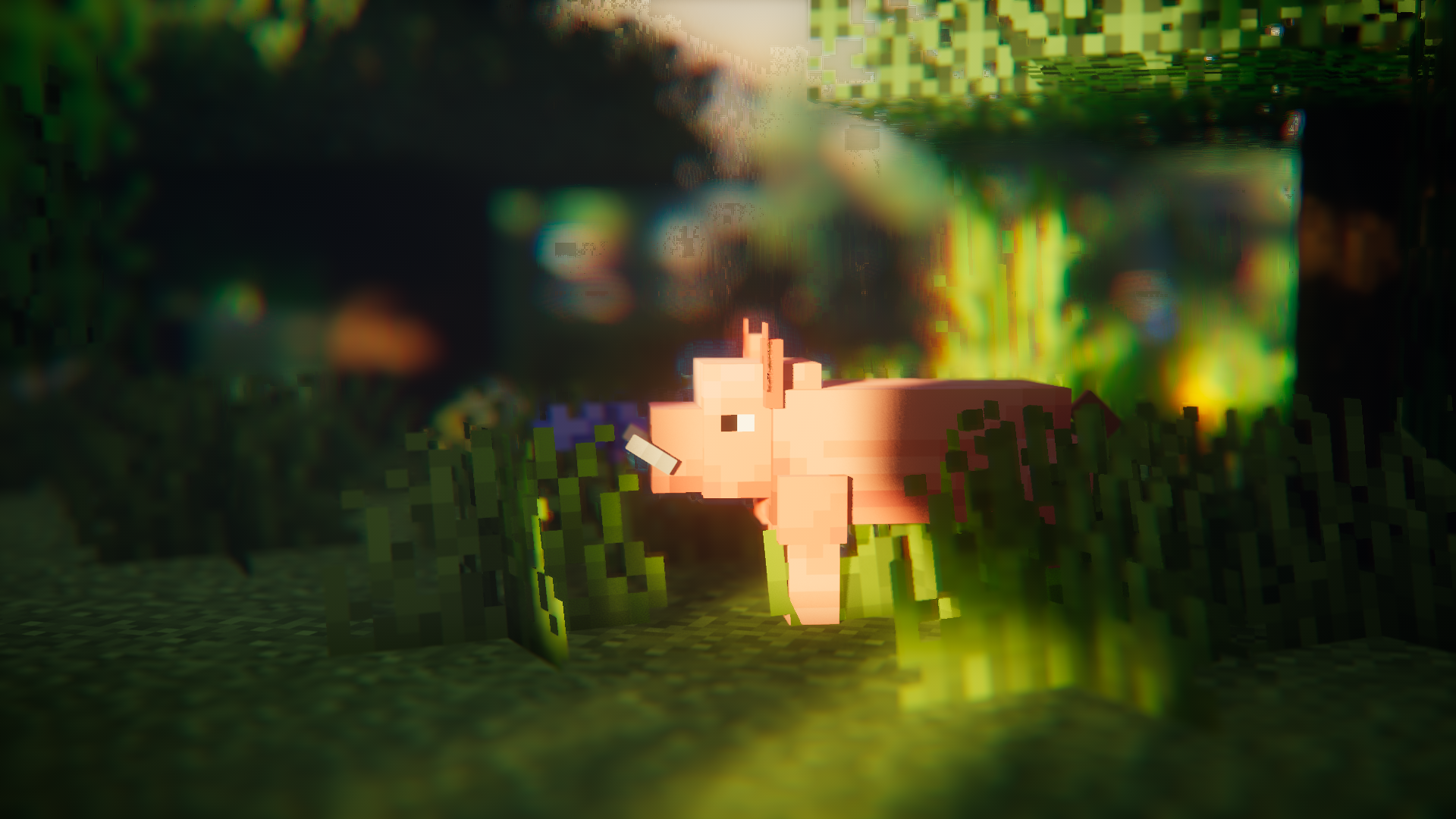
Про мод
Entity Model Features (EMF) — це мод для Fabric, Forge та NeoForge, який додає підтримку Custom Entity Models (CEM) з OptiFine.
Створений для всіх, хто хоче використовувати функції CEM з ресурспаків, але водночас користуватися альтернативними модами замість OptiFine, як-от Sodium, Continuity чи ETF.

Обов'язкові моди
Будь ласка, встановіть також наведені нижче моди, якщо маєте змогу; очевидні з них, як-от Sodium, не згадано.
Також зайве казати, що EMF НЕ сумісний з CEM від dorianpb та OptiFine / OptiFabric.

Обов'язково
- Entity Texture Features (ETF): EMF використовує кілька функцій з мого іншого моду ETF, тому він обов'язковий. (переважно використовується для підтримки функції випадкових моделей, екрана налаштувань і для того, щоб текстури, задані в моделях, могли варіюватися, як в OptiFine)
Настійно рекомендовано
- Entity Culling: цей мод чудово зменшує затримки під час рендерингу сутностей, роблячи навіть більше, ніж вбудоване відсікання сутностей у Sodium. Це дуже корисно під час використання паків із насиченою анімацією, як-от Fresh Animations.
Fresh Animations?
Так.
це працює :)
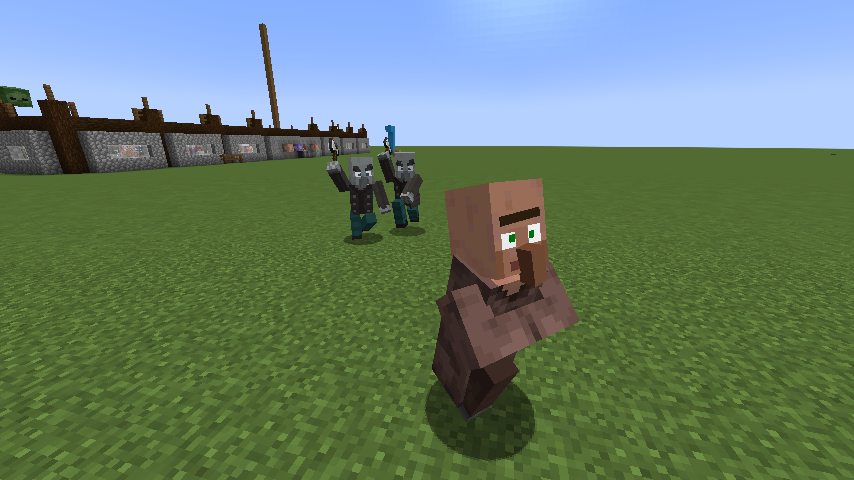
Завантажити Fresh Animations
Функції, відмінності від OptiFine та відомі помилки
Актуальна сторінка з деталями функцій: Функції та відмінності від Optifine
Список змін
Список змін можна знайти тут.
Потрібна допомога чи маєте запитання?
Ви можете звернутися до мене в Discord (бажано) або відкрити issue на GitHub.
Як встановити [EMF] Entity Model Features
With Millida Launcher
Install Millida Launcher
The launcher is free: download it at millida.net/launcher and sign in with any nickname.
Click “Install” on this page
The launcher opens and installs the mod for Minecraft 1.18–26.3 on Fabric, Forge, NeoForge or Quilt automatically, together with its dependencies: [ETF] Entity Texture Features.
Launch the game
A profile with it appears in the launcher: click “Play”.
Manually
Install Fabric, Forge, NeoForge or Quilt
The loader must match the game version of the mod file, for example Minecraft 26.3. After installing it, a separate profile appears in your launcher.
Download the file for your version
In the version list above, pick the file entity_model_features-3.3.12-26.3-neoforge.jar (650 KB) for your game version and loader.
Put it in the mods folder
The folder is inside .minecraft (Windows: %appdata%\.minecraft\mods). If it does not exist, create it. Required dependencies go there too: [ETF] Entity Texture Features.
Launch the loader profile
Open “Mods” in the main menu: [EMF] Entity Model Features should be in the list.
[EMF] Entity Model Features works on the player’s side only: there is no need to install it on a server.
Версії
Із залежностями
| Minecraft | Завантажувач | Файл | Дата | Дії |
|---|---|---|---|---|
| 26.3 | NeoForge | 26.3650 КБ 282 | ||
| 26.3 | Fabric, Quilt | 26.3650 КБ 796 | ||
| 26.2 | NeoForge | 26.2650 КБ 114 | ||
| 26.2 | Fabric, Quilt | 26.2650 КБ 400 | ||
| 26.1.2 | NeoForge | 26.1.2650 КБ 32 | ||
| 26.1.2 | Fabric, Quilt | 26.1.2650 КБ 115 | ||
| 1.21.10 | NeoForge | 1.21.10655 КБ 8 | ||
| 1.21.10 | Forge | 1.21.10833 КБ 10 |
Що потрібно для запуску
- [ETF] Entity Texture Featuresобов'язково
Контент, що його потребує
Відгуки
Станьте першим, хто оцінить [EMF] Entity Model Features


