
Resource packs for Minecraft Java 1.7.3
91 položkyResource packy: zoznam



Icon Xaero's
Icon mod for xaero's map and minimap Many icon modNainštalovať

Cubic Sun & Moon
Recreates the Sun and the Moon in 3D and is compatible with mods that add sky features.Nainštalovať

CozyUI+
Modifies the User Interface into a neat and subtle high-definition style, covering all the vanilla UI elements as well as many useful client mods.Nainštalovať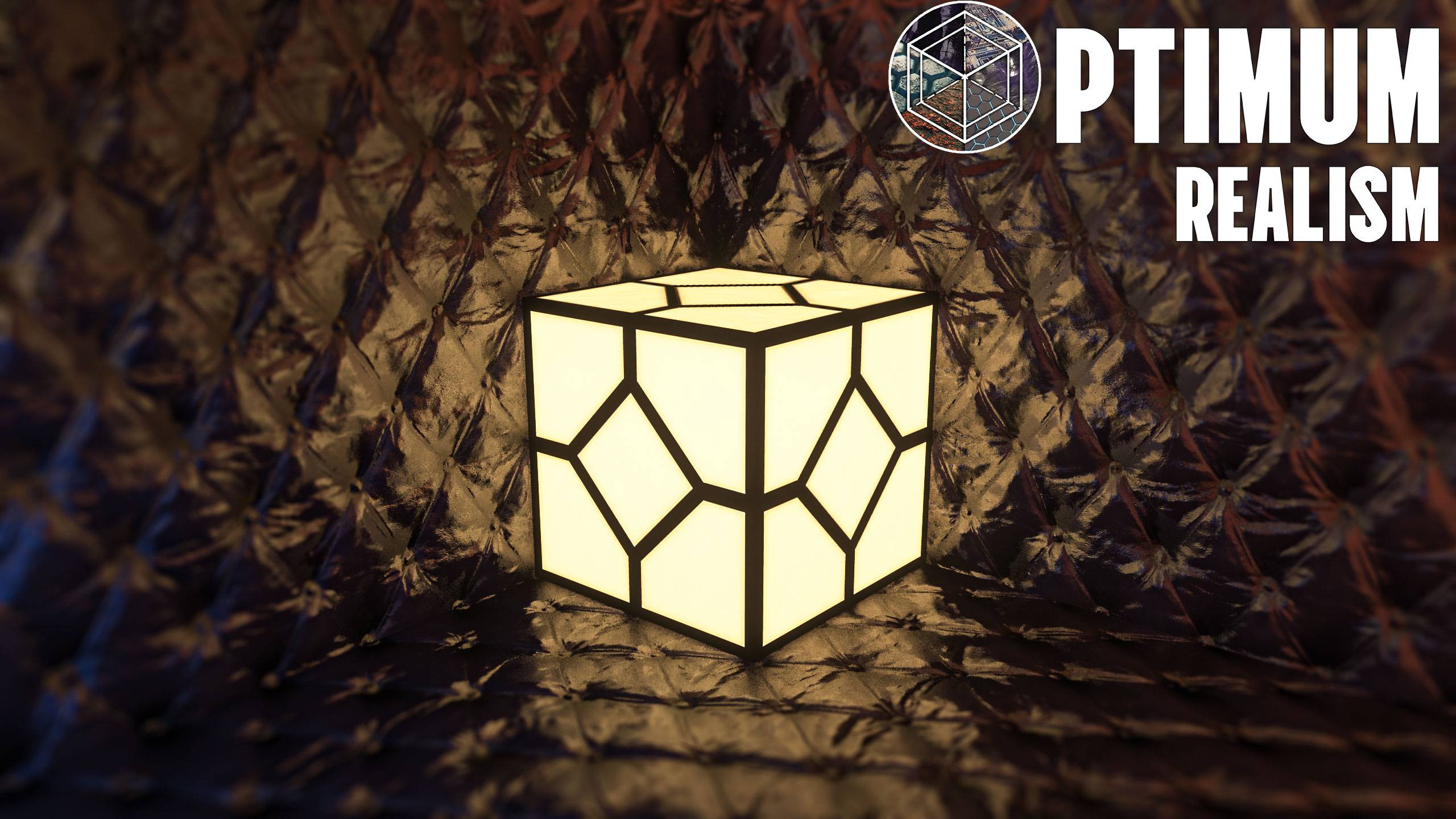
Optimum Realism POM & PBR 64x/128x/256x/512x
A realistic-themed resourcepack for Minecraft Java EditionNainštalovať

No Pumpkin Blur
No Pumpkin Blur [beta 1.6.6 - 26.3]Nainštalovať

Borderless Glass (No OptiFine Needed) Bedrock Support!
Borderless Glass - A Resource Pack that eliminates the border from all types of glass blocks.Nainštalovať

Better Lower Fire - Visibility Improved - Reduced Screen Obstruction
Low Fire optimizes the player’s view in Minecraft by reducing the height of fire animations, minimizing screen coverage and enhancing visibility, particularly during combat situations where clear sight is crucial.Nainštalovať

Colourful containers GUI
A container GUI replacement mod that hopes to match the menu to every one of Minecraft's colourful interactable blocks.Nainštalovať
Aures - Create Style for Refined Storage
The container mod is now in brass color!Nainštalovať
Simple Click
Replace the old UI click with a quiet and modern.Nainštalovať

Transparent Pumpkin Overlay - Full Clear Visibility
Transparent Pumpkin Overlay transforms the traditional pumpkin head blur in Minecraft into a clear, transparent view, allowing players to enjoy full visibility while wearing pumpkins.Nainštalovať

Invisible Item Frames
A Resource Pack that makes Item Frames invisible.Nainštalovať

Keep Inventory On - Better Enhanced Gameplay
Keep Inventory ON is a practical texture pack for Minecraft that automatically sets the game rule to keep inventory on death, allowing players to retain their items and experience, thus reducing the penalties of dying in-game.Nainštalovať

Optimum Realism
Realistic 64x Minecraft pack with PBR, POM, and custom models with 3M+ downloads across platformsNainštalovať
Horror Ambience Music: Echoes
Replaces all of minecraft's music with Dark atmospheric soundscapesNainštalovať

Colourful containers Dark Mode GUI
A container GUI replacement mod that hopes to match the menu to every one of Minecraft's colourful interactable blocks.Nainštalovať

Fullbright
Simple fullbright resource pack compatible with 26.4 for Vanilla,Optifine,Vulkan and Sodium.Nainštalovať

Fantasy 3D Weapons CIT
Adds 3D weapon models to MC! (Custom Item Textures)Nainštalovať

No Cave Ambience
Get rid of creepy cave ambience sounds (eerie noise)Nainštalovať
Immersive Interfaces - Mod Support Unofficial
Shrimp's Immersive Interfaces Add-on: This Texture Pack adds small details to some mods to fit more with Immersive Interfaces.Nainštalovať

No Fog – Clear View Resource Pack
Removes Minecraft’s fog for a crystal-clear view of your world.Nainštalovať
New Textures
new textures for older versions. v1.0.5.3 fixed blue flare particles 1.13, fixed the workbench interface 1.7.10, the font is inside the pack NewTextures-1.0.5.3.zip if necessary, you can get it from there.Nainštalovať

DSWG Thunder Sound
Thunder SoundNainštalovaťFAQ
Potrebujem na resource pack Forge alebo Fabric?
Nie. Resource pack funguje na bežnej hre bez loaderov či modov. Klikni na „Install“ a Millida Launcher vloží pack do správneho modpacku — potom ho už len zapni v nastaveniach.
Čo znamenajú 16×, 32×, 64×?
Rozlíšenie jednej textúry v pixeloch. 16× zodpovedá pôvodnej hre, 32× a 64× sú detailnejšie a ťažšie a 128× a viac už citeľne zaťažuje grafickú kartu.
Bude fungovať pack vytvorený pre inú verziu?
S najväčšou pravdepodobnosťou čiastočne: staršie packy nemajú textúry pre novšie bloky, takže tie zostanú predvolené. Hra sa však nepokazí.
Čím sa texture pack líši od resource packu?
Iba názvom a vekom. Pred verziou 1.6 sa zostavy nazývali texture packy a menili len textúry; v 1.6 ich nahradili resource packy a menia aj zvuky, fonty a rozhranie. Staré texture packy pre 1.5 a nižšie nefungujú na nových verziách bez konverzie.
Ktoré texture packy sú najlepšie na PvP?
PvP packy: rozlíšenie 16× alebo nižšie, skrátené meče, nízky oheň, jasná obloha a jasné častice. Počítač takmer nezaťažujú a súpera je lepšie vidieť. Tieto packy sú zhromaždené v téme PvP.
Ako nainštalujem resource pack?
Stlač Install a Millida Launcher vloží pack do priečinka resourcepacks správnej inštancie. Potom ho zapni v hre: Možnosti, potom Resource Packy. Ručne archív ide do resourcepacks v priečinku hry, netreba ho rozbaľovať.
Resource packs for Minecraft Java 1.7.3
Resource packs for Minecraft 1.7.3: 91 položiek v sekcii Resource packy. Kompatibilita sa kontroluje podľa súborov, nie podľa popisu: v zozname zostanú len položky s buildom presne pre tieto podmienky.
Kľúčová vec pri packu je jeho rozlíšenie. Predvolené textúry hry sú 16×16 pixelov; packy 32× a 64× vyzerajú detailnejšie, zatiaľ čo 128× a viac potrebujú poriadnu grafickú kartu a zvyčajne sa kombinujú so shadermi. Na slabom stroji má zmysel zostať pri 16× alebo siahnuť po packoch, ktoré zámerne zjednodušujú grafiku pre viac FPS. Každý pack tu uvádza svoju verziu hry, autora a licenciu a všetky vydané verzie sú zhromaždené na jednej karte. Stiahnutý archív vlož do priečinka resourcepacks a zapni ho v nastaveniach hry.