
Resource packs for Minecraft 1.21 — page 39
Resource packy: zoznam


Glowing Ender Dragon
A resource pack which makes the ender dragon glowNainštalovať

Light Leak
A resource pack that aims to make lightsources such as torches and lanterns cinematic and visually pleasing!Nainštalovať

Dark Coffee GUI
A warm and dark reimagination of the GUI in a fancy, coffee inspired paletteNainštalovať
Action And Stuff Tools | Bedrock Edition
Vanilla like textures for Tools from 1.0 Action And StuffStiahnuť

Climax Graphics [Deferred Rendering]
Climax Graphics (formerly Climax Shaders) adds shadows, beautiful atmospherics, depth to blocks, and a touch of realism to your Minecraft world.Stiahnuť
Morrowind SFX Overhaul
Replaces as many sounds as possible with applicable sounds from TES III: Morrowind.Nainštalovať
Colourful Containers Text Extension
Hides the ugly container names for an even better lookNainštalovať
Motschen's Better Leaves (Programmer Art Edition)
Improves the appearance of leaves with high mod compatibility and performance – now with Programmer Art textures!Nainštalovať

Furnaces Reimagined
Furnaces Refueled!Nainštalovať

Punchy refined
Refreshing punchy in my own personal style.Nainštalovať

Animated RGB GUI Pack
A GUI pack to make an animated RGB XP bar, hotbar, and Inventory screens! OptiFine or Animatica (Fabric) is required.Nainštalovať

Lanostry's foxes
A resourcepack that adds more variation to vanilla foxesNainštalovať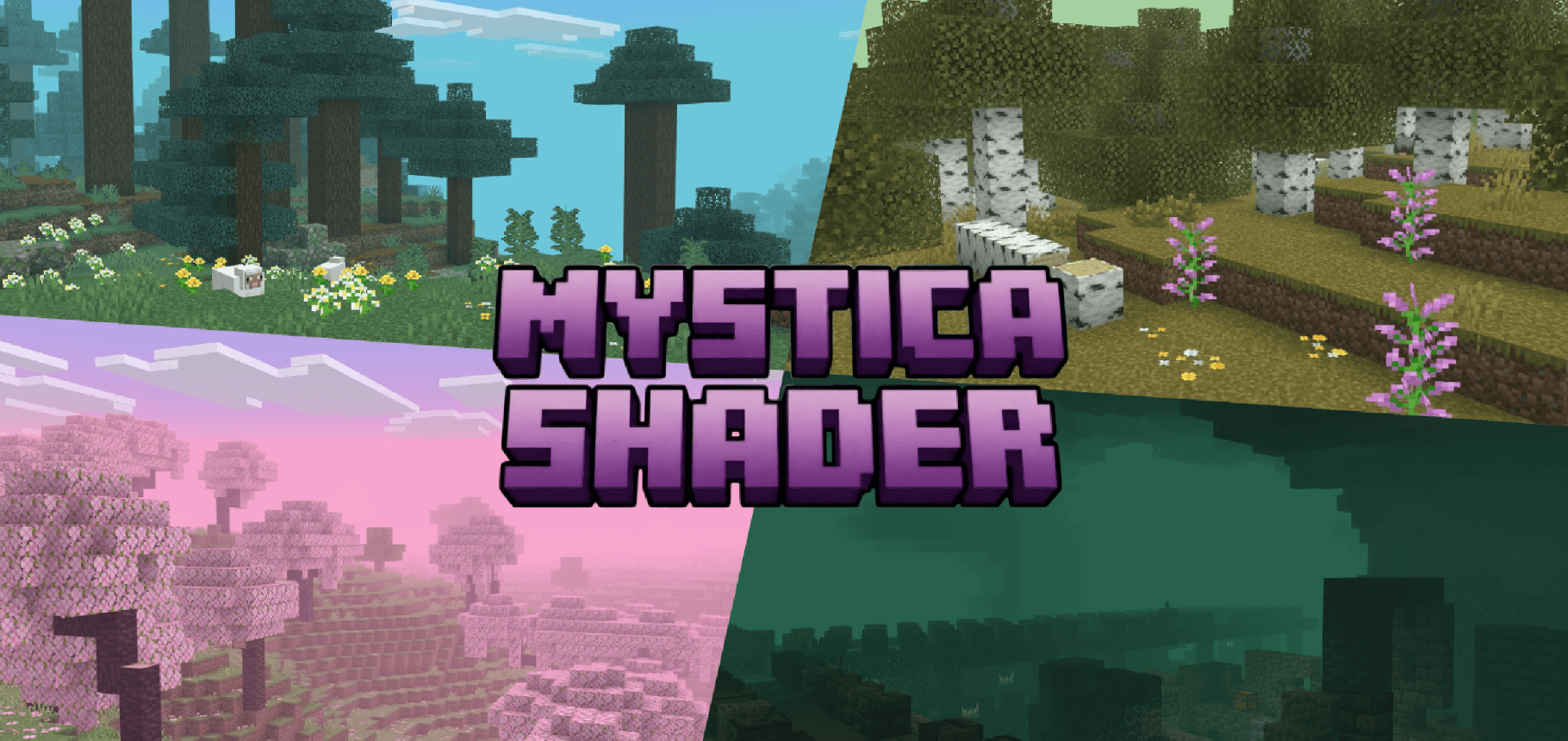
Mystica Shader | Immersive Fog
Mystica Shaders adds per biome fog overhaul built for soft depth, biome-true colour, and immersive rain, with drifting leaves and glowing particles, no Vibrant Visuals required.Stiahnuť

Vervada's enhanced plants
Vervada's enhanced plants brings 3D models to plants for a more immersive and realistic experience. Almost all plant gets a custom models and some have variants and specials features.Nainštalovať

White PVP Overlay
Minecraft Texturepack for Crystal PvP and other gamemode. -white crystals and ancors -white tools -black pearls -small totems Made By FullEndymion and KaesitiusNainštalovať

No Fire Overlay
Removes the annoying fire overlay that takes up your screenNainštalovať

Durability Overlay Netherite
Shows Armor durability by changing its color. Has 11 different durability colorsNainštalovať

Sophisticated Storage Chests Quark Compat
Adds Quark’s visual style to Sophisticated Storage chests.Nainštalovať

Os' Colorful Cobblestone
Make cobblestone less drab with these variated, subtle color additions within the texture. Your starter houses will thank you!Nainštalovať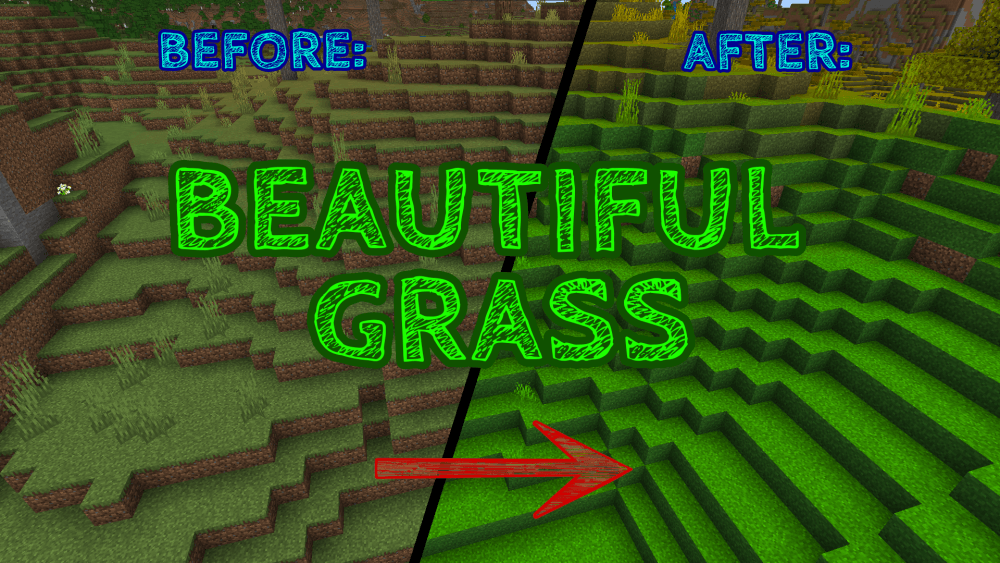

More Beautiful Grass
With this texture pack you can make the Grass Block colors with a higher saturation , in order to have a Better Panorama of the Landscapes in your world!Stiahnuť

Immersive Interfaces - Sophisticated Backpacks & Storage
This texture pack adds support for Sophisticated Backpacks & Storage, matching its design with the look and feel of Immersive Interfaces.Nainštalovať

Ores Aura
This pack makes it easier and faster to spot ores while mining, especially in dark caves.Nainštalovať

Soartex FanverStyleGui
For using the sortexfanver-style GUI in the new versionNainštalovaťFAQ
Potrebujem na resource pack Forge alebo Fabric?
Nie. Resource pack funguje na bežnej hre bez loaderov či modov. Klikni na „Install“ a Millida Launcher vloží pack do správneho modpacku — potom ho už len zapni v nastaveniach.
Čo znamenajú 16×, 32×, 64×?
Rozlíšenie jednej textúry v pixeloch. 16× zodpovedá pôvodnej hre, 32× a 64× sú detailnejšie a ťažšie a 128× a viac už citeľne zaťažuje grafickú kartu.
Bude fungovať pack vytvorený pre inú verziu?
S najväčšou pravdepodobnosťou čiastočne: staršie packy nemajú textúry pre novšie bloky, takže tie zostanú predvolené. Hra sa však nepokazí.
Čím sa texture pack líši od resource packu?
Iba názvom a vekom. Pred verziou 1.6 sa zostavy nazývali texture packy a menili len textúry; v 1.6 ich nahradili resource packy a menia aj zvuky, fonty a rozhranie. Staré texture packy pre 1.5 a nižšie nefungujú na nových verziách bez konverzie.
Ktoré texture packy sú najlepšie na PvP?
PvP packy: rozlíšenie 16× alebo nižšie, skrátené meče, nízky oheň, jasná obloha a jasné častice. Počítač takmer nezaťažujú a súpera je lepšie vidieť. Tieto packy sú zhromaždené v téme PvP.
Ako nainštalujem resource pack?
Stlač Install a Millida Launcher vloží pack do priečinka resourcepacks správnej inštancie. Potom ho zapni v hre: Možnosti, potom Resource Packy. Ručne archív ide do resourcepacks v priečinku hry, netreba ho rozbaľovať.
Resource packs for Minecraft 1.21
Resource packs for Minecraft 1.21: 2 302 položiek v sekcii Resource packy. Kompatibilita sa kontroluje podľa súborov, nie podľa popisu: v zozname zostanú len položky s buildom presne pre tieto podmienky.
Kľúčová vec pri packu je jeho rozlíšenie. Predvolené textúry hry sú 16×16 pixelov; packy 32× a 64× vyzerajú detailnejšie, zatiaľ čo 128× a viac potrebujú poriadnu grafickú kartu a zvyčajne sa kombinujú so shadermi. Na slabom stroji má zmysel zostať pri 16× alebo siahnuť po packoch, ktoré zámerne zjednodušujú grafiku pre viac FPS. Každý pack tu uvádza svoju verziu hry, autora a licenciu a všetky vydané verzie sú zhromaždené na jednej karte. Stiahnutý archív vlož do priečinka resourcepacks a zapni ho v nastaveniach hry.