
 NeoForge
 Forge
ForgeO mode XyCraft: World
World generation and ores are here! Through out the world are mysteries to uncover, one of which is the luminescent Xychorium!
Summary:
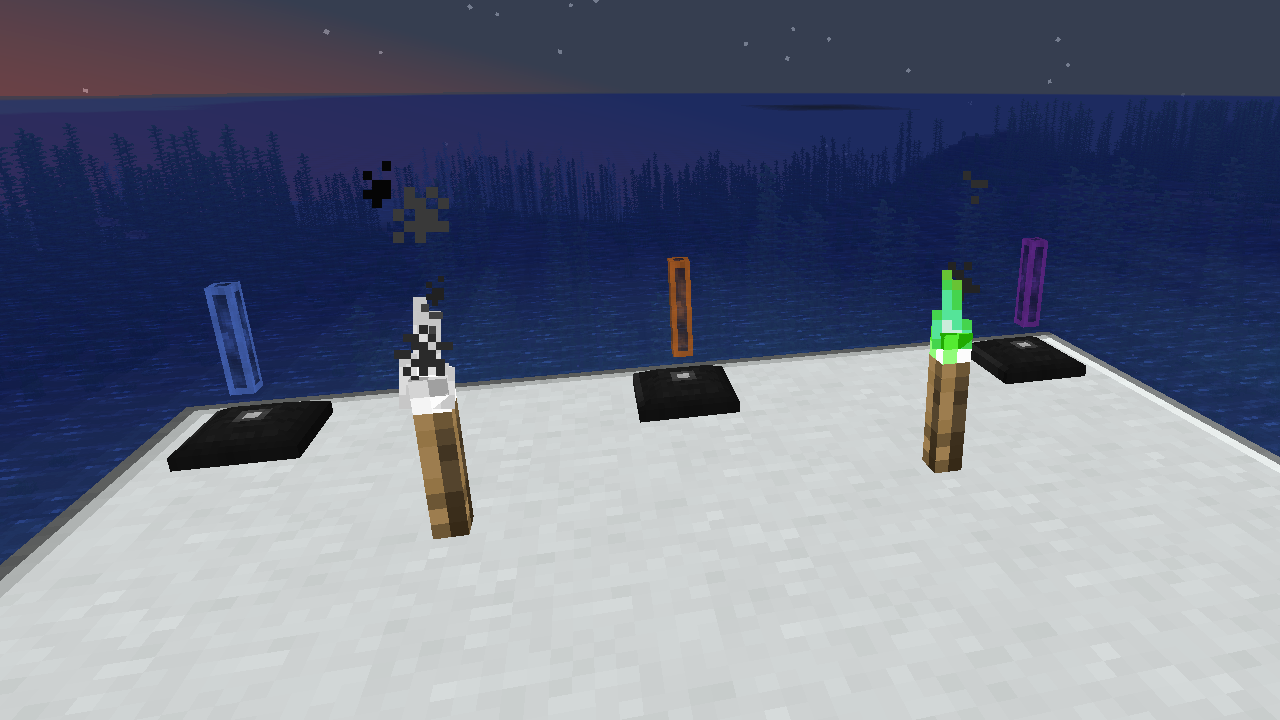
XyCraft World is a required component of most of the mods, and while this could have likely been packaged into Core there was some debate of providing external developers tools without requiring the world gen aspect. For that very reason this was separated out. Any and all world generation or exploration shall reside in this module.
Features:
- Provides the world gen for all XyCraft modules
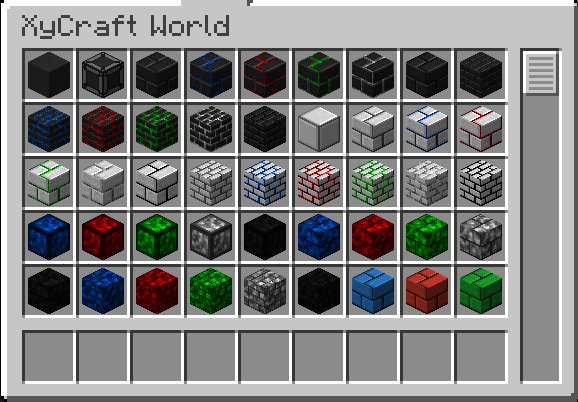
- Materials such as Xychorium and Aluminum with proper tags
- Adds decorative blocks using the iconic XyCraft cloud and glow effect
Planned:
- Satisfactory like ore nodes in some concept.
- More exploration rewards for the player
- In game guidance for where to find materials and what to do with them.
- Food/plant items such as corn and tomatoes.
- Possibly a dimension, but that is not on the current roadmap if it does happen.
- Experience dropped from mining the ores.
- More block variations and options.
Ako nainštalovať XyCraft: World
With Millida Launcher
Install Millida Launcher
The launcher is free: download it at millida.net/launcher and sign in with any nickname.
Click “Install” on this page
The launcher opens and installs the mod for Minecraft 1.20.1–26.1.2 on Forge or NeoForge automatically.
Launch the game
A profile with it appears in the launcher: click “Play”.
Manually
Install Forge or NeoForge
The loader must match the game version of the mod file, for example Minecraft 26.1.2. After installing it, a separate profile appears in your launcher.
Download the file for your version
In the version list above, pick the file xycraft-world-0.9.2.jar (1.8 MB) for your game version and loader.
Put it in the mods folder
The folder is inside .minecraft (Windows: %appdata%\.minecraft\mods). If it does not exist, create it.
Launch the loader profile
Open “Mods” in the main menu: XyCraft: World should be in the list.
Verzie
So závislosťami
| Minecraft | Loader | Súbor | Dátum | Akcie |
|---|---|---|---|---|
| 26.1.2 | NeoForge | XyCraft World 0.9.21.8 MB | ||
| 26.1.2 | NeoForge | XyCraft World 0.9.0-beta.211.8 MB | ||
| 1.20.1 | NeoForge, Forge | XyCraft World v0.6.222.7 MB |
FAQ
Which Minecraft versions does XyCraft: World work on?
There are files for 26.1.2, 1.20.1. The newest is 26.1.2.
Is XyCraft: World for Forge or Fabric?
There are files for Forge: 1.20.1 and for NeoForge: 1.20.1–26.1.2. There are no files for Fabric: a mod for another loader will not start.
Does XyCraft: World need other mods?
The author lists no required dependencies: the Forge or NeoForge loader is enough.
Where can I download XyCraft: World safely?
On this page: the file xycraft-world-0.9.2.jar (1.8 MB) is stored on Millida’s server, with no link shorteners. SHA-1 checksum: 7ecf6a0a0efb57e97b1b768e264f444259a325d0.
Recenzie
Buď prvý, kto ohodnotí XyCraft: World


