
Vanilla Backport Mod pre Minecraft 1.20.1, 1.21.1
Backports modern minecraft features to previous versions, trying to keep it as accurate as vanilla Minecraft
 Fabric
 NeoForge
 Forge
O mode Vanilla Backport
Developer's note: public playtest versions are now available on the discord server with new features, feel free to drop by to test them yourself!
Vanilla Backport
What is VanillaBackport?
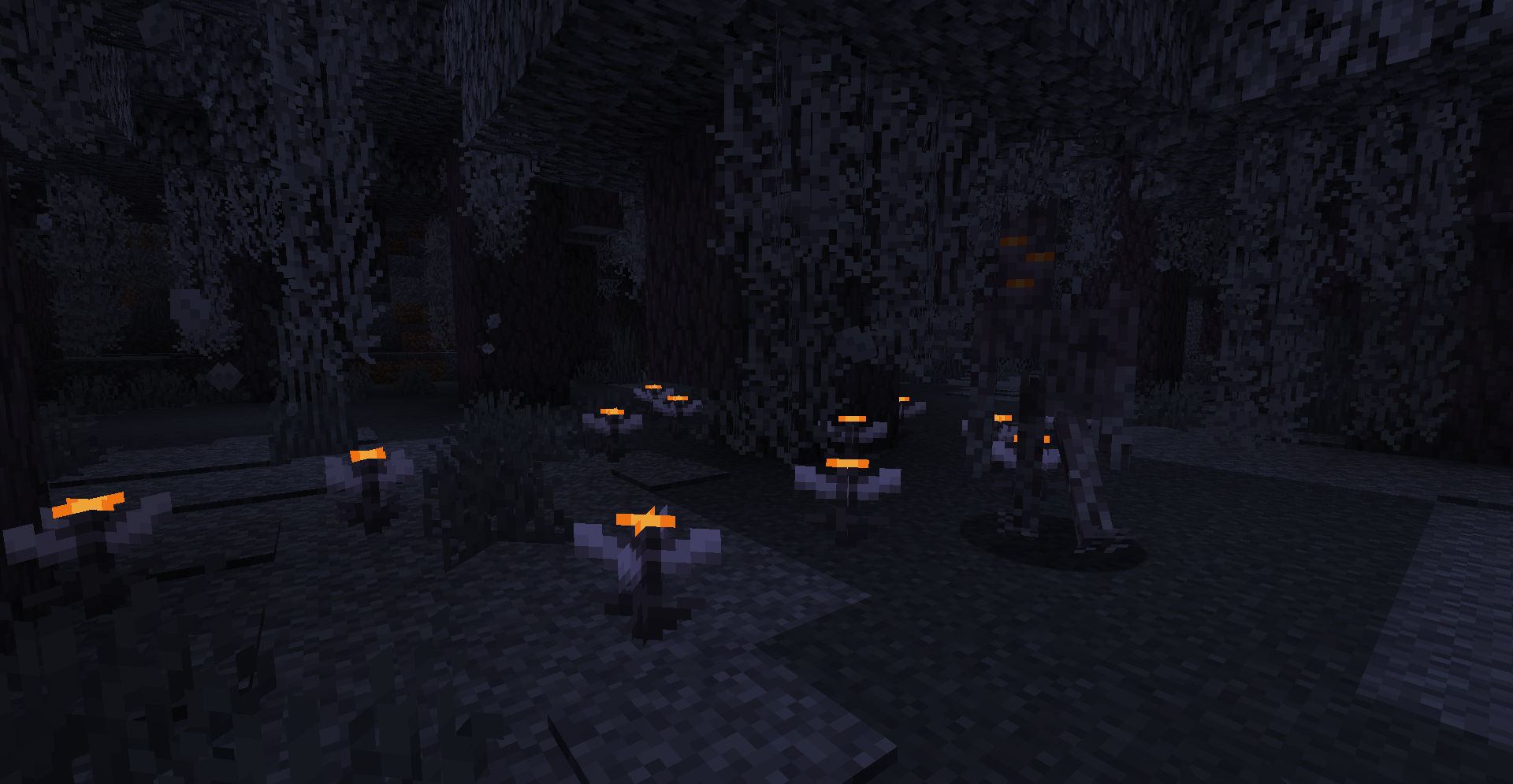
Are you stuck on a specific version but don't want to miss on updates? This mod is for you! VanillaBackport brings most features from modern versions for your commodity!

Frequently Asked Questions
Will "X" feature be backported?
The scope of the mod is to primarily add content features such as blocks, entities, even world generation, technical stuff doesn't have a priority, like data components on 1.16, not happening…
I don't want "X" feature in my world
The scope of the mod is to make almost anything toggleable, you don't like a feature? there's most likely a value in the config to disable it!
"X" resourcepack / datapack breaks with the mod
If you're using a resourcepack or datapack from a modern version, it may not work as intended as the minecraft json structures change overtime, the mod focus on adding features from newer version, not making things retrocompatible, so you'll most likely have to tweak the resourcepack or datapack yourself.
When will "X" update drop?
No clue, i'm a solo developer and life is unexpected, i can only notify what drops are being worked on and what changes are being made, i also drop public betas on the discord server when possible.
⚠️ Disclaimer
This mod is in no way affiliated with or endorsed by Mojang, Microsoft, or any of their subsidiaries. Minecraft is a trademark of Mojang Studios. All related assets, including textures, names, and game content, are the property of Mojang Studios and Microsoft.
No commercial use is intended or permitted.
Ako nainštalovať Vanilla Backport
With Millida Launcher
Install Millida Launcher
The launcher is free: download it at millida.net/launcher and sign in with any nickname.
Click “Install” on this page
The launcher opens and installs the mod for Minecraft 1.15.2–1.21.1 on Fabric, Forge or NeoForge automatically.
Launch the game
A profile with it appears in the launcher: click “Play”.
Manually
Install Fabric, Forge or NeoForge
The loader must match the game version of the mod file, for example Minecraft 1.21.1. After installing it, a separate profile appears in your launcher.
Download the file for your version
In the version list above, pick the file VanillaBackport-fabric-1.21.1-1.1.7.10.jar (52 MB) for your game version and loader.
Put it in the mods folder
The folder is inside .minecraft (Windows: %appdata%\.minecraft\mods). If it does not exist, create it.
Launch the loader profile
Open “Mods” in the main menu: Vanilla Backport should be in the list.
Minecraft 1.21.1 runs on Java 21: with a different Java version the game may close right after launch.
Verzie
So závislosťami
| Minecraft | Loader | Súbor | Dátum | Akcie |
|---|---|---|---|---|
| 1.21.1 | Fabric | VanillaBackport-fabric-1.21.1-1.1.7.10.jar52.4 MB 10 | ||
| 1.21.1 | NeoForge | VanillaBackport-neoforge-1.21.1-1.1.7.10.jar52.4 MB 17 | ||
| 1.20.1 | Forge | VanillaBackport-forge-1.20.1-1.1.7.10.jar53.5 MB 20 | ||
| 1.16.3 | — | CavesAndCliffsBackport-6.1.jar12.2 MB | ||
| 1.16.3 | Forge | CavesAndCliffsBackport-1.16.5-Beta-4.3.2.jar4 MB | ||
| 1.15.2 | — | CavesAndCliffsBackport-1.15.2-Alpha-1.0.jar88.5 KB 1 |
Recenzie
Buď prvý, kto ohodnotí Vanilla Backport


