

Trek Mod pre Minecraft 1.20.1, 1.21.1
Bored of vanilla structure generation? This pack is for you!
 Fabric
 Forge
Forge NeoForge
 Quilt
Quilt Data pack
Trek
Version: Beta 0.6.2
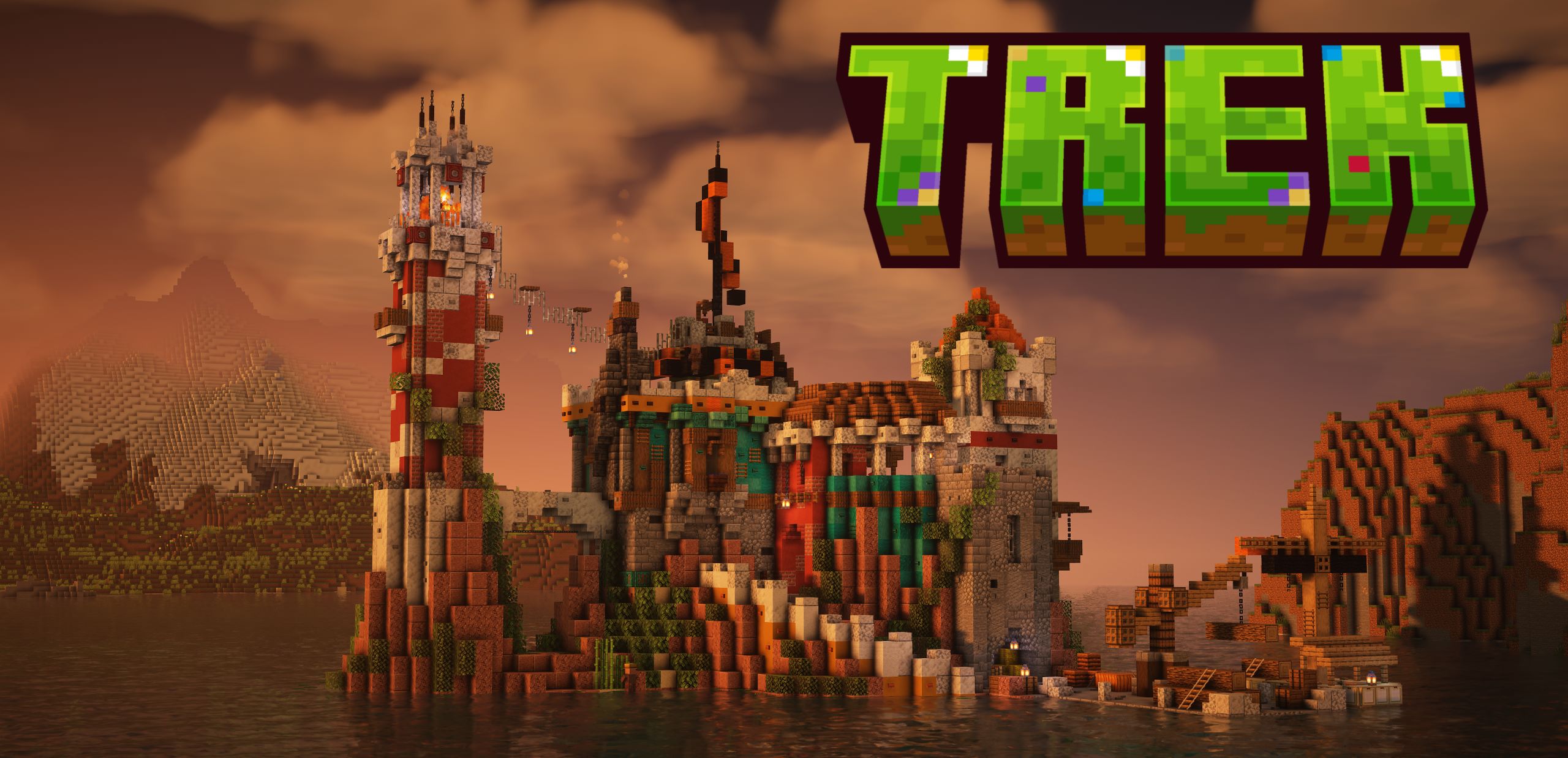
Trek is a datapack that turns your Minecraft world into a treasure trove of discovery. Designed for explorers and builders, it adds over 150 custom structures across biomes, blending seamlessly into their environments, all while preserving vanilla gameplay.

What Does Trek Add?
- Large structures, such as flying or water islands, pyramids, fortresses, mansions;
- Different houses, camps, ships, towers, ancient buildings;
- Or very small ones, like a pork, cooking on a campfire, or ruins remained as a sign, that structure has been there;
- Trek also overhauls some vanilla structures, ensuring that finding them will feel more exiting. We have plans of overhauling all vanilla structures in future.

Features
- Biome-Specific: Jungle treehouses in rainforests, snowmans in taigas;
- Weighted Spawning: Rare finds like sunken cities feel special;
- Vanilla-Friendly: No mods, just a datapack;
- Higly compatible: List of compatibilities can be found on our wiki.
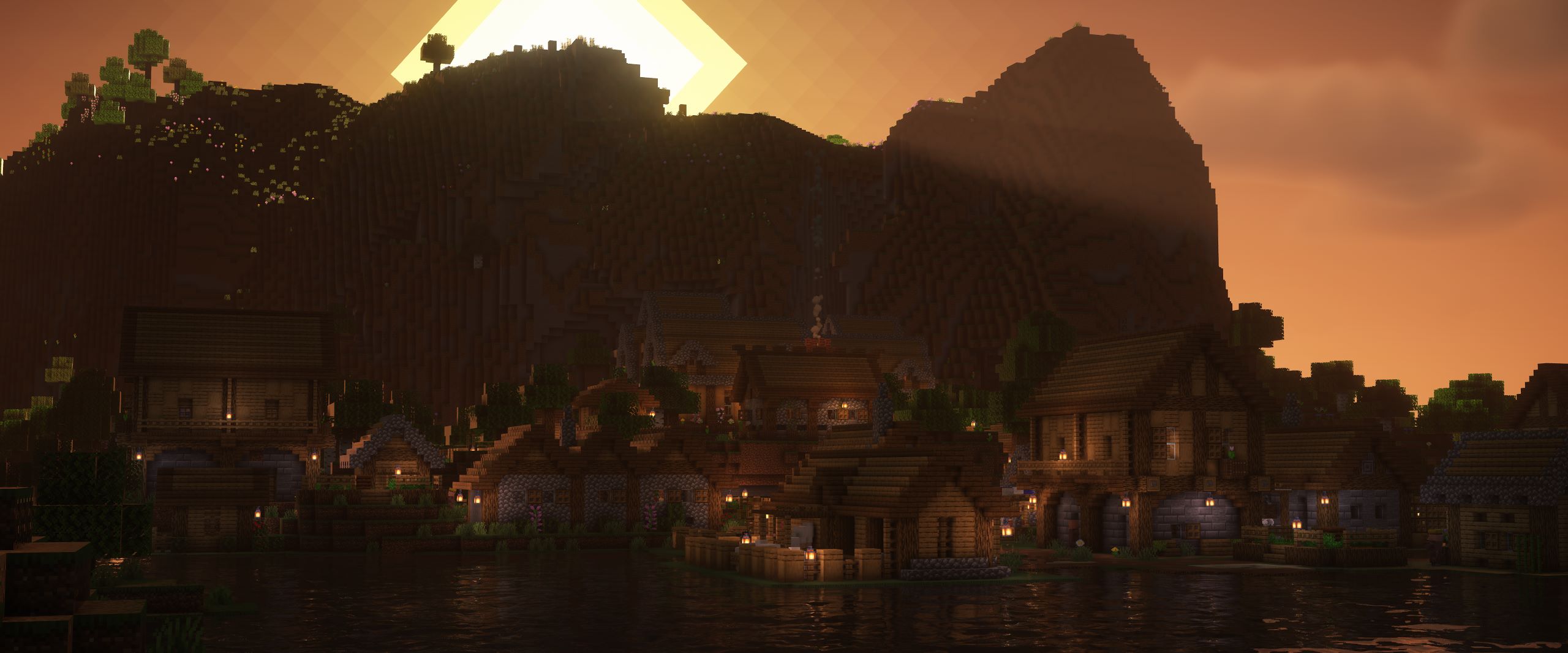
Why Download Trek?
Perfect for survivalists seeking challenges, nomads hunting ruins, or builders wanting inspiration. Sail to ocean islands, uncover frozen trees, or trade in lush savannas — all in vanilla Minecraft!
*Donations help us to keep the mod up to date and develop new features!
Check out our wiki for more information.
Enjoy your Trek adventure!
Ako nainštalovať Trek
With Millida Launcher
Install Millida Launcher
The launcher is free: download it at millida.net/launcher and sign in with any nickname.
Click “Install” on this page
The launcher opens and installs the mod for Minecraft 1.19–26.3 on Fabric, Forge, NeoForge or Quilt automatically.
Launch the game
A profile with it appears in the launcher: click “Play”.
Manually
Install Fabric, Forge, NeoForge or Quilt
The loader must match the game version of the mod file, for example Minecraft 26.3. After installing it, a separate profile appears in your launcher.
Download the file for your version
In the version list above, pick the file trek-B0.6.2.1.jar (12 MB) for your game version and loader.
Put it in the mods folder
The folder is inside .minecraft (Windows: %appdata%\.minecraft\mods). If it does not exist, create it.
Launch the loader profile
Open “Mods” in the main menu: Trek should be in the list.
On a server
A server on Fabric, Forge, NeoForge or Quilt
The mod only works on a server with the same loader and game version, for example 26.3.
File goes into the server’s mods folder
Stop the server, put the mod file into the mods folder and start the server again.
Use the “To server” button
On Millida Hosting, the button at the top of the page uploads the file to your server and restarts it for you.
Verzie
So závislosťami
| Minecraft | Loader | Súbor | Dátum | Akcie |
|---|---|---|---|---|
| 26.3 | Fabric, Forge, NeoForge, Quilt | 26.312.2 MB 5 | ||
| 26.3 | Data pack | 26.35.7 MB | ||
| 26.2 | Fabric, Forge, NeoForge, Quilt | 26.211.9 MB 118 | — | |
| 26.1 | Fabric, Forge, NeoForge, Quilt | 26.111.9 MB 1 | — | |
| 1.21.11 | Fabric, Forge, NeoForge, Quilt | 1.21.1111.9 MB 2 | — | |
| 1.21 | Fabric, Forge, NeoForge, Quilt | 1.2111.9 MB | — | |
| 1.20.1 | Fabric, Forge, NeoForge, Quilt | 1.20.111.9 MB 13 | — | |
| 1.19.2 | Fabric, Forge, NeoForge, Quilt | 1.19.211.9 MB 22 | — |
Recenzie
Buď prvý, kto ohodnotí Trek


