

Topography Mod pre Minecraft 1.12.2
User defined custome terrain generators
- zobrazení
- 8 zobrazení
- Aktualizované
- Aktualizované 18.10.2026
- 1.12 — 1.12.2
 Forge
Forge
O mode Topography
While 1.16 versions have default/example configs, they do not have documentation yet. Use at your own risk.
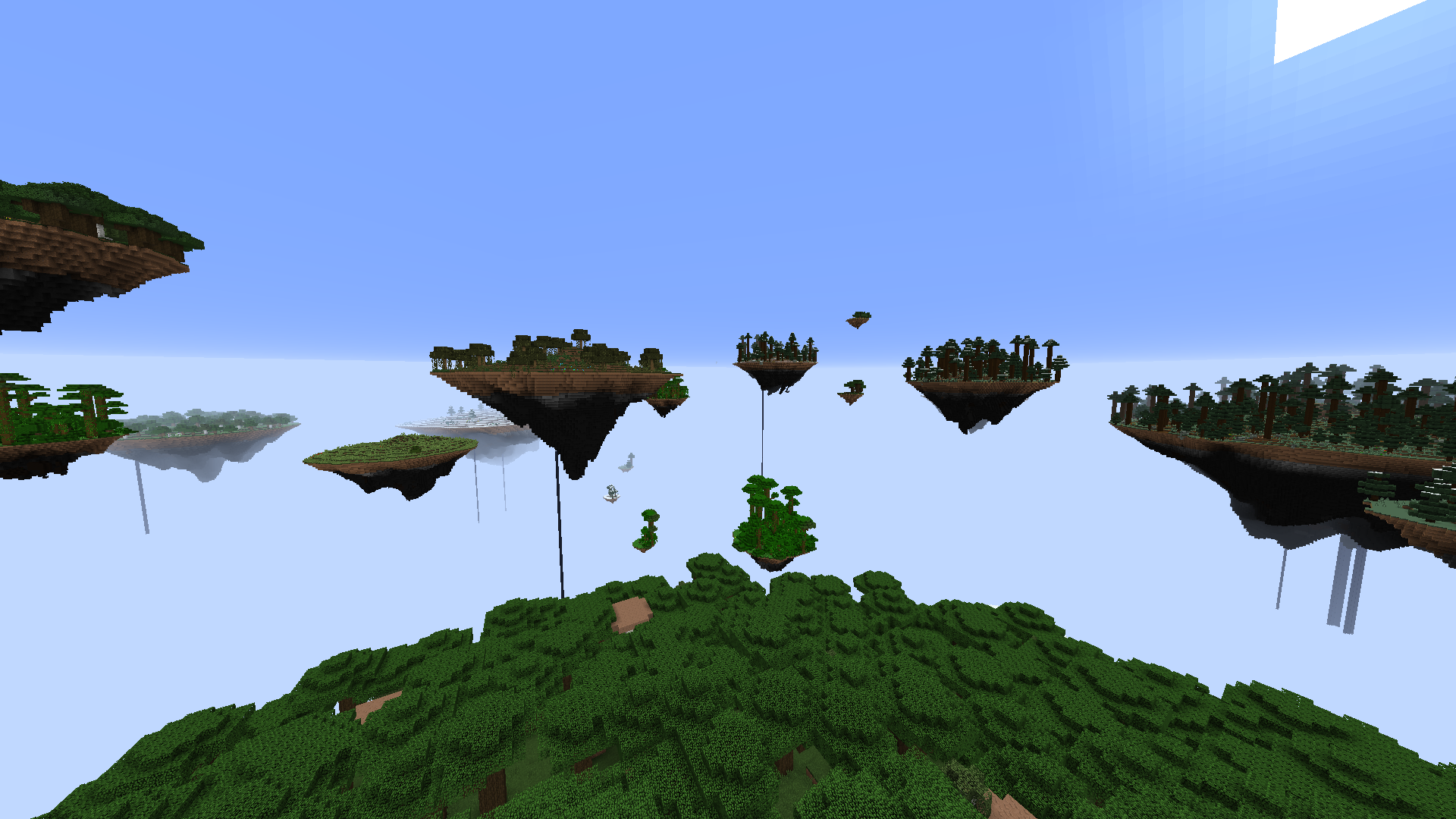
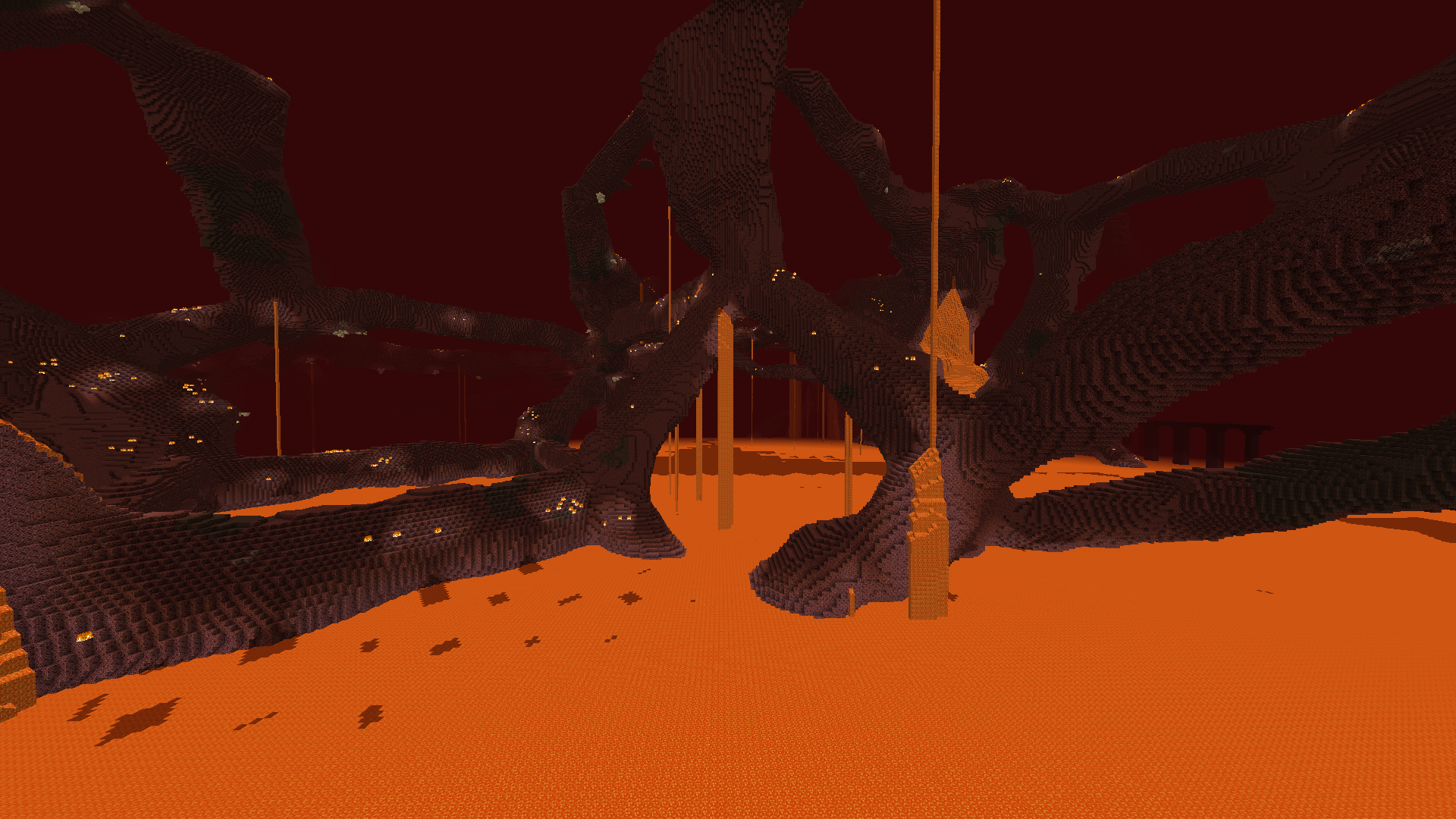
Topography is a mod designed to allow modpack developers the ability to create custom defined dimensions for their modpacks using a scripting system. Custom terrain generators, skyboxes, spawn structures, world presets and more are available.
Currently Implemented Features
Generators:
- Sky Island Terrain Generator
- Overworld Generator
- Scattered Block Generator
- Fluid Pocket Generator
- Hanging Crystal Generator
- Deformed Sphere Generator
- Cell Noise Generator
- Layer Generator
- Ice and Snow Generator
- Biome Block Replacement Generator
- Vanilla Fire Generator
- Vanilla Lava Pocket Generator
- Vanilla Glowstone Generator
- Vanilla Quartz Generator
- Vanilla Decoration Generator
- Vanilla Animal Generator
- Vanilla Cave Generator
- Vanilla Ravine Generator
- Vanilla Lake Generator
- Vanilla Dungeon Generator
Structures:
- Nether Fortress
- End City
- Mansion
- Mineshaft
- Ocean Monument
- Stronghold
- Village
- Temple
Other:
- World presets to allow players to choose between multiple world options for your modpack. Presets can have descriptions and images to make the different options very clear to the player. Presets can also be locked by default, and unlocked with a command, allowing for certain presets to be locked behind an advancement, quest or the Prestige mod.
- Custom world creation screen.
- Set a custom void world spawn structure.
- Set fog color with celestial angle color transition.
- Set custom skybox with celestial angle image transition.
- Enable short-distance spherical fog like in the vanilla nether.
- Set a static celestial angle for permanently day, night, sunset, etc.
- Disable sky rendering altogether.
- Disable clouds.
- Disable skylight.
- Make single biome dimensions.
- Modify the brightness of light.
- Add effects such as attributes modifiers or damage in a certain light level to entities.
- Disable respawning.
- Vaporize water.
- Force Hardcore.
- Force initial difficulty.
- Lock difficulty.
- Run initial command functions on the player when they join the world.
- Run initial command functions on the server when the world is first created.
Documentation and example presets are shipped with the mod.
Visit our official Blood N Bones Gaming Discord server for help and discussion of all our mods!
Ako nainštalovať Topography
With Millida Launcher
Install Millida Launcher
The launcher is free: download it at millida.net/launcher and sign in with any nickname.
Click “Install” on this page
The launcher opens and installs the mod for Minecraft 1.12–1.12.2 on Forge automatically.
Launch the game
A profile with it appears in the launcher: click “Play”.
Manually
Install Forge
The loader must match the game version of the mod file, for example Minecraft 1.12.2. After installing it, a separate profile appears in your launcher.
Download the file for your version
In the version list above, pick the file Topography-1.12.2-1.14.5.jar (3.8 MB) for your game version.
Put it in the mods folder
The folder is inside .minecraft (Windows: %appdata%\.minecraft\mods). If it does not exist, create it.
Launch the loader profile
Open “Mods” in the main menu: Topography should be in the list.
Minecraft 1.12.2 runs on Java 8: with a different Java version the game may close right after launch.
Verzie
So závislosťami
| Minecraft | Loader | Súbor | Dátum | Akcie |
|---|---|---|---|---|
| 1.12.1 | Forge | Topography 1.12-1.14.53.8 MB | ||
| 1.12.1 | — | Topography 1.12-1.14.43.8 MB | ||
| 1.12.1 | — | Topography 1.12-0.11.01.2 MB |
FAQ
Which Minecraft versions does Topography work on?
There are files for 1.12.2, 1.12.1, 1.12. The newest is 1.12.2.
Is Topography for Forge or Fabric?
Only for Forge: 1.12–1.12.2. There are no files for Fabric or NeoForge: a mod for another loader will not start.
Does Topography need other mods?
The author lists no required dependencies: the Forge loader is enough.
Which Java does Topography need?
Minecraft 1.12.2 runs on Java 8. If the game closes right after launch, the usual cause is the wrong Java version in the profile settings.
Where can I download Topography safely?
On this page: the file Topography-1.12.2-1.14.5.jar (3.8 MB) is stored on Millida’s server, with no link shorteners. SHA-1 checksum: 955e9f3339485d91657743d2a43e516e7051c361.
Recenzie
Buď prvý, kto ohodnotí Topography


