
Simple Weather Mod pre Minecraft 26.1.2
Providing an alternative, yet elegant solution for weather effects in Minecraft.
- zobrazení
- 18 zobrazení
- Aktualizované
- Aktualizované 18.10.2026
- 1.21.5 — 26.1.2
 NeoForge
O mode Simple Weather
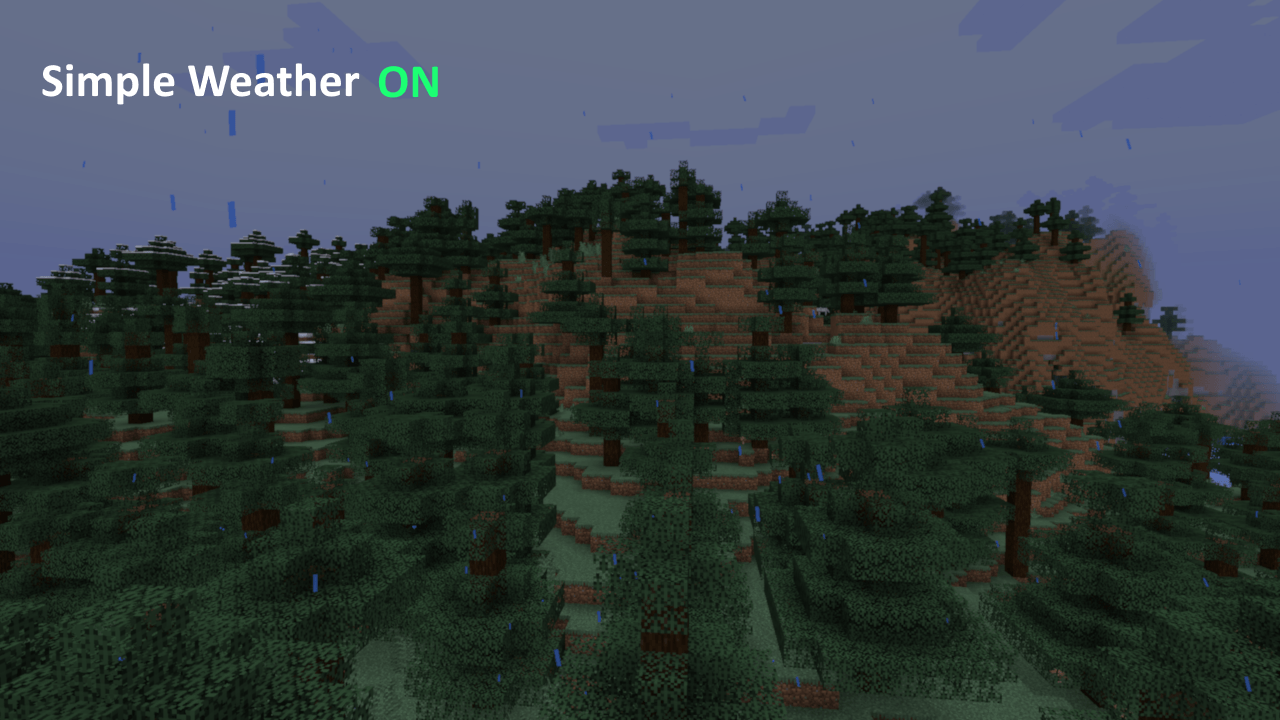
There are often times weather is rather elegant to have in Minecraft for ambience, but it is also during those times, it becomes difficult to see. This attempts to address that by incorporating a more particle driven system for rain and snow akin to the Bedrock edition, rather than a flat system seen in Java Minecraft. Try it out! This is not necessarily better, but it has been preferred on Forgecraft!
[Video preview coming soon]
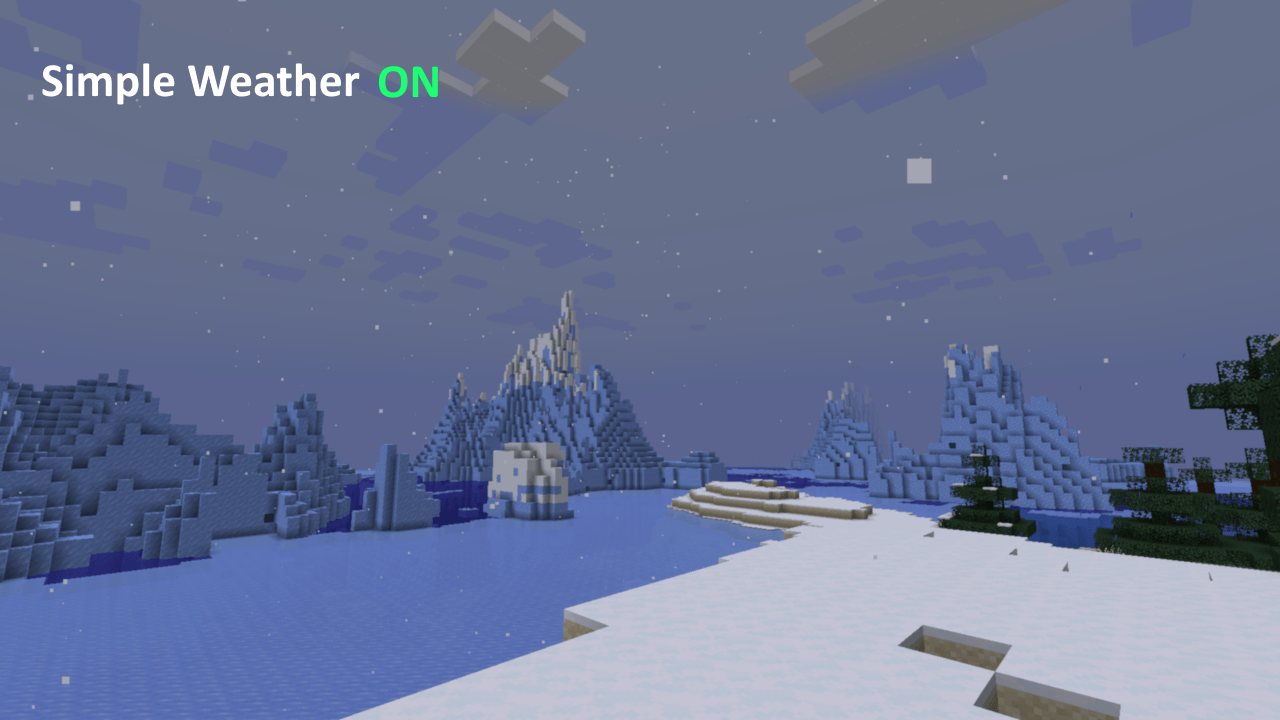
Broadcasters and content creators: This was designed for people like you and me! If you stream on Twitch, you may have noticed whenever it snows, the encoder has a field day trying to keep up! This should alleviate some of that load as the entire screen is no longer being bombarded by visual noise.
Originally part of XyCraft Override, but it wound up being useful enough on its own to separate it out to its own mod.
There are also a few options for customizing the appearance in the configuration file.
You may use Simple Weather in your packs, yes Slowpoke101 this includes FTB 🙃
Ako nainštalovať Simple Weather
With Millida Launcher
Install Millida Launcher
The launcher is free: download it at millida.net/launcher and sign in with any nickname.
Click “Install” on this page
The launcher opens and installs the mod for Minecraft 1.21.5–26.1.2 on NeoForge automatically.
Launch the game
A profile with it appears in the launcher: click “Play”.
Manually
Install NeoForge
The loader must match the game version of the mod file, for example Minecraft 26.1.2. After installing it, a separate profile appears in your launcher.
Download the file for your version
In the version list above, pick the file simple_weather-1.1.15.jar (121 KB) for your game version.
Put it in the mods folder
The folder is inside .minecraft (Windows: %appdata%\.minecraft\mods). If it does not exist, create it.
Launch the loader profile
Open “Mods” in the main menu: Simple Weather should be in the list.
Verzie
So závislosťami
| Minecraft | Loader | Súbor | Dátum | Akcie |
|---|---|---|---|---|
| 26.1.2 | NeoForge | Simple Weather 1.1.15121 KB | ||
| 1.21.5 | NeoForge | Simple Weather 1.1.0 for 1.21.5117 KB |
FAQ
Which Minecraft versions does Simple Weather work on?
There are files for 26.1.2, 1.21.5. The newest is 26.1.2.
Is Simple Weather for Forge or Fabric?
Only for NeoForge: 1.21.5–26.1.2. There are no files for Forge or Fabric: a mod for another loader will not start.
Does Simple Weather need other mods?
The author lists no required dependencies: the NeoForge loader is enough.
Where can I download Simple Weather safely?
On this page: the file simple_weather-1.1.15.jar (121 KB) is stored on Millida’s server, with no link shorteners. SHA-1 checksum: 2160bb5f5f0a91a8dbed35b74c04dfa5196e6601.
Recenzie
Buď prvý, kto ohodnotí Simple Weather


