
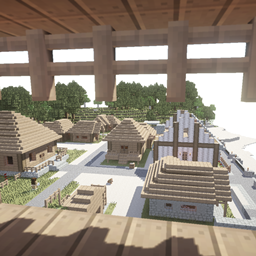
MineColonies Mod pre Minecraft 1.20.1, 1.21.1
Grow your Own Massive Colony with Automation, Defense Structures, Raids and more
 NeoForge
 Forge
ForgeO mode MineColonies
MineColonies is an interactive building mod that allows you to create your own thriving town within Minecraft. It lets your leadership skills soar by providing you with everything you need to build your kingdom. MineColonies gives you the flexibility to create a colony as unique as every player. With more than 10.000 schematics, you’ll create a different colony every time, adapt to any biome, build inside a mountain, on top of one, under the ocean, or in the sky.
MineColonies features NPC workers such as Builders, Farmers, Fishers, Foresters, Guards, Miners, Smelters, Bakers, Cooks, Couriers, five types of animal herders, Composters, and many more, with even more being developed and added as the mod grows.
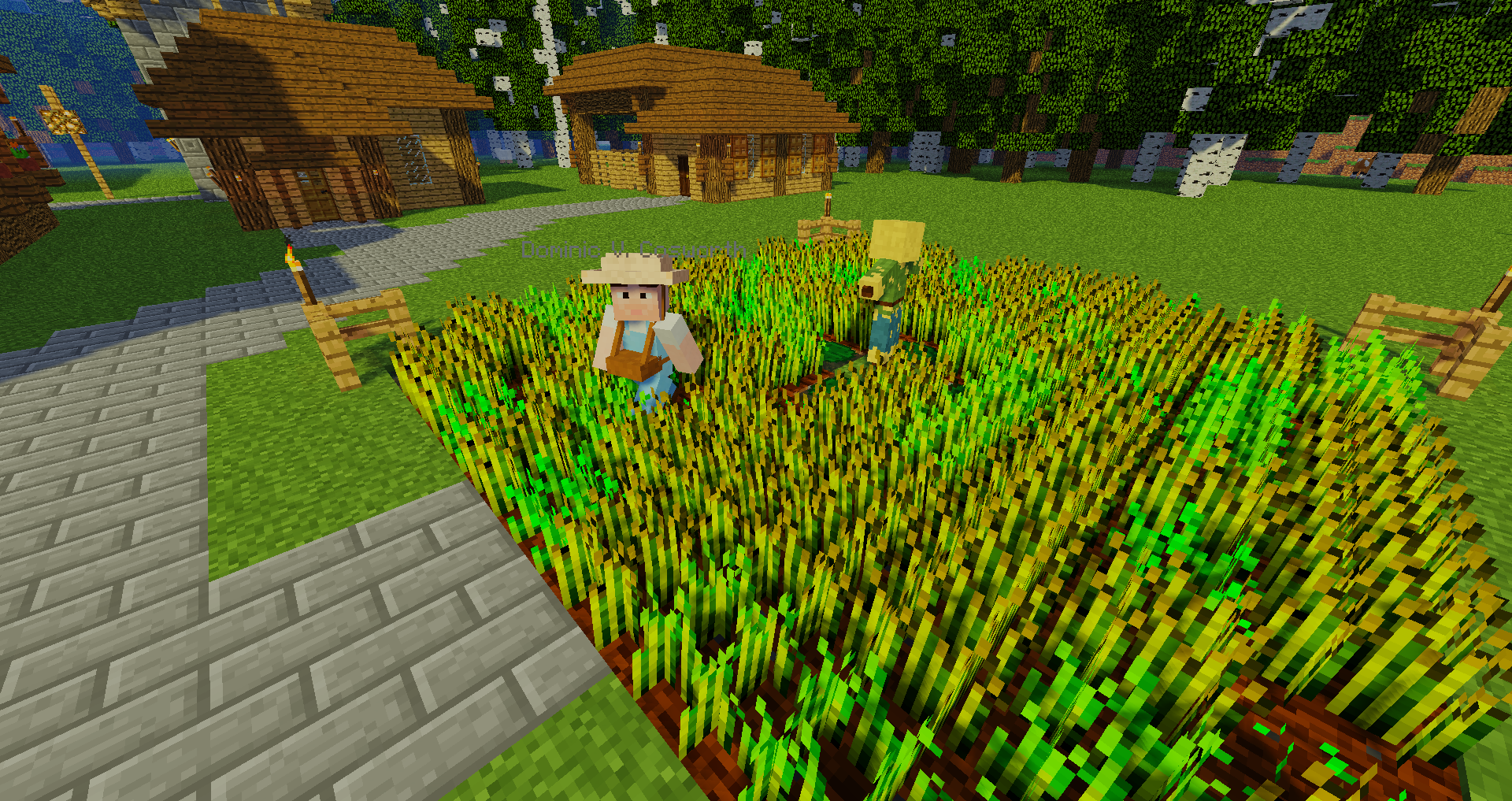
It also includes specialized buildings such as the Warehouse, House, Town Hall, Barracks, Library, University, and even the School aswell as countless decorations from Walls over Parks to fountains.
MineColonies is a free and open-source mod developed by Let’s Dev Together (LDT), a developer community. The source code is available on GitHub. Our developers are a hard-working, well-integrated coding team, continuously adding more content to make the MineColonies experience even greater. However, we are always looking for more people to contribute to the mod, whether as a coder, builder, artist, voice actor, wiki editor, tester, or simply supporting us on Patreon!
Note: We’ll usually recommend getting the latest available version to have all the fixes.
https://www.curseforge.com/minecraft/mc-mods/structurize
https://www.curseforge.com/minecraft/mc-mods/multi-piston
https://www.curseforge.com/minecraft/mc-mods/blockui
https://www.curseforge.com/minecraft/mc-mods/domum-ornamentum
Unfortunately some addons modify Minecolonies in a reckless way, causing both stability and performance issues. Due to this, we cannot give support when something does not seem to work correctly when those mods are installed. This applies especially to the following addons:
- Tweaks addon for MineColonies
- Compatibility addon for MineColonies
- Easycolony addon for Minecolonies
- Pathfinding Edition for Minecolonies
- Minecolonies Quality Of Life
- MindOfTheColony
- MineColonies: Transit Networks
Report issues here (search first):
https://github.com/Minecolonies/minecolonies/issues
Check out our wiki:
https://wiki.minecolonies.com/
Support us on Patreon: https://www.patreon.com/Minecolonies
Discord:
https://discord.minecolonies.com
Website:
http://www.minecolonies.com/
Ako nainštalovať MineColonies
With Millida Launcher
Install Millida Launcher
The launcher is free: download it at millida.net/launcher and sign in with any nickname.
Click “Install” on this page
The launcher opens and installs the mod for Minecraft 1.19.3–1.21.1 on Forge or NeoForge automatically.
Launch the game
A profile with it appears in the launcher: click “Play”.
Manually
Install Forge or NeoForge
The loader must match the game version of the mod file, for example Minecraft 1.21.1. After installing it, a separate profile appears in your launcher.
Download the file for your version
In the version list above, pick the file minecolonies-1.1.1402-1.21.1-snapshot.jar (75 MB) for your game version and loader.
Put it in the mods folder
The folder is inside .minecraft (Windows: %appdata%\.minecraft\mods). If it does not exist, create it.
Launch the loader profile
Open “Mods” in the main menu: MineColonies should be in the list.
Minecraft 1.21.1 runs on Java 21: with a different Java version the game may close right after launch.
Verzie
So závislosťami
| Minecraft | Loader | Súbor | Dátum | Akcie |
|---|---|---|---|---|
| 1.21 | NeoForge | minecolonies-1.1.1402-1.21.1-snapshot.jar74.7 MB 213 | ||
| 1.20.1 | Forge | minecolonies-1.20.1-1.1.1300-snapshot.jar74.5 MB 189 | ||
| 1.20.1 | Forge | minecolonies-1.20.1-1.1.1276.jar74.3 MB 2 | ||
| 1.21 | NeoForge | minecolonies-1.1.1368-1.21.1.jar74.3 MB 3 | ||
| — | — | minecolonies-1.20.1-1.1.1070-snapshot.jar71.1 MB 81 | ||
| 1.19.3 | Forge | minecolonies-1.19.3-1.0.1325-ALPHA.jar74.5 MB |
FAQ
Which Minecraft versions does MineColonies work on?
There are files for 1.21.1, 1.21, 1.20.1, 1.20, 1.19.3. The newest is 1.21.1.
Is MineColonies for Forge or Fabric?
There are files for Forge: 1.19.3–1.20.1 and for NeoForge: 1.21–1.21.1. There are no files for Fabric: a mod for another loader will not start.
Does MineColonies need other mods?
The author lists no required dependencies: the Forge or NeoForge loader is enough.
Which Java does MineColonies need?
Minecraft 1.21.1 runs on Java 21. If the game closes right after launch, the usual cause is the wrong Java version in the profile settings.
Where can I download MineColonies safely?
On this page: the file minecolonies-1.1.1402-1.21.1-snapshot.jar (75 MB) is stored on Millida’s server, with no link shorteners. SHA-1 checksum: 6e8e42f1be2cebfdea43cfd1f373afc245a8cfb3.
Recenzie
Buď prvý, kto ohodnotí MineColonies


