
Little Logistics Mod pre Minecraft 1.20.1, 1.21.1
Water and rail transport mod, automated boats & trains!
 NeoForge
 Forge
ForgeLittle Logistics
Water & Rail Automation for Minecraft Forge
banner by naj77
Little Logistics is a Minecraft Forge mod focused on efficient, affordable long-distance transport. Build automated logistics networks using waterways and rail systems, powered by tugs, barges, and modular trains.
👉 Full guide & documentation: http://littlelogistics.murad.dev 👉 Discord: https://discord.gg/jDhZVE4Njg
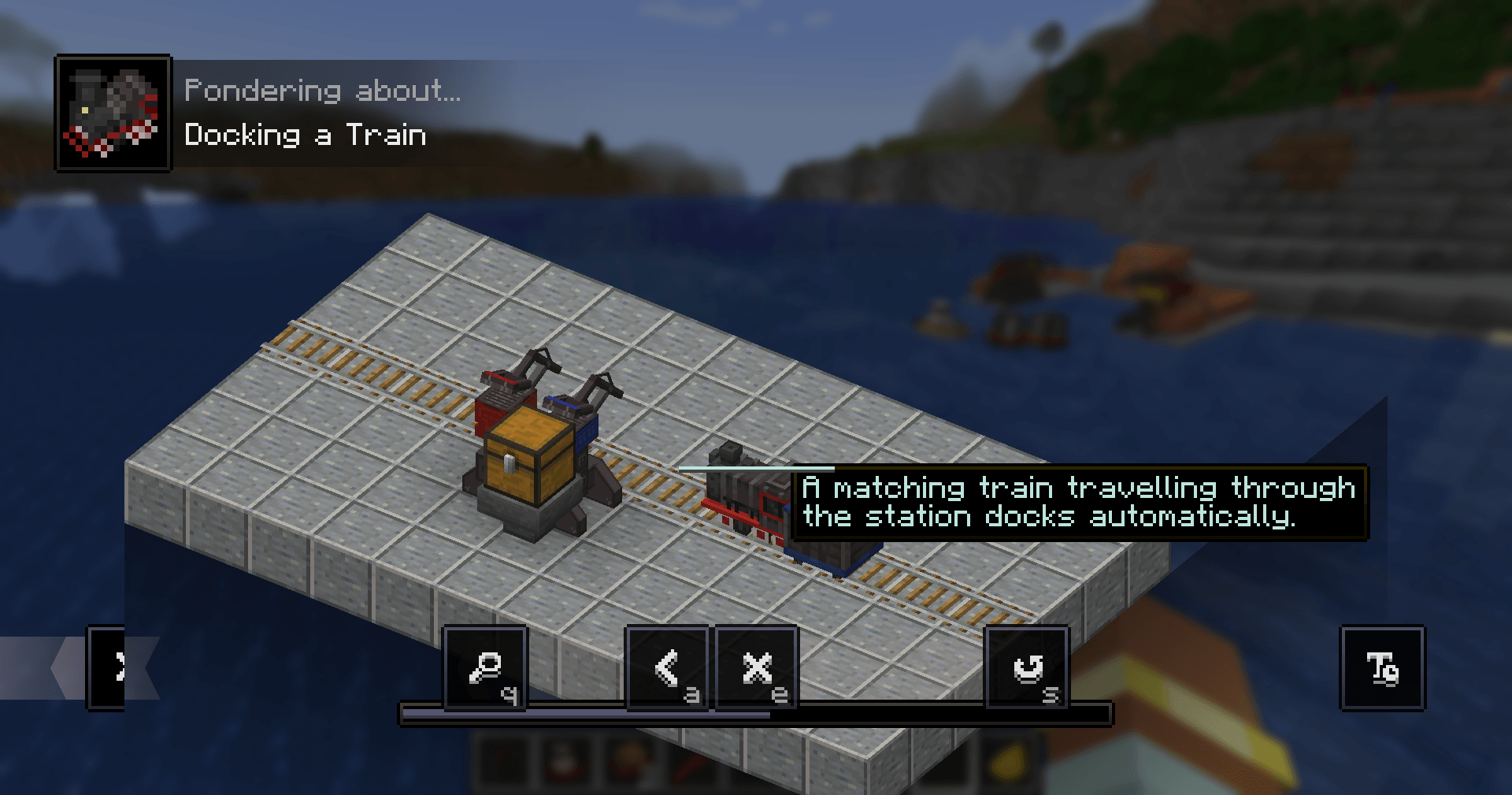
🎥 Overview
Mod overview by Mischief of Mice:
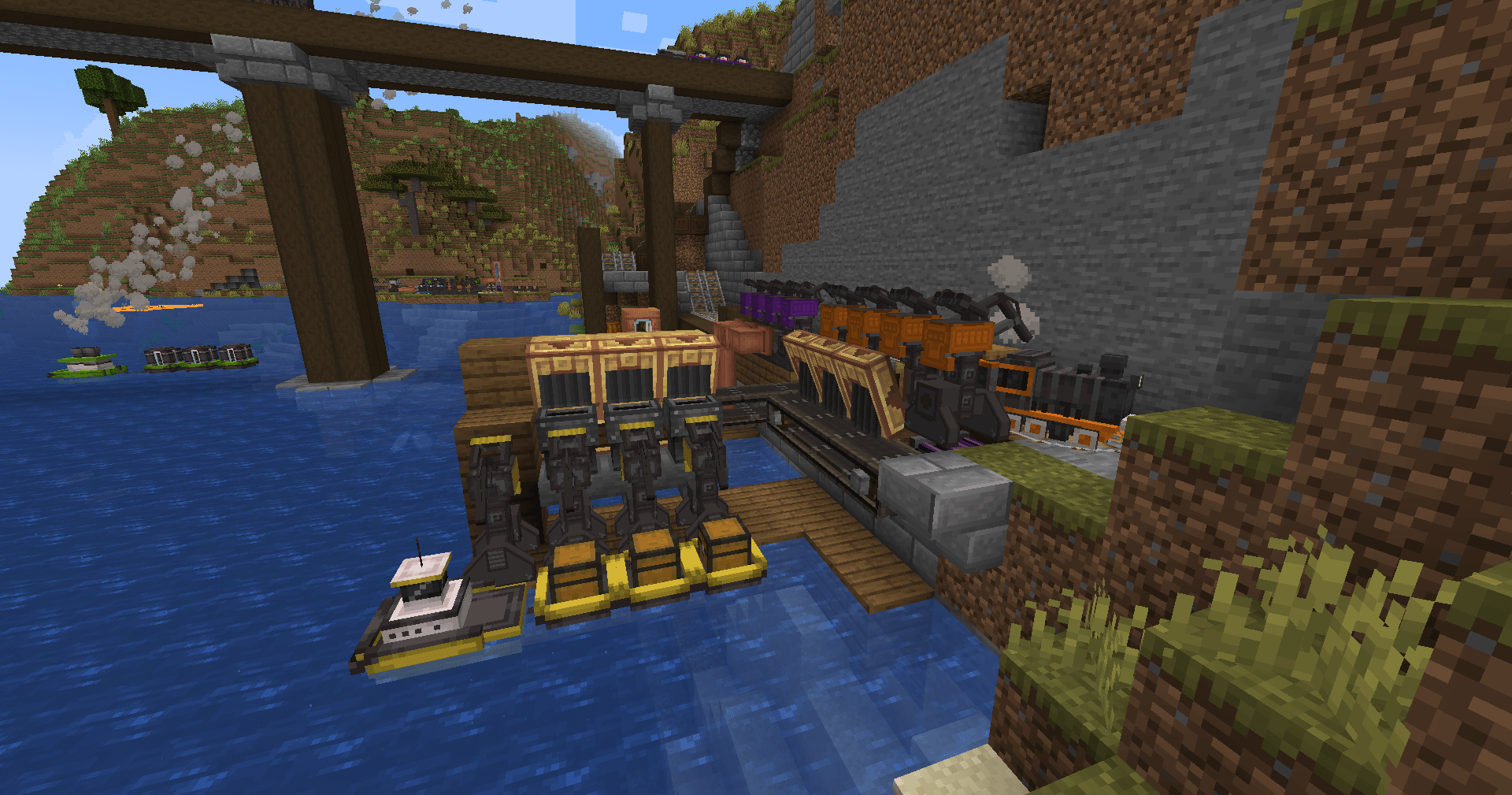
📘 In-Game Guide
Install Patchouli to get a built-in manual.
Crafting recipe: Book + Chest + Compass (shapeless)
🚢 Overview
Little Logistics is designed around simple, scalable automation. It avoids complex setup while still enabling powerful transport systems.
This guide does not cover recipes — use JEI or similar mods.
🚢 Vessels — Tugs & Barges
Vessels are the core of the mod.
- Tugs pull barges
- Barges perform tasks:
- Item transport
- Fluid transport
- Automated fishing
Use natural rivers/oceans or build your own canals.
🚂 Trains — Locomotives & Cars (1.18.2+)
Small, modular trains for land-based transport:
- Link locomotives + cars
- Transport items and fluids
- Built-in pathfinding + collision avoidance
- Automatic routing:
- Set destinations
- Tracks switch automatically
⚙️ Add-On Mods
Little Contraptions (Official)
Compatibility with Create https://www.curseforge.com/minecraft/mc-mods/little-contraptions
Little Botanics (Third Party)
Compatibility with Botania https://www.curseforge.com/minecraft/mc-mods/little-botanics
⚠️ Compatibility Notes
Most issues are minor and fixable:
Multiplayer (1.19+)
Barges/cars may disconnect on logout → Enable offline loading in server config
Canary
Breaks hopper behavior → Add:
mixin.block.hopper=false
OptiFine
Breaks chunkloading/vehicles (especially singleplayer) → Disable:
- Smooth world loading
- Lazy chunk loading
Small Ships
Interferes with tug AI → Keep ships a few chunks away or disable WaterMobFlee
Modern UI
Breaks route GUI → Disable smooth scrolling
❓ FAQ
Backports to older versions? No.
Trains on 1.16? No — trains are 1.18.2+ only.
Fabric port? Not planned.
Can I increase speed? Yes (server config), but high speeds may cause:
- Collision issues
- Performance problems
How do vehicles move without chunkloaders? In 1.19+, registered vehicles:
- Keep minimal chunks loaded
- Skip normal world ticking
- Only vehicles are processed
Powered by LiteLoadLib.
🧠 Design Philosophy
Little Logistics sits between:
- Vanilla minecarts (too limited)
- Heavy tech mods (too complex)
It focuses on:
- Low setup cost
- Clean automation loops
- Performance-friendly systems
Ako nainštalovať Little Logistics
With Millida Launcher
Install Millida Launcher
The launcher is free: download it at millida.net/launcher and sign in with any nickname.
Click “Install” on this page
The launcher opens and installs the mod for Minecraft 1.20–1.21.1 on Forge or NeoForge automatically.
Launch the game
A profile with it appears in the launcher: click “Play”.
Manually
Install Forge or NeoForge
The loader must match the game version of the mod file, for example Minecraft 1.21.1. After installing it, a separate profile appears in your launcher.
Download the file for your version
In the version list above, pick the file littlelogistics-mc1.21.1-v1.21.1.1-beta.2.jar (2.3 MB) for your game version and loader.
Put it in the mods folder
The folder is inside .minecraft (Windows: %appdata%\.minecraft\mods). If it does not exist, create it.
Launch the loader profile
Open “Mods” in the main menu: Little Logistics should be in the list.
Minecraft 1.21.1 runs on Java 21: with a different Java version the game may close right after launch.
Verzie
So závislosťami
| Minecraft | Loader | Súbor | Dátum | Akcie |
|---|---|---|---|---|
| 1.21.1 | NeoForge | [NeoForge] 1.21.1.1-beta.22.3 MB | ||
| 1.20.1 | Forge, NeoForge | [Forge/NeoForged] 1.20.1.2815 KB |
Recenzie
Buď prvý, kto ohodnotí Little Logistics


