
Farming for Blockheads Mod pre Minecraft 1.21.1, 1.16.5
Adds a customizable market, shipping bin, sprinklers and more farming utilities.
 NeoForge
 Fabric
 Forge
O mode Farming for Blockheads
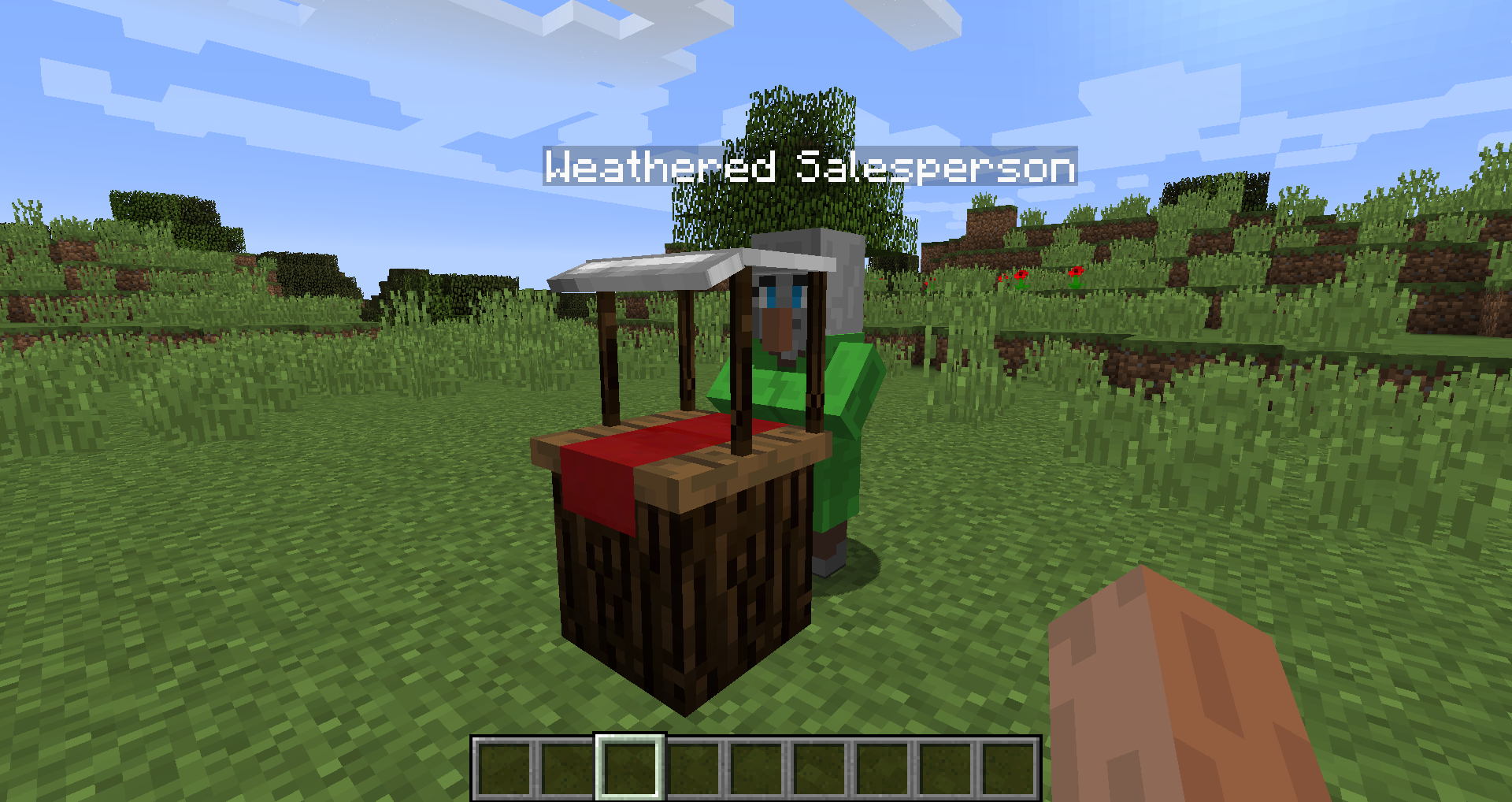
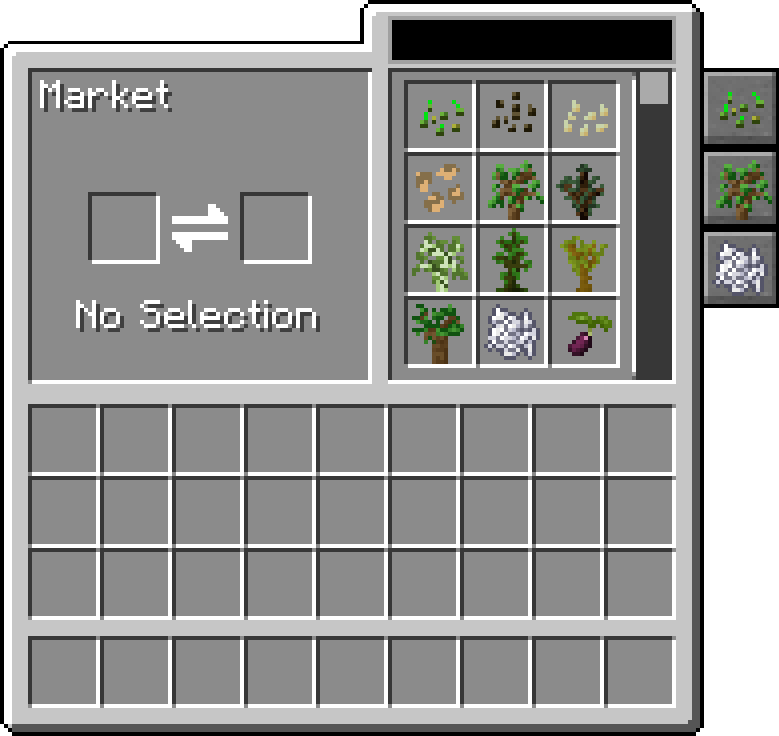
This mod adds a Market block to Minecraft, allowing you to buy seeds, saplings or other things such as bone meal. It also adds some farming utilities such as a Chicken Nest, a Feeding Trough, Sprinklers and Fertilizers to improve your crops.
The market allows searching and scrolling through trades, can filter by category, and is configurable to add further trades and categories to it.
This mod requires Balm, which must be installed alongside the mod.
- Market block that sells seeds and saplings, can be configured to alter its trades further
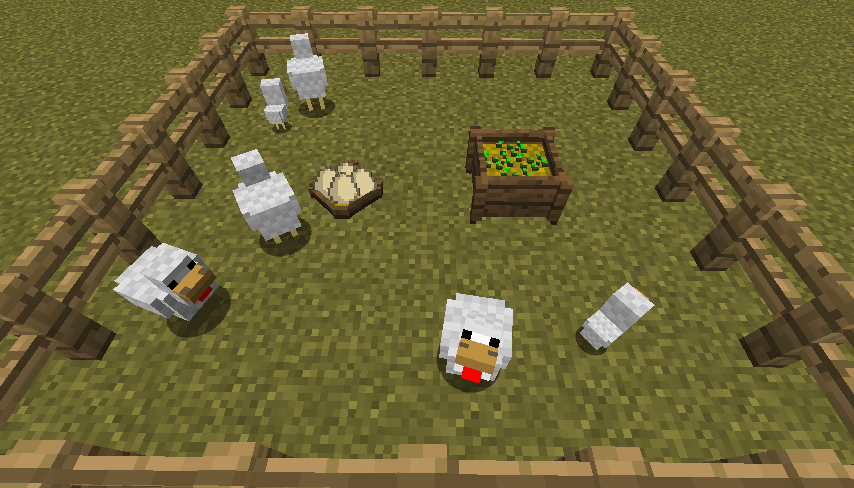
- Chicken Nest to collect chicken eggs laid by all those chickens
- Feeding Trough to intelligently auto-feed animals
- Fertilizer to improve crop output, growth or prevent tampering
- Compatible with Pam's Harvestcraft, Biomes O' Plenty, Simple Farming and more
- Compatible with Just Enough Items (Market Trades will show up)
Mod Showcase by Mischief of Mice
Ako nainštalovať Farming for Blockheads
With Millida Launcher
Install Millida Launcher
The launcher is free: download it at millida.net/launcher and sign in with any nickname.
Click “Install” on this page
The launcher opens and installs the mod for Minecraft 1.16.2–26.1.2 on Fabric, Forge or NeoForge automatically.
Launch the game
A profile with it appears in the launcher: click “Play”.
Manually
Install Fabric, Forge or NeoForge
The loader must match the game version of the mod file, for example Minecraft 26.1.2. After installing it, a separate profile appears in your launcher.
Download the file for your version
In the version list above, pick the file farmingforblockheads-neoforge-26.1.2-26.1.2.5.jar (1.1 MB) for your game version and loader.
Put it in the mods folder
The folder is inside .minecraft (Windows: %appdata%\.minecraft\mods). If it does not exist, create it.
Launch the loader profile
Open “Mods” in the main menu: Farming for Blockheads should be in the list.
Verzie
So závislosťami
| Minecraft | Loader | Súbor | Dátum | Akcie |
|---|---|---|---|---|
| 26.1.2 | NeoForge | farmingforblockheads-neoforge-26.1.2-26.1.2.5.jar1.1 MB | ||
| 26.1.2 | Fabric | farmingforblockheads-fabric-26.1.2-26.1.2.5.jar1.1 MB 6 | ||
| 1.21.1 | Forge | farmingforblockheads-forge-1.21.1-21.1.14.jar873 KB 4 | ||
| 1.16.5 | — | FarmingForBlockheads_1.16.5-7.3.1.jar275 KB 2 | ||
| 1.16.2 | — | FarmingForBlockheads_1.16.2-7.1.1.jar273 KB |
FAQ
Which Minecraft versions does Farming for Blockheads work on?
There are files for 26.1.2, 1.21.1, 1.16.5, 1.16.2. The newest is 26.1.2.
Is Farming for Blockheads for Forge or Fabric?
There are files for Fabric: 26.1.2, for Forge: 1.21.1 and for NeoForge: 26.1.2.
Does Farming for Blockheads need other mods?
The author lists no required dependencies: the Fabric, Forge or NeoForge loader is enough.
Where can I download Farming for Blockheads safely?
On this page: the file farmingforblockheads-neoforge-26.1.2-26.1.2.5.jar (1.1 MB) is stored on Millida’s server, with no link shorteners. SHA-1 checksum: b19d560601cfd429a92be742dd4ba346c7d554e4.
Recenzie
Buď prvý, kto ohodnotí Farming for Blockheads


