
Fairy Lights Mod pre Minecraft 1.12.2, 1.19.2
This mod adds decorative string lights.
- stiahnutí
- 1 stiahnutí
- zobrazení
- 44 zobrazení
- Aktualizované
- Aktualizované 17.10.2026
- 1.12.2 — 1.19.3
 Forge
Forge
O mode Fairy Lights
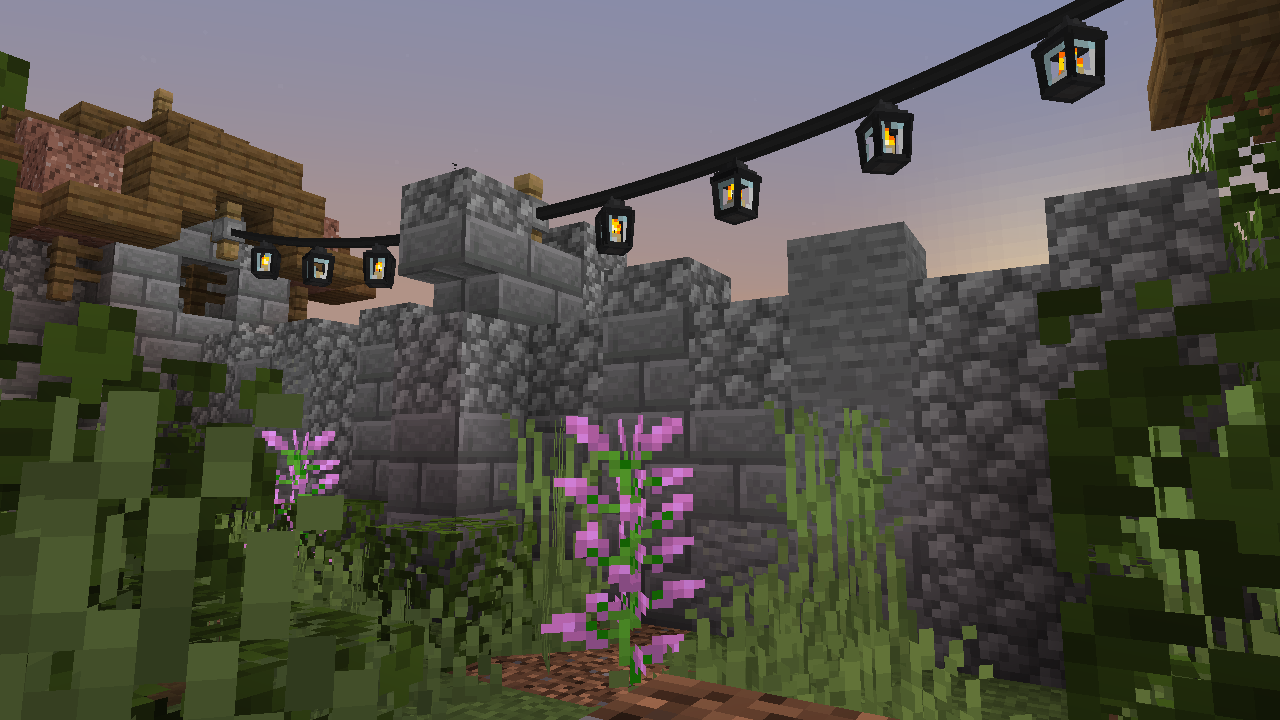
Fairy Lights adds decorative hanging lights that can have any combination of six light variants each with one of the sixteen dye colors.
Crafting
In order to craft hanging lights you first must craft the lights. Lights come in many variants, fairy light, heart light, moon light, star light, paper lantern, orb lantern, flower light, candle lantern, oil lantern, snowflake light, icicle lights, and meteor light. There are also spooky lights, spider light, ghost light, jack o'lantern, skull light, witch light.
Fairy lights are crafted by a horizontal combination of iron ingot, string or stick, iron ingot, along with any combination of lights to specify a pattern (left-right, top-down). If glowstone is included the hanging lights will twinkle. If string is used there will be slack in the connection and if a stick is used the connection will be straight. The hanging lights item will only show the first four light colors, but the most lights that can be crafted is eight by placing a hanging lights in a crafting table with eight lights.
Here are the light recipes where the red dye in the recipes can be any dye.
Example Hanging Lights recipes
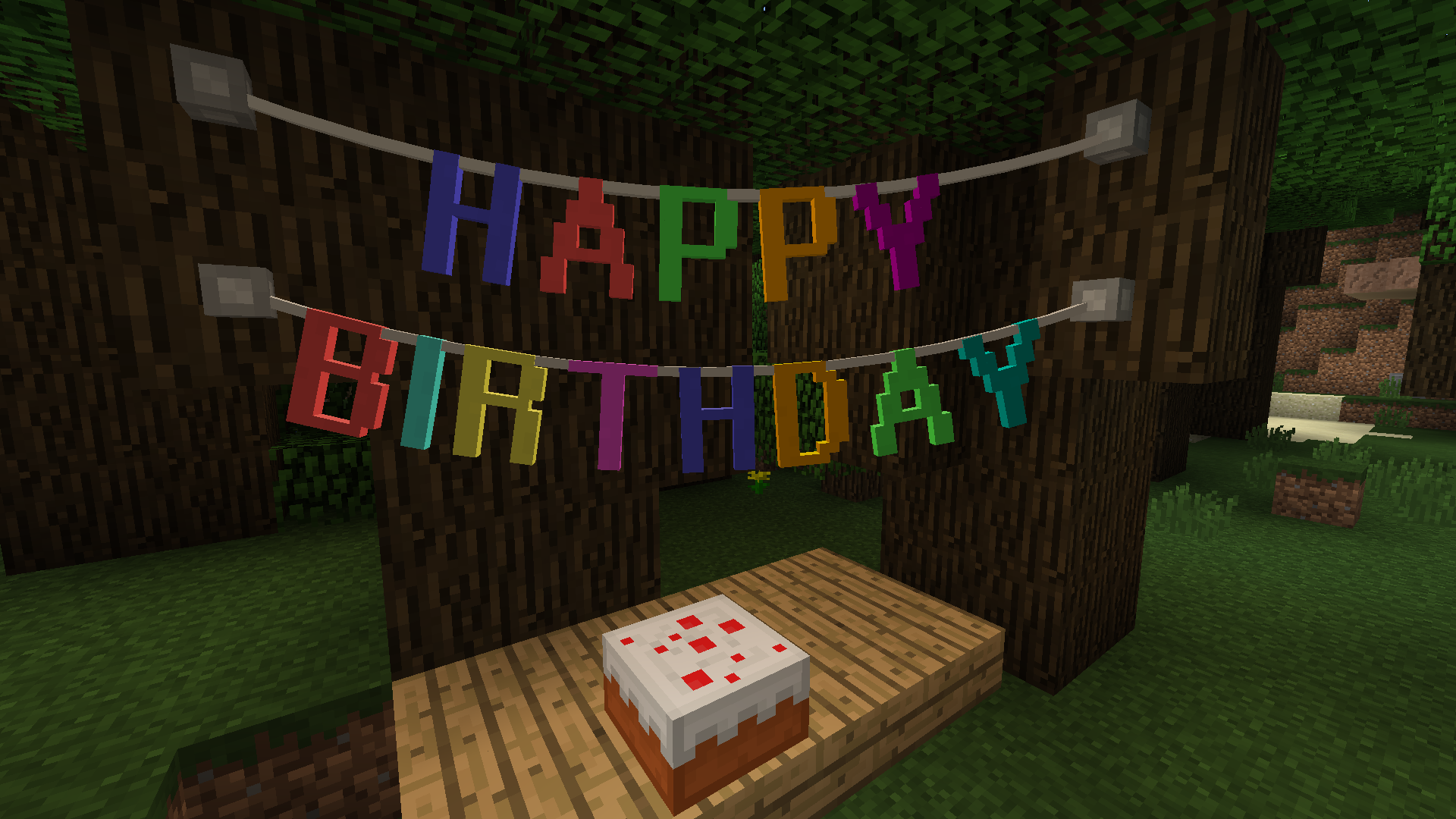
Letter Bunting, Vine & Tinsel Garland
Pennants
Here are some example pennant bunting recipes.
Fairy Lights Usage
Right click the hanging lights, garland, or bunting on the side of a block, or an existing fastener to place a fastener, now there will be a connection from the fastener to you. From then you right click on another side of a block, or an existing fastener, to complete the connection. The maximum length of a fairy light strand is 32 blocks.
The slack of hanging lights, garland, or bunting can be increased by right clicking it with string and decreased by right clicking with a stick. Hanging lights can be turned on and off by right clicking.
Mod Integration
JEI is supported for displaying recipes.
Ako nainštalovať Fairy Lights
With Millida Launcher
Install Millida Launcher
The launcher is free: download it at millida.net/launcher and sign in with any nickname.
Click “Install” on this page
The launcher opens and installs the mod for Minecraft 1.12.2–1.19.3 on Forge automatically.
Launch the game
A profile with it appears in the launcher: click “Play”.
Manually
Install Forge
The loader must match the game version of the mod file, for example Minecraft 1.19.3. After installing it, a separate profile appears in your launcher.
Download the file for your version
In the version list above, pick the file fairylights-6.0.1-1.19.2.jar (800 KB) for your game version.
Put it in the mods folder
The folder is inside .minecraft (Windows: %appdata%\.minecraft\mods). If it does not exist, create it.
Launch the loader profile
Open “Mods” in the main menu: Fairy Lights should be in the list.
Minecraft 1.19.3 runs on Java 17: with a different Java version the game may close right after launch.
Verzie
So závislosťami
| Minecraft | Loader | Súbor | Dátum | Akcie |
|---|---|---|---|---|
| 1.19.3 | Forge | fairylights-6.0.1-1.19.2800 KB | ||
| 1.12.2 | — | fairylights-2.1.9-1.12.21.1 MB 1 |
Recenzie
Buď prvý, kto ohodnotí Fairy Lights


