
Ex Compressum Mod pre Minecraft 1.21.1, 1.16.5
Ex Nihilo Addon that reduces grind by adding compressed hammers and automation tools.
 NeoForge
 Fabric
 Forge
ForgeO mode Ex Compressum
Ex Compressum is an Ex Nihilo addon that provides tools to reduce the initial grind in skyblocks in a balanced way.
In Minecraft 1.10.2, it supports both Ex Nihilo Omnia as well as Ex Nihilo Adscensio.
In Minecraft 1.12, it supports Ex Nihilo: Creatio.
In Minecraft 1.20.1, it supports Ex Nihilo: Sequentia, Ex Deorum and Fabricae Ex Nihilo.

In Minecraft 1.21.1, it supports Ex Nihilo: Sequentia and Ex Deorum.
In Minecraft 26.1 and above, it supports Ex Deorum.
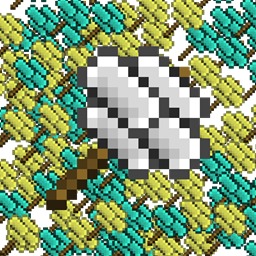
- Compressed Hammers to break Compressed Blocks into nine of their smashed version (e.g. Compressed Gravel -> 9 Sand)
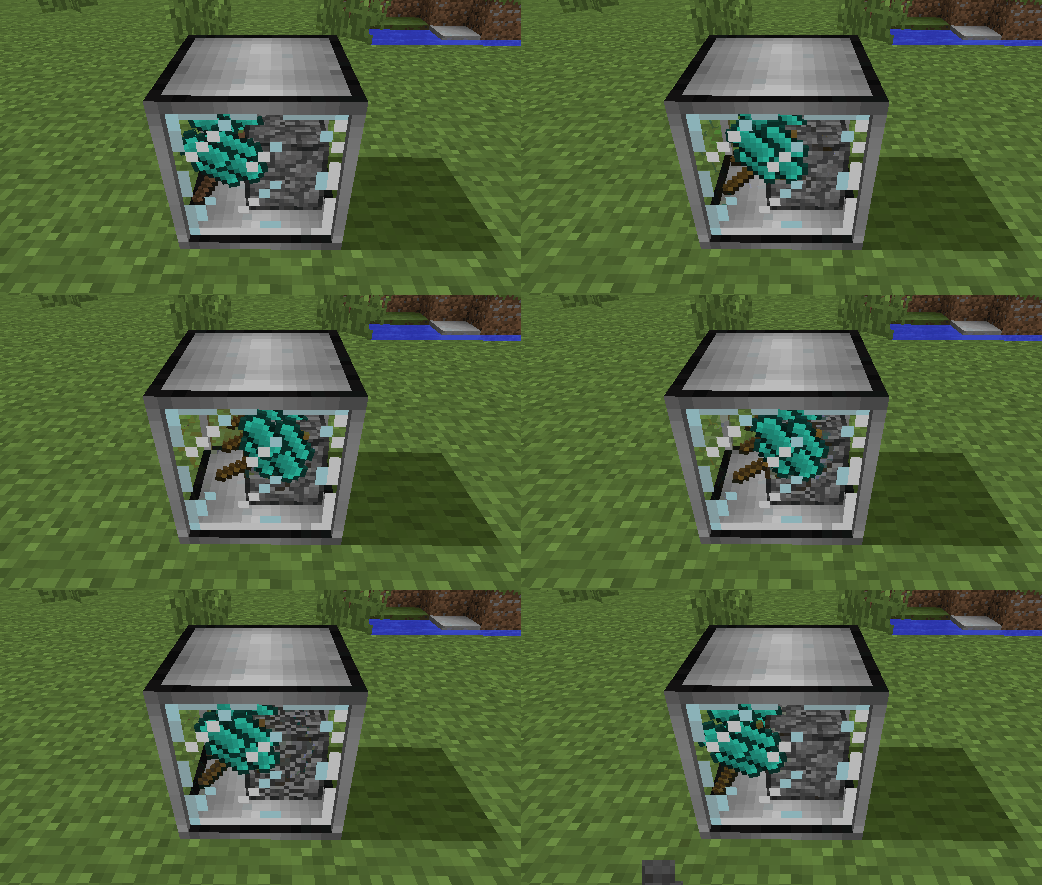
- Compressed Crook which is four times as fast as a normal crook, but only twice as durable
- Heavy Sieve to sift compressed blocks directly, at a small loss of efficiency
- Auto Compressor to automatically compress items into blocks (e.g. Broken Ores into Ore Gravel)
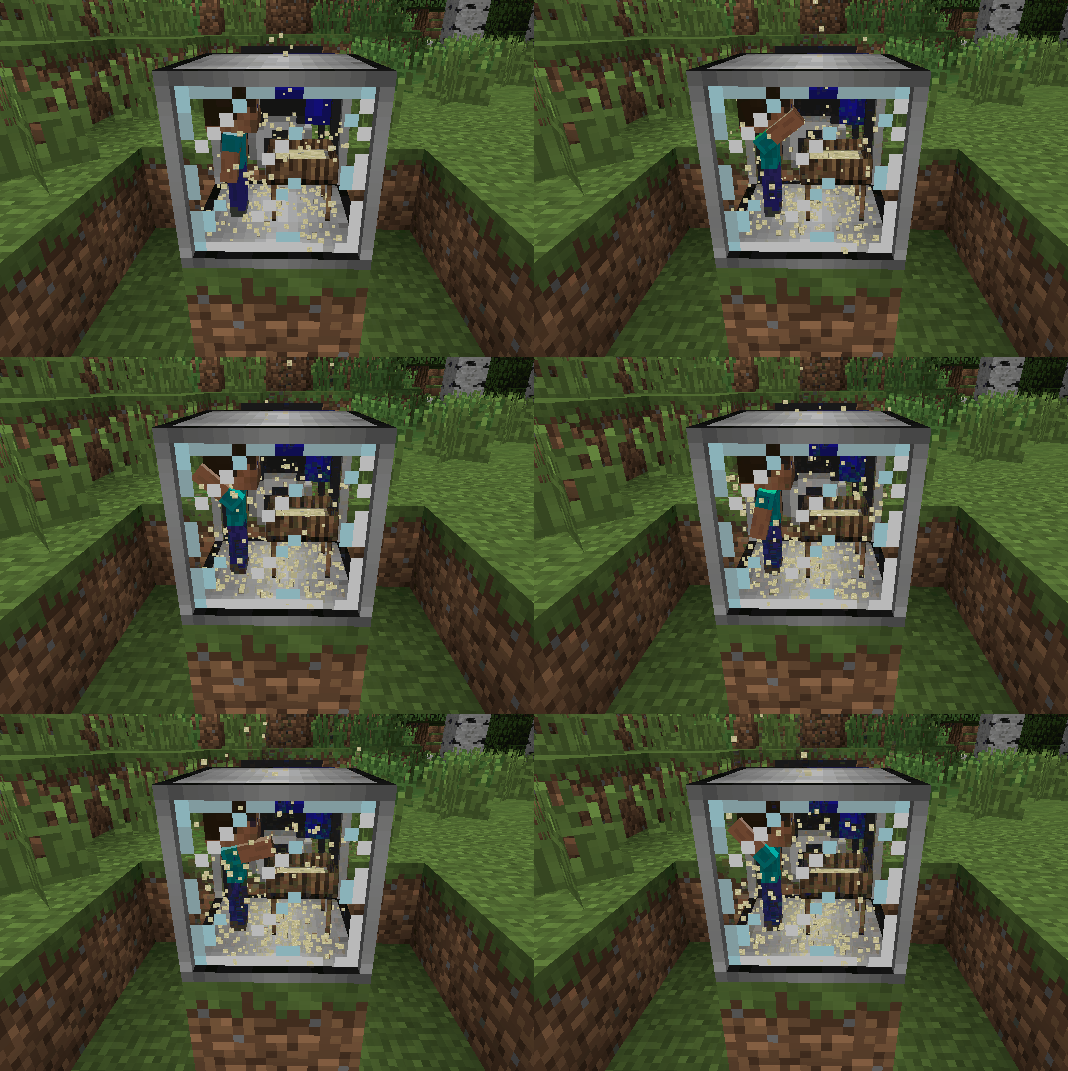
- Auto Sieves and Auto Hammers
- Wooden Crucible to extract water from plants, as an alternative to rain
- Animal baits that can be placed to spawn cows, pigs, chicken, sheep, ocelots and wolves outside of their natural biome
Ako nainštalovať Ex Compressum
With Millida Launcher
Install Millida Launcher
The launcher is free: download it at millida.net/launcher and sign in with any nickname.
Click “Install” on this page
The launcher opens and installs the mod for Minecraft 1.16.3–26.2 on Fabric, Forge or NeoForge automatically.
Launch the game
A profile with it appears in the launcher: click “Play”.
Manually
Install Fabric, Forge or NeoForge
The loader must match the game version of the mod file, for example Minecraft 26.2. After installing it, a separate profile appears in your launcher.
Download the file for your version
In the version list above, pick the file excompressum-neoforge-26.2-26.2.0.1.jar (702 KB) for your game version and loader.
Put it in the mods folder
The folder is inside .minecraft (Windows: %appdata%\.minecraft\mods). If it does not exist, create it.
Launch the loader profile
Open “Mods” in the main menu: Ex Compressum should be in the list.
Verzie
So závislosťami
| Minecraft | Loader | Súbor | Dátum | Akcie |
|---|---|---|---|---|
| 26.2 | NeoForge | excompressum-neoforge-26.2-26.2.0.1.jar702 KB 1 | ||
| 26.2 | Fabric | excompressum-fabric-26.2-26.2.0.1.jar722 KB 3 | ||
| 1.21.1 | Forge | excompressum-forge-1.21.1-21.1.15.0.jar672 KB 3 | ||
| 1.18.2 | Forge | excompressum-forge-1.18.2-5.0.3.jar704 KB | ||
| 1.16.5 | — | ExCompressum_1.16.5-4.0.4.jar699 KB | ||
| 1.16.3 | — | ExCompressum_1.16.5-4.0.2.jar694 KB |
FAQ
Which Minecraft versions does Ex Compressum work on?
There are files for 26.2, 1.21.1, 1.18.2, 1.16.5, 1.16.4, 1.16.3. The newest is 26.2.
Is Ex Compressum for Forge or Fabric?
There are files for Fabric: 26.2, for Forge: 1.18.2–1.21.1 and for NeoForge: 26.2.
Does Ex Compressum need other mods?
The author lists no required dependencies: the Fabric, Forge or NeoForge loader is enough.
Where can I download Ex Compressum safely?
On this page: the file excompressum-neoforge-26.2-26.2.0.1.jar (702 KB) is stored on Millida’s server, with no link shorteners. SHA-1 checksum: de77552c53b58cd5b4002f9af0ec3ec2208044ec.
Recenzie
Buď prvý, kto ohodnotí Ex Compressum


