

Essential Mod pre Minecraft 1.20.1, 1.21.1
Enhance your Minecraft with one simple mod. Host worlds for free, chat with friends, and so much more!
 Fabric
 NeoForge
 Forge
ForgeO mode Essential Mod



Enhance your Minecraft with one simple mod.\ Fast, friendly, and for everyone!
[ ](https://essential.gg/downloads)

Host your Minecraft world for free, invite your\ friends, and play together, in just a few clicks!

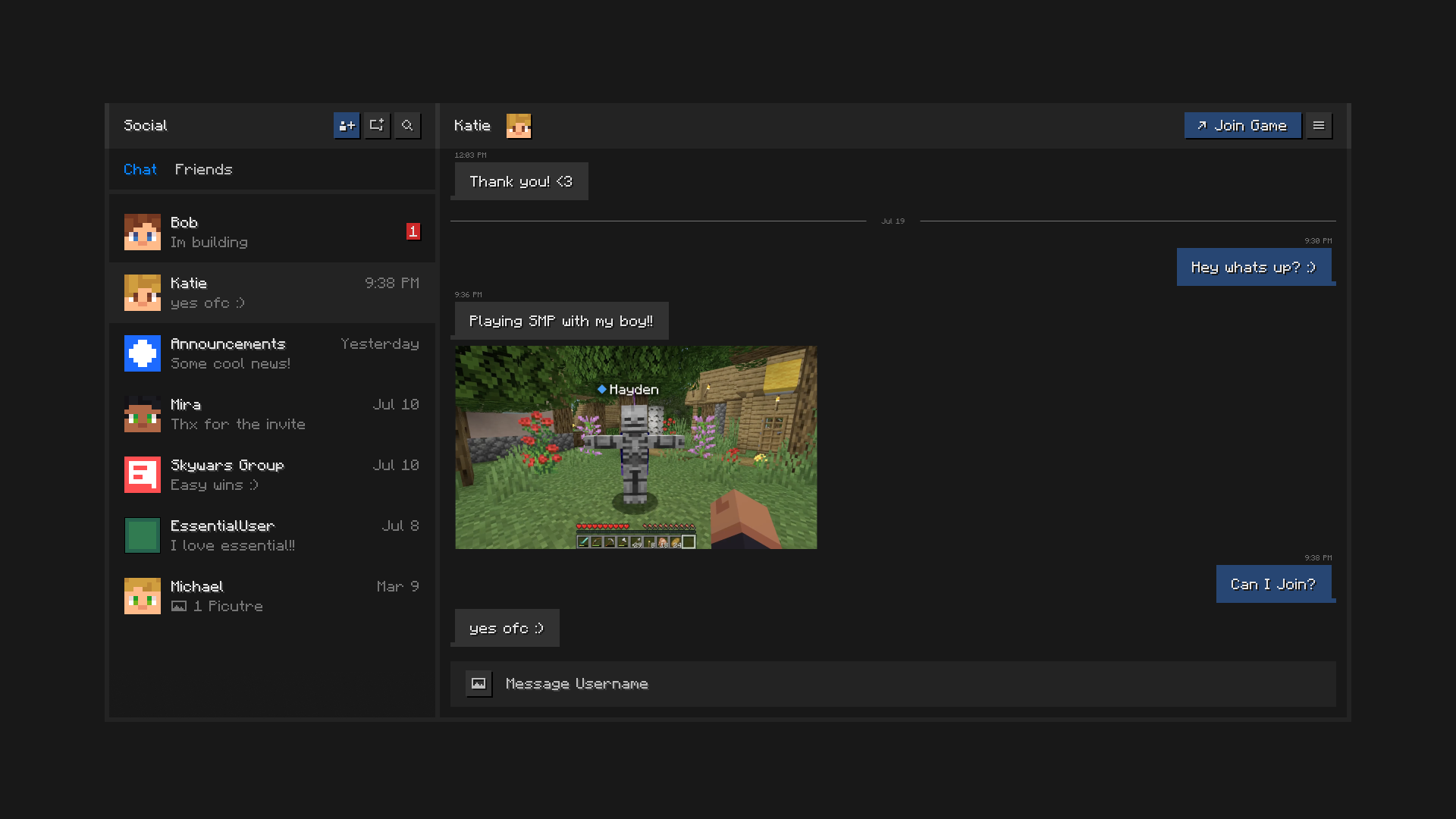
Stay connected with your friends, all inside of Minecraft.\ Chat, create groups, share pictures, and send invites to worlds and servers.

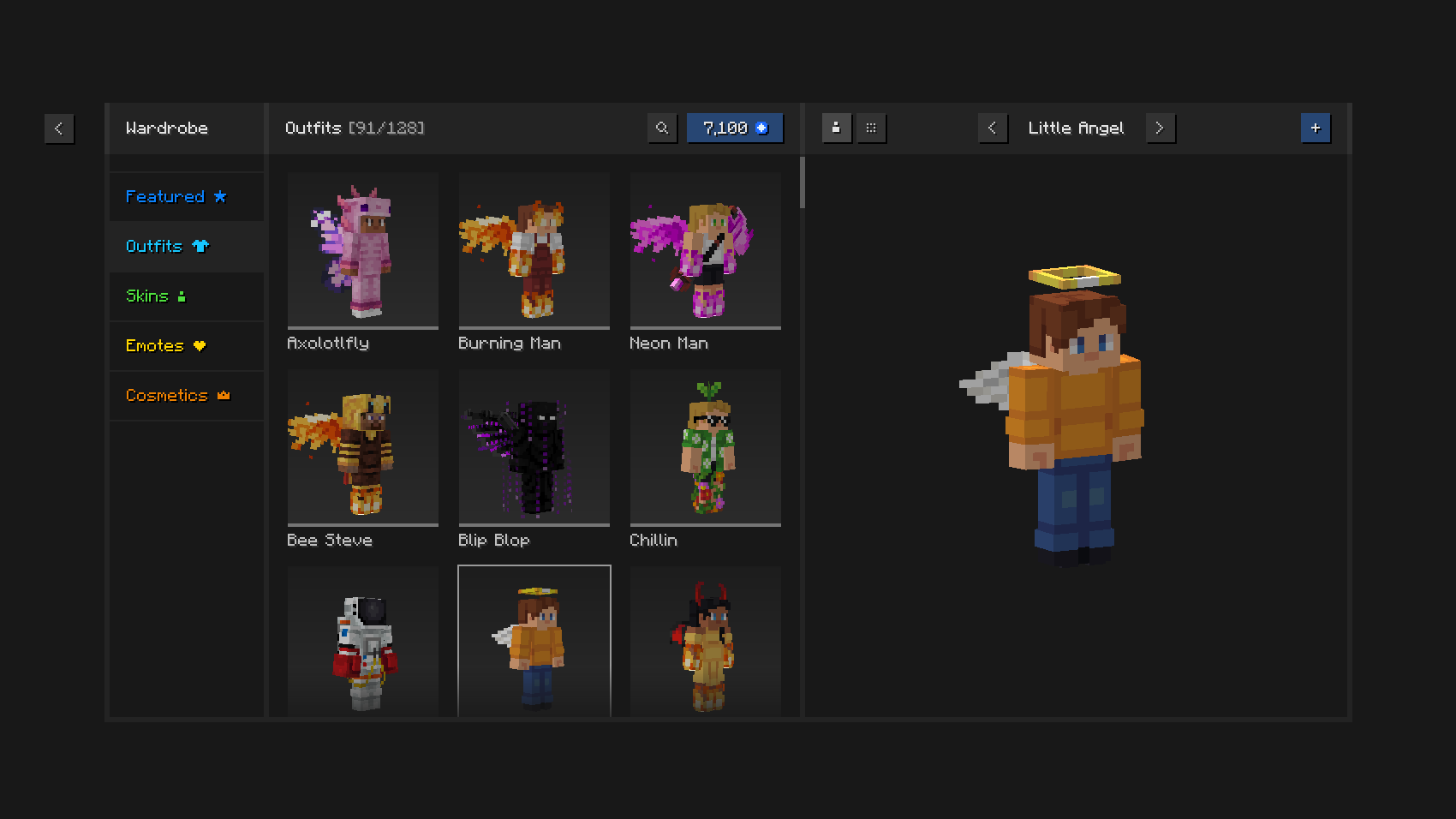
Play in style with unique outfits and cosmetics,\ the in-game skin manager, and expressive emotes.

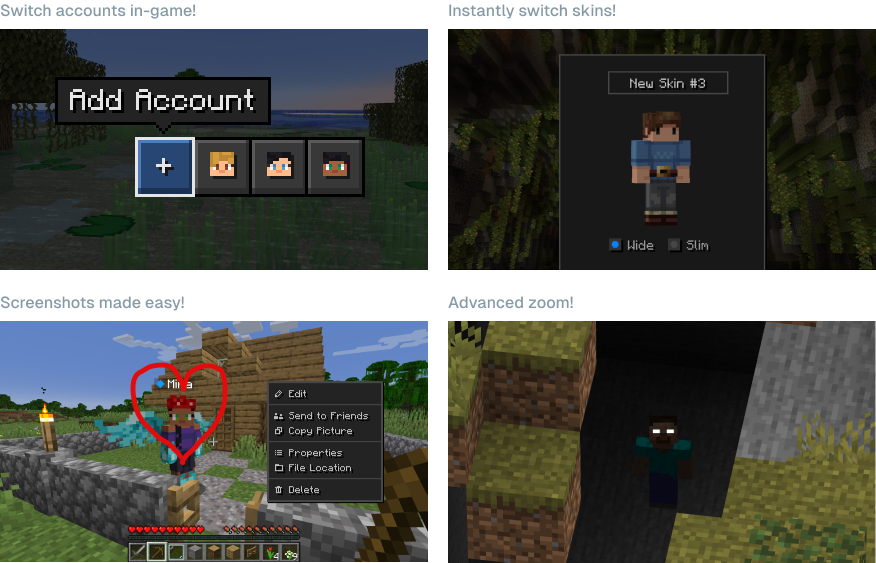
Save time and effort using\ Essential’s powerful capabilities.

Can I use Essential with other mods and modpacks?\ Yes, Essential is widely compatible with other mods, and makes a great addition to your favorite modpack. You can easily host modded worlds for you and your friends, for free, just make sure they have the same mods installed.
What Minecraft versions does Essential support?\ Essential mod supports the most popular versions of Minecraft Java Edition (1.8, 1.12, 1.16 to 26.3) and both Fabric and Forge modloaders.

How does Essential’s world hosting work?\ Essential uses industry leading peer-to-peer technology and the power of your PC’s hardware to empower you to host Minecraft worlds and invite your friends with ease and for free.
[ ](https://essential.gg/wiki)
© ModCore Inc, Spark Universe GmbH 2026

Ako nainštalovať Essential Mod
With Millida Launcher
Install Millida Launcher
The launcher is free: download it at millida.net/launcher and sign in with any nickname.
Click “Install” on this page
The launcher opens and installs the mod for Minecraft 1.8–26.2 on Fabric, Forge or NeoForge automatically.
Launch the game
A profile with it appears in the launcher: click “Play”.
Manually
Install Fabric, Forge or NeoForge
The loader must match the game version of the mod file, for example Minecraft 26.2. After installing it, a separate profile appears in your launcher.
Download the file for your version
In the version list above, pick the file Essential_1-4-1-1_fabric_26-2.jar (51 MB) for your game version and loader.
Put it in the mods folder
The folder is inside .minecraft (Windows: %appdata%\.minecraft\mods). If it does not exist, create it.
Launch the loader profile
Open “Mods” in the main menu: Essential Mod should be in the list.
Essential Mod works on the player’s side only: there is no need to install it on a server.
Verzie
So závislosťami
| Minecraft | Loader | Súbor | Dátum | Akcie |
|---|---|---|---|---|
| 1.21.1 | NeoForge | 1.21.149.1 MB 42 | ||
| 1.21.4 | NeoForge | 1.21.449.1 MB 1 | ||
| 1.21.8 | NeoForge | 1.21.849.1 MB | ||
| 1.8.9 | Forge | 1.8.953.2 MB | ||
| 1.16.5 | Forge | 1.16.549.1 MB 2 | ||
| 1.12.2 | Forge | 1.12.253.2 MB 2 | ||
| 1.18.2 | Forge | 1.18.249.1 MB 1 | ||
| 1.19.2 | Forge | 1.19.249.1 MB 3 |
Obsah, ktorý to vyžaduje
FAQ
Do I need to install Essential Mod on a server?
No. Essential Mod works on the player’s side only: there is no need to install it on a server.
Where can I download Essential Mod safely?
On this page: the file Essential_1-4-1-1_fabric_26-2.jar (51 MB) is stored on Millida’s server, with no link shorteners. SHA-1 checksum: 5a26631c7eca58b2e5a852002bfa8d1b01b1f10c.
Recenzie
Buď prvý, kto ohodnotí Essential Mod


