
Environmental Materials Mod pre Minecraft 1.20.1
Adds a suite of simple building materials.
 NeoForge
 Forge
Forge Fabric
About
Environmental Materials is a companion mod to Environmental Core/Tech that add a vast selection of new building blocks, stairs, slabs and walls. Some of the base blocks are integrated into the Void Miners loot tables so you can obtain them without crafting when Environmental Tech is installed.

How do I craft the blocks?
You can craft the main block of each material type in the crafting table and then the rest is done with the Sone Cutter.
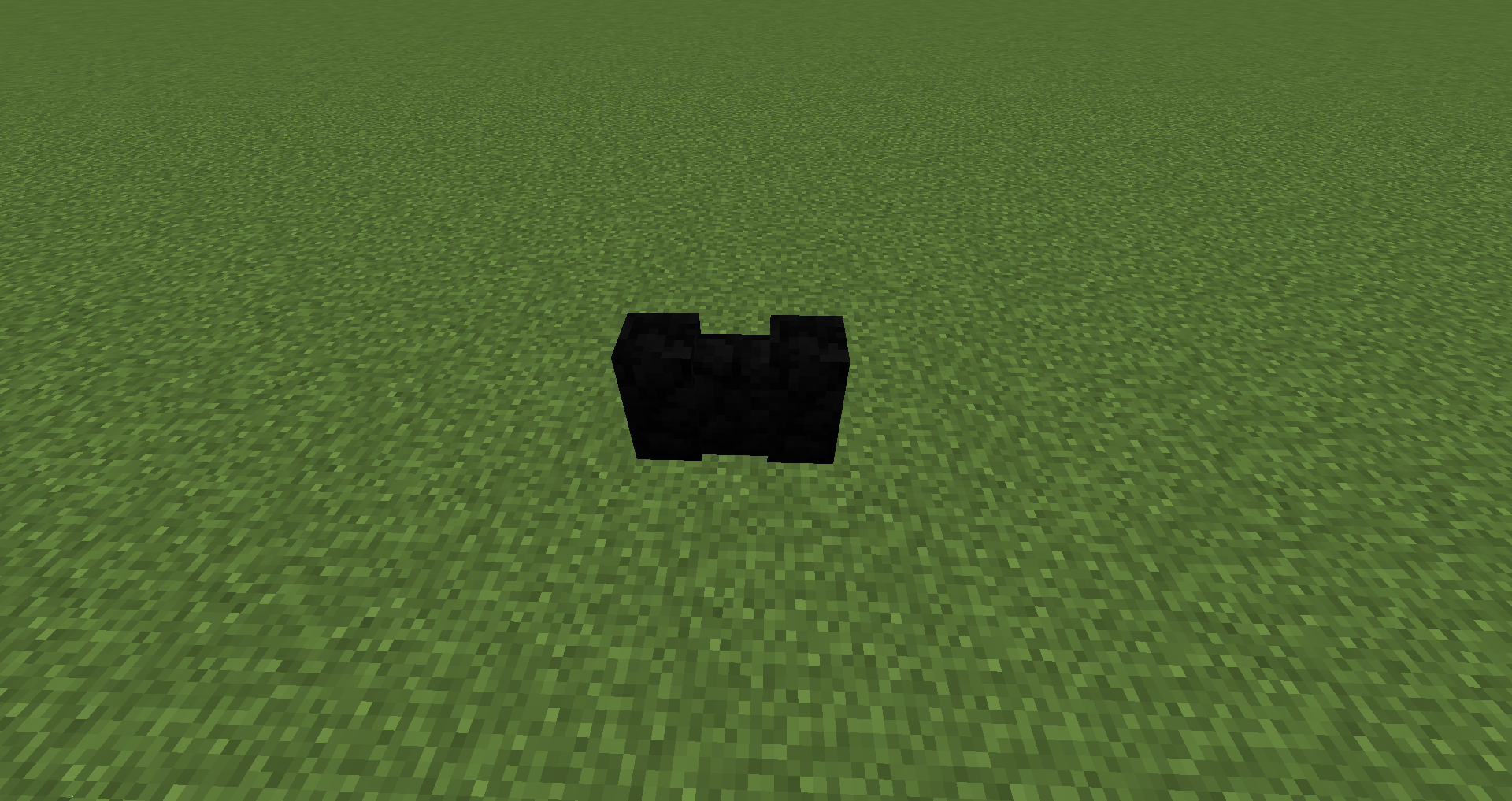
Blocks Added:
Alabaster In all 16 Colors: Blocks, Stairs, Slabs, Walls
Basalt: Blocks, Stairs, Slabs, Walls
Hardened Stone: Blocks, Stairs, Slabs, Walls
Granodiorite: Blocks, Stairs, Slabs, Walls
Marble: Blocks, Stairs, Slabs, Walls
Travertine: Blocks, Stairs, Slabs, Walls
Pumice: Blocks, Stairs, Slabs, Walls
Can I use this in my modpack?
Curesforge and FTB modpacks: Go Ahead :)
Packs on external sites: Must acquire my permission and then link back to this project page.
Ako nainštalovať Environmental Materials
With Millida Launcher
Install Millida Launcher
The launcher is free: download it at millida.net/launcher and sign in with any nickname.
Click “Install” on this page
The launcher opens and installs the mod for Minecraft 1.16.4–1.20.1 on Fabric, Forge or NeoForge automatically.
Launch the game
A profile with it appears in the launcher: click “Play”.
Manually
Install Fabric, Forge or NeoForge
The loader must match the game version of the mod file, for example Minecraft 1.20.1. After installing it, a separate profile appears in your launcher.
Download the file for your version
In the version list above, pick the file enviromats-forge-1.20.1-2.1.5.0.jar (1.8 MB) for your game version and loader.
Put it in the mods folder
The folder is inside .minecraft (Windows: %appdata%\.minecraft\mods). If it does not exist, create it.
Launch the loader profile
Open “Mods” in the main menu: Environmental Materials should be in the list.
Minecraft 1.20.1 runs on Java 17: with a different Java version the game may close right after launch.
Verzie
So závislosťami
| Minecraft | Loader | Súbor | Dátum | Akcie |
|---|---|---|---|---|
| 1.20.1 | NeoForge, Forge | enviromats-forge-1.20.1-2.1.5.0.jar1.8 MB | ||
| 1.20.1 | Fabric | enviromats-fabric-1.20.1-2.1.4.2.jar1.9 MB | ||
| 1.19.3 | Fabric | enviromats-fabric-1.19.3-2.1.3.0.jar1.9 MB | ||
| 1.19.3 | Forge | enviromats-forge-1.19.3-2.1.3.0.jar1.7 MB | ||
| 1.16.4 | — | enviromats-1.16.4-2.0.4.0.jar1.4 MB |
FAQ
Which Minecraft versions does Environmental Materials work on?
There are files for 1.20.1, 1.19.3, 1.16.4. The newest is 1.20.1.
Is Environmental Materials for Forge or Fabric?
There are files for Fabric: 1.19.3–1.20.1, for Forge: 1.19.3–1.20.1 and for NeoForge: 1.20.1.
Does Environmental Materials need other mods?
The author lists no required dependencies: the Fabric, Forge or NeoForge loader is enough.
Which Java does Environmental Materials need?
Minecraft 1.20.1 runs on Java 17. If the game closes right after launch, the usual cause is the wrong Java version in the profile settings.
Where can I download Environmental Materials safely?
On this page: the file enviromats-forge-1.20.1-2.1.5.0.jar (1.8 MB) is stored on Millida’s server, with no link shorteners. SHA-1 checksum: c7f705d3c999cdcede1d28bc3bf5aae73628715e.
Recenzie
Buď prvý, kto ohodnotí Environmental Materials


